Pannellum: [ask] Update canvas image
Has a way to update a canvas image from new Image() with out pass by Viewer.loadScene()?
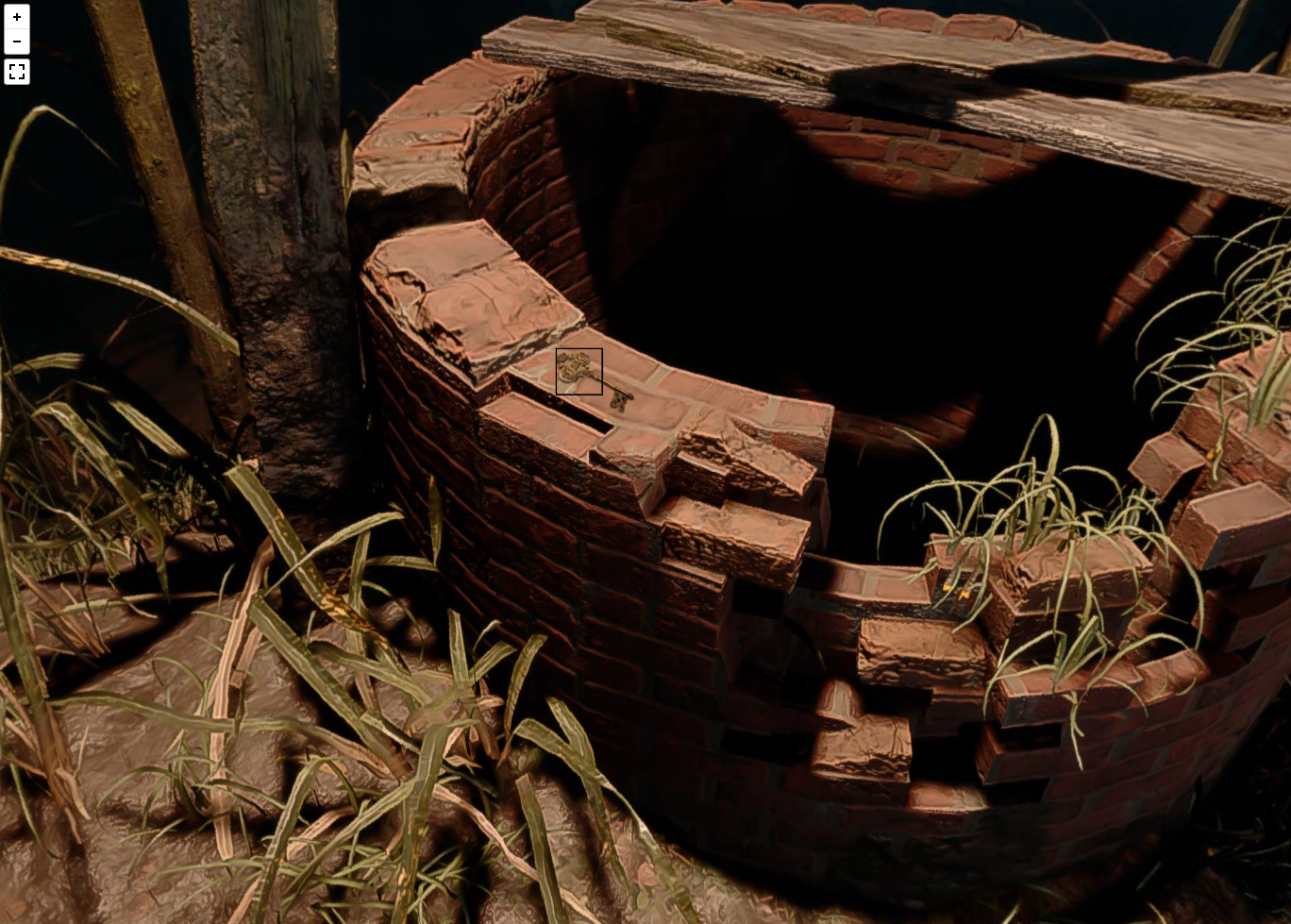
Im trying a way to put hotspot on inside the scene, like a key on the floor
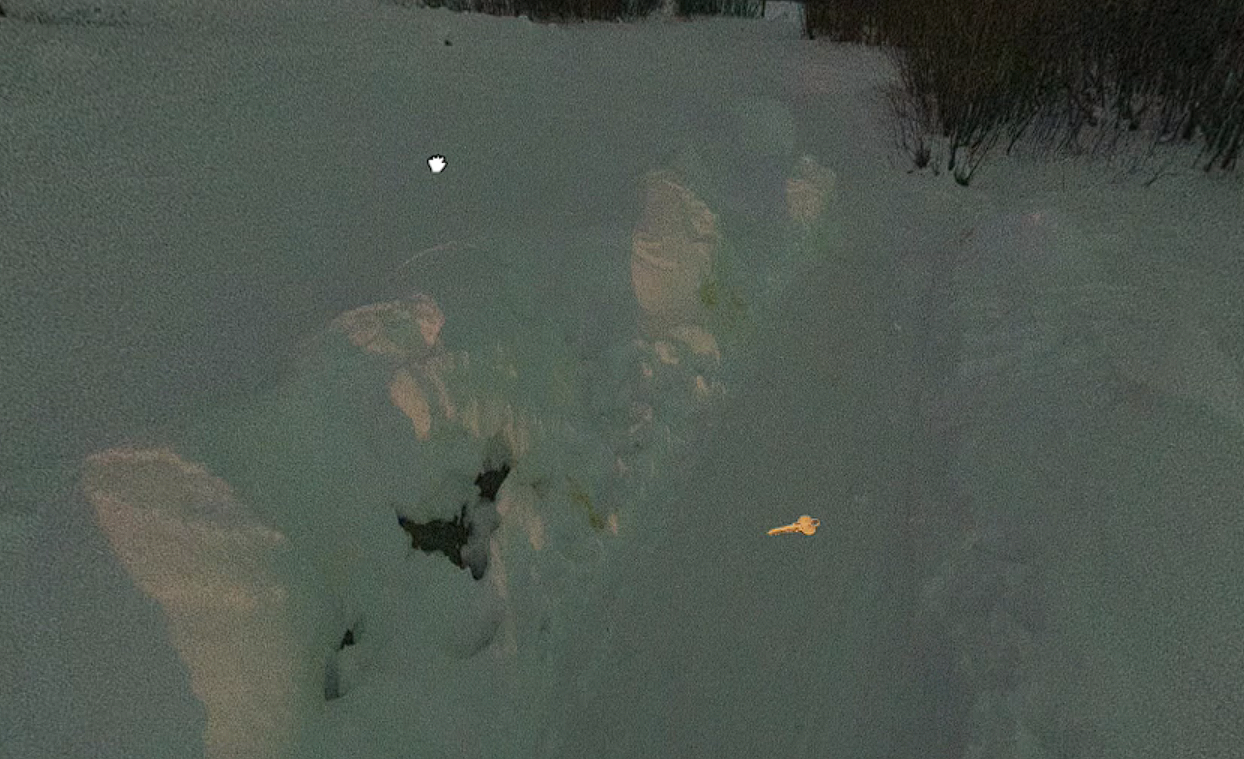
Im tring merge images https://github.com/lukechilds/merge-images
But, how to put the result on canvas? like dynamic video
 FlokiTV
All 6 comments
i found a way https://codepen.io/dwuster2/pen/GRqdMLE
external canvas render with pixi.js
FlokiTV
on 2 Nov 2020
I'm glad it works for you, but it's unusably slow for me. I get ~2 fps on your demo, and it manages to lock up my browser in both Firefox and Chrome.
As you're already using a custom hot spot, why don't you just use CSS to make the hot spot itself the key?
 mpetroff
on 3 Nov 2020
mpetroff
on 3 Nov 2020
custom hotspots dont have the scene deformation
then i draw a bg on canvas and the key, when hotspots is clicked, i update the canvas...
trying to make it dynamic
has other way to make hotspot inside the scene?
its low fps because im testing 2k resolusion canvas and maybe i need to use .setUpdate(false)
FlokiTV
on 3 Nov 2020
i changed pixijs for phasejs, looks better
FlokiTV
on 3 Nov 2020
Using a canvas like you're doing is what I'd recommend if you need perspective distortion on the hot spot.
The performance is much better now. I'd still recommend calling viewer.setUpdate(false), since this will save CPU / GPU cycles (and thus give better battery life) by stopping the rendering when the user isn't moving the viewer.
mpetroff
on 3 Nov 2020
My best try
https://codepen.io/dwuster2/pen/KKMBorb
FlokiTV
on 5 Nov 2020
Related issues
 valeriodeluca
·
3Comments
valeriodeluca
·
3Comments
 littlee
·
8Comments
littlee
·
8Comments
 mikeMikeymike
·
8Comments
mikeMikeymike
·
8Comments
 fuzzybabybunny
·
7Comments
fuzzybabybunny
·
7Comments
 shtrudelsupport
·
3Comments
shtrudelsupport
·
3Comments
Most helpful comment
My best try
https://codepen.io/dwuster2/pen/KKMBorb