We are using the Paged HTML Document template for the unhcr-report project but we have a few issue with extra blank page automatically added.
- There is always one extra blank page between the
frontmatterandchaptersection. I haven't included anybreak-beforeorbreak-afterfor this in my CSS but can't get rid of it. Does it come included in the package? - We set
break-before: left;for theback-coversection but when it is suppose to sit on the left page following the final page with content, it inserts 2 blank pages instead. Is this behavior normal? The other scenario works as expected.
Thanks for your help
 vidonne
All 5 comments
Hi @vidonne !
Have you also tried with the development version of pagedown? #202 should have fixed that.
 RLesur
on 22 Jan 2021
RLesur
on 22 Jan 2021
@RLesur indeed it removed the extra blank pages but now there is no more page by list e.g. 1 page for the table of content, 1 for list of figures, etc.
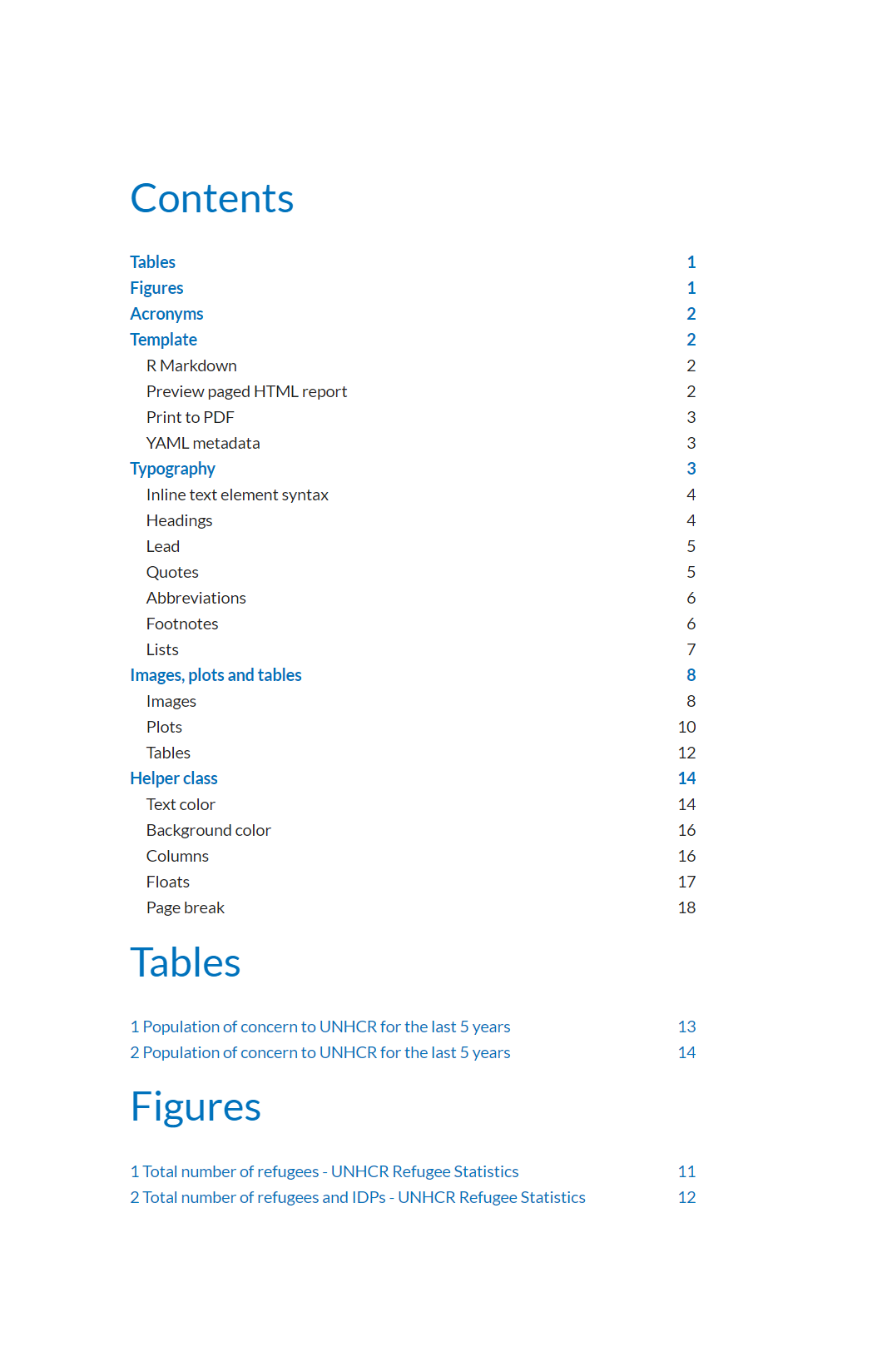
Same for the <h1> they don't create page break by default. I guess all of this is easily solve by adding page break to the <h1> tag.
Another thing with the update to the new dev version of pagedown it doesn't find anymore the backcover image. See
Reproducible Analysis_pagedown_dev_v.pdf backcover BG disappeared compare to previous version.
vidonne
on 25 Jan 2021
@RLesur trying to fix this I noticed that break-before: recto works but when I change it to break-before: page it doesn't any idea why?
Also since we upgraded the pagedown version still getting the error of the back-cover image not showing anymore.
vidonne
on 27 Jan 2021
Actually I think I know why the back-cover doesn't show it related to the issue 211 as in the default css the back-cover image is called with .pagedjs_page:last-of-type {background-image: var(--back-cover);}
vidonne
on 27 Jan 2021
when I change it to break-before: page it doesn't any idea why?
This is odd. I'm pretty confident that break-before: page should work.
Actually I think I know why the back-cover doesn't show it related to the issue 211 as in the default css the back-cover image is called with .pagedjs_page:last-of-type {background-image: var(--back-cover);}
Yes, this is the same issue as #211
RLesur
on 27 Jan 2021
Related issues
 ginolhac
·
3Comments
ginolhac
·
3Comments
 liutiming
·
3Comments
liutiming
·
3Comments
 lgnbhl
·
4Comments
lgnbhl
·
4Comments
 tungmilan
·
5Comments
tungmilan
·
5Comments
 mr-illington
·
3Comments
mr-illington
·
3Comments
Most helpful comment
Hi @vidonne !
Have you also tried with the development version of pagedown? #202 should have fixed that.