P5.js: Implementing point for WebGL mode
So I was working on this one for quite a while and need some suggestions on what should be the most desirable approach in implementing this primitive?
WebGL by default draws square points. Making points circular requires some changes in the fragment shader but on the cost of performance i.e drawing default points is much faster. So is it necessary to go for a circular point or should the default one be more preferable?
Any suggestions/ideas would be helpful...
 AdilRabbani
All 9 comments
The 2D point implementation (https://p5js.org/reference/#/p5/point) draws a single pixel. How does WebGL size points? Will they be larger than a single pixel in screen-space?
 AidanNelson
on 13 Jun 2018
AidanNelson
on 13 Jun 2018
It all depends on the size given to gl_PointSize. I have these screenshots,

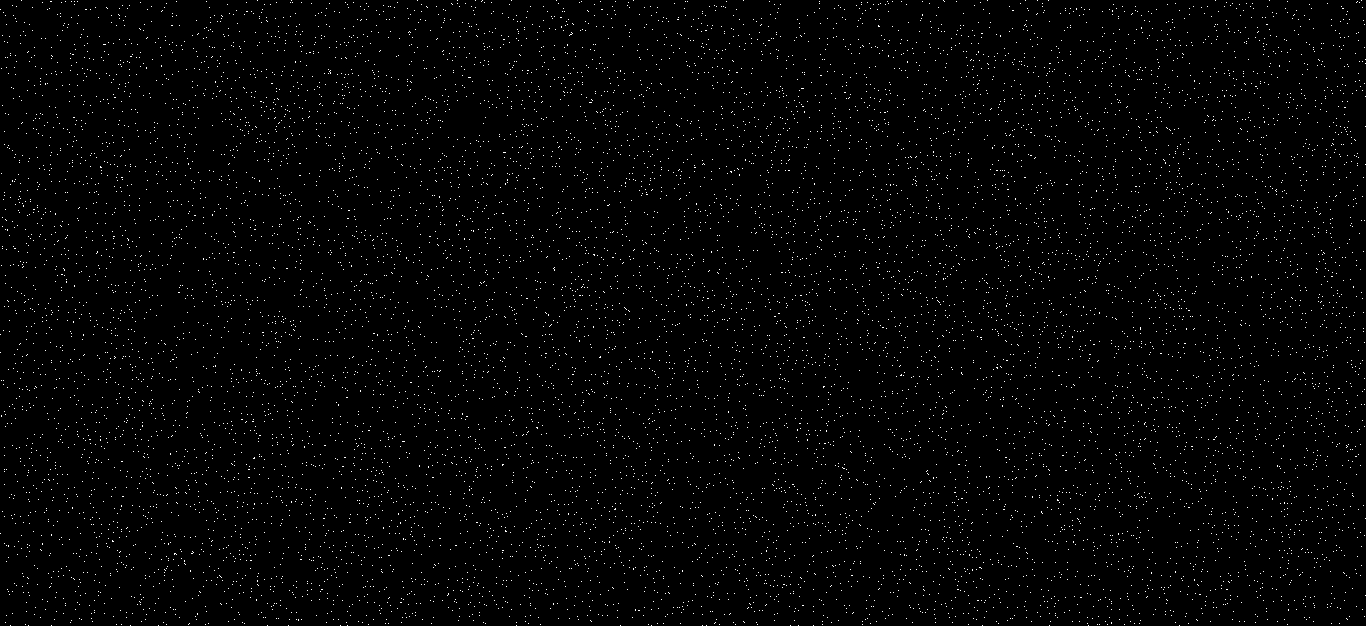
One is from 2D mode, while the other in WebGL. I guess they look identical?
AdilRabbani
on 13 Jun 2018
2D mode has circles if you use something like strokeWeight(10) before calling point()
I think people will expect circular points. They could also get better performance using,
beginShape(POINTS);
// as many calls to vertex() as you want
endShape();
which would probably be faster than a bunch of calls to point() (and is also not currently implemented). I think @aferriss looked into this recently & might have some insight.
 kjhollen
on 13 Jun 2018
kjhollen
on 13 Jun 2018
One thing I would like to mention here is that, circular points are created by discarding pixels from a square point. So making gl_PointSize too small, would completely discard the points altogether, showing nothing. The above screenshot is from a square point shader. The same size for a circular point would render nothing.
AdilRabbani
on 14 Jun 2018
@AdilRabbani I ran into the same thing too re: the circle points being really small. One solve I played around with was to just draw the square points when the point size is below a certain val, otherwise we discard to make the circle mask. Here's the shader I was using if it helps. I was using a mix() to avoid an if statement but it is a bit clunkier to read...
````
precision mediump float;
precision mediump int;
uniform vec4 uMaterialColor;
varying float vStrokeWeight;
void main() {
float mask = 0.0;
// make a circular mask using the gl_PointCoord (goes from 0 - 1 on a point)
// might be able to get a nicer edge on big strokeweights with smoothstep but slightly less performant
mask = step(0.98, length(gl_PointCoord * 2.0 - 1.0));
// if strokeWeight is 1 or less lets just draw a square
// this prevents weird artifacting from carving circles when our points are really small
// if strokeWeight is larger than 1, we just use it as is
mask = mix(0.0, mask, clamp(floor(vStrokeWeight - 0.5), 0.0, 1.0));
// throw away the borders of the mask
// otherwise we get weird alpha blending issues
if(mask > 0.98){
discard;
}
gl_FragColor = vec4(uMaterialColor.rgb * (1.0 - mask), uMaterialColor.a) ;
}
````
 aferriss
on 14 Jun 2018
aferriss
on 14 Jun 2018
Oh that's cool! Maybe this is based on how I work but I feel like performance is the most important with points. Circle points are good to have if possible but I think that points are often used in situations where quantities are really high (particle systems, point clouds, etc. ). So I personally value speed over quality in this regard, or at least both options should be on the table.
For that reason I think that @aferriss's approach has value. It would be great to have something that switches seamlessly to the default point (square) when drawing point size is small. If this approach is taken it might be worth mentioning that small points bring better performance in the reference for the function.
 stalgiag
on 15 Jun 2018
stalgiag
on 15 Jun 2018
I'm almost done with point. Will submit a PR soon. Just one question though....How are the shaders assigned to 'defaultShaders' variable in the p5.js file? 😛 I ran grunt with the point shader in the 'webgl/shaders' folder but it did not assign the shader to this variable when generating the p5.js file.

AdilRabbani
on 15 Jun 2018
@adilrabbani I'm pretty sure they're set near the top of p5.rendererGL.js
aferriss
on 15 Jun 2018
Oh yes! Thanks! @aferriss 😃
AdilRabbani
on 15 Jun 2018
Related issues
 sps014
·
3Comments
sps014
·
3Comments
 bassamanator
·
3Comments
bassamanator
·
3Comments
 kartikay-bagla
·
3Comments
kartikay-bagla
·
3Comments
 aparrish
·
3Comments
aparrish
·
3Comments
 NamanSharma5
·
3Comments
NamanSharma5
·
3Comments
Most helpful comment
@AdilRabbani I ran into the same thing too re: the circle points being really small. One solve I played around with was to just draw the square points when the point size is below a certain val, otherwise we discard to make the circle mask. Here's the shader I was using if it helps. I was using a mix() to avoid an if statement but it is a bit clunkier to read...
````
precision mediump float;
precision mediump int;
uniform vec4 uMaterialColor;
varying float vStrokeWeight;
void main() {
float mask = 0.0;
// make a circular mask using the gl_PointCoord (goes from 0 - 1 on a point)
// might be able to get a nicer edge on big strokeweights with smoothstep but slightly less performant
mask = step(0.98, length(gl_PointCoord * 2.0 - 1.0));
// if strokeWeight is 1 or less lets just draw a square
// this prevents weird artifacting from carving circles when our points are really small
// if strokeWeight is larger than 1, we just use it as is
mask = mix(0.0, mask, clamp(floor(vStrokeWeight - 0.5), 0.0, 1.0));
// throw away the borders of the mask
// otherwise we get weird alpha blending issues
if(mask > 0.98){
discard;
}
gl_FragColor = vec4(uMaterialColor.rgb * (1.0 - mask), uMaterialColor.a) ;
}
````