Describe the bug:
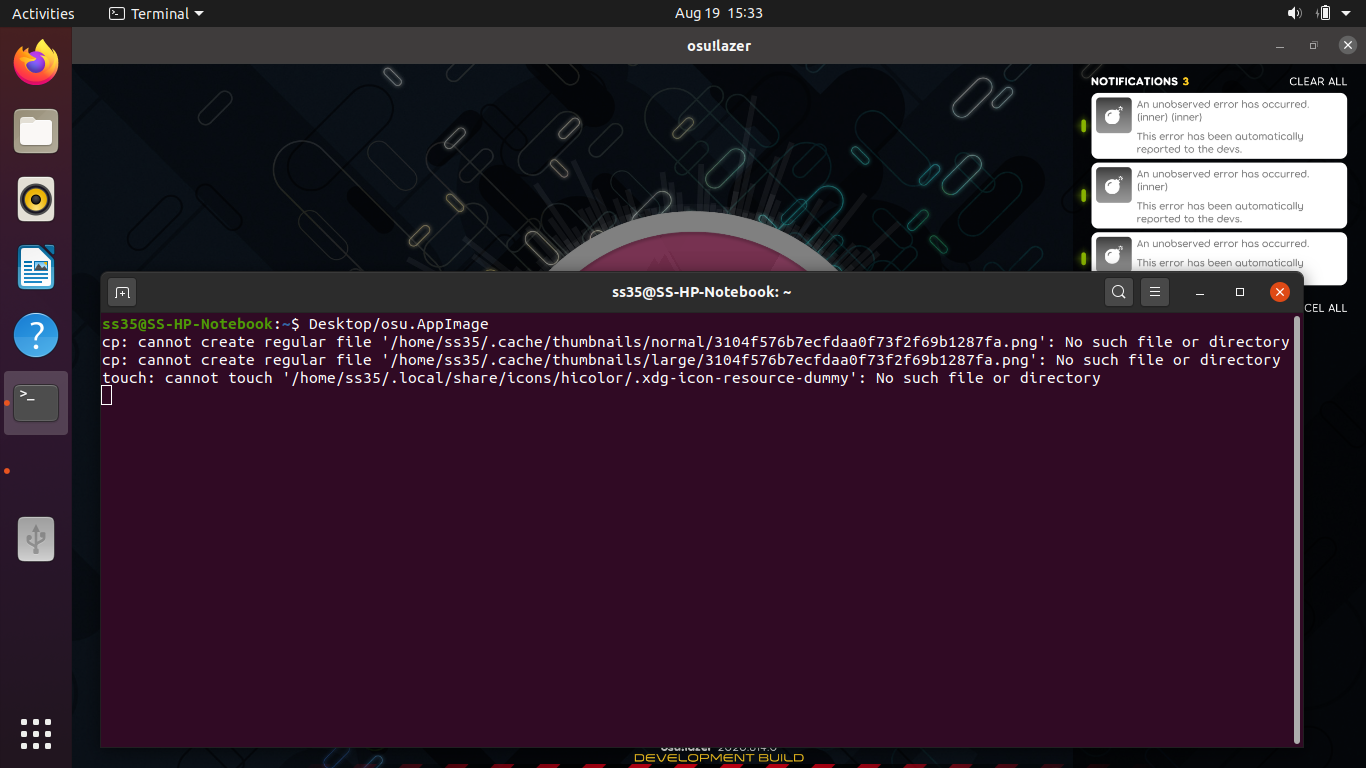
I have no application icon in the Ubuntu 20.04 side panel for OSU!lazer running as shown the attached screenshot. I don't know if it is related not not but I had "accidentally" deleted the ~/.local/share/icons/ folder. Also running the appimage in the terminal shows the following output.
touch: cannot touch '/home/user/.local/share/icons/hicolor/.xdg-icon-resource-dummy': No such file or directory
If it is due to my misdoing then how can I fix that?
Screenshots or videos showing encountered issue:

osu!lazer version:
2020.814.0.0
 SS-035
All 16 comments
Sounds like you need to make sure that directory exists. This is completely on you to figure out if that doesn't work - this isn't tech support to revert the actions you've done to your system.
 smoogipoo
on 19 Aug 2020
smoogipoo
on 19 Aug 2020
Well, I told that me deleting the ~/.local/share/icons/ folder could be the source of the problem but apparently it was not.
Below here is the same problem when appImage running fresh in a lubuntu OS.

Same problem in another fresh ubuntu 20.04.
SS-035
on 19 Aug 2020
Maybe the a clean Ubuntu installation doesn't create that folder by default, try mkdir -p ~/.local/share/icons/hicolor.
 huupoke12
on 19 Aug 2020
huupoke12
on 19 Aug 2020
I have already tried that. The terminal output of touch: ... is no longer there, but there is still no icon in the panel.
SS-035
on 19 Aug 2020
Hmm I've just tried to replicate myself and don't get the icon either, instead the default xfce icon. Perhaps we need to set an icon for the appimage somehow?
Will reopen.
smoogipoo
on 19 Aug 2020
Or... We just need to set the window icon, which we only do for the windows window at the moment. As far as I can tell we need to use https://wiki.libsdl.org/SDL_SetWindowIcon.
smoogipoo
on 19 Aug 2020
Fixed in SDL after https://github.com/ppy/osu/pull/10297.
 Joehuu
on 11 Oct 2020
Joehuu
on 11 Oct 2020
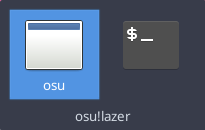
Tested the latest build (2020.1020.0) on two of my Linux machines, both running XFCE on Debian 10. The icon is still missing. No errors in terminal.

 ggliv
on 20 Oct 2020
ggliv
on 20 Oct 2020
@ggliv are you sure you're running with the --sdl command line argument?
 bdach
on 20 Oct 2020
bdach
on 20 Oct 2020
Gosh, no I wasn't. Sorry for the confusion. Everything looks good!
ggliv
on 20 Oct 2020
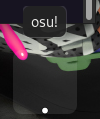
Tried it with --sdl argument in 2020.1020.0 build with GNOME 3.38.1 on Xorg on Arch Linux. The icon is still missing.
 acedron
on 25 Oct 2020
acedron
on 25 Oct 2020
@acedron what am I looking at in the attached picture? is that a desktop icon or a taskbar one? if the former we're likely not doing whatever the proper incantation is to get linux WMs to display a proper icon if the app is not open. it should however be working when the game is open (in taskbar/Alt-Tab menu).
bdach
on 25 Oct 2020
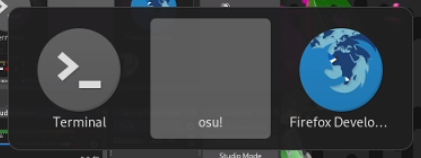
@bdach Sorry forgot to mention. It was a taskbar. Here is a screenshot of Alt+Tab, while game is open.
Edit: This screenshot has an icon set on. I also tried it without an icon set and the icon was still not there.
acedron
on 25 Oct 2020
@acedron can you see if the icon is shown now in the latest release?
Fixed in SDL for me as of now (using Ubuntu).
Joehuu
on 4 Dec 2020
@Joehuu yes it seems like it is fixed now for me too.

acedron
on 4 Dec 2020
Closing as resolved.
Joehuu
on 4 Dec 2020
Related issues
 DenshaOtk
·
3Comments
DenshaOtk
·
3Comments
 lenzfilipski
·
3Comments
lenzfilipski
·
3Comments
 lauthaiming
·
3Comments
Joehuu
·
3Comments
lauthaiming
·
3Comments
Joehuu
·
3Comments
 Gabixel
·
3Comments
Gabixel
·
3Comments