Opentoonz: Write text size directly into Type Tool toolbar
Is your feature request related to a problem? Please describe
To avoid to transform texts manually to got the desired size that will be great if we can write it directly also.
Here the expected behavior about custom size:
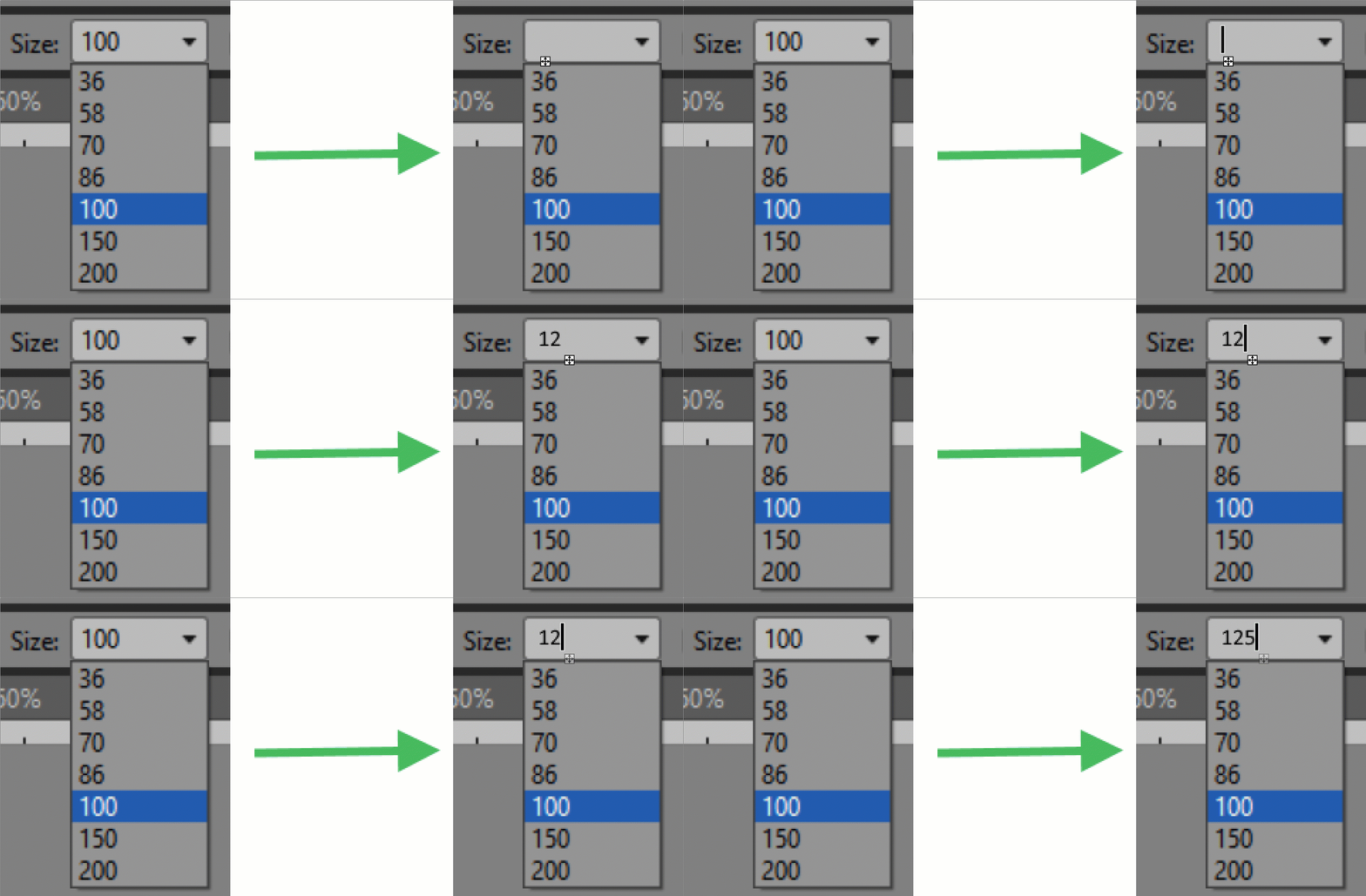
 openanim
All 4 comments
I don't think your request quite made it through @openanim
Do you need assistance describing the feature?
 RodneyBaker
on 28 Sep 2020
RodneyBaker
on 28 Sep 2020
I believe what @openanim means is that the type tool font sizes are severely limited. It's fine for the dropdown to stay as is, but we should be able to override those sizes by typing any size value for the font. That's how it works in Photoshop - so industry standard behavior.
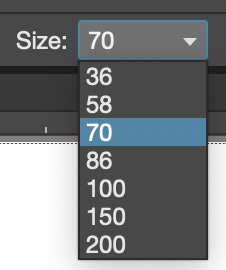
On vector levels, at least we can use the selection tool to correct the size without impacting the quality - though that shouldn't be a necessary step. On Toonz raster levels, resizing the text with the select tool can negatively impact the appearance.
 artisteacher
on 28 Sep 2020
artisteacher
on 28 Sep 2020
Ah. Thank you for that clarification.
Much appreciated.
RodneyBaker
on 28 Sep 2020
@RodneyBaker I added a gif to my initial post to try to make this request clearer. Feel free to rectify if this brings more clarity. This request is exactly what @artisteacher explained in his post with the current weaknesses of the text tool.
openanim
on 28 Sep 2020
Related issues
 Cosmicdrawer
·
3Comments
Cosmicdrawer
·
3Comments
 gab3d
·
3Comments
gab3d
·
3Comments
 ghost
·
5Comments
RodneyBaker
·
4Comments
ghost
·
5Comments
RodneyBaker
·
4Comments
 beeheemooth
·
4Comments
beeheemooth
·
4Comments
Most helpful comment
@RodneyBaker I added a gif to my initial post to try to make this request clearer. Feel free to rectify if this brings more clarity. This request is exactly what @artisteacher explained in his post with the current weaknesses of the text tool.