Openshot-qt: Documentation tables don't wrap
The Sphinx formatting for the online documentation makes heavy use of ReStructuredText tables, which unfortunately do not use wrapping on internal text. This means that when the documentation is browsed in a narrower view, the tables have to be scrolled horizontally to view their contents.
After a fair bit of experimentation with the possibilities for RST formatting, I found that converting the images to figures with a caption and definition list was probably the best option for layout. (I tried both a custom-titled admonition and a sidebar, but neither really worked out the way I'd hope.)
I'm not thrilled with the result myself, to be perfectly honest, but ReStructuredText doesn't give a lot of formatting options. (I have to wonder if wholesale conversion to MarkDown might not work out better, but for now I worked within the flexibility of the existing RST format.) Ultimately I felt that it was "better than before", which is probably the best I can hope for.
Making that change, this:

becomes this:
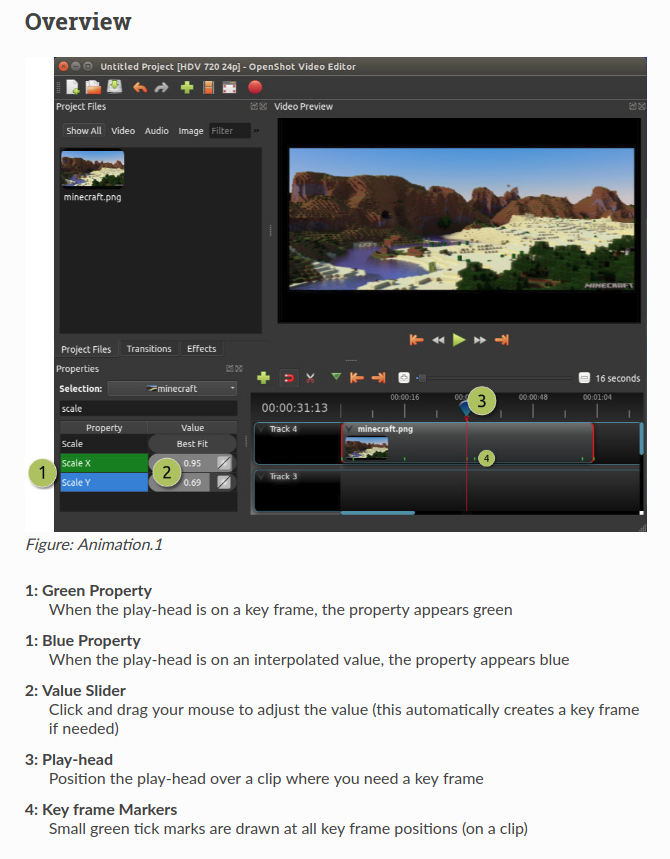
I'm happy to update all of the documentation files, convert all of the image legends, and submit a PR. But I wouldn't want to go through all of that without getting buy-in that it's something desirable that would be accepted, so I thought I'd raise this here first. Further discussion of the exact formatting is eagerly encouraged.
(There's also the issue of the non-legend tables, but for now I'm leaving that aside. Perhaps the same solution would work for them.)
 ferdnyc
All 14 comments
@ferdnyc - Looks good to me. What do you think @jonoomph ?
 DylanC
on 9 Feb 2018
DylanC
on 9 Feb 2018
BTW, the caption ("_Figure: Animation.1_") seen in the second screenshot is both completely free-form and optional. I threw it in because I figured it might be useful to refer to the figures by name from the body text, at some point. I was also hoping to come up with a format for the legend that explicitly labeled it as corresponding to the named figure, but failed in that goal.
I chose the "Chaptername.#" format simply because the chapters aren't currently numbered, and I figured this was simpler than imposing a numbering that would have to be manually adjusted whenever chapters are added, removed, or reordered.
ferdnyc
on 9 Feb 2018
@ferdnyc Is it possible to wrap the tables? Table style looks a lot more friendlier than the numbering style, IMHO... Nevertheless, I really appreciate your efforts to make this project even better. 👍
Thank you for your help to the project, though. I'm always glad to see people lend helping hands to my favourite Video Editor. :)
 peanutbutterandcrackers
on 10 Feb 2018
peanutbutterandcrackers
on 10 Feb 2018
Aha. It _appears_ this may actually be a (well-known) issue / design-choice in the "Read The Docs" Sphinx theme: rtfd/sphinx_rtd_theme#117
I gather that it should be possible to get the tables to wrap with proper CSS adjustments. I'm still digging through the info there (which sure does range a bit) to work out the right way to address this. But, in general I agree, getting the tables to wrap would be preferable.
I was originally working off the reStructuredText docs, which basically contain no discussion of wrapping _at all_, because all of that is handled by the formatter (Sphinx). Now that I've looked more into Sphinx, and found the info above, it sounds like wrapping the tables should be possible. (With the possible caveat — and the reason it's not the default, I gather — being that it can cause less-than-ideal formatting on mobile devices.)
Anyway I'll report back after some more reading/testing.
ferdnyc
on 10 Feb 2018
I think I've got it. Some screenshots at various window widths, from locally-built docs. (I reverted my edits to animation.rst. This is the checked-in documentation source, with adjustments to the Sphinx build config to add some additional CSS directives.)
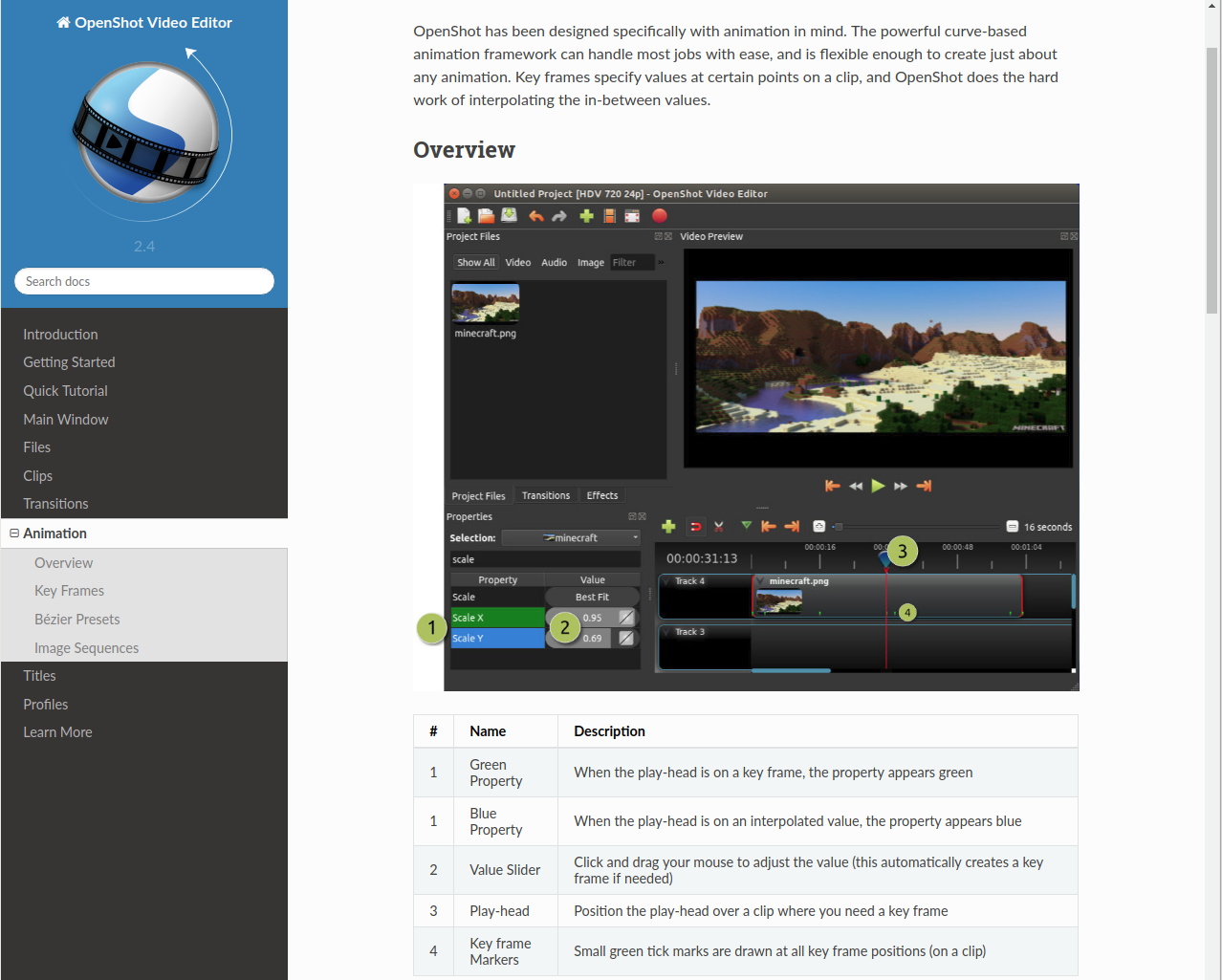
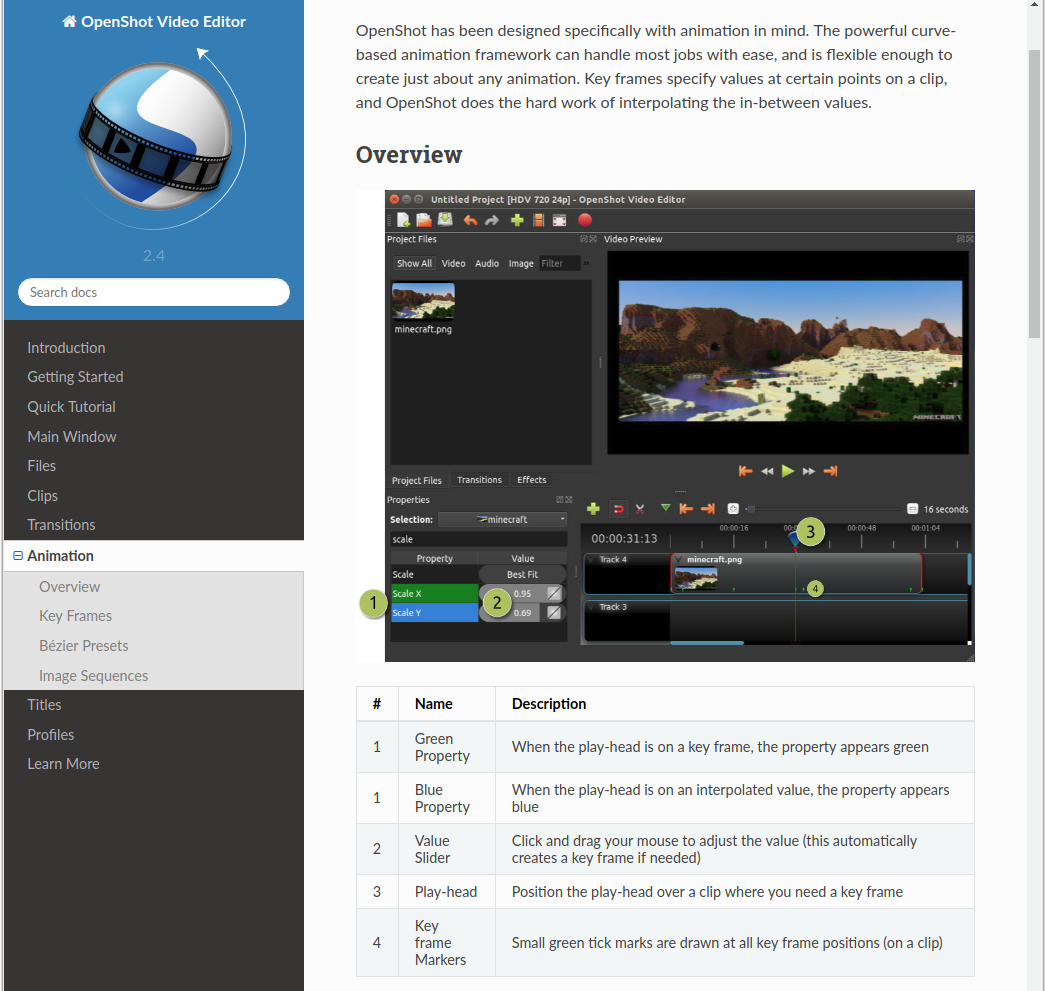
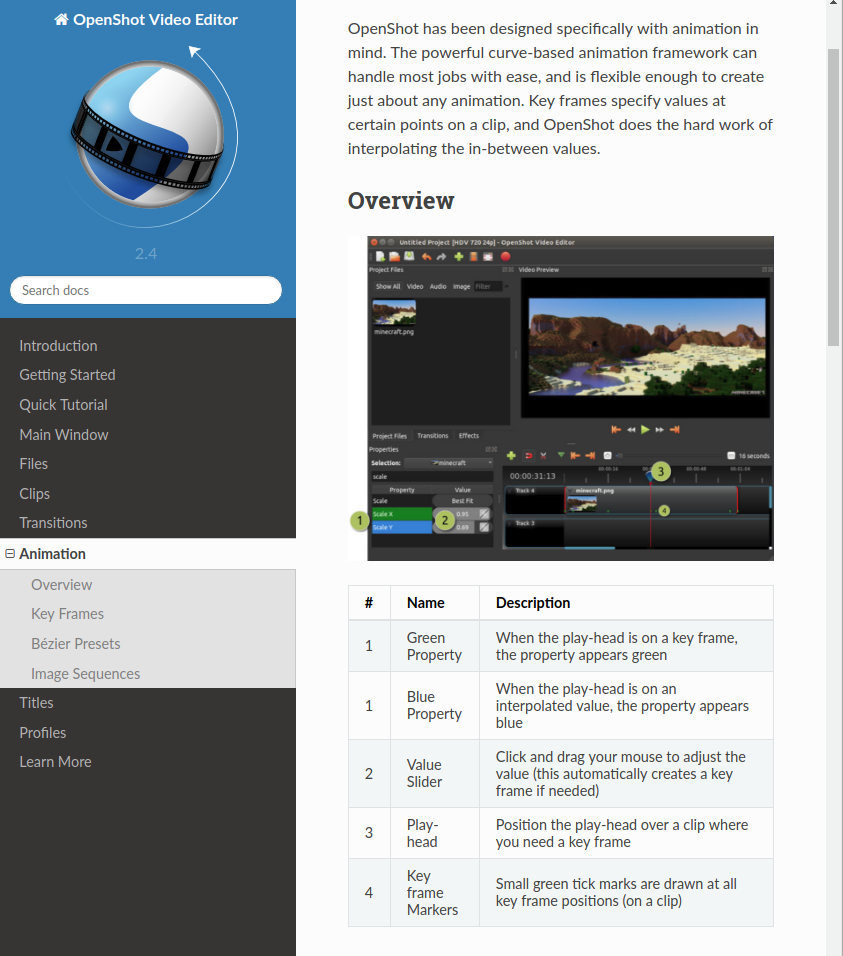
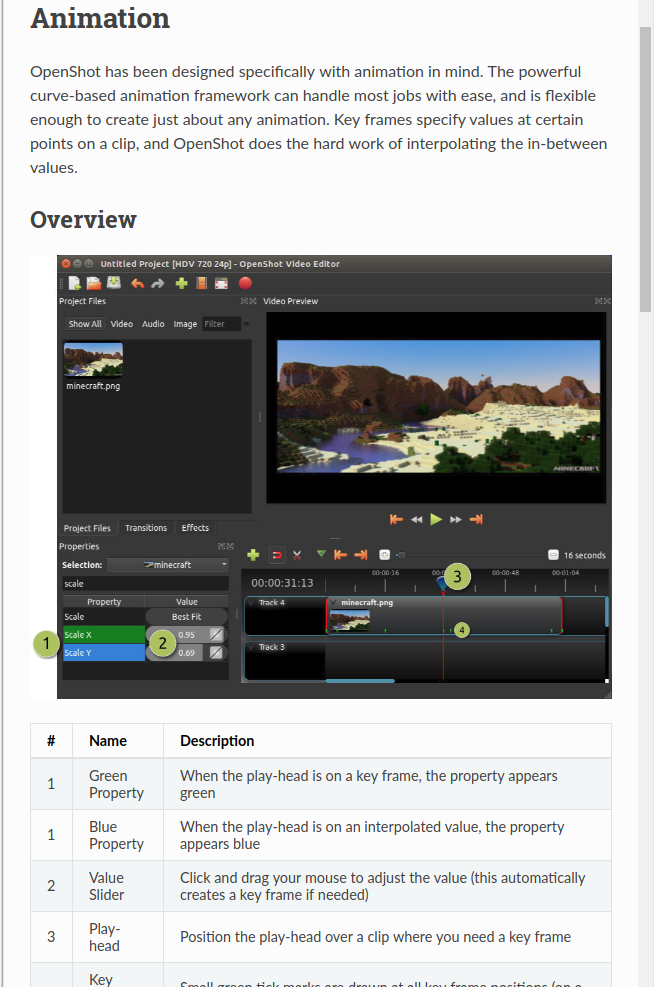
(Hmmm. I should've captured those all with the same image width, so it'd be clearer. Sorry! You get the idea.)
I'll put together a PR for this fix... at some point over the weekend, but not tonight.
ferdnyc
on 10 Feb 2018
@ferdnyc - Awesome!!! Please do! I'm so glad that you've fixed this issue. You're awesome. 👍
I hope you stick around and help this project even more. Thank you for your efforts, good sir. :)
peanutbutterandcrackers
on 10 Feb 2018
@DylanC - Pretty sure @jonoomph would be really happy to see this progress. :)
peanutbutterandcrackers
on 10 Feb 2018
@ferdnyc - Thanks, this is looking awesome indeed!
DylanC
on 11 Feb 2018
@ferdnyc - Are we good to close this now?
DylanC
on 7 Mar 2018
I was debating that myself... the code in the _repo_ has changed, but the old version of the manual is still deployed at https://www.openshot.org/user-guide/ so effectively the changes aren't visible to anyone.
It'd be nice to get the online copy of the docs re-generated to incorporate this fix (and whatever other changes have been made in the interim), since right now the issue with non-wrapped tables is still the case unless you generate your own private copy of the manual.
ferdnyc
on 7 Mar 2018
@ferdnyc - Ah. I see. I'll check with the guys to see can we deploy a new version. Thanks.
DylanC
on 7 Mar 2018
I think the new version has been deployed: https://www.openshot.org/static/files/user-guide/clips.html#properties Yay!!! :smile: :+1:
Great job, @ferdnyc !!!
peanutbutterandcrackers
on 7 Mar 2018
Indeed, updated to the 2.4 series, with all applicable enhancements. That should also close at least #724, looks like.
ferdnyc
on 7 Mar 2018
@ferdnyc - Perfect, thanks!
DylanC
on 7 Mar 2018
Related issues
 malinga91
·
3Comments
malinga91
·
3Comments
 audioclown
·
3Comments
audioclown
·
3Comments
 Yesideez
·
3Comments
Yesideez
·
3Comments
 Emma3993
·
3Comments
Emma3993
·
3Comments
 ghost
·
3Comments
ghost
·
3Comments
Most helpful comment
I think I've got it. Some screenshots at various window widths, from locally-built docs. (I reverted my edits to
animation.rst. This is the checked-in documentation source, with adjustments to the Sphinx build config to add some additional CSS directives.)(Hmmm. I should've captured those all with the same image width, so it'd be clearer. Sorry! You get the idea.)
I'll put together a PR for this fix... at some point over the weekend, but not tonight.