Problem
Accelerometer report x, y, z axes. Rotating the Ganglion revealed that the sign of axes are not right hand cartesian coordinates ( Turning +x into +y axis should point in +z direction (right hand screw)
Expected
Right hand coordinate repersentation
Hence z should change sign or x exchanged with y
Operating System and Version
Windows 7 professional 64bit
GUI Version
4.0.2 ( probably in all versions)
Type of OpenBCI Board
Ganglion
Are you using a WiFi Shield?
No
 jps2000
All 8 comments
Note that acc chip has changed pcb side between cyton and ganglion. ( hence x and z axis changed sign, y remains)
Preferably ganglion should deliver same axes as cyton. This should be taken into account in ganglion stack not in GUI as it has to do with hardware.
jps2000
on 12 Nov 2018
Note that acc chip has changed pcb side between cyton and ganglion. 👍
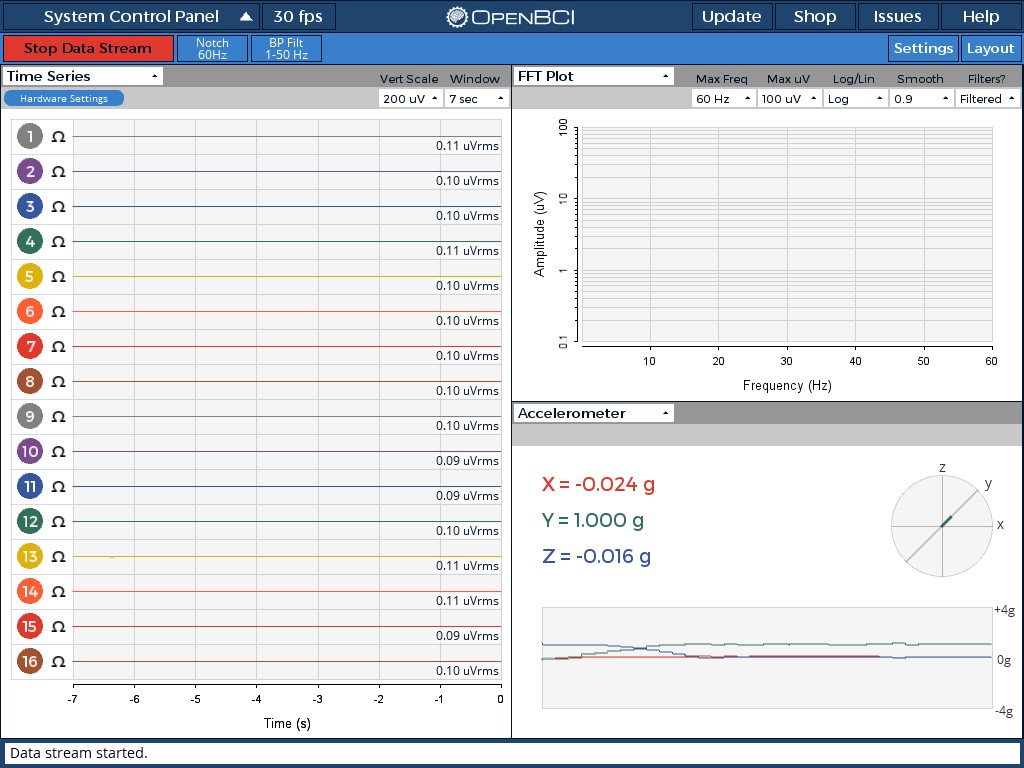
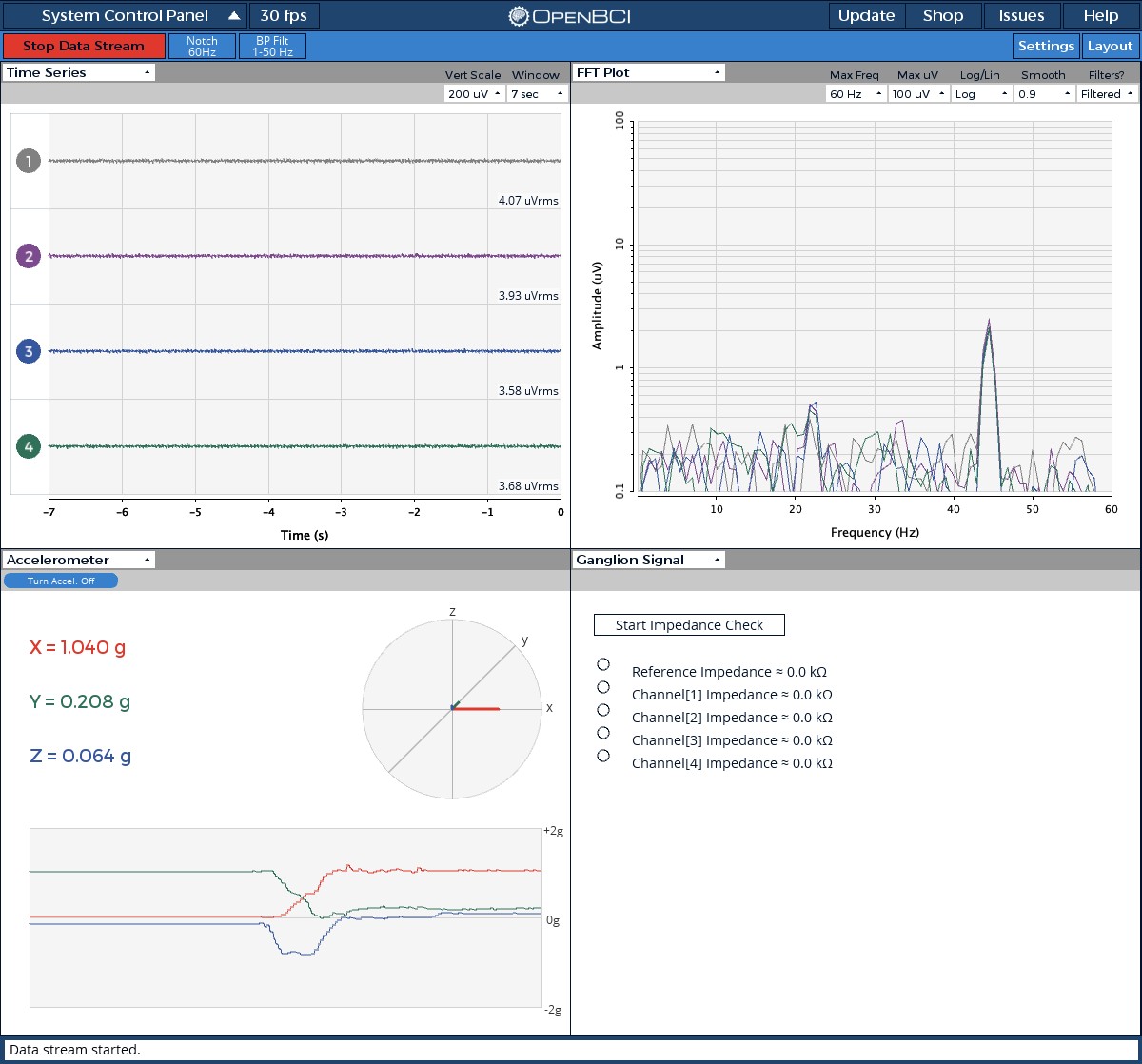
The following pictures document this issue. Cyton and Ganglion were placed side by side using GUI on two machines, then rotated in the same way. The GUI shows different results:
Flat and facing up
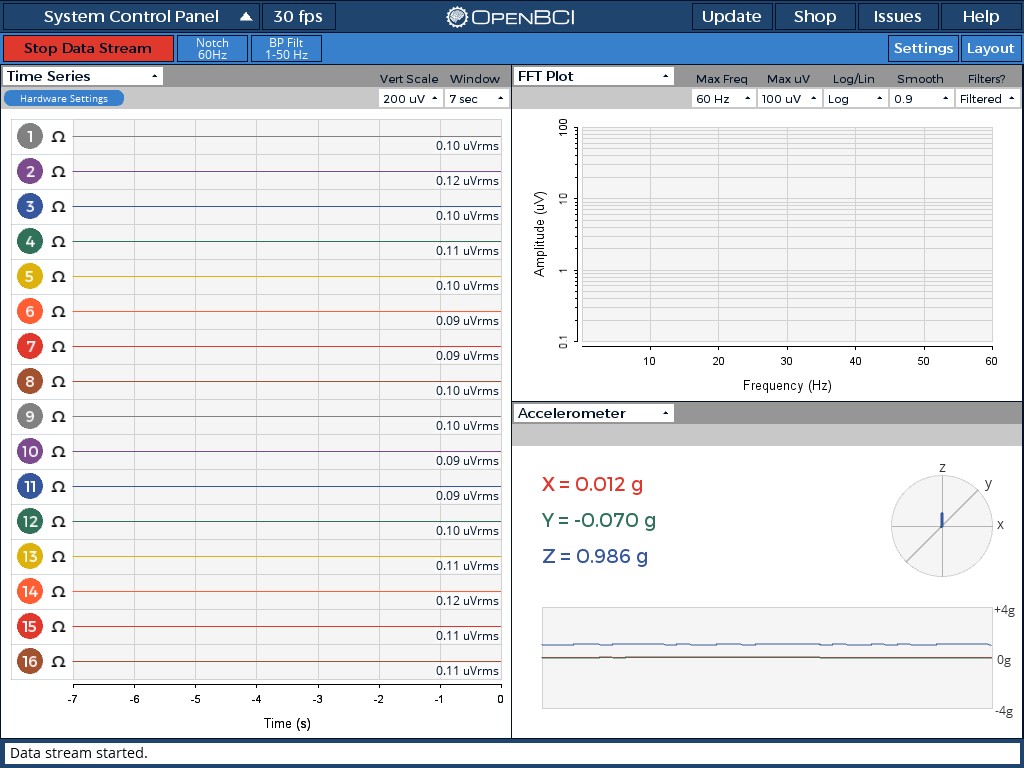

Rotation 1
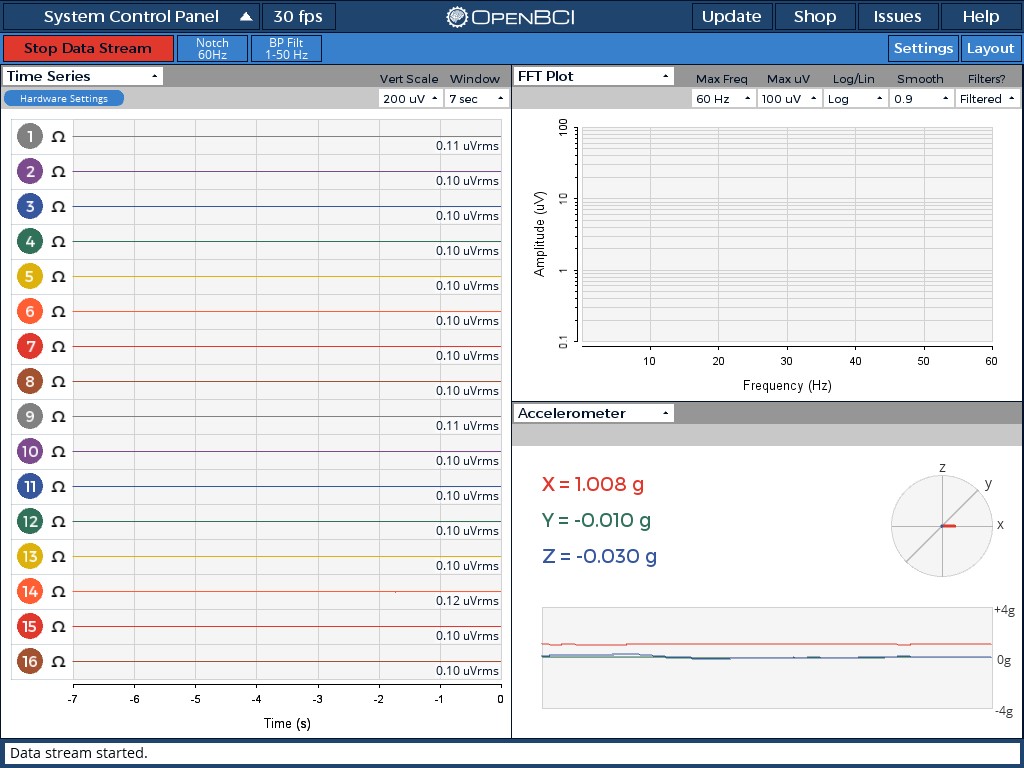
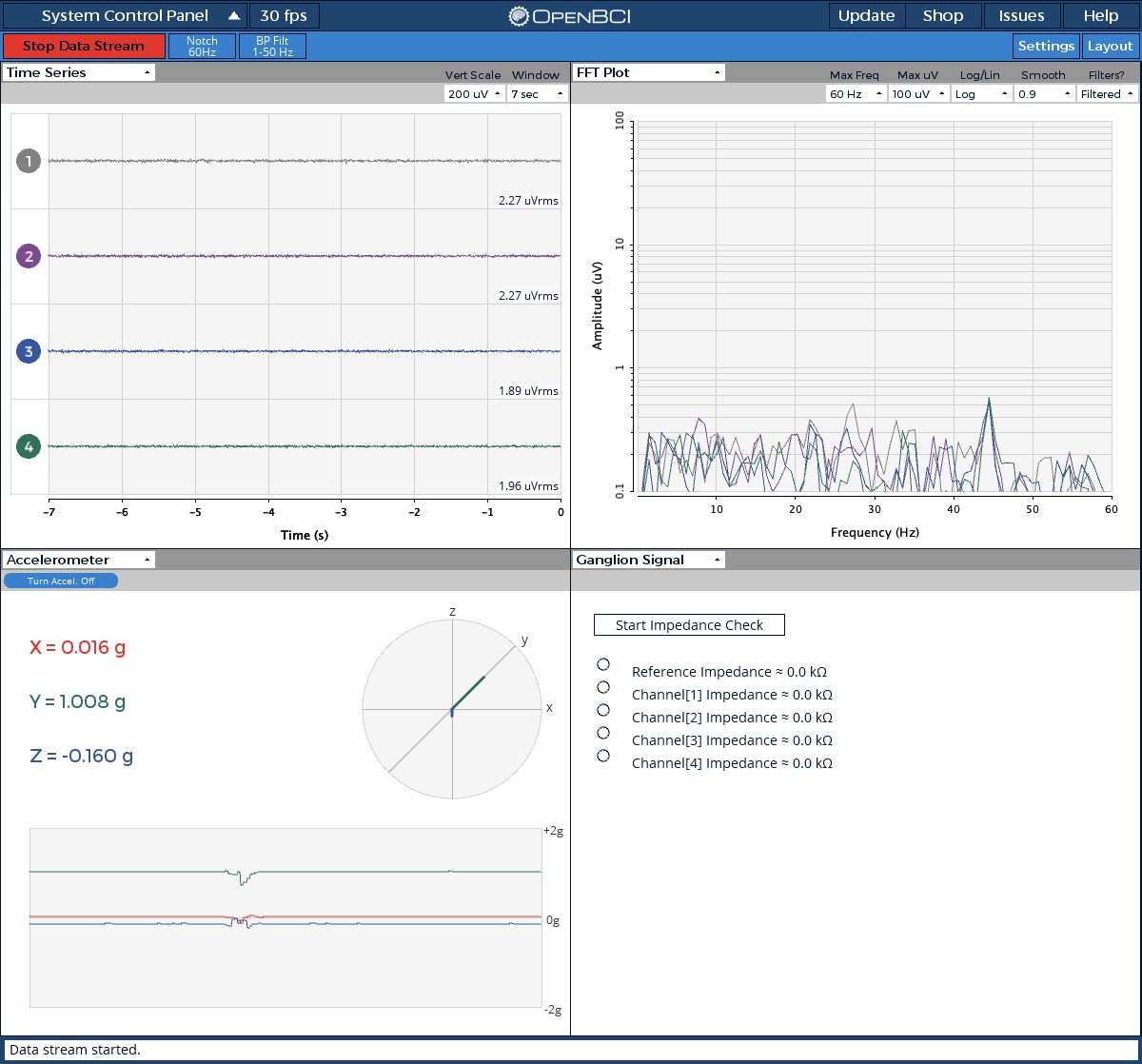
Rotation 2
 retiutut
on 20 Nov 2018
retiutut
on 20 Nov 2018
Yeah thats what I discovered.
Assuming Cyton as the reference, Ganglion should deliver same acc output (preferably).
jps2000
on 20 Nov 2018
@andrewjaykeller Can I go ahead and fix this in the Accelerometer widget using _Cyton as a reference_?
retiutut
on 20 Nov 2018
So X and Z are multipled by -1?
 andrewjaykeller
on 20 Nov 2018
andrewjaykeller
on 20 Nov 2018
So X and Z are multiples by -1?
Z can be inverted for Ganglion.
X and Y may need to be swapped?
retiutut
on 20 Nov 2018
Considering Cyton as reference:
In displaying Ganglion , Z need to be inverted AND X and Y need to be swapped but do not change sign.
jps2000
on 21 Nov 2018
Solved in 4.1.0
Thank you
jps2000
on 11 Feb 2019
Related issues
 lopezvaa
·
9Comments
lopezvaa
·
9Comments
 jacobgmartin
·
7Comments
jacobgmartin
·
7Comments
 coreygo
·
9Comments
coreygo
·
9Comments
 stellarpower
·
8Comments
stellarpower
·
8Comments
 Otemo
·
7Comments
Otemo
·
7Comments