Open3d: 3D Model (.obj) texture not loading correctly.
When I load this model in other software it appears correctly as this:
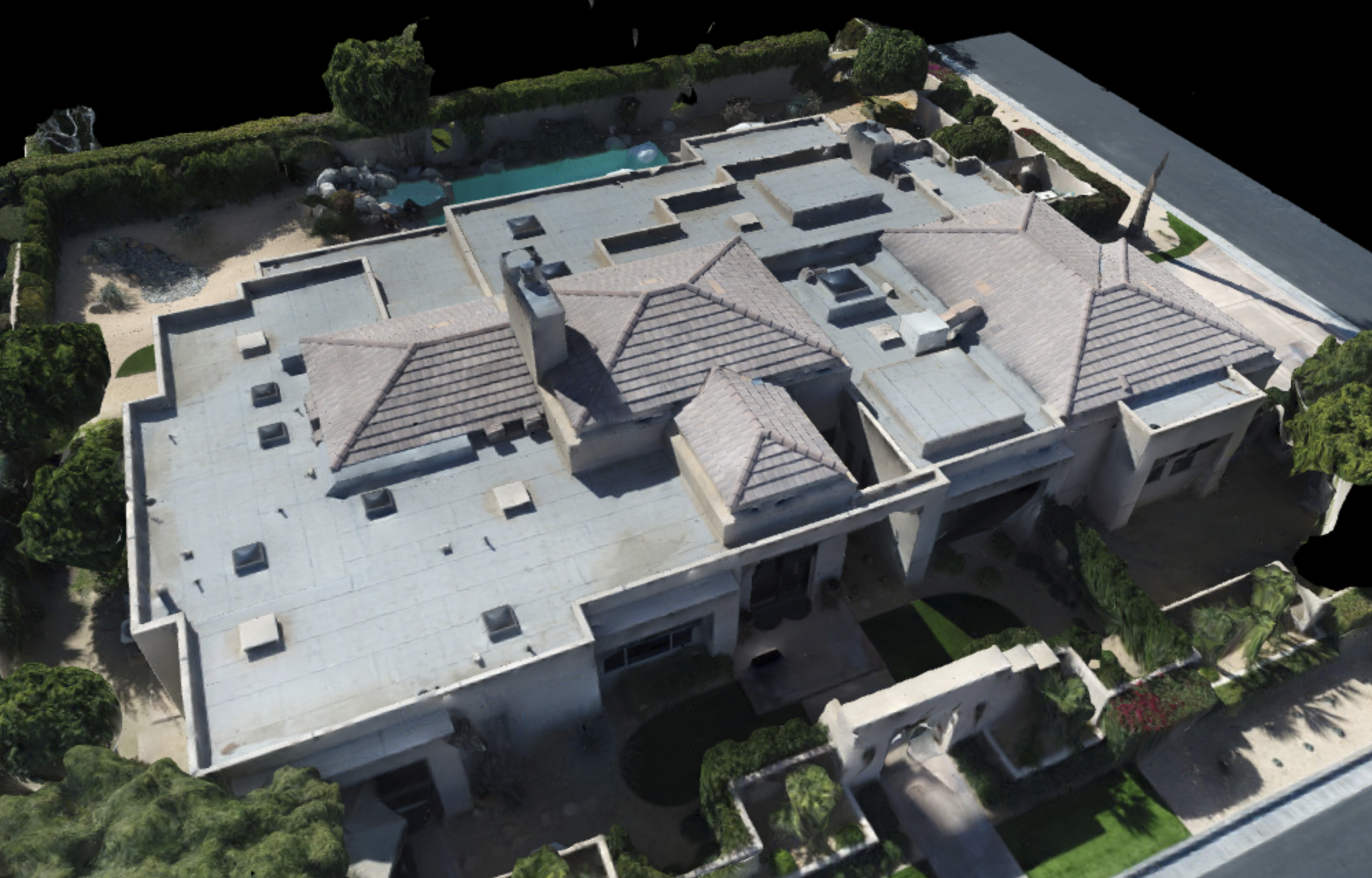
But with Open3D the texture is all messaged up:
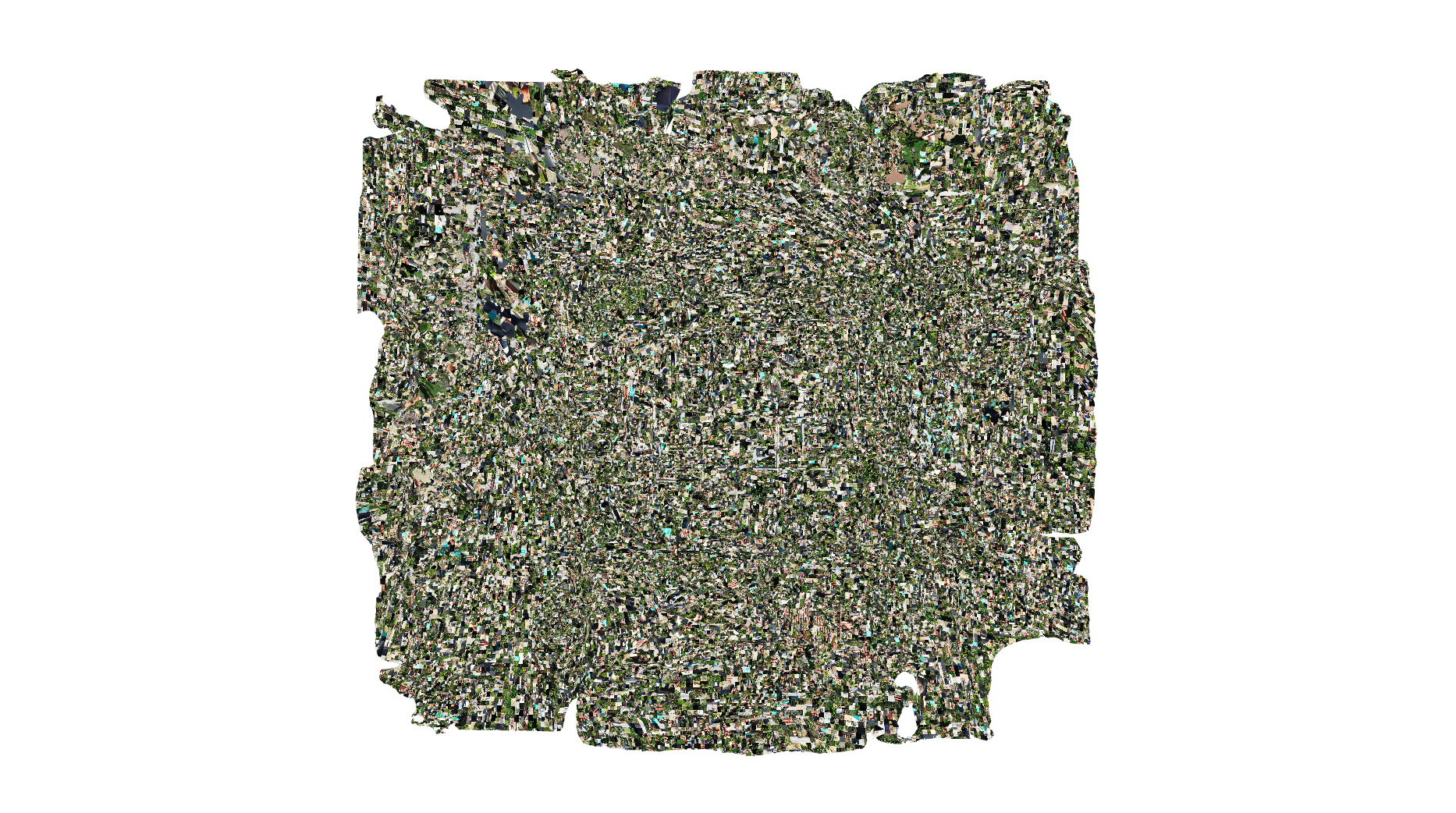
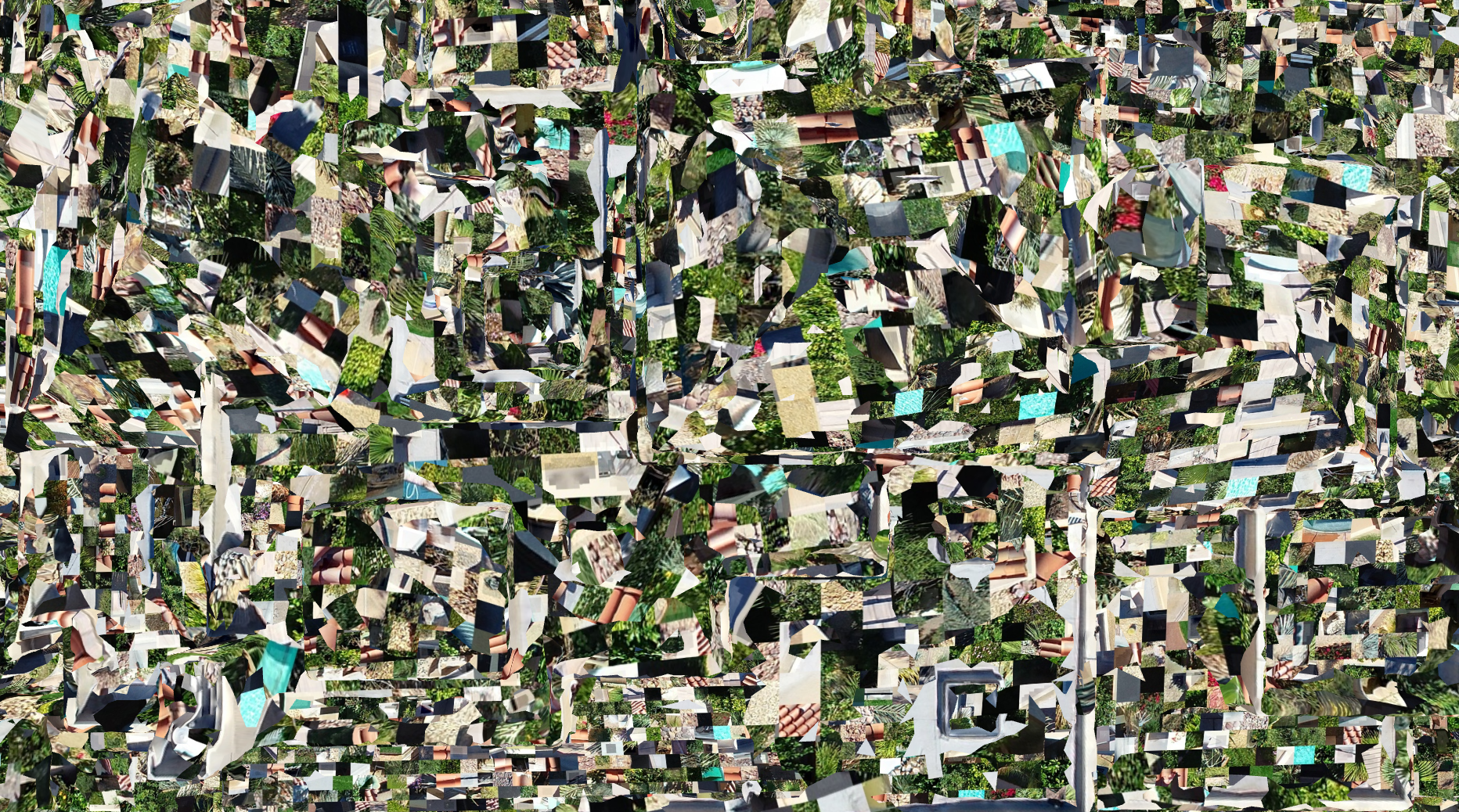
Here is the code I'm using:
import open3d as o3d

def visualize(mesh):
    vis = o3d.visualization.Visualizer()
    vis.create_window()
    vis.add_geometry(mesh)
    vis.run()
    vis.destroy_window()

def main():
    mesh = o3d.io.read_triangle_mesh("scene_mesh_decimated_textured.obj")
    visualize(mesh)

main()
And here is the model and texture:
https://www.dropbox.com/s/xm0sun3hoijwbjf/Archive.zip?dl=0
 nickponline
All 13 comments
Cross-posted to stack overflow with a bounty if anyone wants that 🏆
https://stackoverflow.com/questions/60104854/how-to-your-load-3d-model-obj-in-open3d
nickponline
on 12 Feb 2020
The obj file you shared the multiple materials (8 texture maps and materials). I think the following line would affect the issue
https://github.com/intel-isl/Open3D/blob/44a35978e78cf68a8368b90b173927ff0e0ef960/src/Open3D/IO/FileFormat/FileOBJ.cpp#L148-L157
@theNded Is this related to the fact that the textured mesh only can store a single texture map?
I also presume the issue comes from an inaccurate decoding UV coordinate.
 syncle
on 14 Feb 2020
syncle
on 14 Feb 2020
The obj file you shared the multiple materials (8 texture maps and materials). I think the following line would affect the issue
https://github.com/intel-isl/Open3D/blob/44a35978e78cf68a8368b90b173927ff0e0ef960/src/Open3D/IO/FileFormat/FileOBJ.cpp#L148-L157@theNded Is this related to the fact that the textured mesh only can store a single texture map?
I also presume the issue comes from an inaccurate decoding UV coordinate.
I see. This is due to the legacy architecture design
https://github.com/intel-isl/Open3D/blob/master/src/Open3D/IO/ClassIO/TriangleMeshIO.cpp#L75-L84
where only one mesh is supported for IO. It would be non-trivial to change the interface, but I will try to see if we can find a workaround.
 theNded
on 14 Feb 2020
theNded
on 14 Feb 2020
It seems that Wei will be the champion for this task. Thanks Wei!
 germanros1987
on 14 Feb 2020
germanros1987
on 14 Feb 2020
Awesome thanks for looking into this @theNded. Let me know if I can help
nickponline
on 14 Feb 2020
@nickponline can you please check the latest version?
theNded
on 21 Feb 2020
@theNded this works well, except I'm not sure if there is a way to crop them, is there a way to do that?
Thank you so much!
nickponline
on 24 Feb 2020
I think that might have been a pre-existing limitation on Open3D, so might not be related.
nickponline
on 24 Feb 2020
Closing this since the main issue was addressed. @nickponline: Please open a new one if needed.
syncle
on 27 Feb 2020
Hi,
I’m working with the Python version Open3D 0.10.0.1. Using MeshLab my example mesh is showed like this
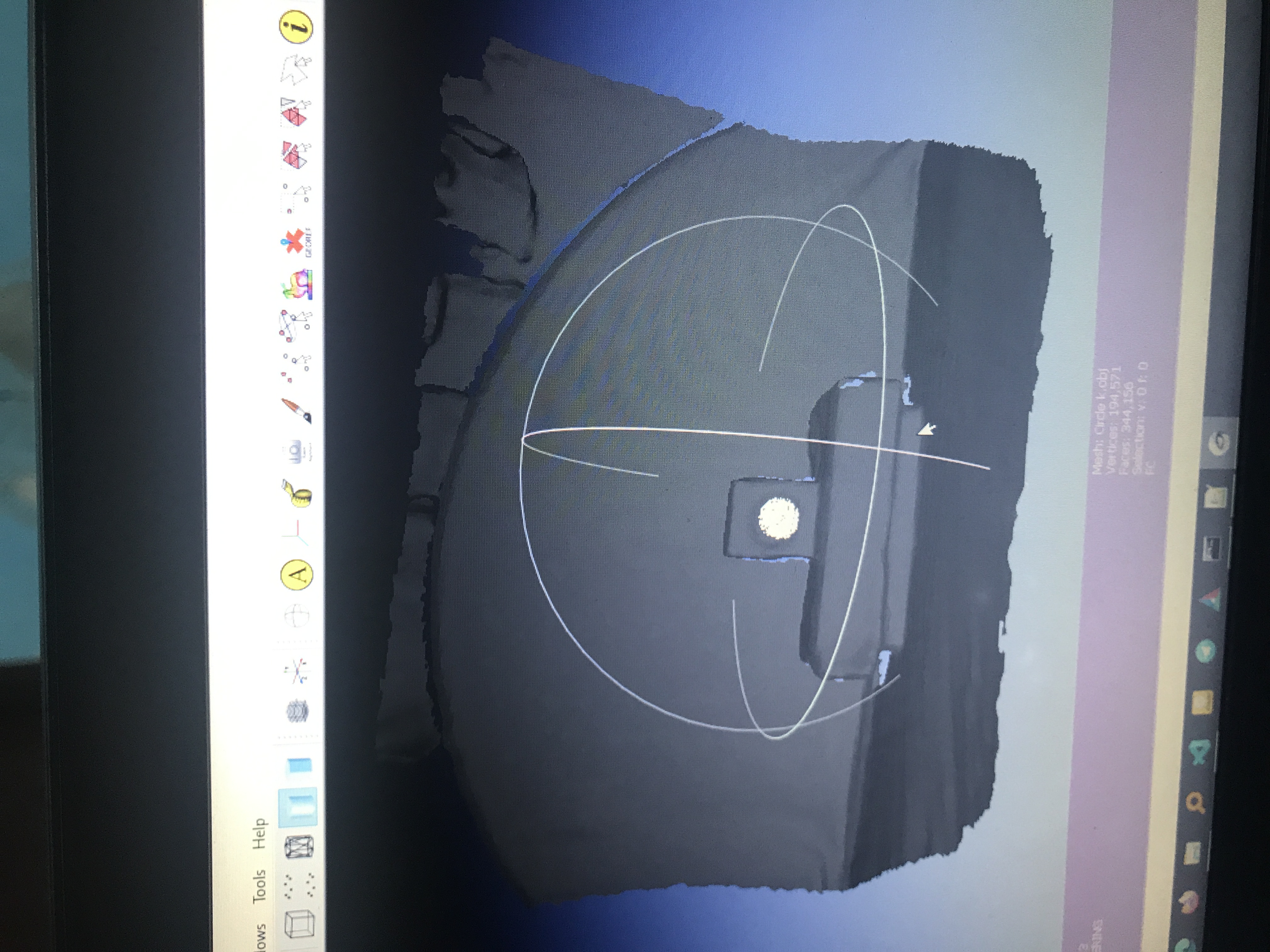
But when I load and display the mesh with Open3D the window goes blank
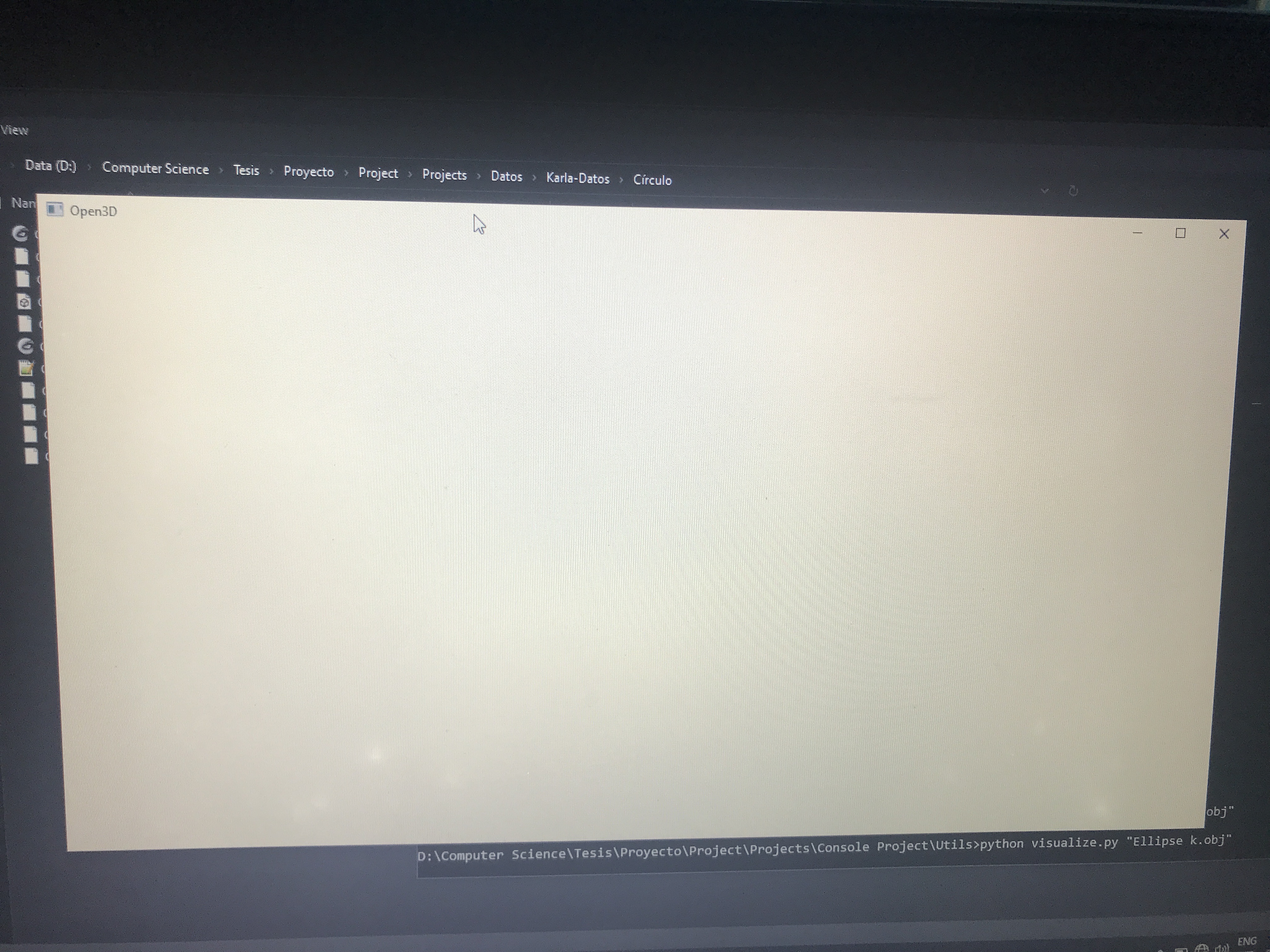
My code goes like this:
mesh = o3d.io.read_triangle_mesh(“path/to/mesh”)
o3d.visualization.draw_geometries([mesh])
I can’t tell if I’m doing something wrong or if it is an issue. Can you please help me??!!!
I’m gonna let this link below in case you wanna test it
https://drive.google.com/drive/folders/1Ik2Blbkhm3w8fTeXxw_3gBKoeg4iBncS?usp=sharing
 ArlenisChS
on 18 Aug 2020
ArlenisChS
on 18 Aug 2020
I think this may not be a blank window, but the mesh is all white, you can try assigning a different color for the mesh. mesh.paint_uniform_color([0.5, 0.5, 0.5]. Then see what happens @ArlenisChS
 Jianghanxiao
on 30 Aug 2020
Jianghanxiao
on 30 Aug 2020
I think this may not be a blank window, but the mesh is all white, you can try assigning a different color for the mesh.
mesh.paint_uniform_color([0.5, 0.5, 0.5]. Then see what happens @ArlenisChS
Oh yes, sorry for not putting what was happening. I was painting the mesh with MeshLab and when saving it into a .ply the color seem to be set to white. It seems like I needed to save the mesh activating some flags, wish I did it and now it works. Thanks for the help!! 🤗
ArlenisChS
on 30 Aug 2020
Hi,
I am trying to load the attached .obj and corresponding .mtl files. However, I am getting the following warning message:
[Open3D WARNING] Read OBJ failed: Both `d` and `Tr` parameters defined for "m15". Use the value of `d` for dissolve (line 88 in .mtl.)
Both `d` and `Tr` parameters defined for "m17". Use the value of `d` for dissolve (line 103 in .mtl.)
Both `d` and `Tr` parameters defined for "m19". Use the value of `d` for dissolve (line 118 in .mtl.)


Process finished with exit code 139 (interrupted by signal 11: SIGSEGV)
Then I've manually removed the Tr values but it still segfaults without any output error.
Any idea what could be wrong?
The code I am using is the following:
    os.chdir("./model/house/0004d52d1aeeb8ae6de39d6bd993e992/")
    mesh = o3d.io.read_triangle_mesh("./house_room2.obj",print_progress = True)
    o3d.visualization.draw_geometries([mesh])
 ttsesm
on 4 Sep 2020
ttsesm
on 4 Sep 2020
Related issues
 blackccpie
·
3Comments
blackccpie
·
3Comments
 tonghia
·
3Comments
tonghia
·
3Comments
 samarth-robo
·
3Comments
samarth-robo
·
3Comments
 mike239x
·
4Comments
mike239x
·
4Comments
 DKandrew
·
4Comments
DKandrew
·
4Comments