Open3d: Is it possible to update visualizer with a new pcd file in the same window?
In the Non-blocking visualization, it shows how to transform source pcd and add it to the window, but is it possible to edit a point cloud or remove it and add a new one in its stead in the same window?
 ats27
ats27
All 8 comments
If I understand the question correctly, adding geometry is easy - just add vis.add_geometry(source) inside of the loop. To remove geometry, we don't have implementation yet. There is an open discussion here - #543
 syncle
on 12 Oct 2018
syncle
on 12 Oct 2018
Another option is to reassign points, something like this:
...
vis.add_geometry(source)
for non_blocking_loop:
    new_pcd = read_point_cloud("new.pcd")
    source.points = new_pcd.points
    # source.colors = new_pcd.colors
    # source.normals = new_pcd.normals
    ...
 qianyizh
on 17 Oct 2018
qianyizh
on 17 Oct 2018
I just found out that @qianyizh's recommendation doesn't work out because the geometry gets bind to glsl_buffer at the time of add_geometry. Therefore, even if we do source.points = new_pcd.points, it does not show the new_pcd. This happens even if do update_geometry inside each for loop. updated_geometry works if the original point cloud buffer is unchanged. I think this is a bug, and need to be fixed.
syncle
on 13 Nov 2018
No no, it should work. In C++ see this example:
https://github.com/IntelVCL/Open3D/blob/0667179c2d69f3e191104b6f70378b4dee6f406a/examples/Cpp/Visualizer.cpp#L99-L127
In python, I think in another ticket it was successfully updated with the way I described.
qianyizh
on 15 Nov 2018
I'm using python and the reassigning-of-points solution by @qianyizh worked. However, I think it's worth mentioning that other than points, other features have to be updated as well.
In my case since I was reading colors from a column in the pcd file, I had to update new geometries with numpy array extracted from the new pcd files.
Also, viewpoint and renderoption had to be saved and reloaded in order to maintain the same scene.
ats27
on 15 Nov 2018
Hi @qianyizh, I wrote a simple wrapper for subscribe ros pointcloud2, and try to update the viz in the callback function, but this re-assign trick doesn't work.
class viz_pointcloud:

    def __init__(self):
        o3d.utility.set_verbosity_level(o3d.utility.VerbosityLevel.Debug)
        self.pcd = o3d.geometry.PointCloud()
        self.vis = o3d.visualization.Visualizer()
        self.vis.create_window()
        self.vis.add_geometry(self.pcd)
        self.pcdsub = rospy.Subscriber("/sensor/velodyne_points", PointCloud2, self.vis_callback)
        self.save_image = False
        self.img_cout = 0

    def vis_callback(self, cloud_msg):
        print('callback')
        self.img_cout += 1
        xyz_points = ros_numpy.point_cloud2.pointcloud2_to_xyz_array(cloud_msg)
        self.pcd.points = o3d.utility.Vector3dVector(xyz_points)
        self.vis.update_geometry()
        self.vis.poll_events()
        self.vis.update_renderer()
        if self.save_image:
            self.vis.capture_screen_image("temp_%04d.jpg" % self.img_cout)

    def destroy_vis(self):
        self.vis.destroy_window()
 rancheng
on 10 Dec 2019
rancheng
on 10 Dec 2019
@rancheng, Here's an example of working code using @qianyizh proposed method, which works nicely for my needs.
def play_motion(list_of_pcds: []):
    play_motion.vis = o3d.Visualizer()
    play_motion.index = 0

    def reset_motion(vis):
        play_motion.index = 0
        pcd.points = tensor_to_pcd(list_of_pcds[0]).points
        vis.update_geometry()
        vis.poll_events()
        vis.update_renderer()
        time.sleep(.25)
        vis.register_animation_callback(forward)
        return False

    def backward(vis):
        pm = play_motion

        if pm.index > 0:
            pm.index -= 1
            pcd.points = tensor_to_pcd(list_of_pcds[pm.index]).points
            time.sleep(.05)
            vis.update_geometry()
            vis.poll_events()
            vis.update_renderer()
        else:
            vis.register_animation_callback(forward)

    def forward(vis):
        pm = play_motion
        if pm.index < len(list_of_pcds) - 1:
            pm.index += 1
            pcd.points = tensor_to_pcd(list_of_pcds[pm.index]).points
            time.sleep(.05)
            vis.update_geometry()
            vis.poll_events()
            vis.update_renderer()
        else:
            # vis.register_animation_callback(reset_motion)
            vis.register_animation_callback(backward)
        return False

    # Geometry of the initial frame
    pcd = o3d.geometry.PointCloud()
    pcd.points = o3d.utility.Vector3dVector(list_of_pcds[0].reshape(-1, 3))
    pcd.colors = o3d.utility.Vector3dVector(np.ones(list_of_pcds[0].view(-1, 3).shape) * orange)

    # Initialize Visualizer and start animation callback
    vis = play_motion.vis
    vis.create_window()
    ctr = vis.get_view_control()
    ctr.rotate(0, -50)
    vis.add_geometry(pcd)
    vis.register_animation_callback(forward)
    vis.run()
    vis.destroy_window()
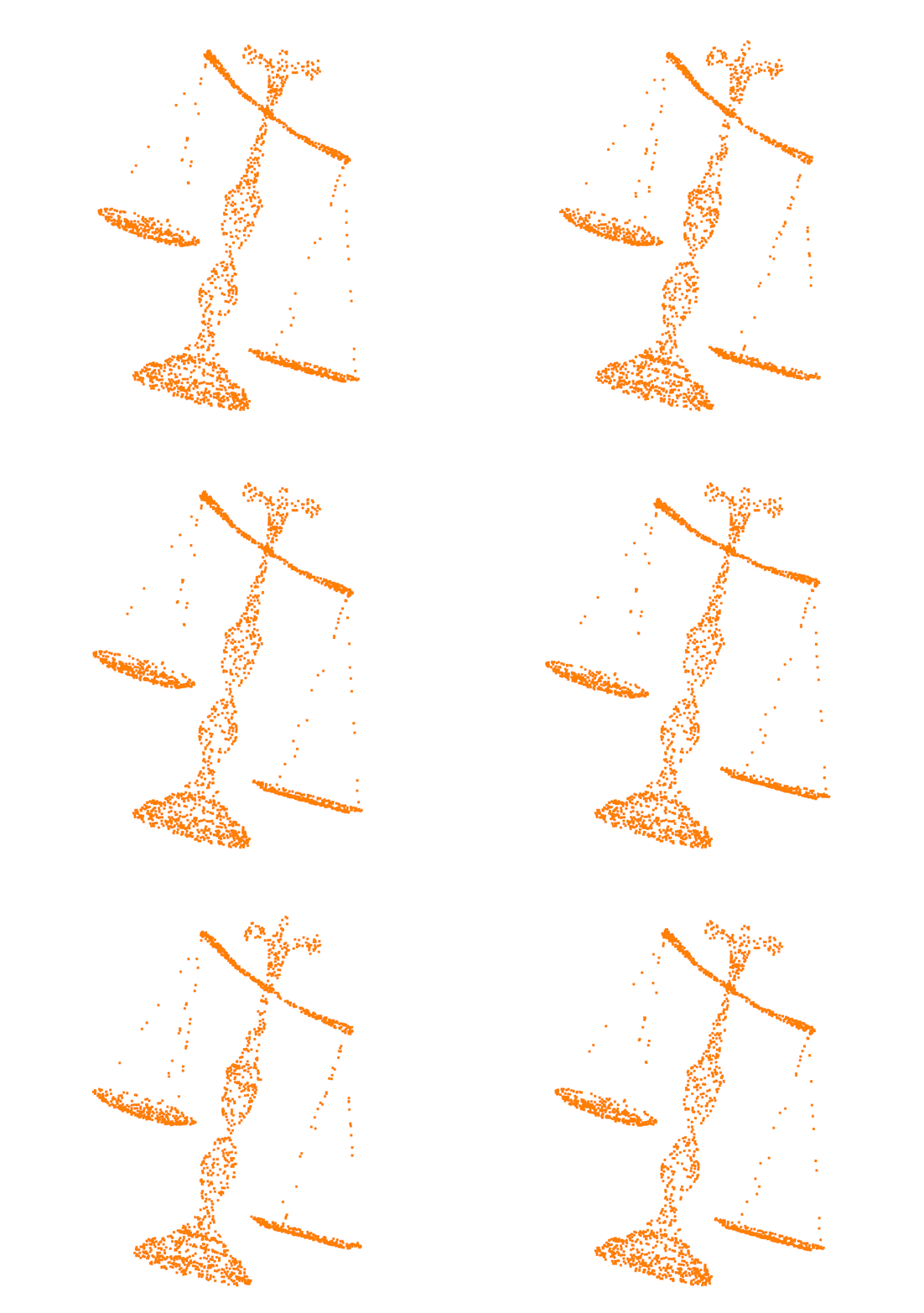
Here's what the end result looks like. Keep in mind one could refine the time.sleep calls for smoother transitions.
 Hammania689
on 22 Jan 2020
Hammania689
on 22 Jan 2020
@rancheng, Here's an example of working code using @qianyizh proposed method, which works nicely for my needs.
def play_motion(list_of_pcds: []):
    play_motion.vis = o3d.Visualizer()
    play_motion.index = 0

    def reset_motion(vis):
        play_motion.index = 0
        pcd.points = tensor_to_pcd(list_of_pcds[0]).points
        vis.update_geometry()
        vis.poll_events()
        vis.update_renderer()
        time.sleep(.25)
        vis.register_animation_callback(forward)
        return False

    def backward(vis):
        pm = play_motion

        if pm.index > 0:
            pm.index -= 1
            pcd.points = tensor_to_pcd(list_of_pcds[pm.index]).points
            time.sleep(.05)
            vis.update_geometry()
            vis.poll_events()
            vis.update_renderer()
        else:
            vis.register_animation_callback(forward)

    def forward(vis):
        pm = play_motion
        if pm.index < len(list_of_pcds) - 1:
            pm.index += 1
            pcd.points = tensor_to_pcd(list_of_pcds[pm.index]).points
            time.sleep(.05)
            vis.update_geometry()
            vis.poll_events()
            vis.update_renderer()
        else:
            # vis.register_animation_callback(reset_motion)
            vis.register_animation_callback(backward)
        return False

    # Geometry of the initial frame
    pcd = o3d.geometry.PointCloud()
    pcd.points = o3d.utility.Vector3dVector(list_of_pcds[0].reshape(-1, 3))
    pcd.colors = o3d.utility.Vector3dVector(np.ones(list_of_pcds[0].view(-1, 3).shape) * orange)

    # Initialize Visualizer and start animation callback
    vis = play_motion.vis
    vis.create_window()
    ctr = vis.get_view_control()
    ctr.rotate(0, -50)
    vis.add_geometry(pcd)
    vis.register_animation_callback(forward)
    vis.run()
    vis.destroy_window()
Here's what the end result looks like. Keep in mind one could refine the
time.sleepcalls for smoother transitions.
What is tensor_to_pcd in Your code? I mean where can I find the definition?
 IgorZaton
on 2 Dec 2020
IgorZaton
on 2 Dec 2020
Related issues
 Prakash19921206
·
4Comments
Prakash19921206
·
4Comments
 mike239x
·
4Comments
mike239x
·
4Comments
 martinakos
·
4Comments
martinakos
·
4Comments
 tonghia
·
3Comments
mike239x
·
3Comments
tonghia
·
3Comments
mike239x
·
3Comments
Most helpful comment
Another option is to reassign
points, something like this: