Describe the bug
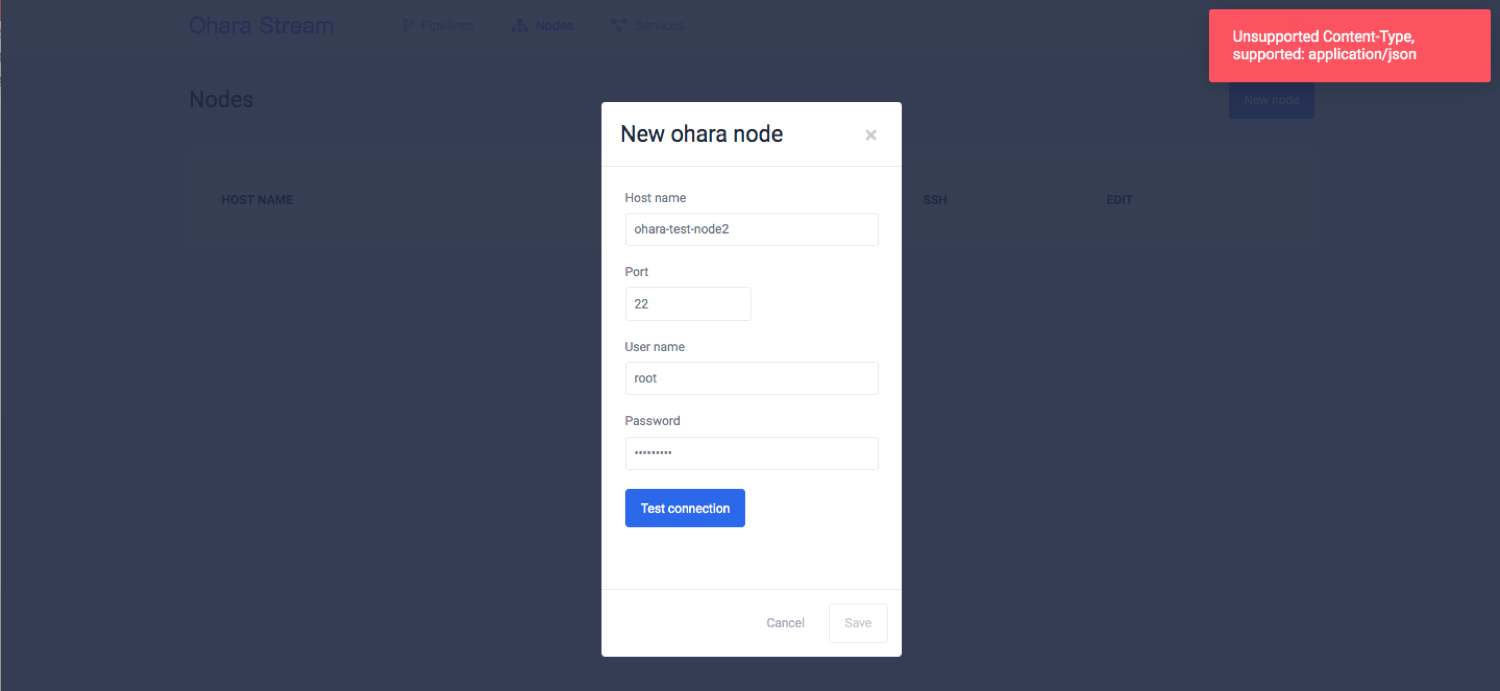
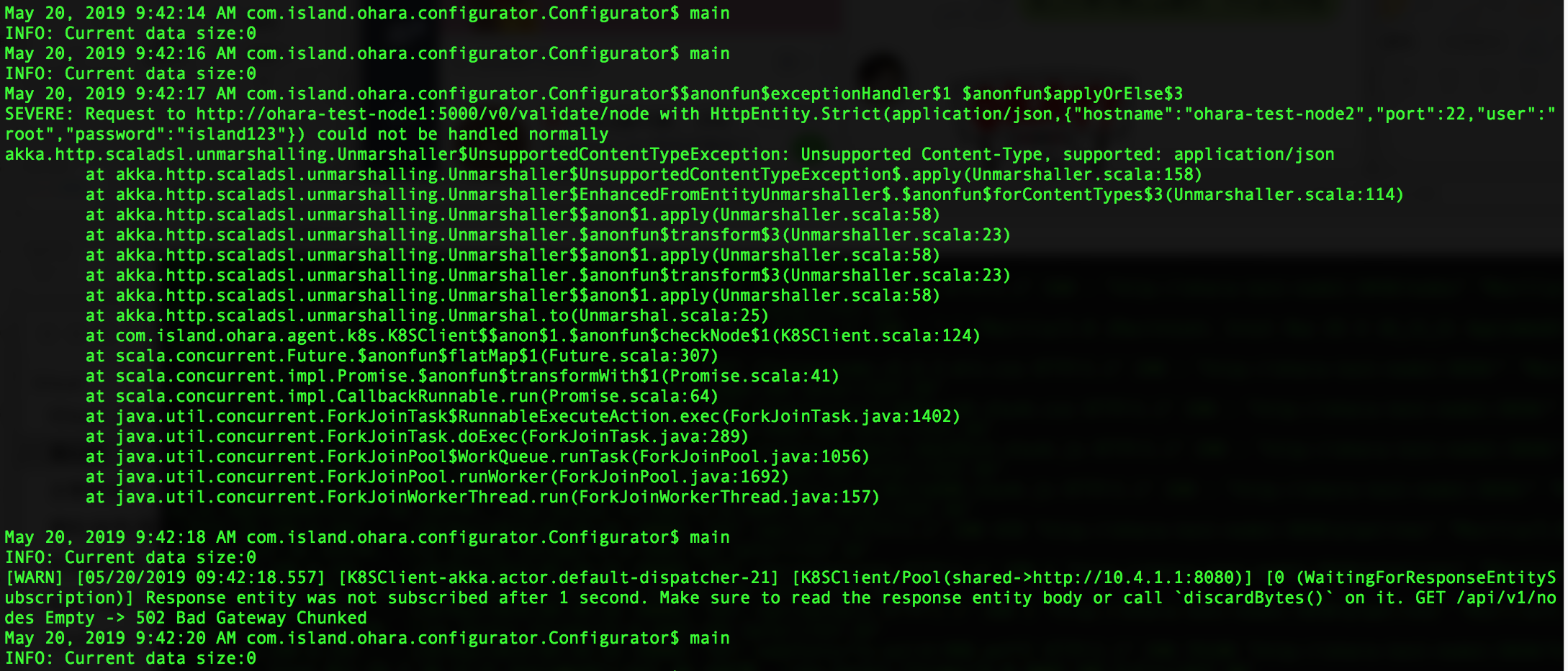
透過Ohara Manager UI 新增 Ohara nodes失敗,並產生 Unsupported Content-Type, supported: application/json Error exception
To Reproduce
Steps the behavior:
- 安裝k8s master
- 安裝k8s agent
- 透過docker command 啟動configurator
- 透過docker command 啟動manager
- 透過UI新增節點 > Got Exception
Screenshots
Operation System :
- Backend OS & Version: [CentOS 7.6]
- Frontend OS & Version: [CentOS 7.6]
- Browser & Version [Chrome 72.0.3626.119 64bit]
Additional context
none.
 HarryChiang143
All 3 comments
After some investigation with @chia7712 and @jackyoh. This error is originated from k8s and not related to our UI. Cc @jackyoh for further investigation :)
 konekoya
on 21 May 2019
konekoya
on 21 May 2019
以上的問題主要是在重新 reset k8s 環境時沒有先把 k8s api server 重新啟動, 造成連不到 k8s api server 的問題. 我會在 k8s 安裝的 README.md 再補充 reset k8s 環境時所要的連結.
 jackyoh
on 21 May 2019
jackyoh
on 21 May 2019
The root cause of this issue was that the old DNS server hadn't been closed when I was installing a new version of ohara stream. Therefore, if you already have an older version of ohara stream running on your machines. Make sure the 8080 port is no being use before installing a newer version of ohara stream.
You can simply kill the process running on port 8080 by:
sudo lsof -i:8080 # see if the port is being use
If the port is in use. Kill it with:
sudo kill -9 ${PID}
Related issues
 eechih
·
5Comments
eechih
·
5Comments
 saivirtue
·
3Comments
saivirtue
·
3Comments
 chia7712
·
4Comments
konekoya
·
3Comments
HarryChiang143
·
5Comments
chia7712
·
4Comments
konekoya
·
3Comments
HarryChiang143
·
5Comments
Most helpful comment
The root cause of this issue was that the old DNS server hadn't been closed when I was installing a new version of ohara stream. Therefore, if you already have an older version of ohara stream running on your machines. Make sure the 8080 port is no being use before installing a newer version of ohara stream.
You can simply kill the process running on port 8080 by:
If the port is in use. Kill it with: