Obs-mac-virtualcam: Virtual camera makes OBS slow and stream only frozen images (Chrome and QuickTime)
Hi there,
First thanks for your effort, I have been looking for this for a while.
Problem: As soon as the "virtual camera plugin" is started, video in Preview becomes slow. When I checked video seen by Google Chrome or QuickTime, image is completely frozen, and it just update image after a few minutes.
I am using macOS Catalina, and test uses as feed an external webcam (connected to macbook air by USB)
Thanks
Just in case it might help, here it is the output when plugin is stopped:
info: Output 'virtualcam_output': stopping
info: Output 'virtualcam_output': Total frames output: 151824
info: Output 'virtualcam_output': Total drawn frames: 153412 (168110 attempted)
info: Output 'virtualcam_output': Number of lagged frames due to rendering lag/stalls: 14698 (8.7%)
info: Video stopped, number of skipped frames due to encoding lag: 64645/151825 (42.6%)
 caduqued
All 14 comments
Hi, what type of computer do you have (Specifications as exact as possible)?
It might not have the power to pull this off.
 gxalpha
on 28 Apr 2020
gxalpha
on 28 Apr 2020
It's a MacBook Air 2018
Processor: 1.6 GHz Dual-Core Intel Core i5
Memory: 8 GB 2133 MHz LPDDR3
Graphics: Intel UHD Graphics 617 1536 MB
caduqued
on 29 Apr 2020
Are you able to do regular recordings or livestreams with your Machines?
gxalpha
on 29 Apr 2020
Im getting the same issue on a 2017 MBP (quad i7 2.9GHz), so it should have enough cpu, right?
I tested if I could make a recording, it hung up when I clicked Stop recording, it says stopping recording... for ever.
Edit: it does eventually stop and make a file, but the mkv file is only 786 bytes.
 mtnbrit
on 5 May 2020
mtnbrit
on 5 May 2020
Thanks for the report @mtnbrit. I would definitely expect a quadcore i7 to be up to the task. Do you also get any message in the OBS logs about encoding lag like @caduqued mentions?
 johnboiles
on 5 May 2020
johnboiles
on 5 May 2020
Yep,
info: ==== Recording Stop ================================================
info: Output 'virtualcam_output': stopping
info: Output 'virtualcam_output': Total frames output: 33447
info: Output 'virtualcam_output': Total drawn frames: 47379 (47428 attempted)
info: Output 'virtualcam_output': Number of lagged frames due to rendering lag/stalls: 49 (0.1%)
info: Video stopped, number of skipped frames due to encoding lag: 33500/33551 (99.8%)
mtnbrit
on 5 May 2020
Interesting. I'm not sure how my code could trigger this. Potentially this is a more broad OBS thing.
We either need to read the OBS code to understand what triggers this. OR we need to find someone who could tell us (maybe in the OBS Discourse). I bet someone with more knowledge of OBS would know off the top of their head what might cause this and know common remediations.
johnboiles
on 5 May 2020
I found that I had it set to color space 709. when I set it back to 601, it works normally.
mtnbrit
on 5 May 2020
@caduqued what is your color space set to?
johnboiles
on 12 May 2020
@caduqued what is your color space set to?
It is set to 601 with Color Range "Partial" and color format NV12
caduqued
on 13 May 2020
@caduqued could you try it with the recent release version 1.1.0 and see if the issue persists? A lot of code changed in the last week.
johnboiles
on 14 May 2020
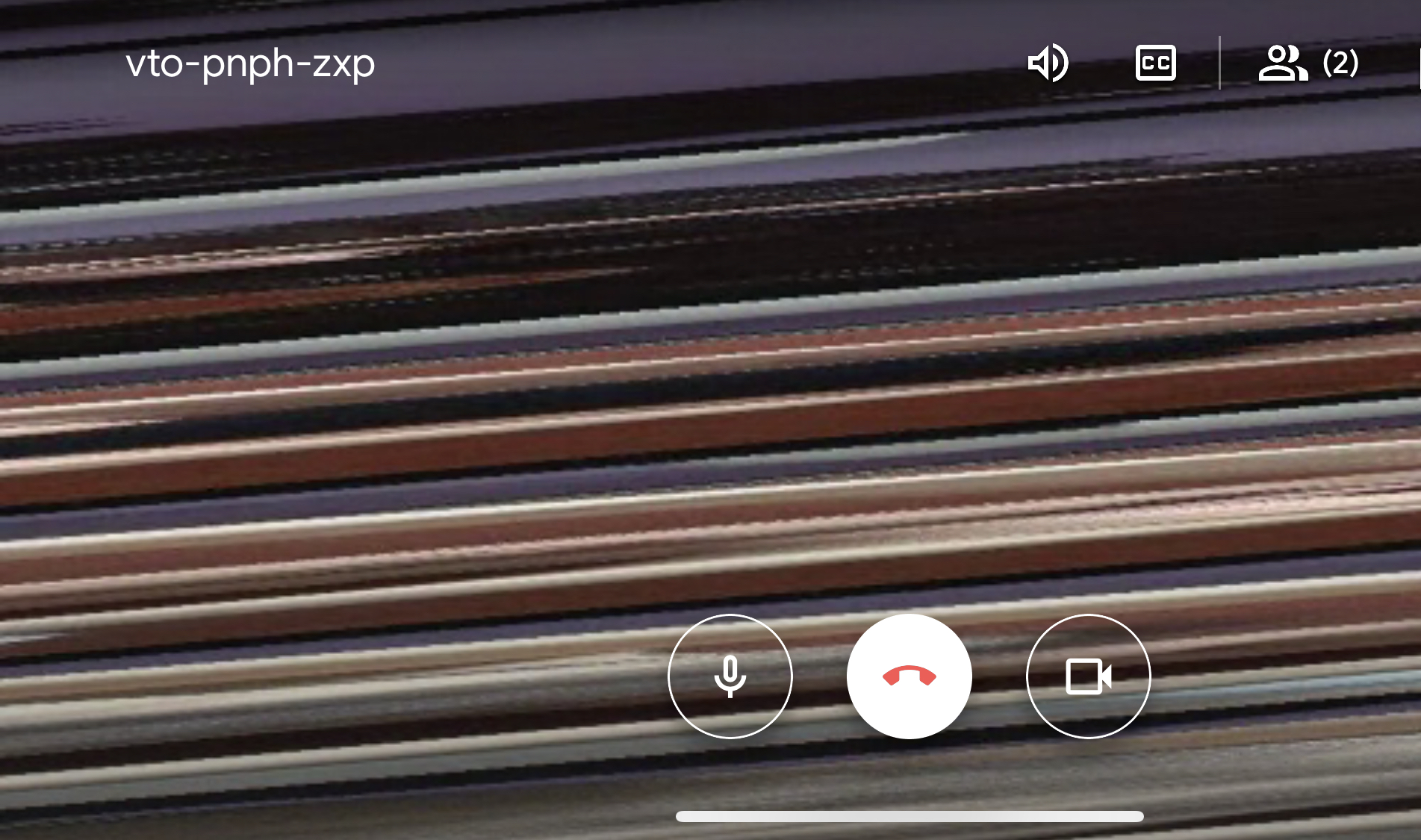
I try with the recent release version 1.1.0 but I getting the same issue on my 2015 MBA. I had a 1.7 GHz Intel Core i7 dual core, memory 8Gb, Intel HD graphics 5000 1536MB
 lebravo
on 18 May 2020
lebravo
on 18 May 2020
@johnboiles Happy customer here now!!! Lol... Yes, I can confirm that now it is up and running pretty smooth (at least as far as two instances in google meet). Yes, it definitively is running without problems... at least from my end! Thanks a lot!
caduqued
on 21 May 2020
@lebravo you're probably using a nonstandard resolution I bet. I'm not sure why, but certain resolutions do that (see #135). I think some rendering systems are sensitive to resolutions that are not multiples of 16 (something about byte alignment or something). Please chime in on #135; I'll be interested to know what resolution you're running.
@caduqued glad to hear it!! Going to close this issue!
johnboiles
on 21 May 2020
Related issues
 Dyphen
·
5Comments
Dyphen
·
5Comments
 technovangelist
·
4Comments
technovangelist
·
4Comments
 jdgwf
·
13Comments
jdgwf
·
13Comments
 harrisrobin
·
9Comments
gxalpha
·
3Comments
harrisrobin
·
9Comments
gxalpha
·
3Comments
Most helpful comment
Hi, what type of computer do you have (Specifications as exact as possible)?
It might not have the power to pull this off.