Obs-mac-virtualcam: Glitchy Output on Chrome (High Sierra)
Hey there,
great Plugin- which i would love to incorporate into my teaching job.
i run into a glitchy output on chrome's webcam picture  and no output with photobooth or firefox. I am using High Sierra 10.13.6.
Do you have any hints what i could try to fix this issue?
 alexandr-
All 14 comments
Hey, what output resolution have you set? Try 720x1280 for both _base_ as well as _scaled_ output if it is something else
 gxalpha
on 11 Apr 2020
gxalpha
on 11 Apr 2020
Also, it appears to not work with photo booth. You can try to create a new "movie" in QuickTime to validate the output
gxalpha
on 11 Apr 2020
Hey,
thanks for the super fast reply!
I double checked the resolutions and it is set to 1280x720 for both outputs - the issue persists:
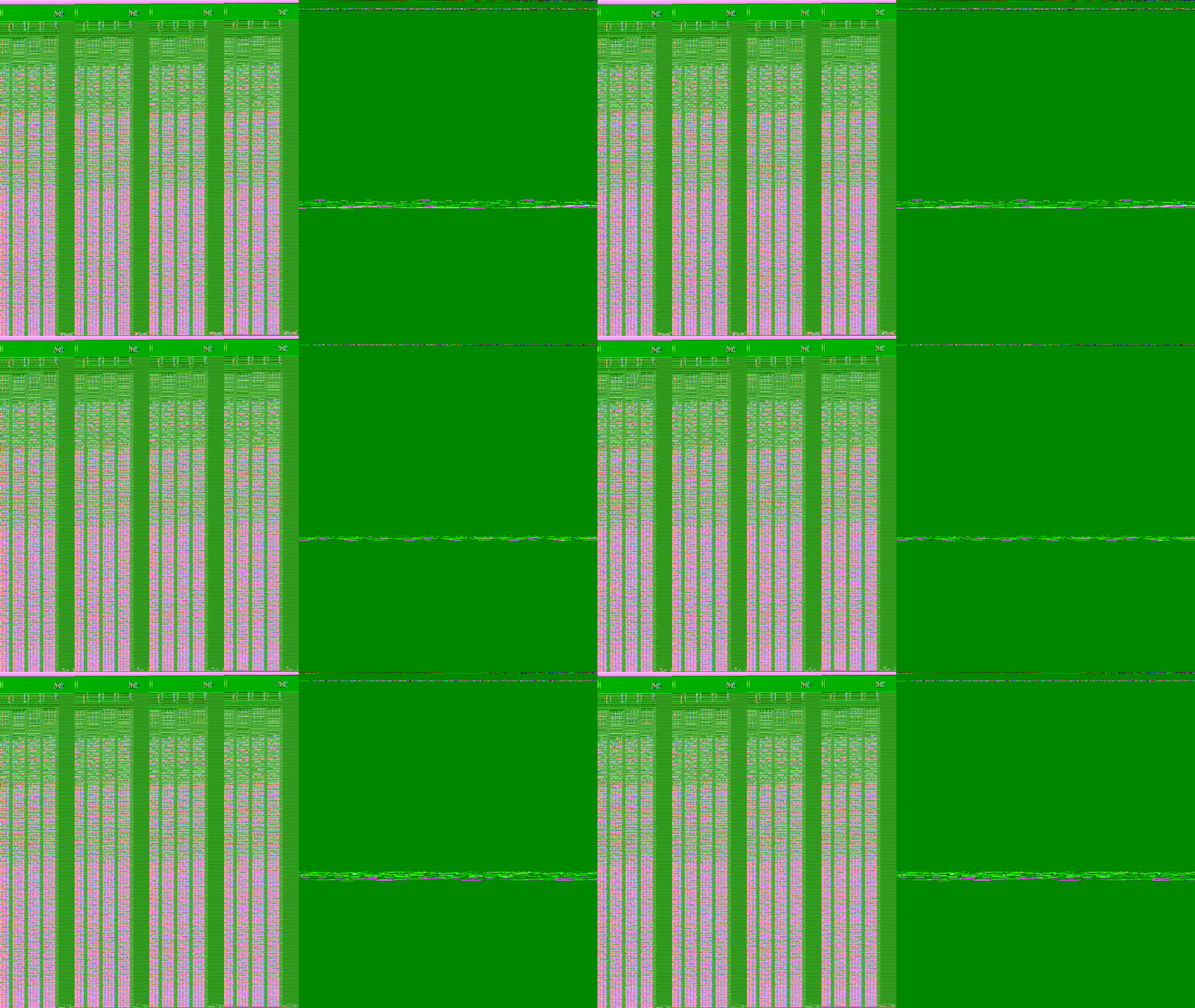
And i have to add - i went into my /usr/local/opt/ffmpeg/lib/
and matched the libversions via "ln -s" to make obs work ... do you think that might be the related?
alexandr-
on 11 Apr 2020
It could be, I can't really tell. I'm just wondering cause I've seen this issue before when I messed with the resolutions in the code.
I'd try to first clean build it just with the instructions from john.
If the error persists, you might want to try my fork, I tweaked the resolution stuff a bit. To do this, simply do the same clean build but replace git clone https://github.com/johnboiles/obs-mac-virtualcam.git with git clone https://github.com/gxalpha/obs-mac-virtualcam.git. You can check https://github.com/johnboiles/obs-mac-virtualcam/pull/11#issuecomment-60940634 for what should happen
gxalpha
on 11 Apr 2020
This looks like a pixel format issue to me! @gxalpha's code would be worth a shot. You might also consider trying different pixel formats here in the code.
 johnboiles
on 11 Apr 2020
johnboiles
on 11 Apr 2020
Issue was resolved with gxalpha's fork.
Thank you guys so much!
alexandr-
on 12 Apr 2020
Short update on the accessibility via browsers:
Chrome/Firefox recognize the obs virtualcam only when it is already running at it's start.
Could a registered stand-in like snap camera uses be a solution?
Also Firefox still can't access the camera - it seems it cant access the videostream properly
(Both issues are negligible)
alexandr-
on 21 Apr 2020
Chrome/Firefox recognize the obs virtualcam only when it is already running at it's start.
This is the case with every app and already known, see Known issues in readme
Could a registered stand-in like snap camera uses be a solution?
We (mainly john tho) are working on it, yes.
See https://github.com/johnboiles/obs-mac-virtualcam/issues/15#issuecomment-611096828 and https://github.com/johnboiles/obs-mac-virtualcam/issues/22
Also Firefox still can't access the camera - it seems it cant access the videostream properly
Could you specify whats happening?
gxalpha
on 21 Apr 2020
Sure!
The OBS Virtual Camera shows up in the device list, and while other cameras provide a preview it stays in the background's color, if i select it, the picture goes black and "OBS Virtual Camera" becomes "preview unavailable" after a short time.
The webrtc software which i am testing with (jit.si) ouputs into the console:
[modules/RTC/RTCUtils.js] <_newGetUserMediaWithConstraints/
Can you give me some pointers how to allocate the error (or the error messages) better?
alexandr-
on 21 Apr 2020
@alexandr- would you be able to test again with the latest version of master? All of the plugin code has changed and so it's possible it will magically fix your issue.
johnboiles
on 11 May 2020
sure! i am sorry to tell you that i now have issues compiling the current version... can you give me pointers how to tackle this?
[ 84%] Building CXX object src/obs-plugin/CMakeFiles/obs-plugin.dir/plugin-main.mm.o
/Users/alex/Desktop/obs-mac-virtualcam/src/dal-plugin/ObjectStore.mm:89:14: error: use of undeclared identifier
      'kCMIODevicePropertyDeviceHasStreamingError'; did you mean 'kCMIODevicePropertyDeviceHasChanged'?
        case kCMIODevicePropertyDeviceHasStreamingError:
             ^~~~~~~~~~~~~~~~~~~~~~~~~~~~~~~~~~~~~~~~~~
             kCMIODevicePropertyDeviceHasChanged
/System/Library/Frameworks/CoreMediaIO.framework/Headers/CMIOHardwareDevice.h:475:5: note: 'kCMIODevicePropertyDeviceHasChanged' declared here
    kCMIODevicePropertyDeviceHasChanged                     = 'diff',
    ^
/Users/alex/Desktop/obs-mac-virtualcam/src/dal-plugin/ObjectStore.mm:89:14: error: duplicate case value 'kCMIODevicePropertyDeviceHasChanged'
        case kCMIODevicePropertyDeviceHasStreamingError:
             ^
/Users/alex/Desktop/obs-mac-virtualcam/src/dal-plugin/ObjectStore.mm:41:14: note: previous case defined here
        case kCMIODevicePropertyDeviceHasChanged:
             ^
2 errors generated.
make[2]: *** [src/dal-plugin/CMakeFiles/dal-plugin.dir/ObjectStore.mm.o] Error 1
Hey @alexandr- ,
could you try these steps and check if it works then?
gxalpha
on 12 May 2020
crashes on startup:
Termination Reason:    DYLD, [0x4] Symbol missing

Dyld Error Message:
  Symbol not found: _objc_alloc_init
  Referenced from: /Library/Application Support/obs-studio/*/obs-mac-virtualcam.so (which was built for Mac OS X 10.15)
  Expected in: /usr/lib/libobjc.A.dylib
i am using 10.13 so that might be the reason...
alexandr-
on 12 May 2020
Yah probably that's it. If you want to help add support for older macOS I'd love the contribution. But I probably don't have time to support older versions of macOS.
johnboiles
on 12 May 2020
Related issues
 TheLocehiliosan
·
9Comments
TheLocehiliosan
·
9Comments
 teacherguy2020
·
10Comments
teacherguy2020
·
10Comments
 czhowl
·
11Comments
czhowl
·
11Comments
 clemkn
·
12Comments
clemkn
·
12Comments
 harrisrobin
·
9Comments
harrisrobin
·
9Comments