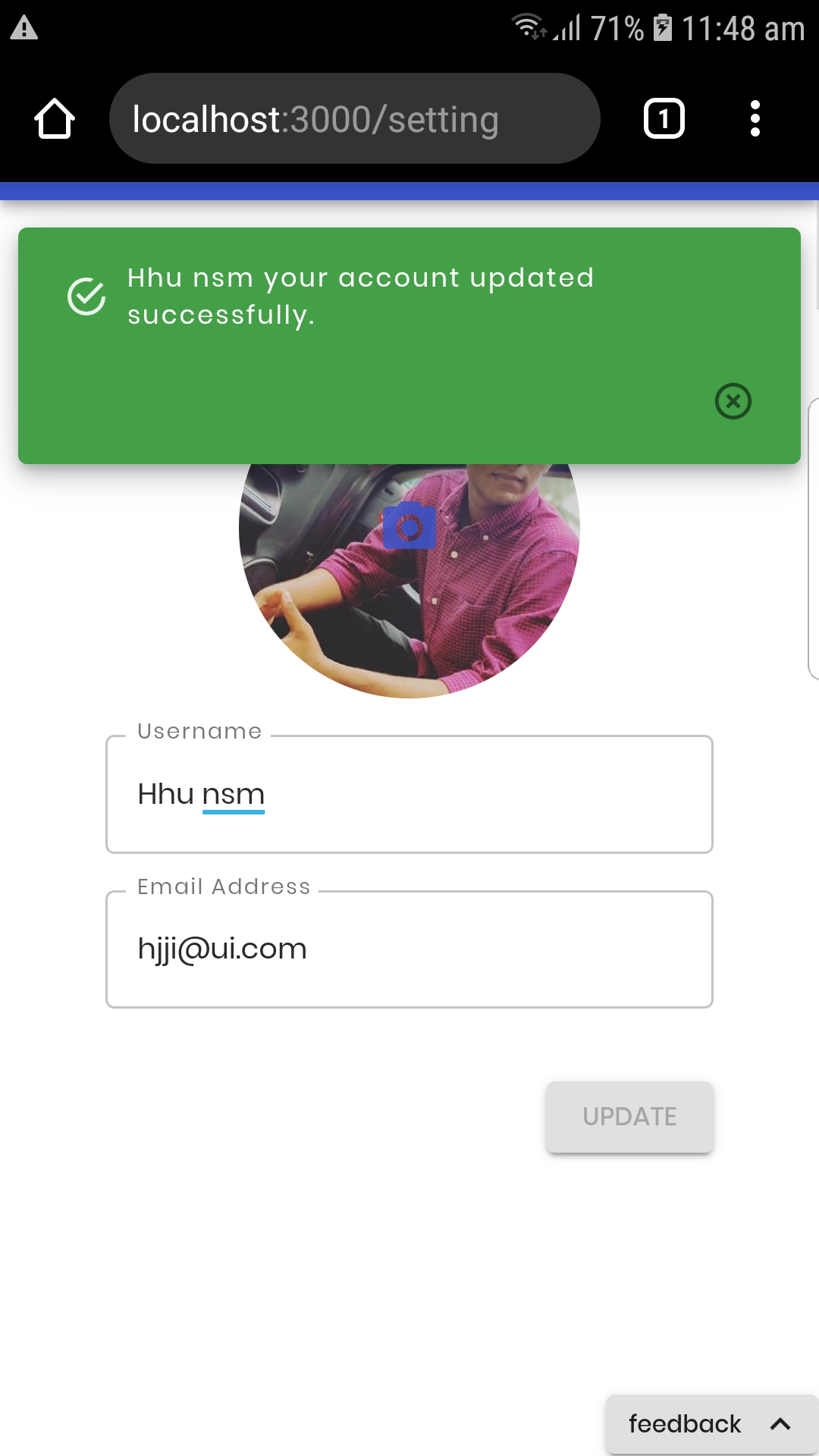
Notistack: Snack is huge on mobile devices.
 usama-asfar
All 3 comments
That's due to the button you've added as it's overflowing to a new line with some margins.
 davwheat
on 30 Jan 2020
davwheat
on 30 Jan 2020
I have the same issue - couldn't find a simple way to fix it.
Seems like this is going to be a reoccurring problem for the library, since material ui's snackbar by default has that button, while notistack removes it and requires the user to reinsert it.
That's due to the button you've added as it's overflowing to a new line with some margins.
It is overflowing but the styling should take care of to center the '.MuiSnackbarContent-action' regardless of the length of the text.
 m3h0w
on 13 Feb 2020
m3h0w
on 13 Feb 2020
This is expected. Button will be on a new line as you can see on mat ui docs:
https://material-ui.com/components/snackbars/#message-length
But I agree in looks weird IF you're using an IconButton instead of Button.
 iamhosseindhv
on 9 May 2020
iamhosseindhv
on 9 May 2020
Related issues
 fdemello
·
8Comments
fdemello
·
8Comments
 khanhdinovative
·
3Comments
khanhdinovative
·
3Comments
 kubalobo
·
5Comments
kubalobo
·
5Comments
 Mel0nHead
·
5Comments
Mel0nHead
·
5Comments
 njetsy
·
6Comments
njetsy
·
6Comments
Most helpful comment
That's due to the button you've added as it's overflowing to a new line with some margins.