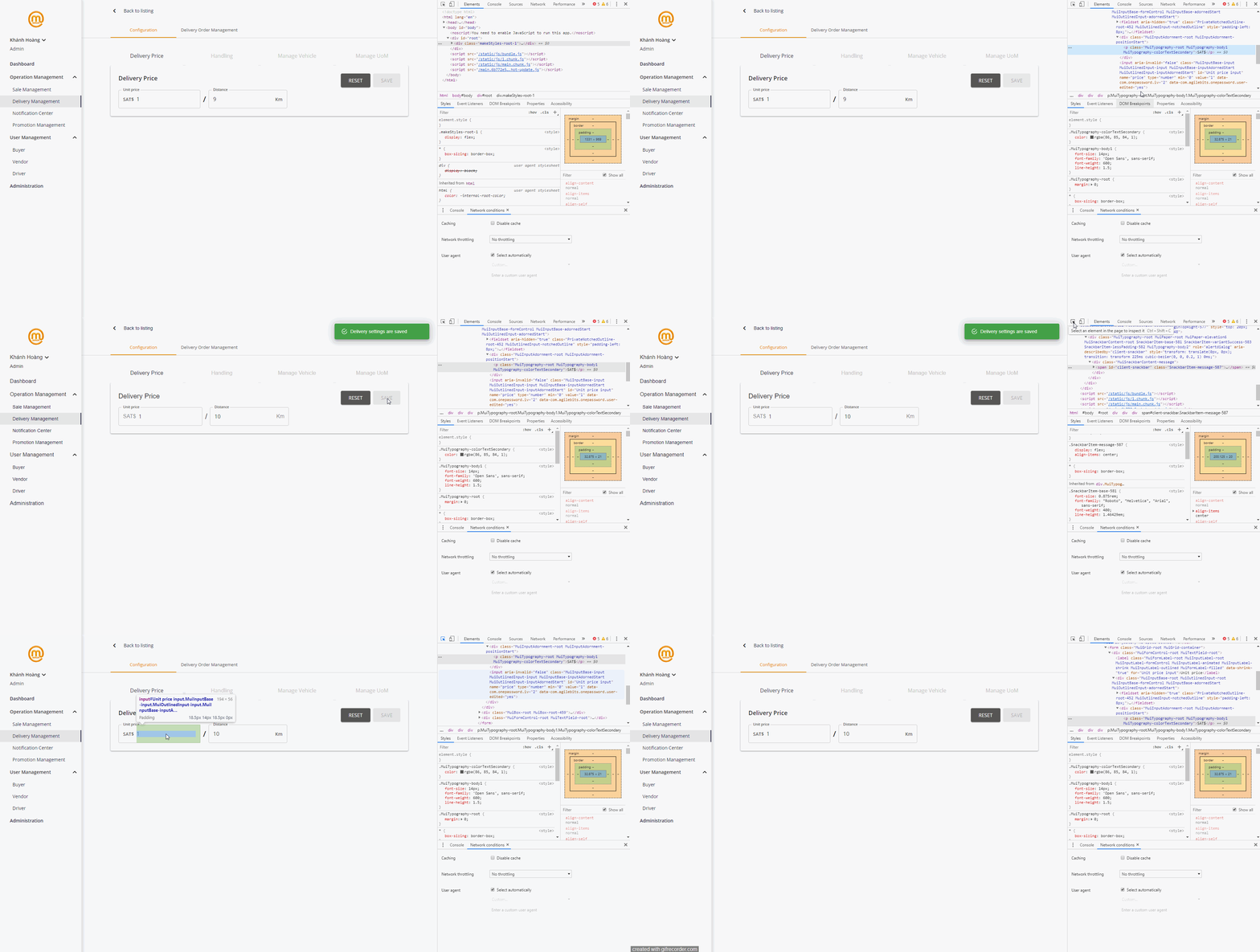
notistack overrides the app's font
Expected Behavior
notistack should not override the web fonts
Current Behavior
It overrides the font whenever it appears on the screen
Steps to Reproduce
Just use material-ui with the custom font, unlike default Roboto
Your Environment
I use CRA
| Tech | Version |
|--------------|---------|
| Notistack | v0.8.6 |
| React | v16.8.6 |
| Browser | Chrome |
|@material-ui/core |v4.1.1 |
|@material-ui/icons |v4.2.0 |
|@material-ui/pickers |v3.1.1 |
|@material-ui/styles |v4.1.1 |
 khanhdinovative
All 3 comments
I think I had that problem recently: Make sure to have the SnackbarProvider inside the MutiThemeProvider.
 DASPRiD
on 23 Jun 2019
DASPRiD
on 23 Jun 2019
Thanks @DASPRiD
Please confirm if the solution above solves your issue, otherwise please provide a sandbox reproduction.
Thanks.
 iamhosseindhv
on 26 Jun 2019
iamhosseindhv
on 26 Jun 2019
Hello,
I have the same issue. It is reproducible using Mui 4.1.3 using a custom font for typography and notistack 0.8.8.
Moving SnackbarProvider inside the MutiThemeProvider didn't solve the issue for me.
 vbourgeois
on 2 Jul 2019
vbourgeois
on 2 Jul 2019
Related issues
 seannguyn
·
4Comments
seannguyn
·
4Comments
 Gareon
·
3Comments
Gareon
·
3Comments
 ksavery
·
3Comments
ksavery
·
3Comments
 james-cordeiro
·
6Comments
james-cordeiro
·
6Comments
 nebojsanb
·
3Comments
nebojsanb
·
3Comments
Most helpful comment
I think I had that problem recently: Make sure to have the SnackbarProvider inside the MutiThemeProvider.