Notepads: Record window position and restore previous window position[Feature request]
Can you add features to record the window position and restore the previous window position ?
 lymansix
All 13 comments
Doesn't it already do this?
 yaichenbaum
on 11 Aug 2019
yaichenbaum
on 11 Aug 2019
This should be enabled by default and I did not touch this part, can you try again? Maybe a windows glitch.
 JasonStein
on 12 Aug 2019
JasonStein
on 12 Aug 2019
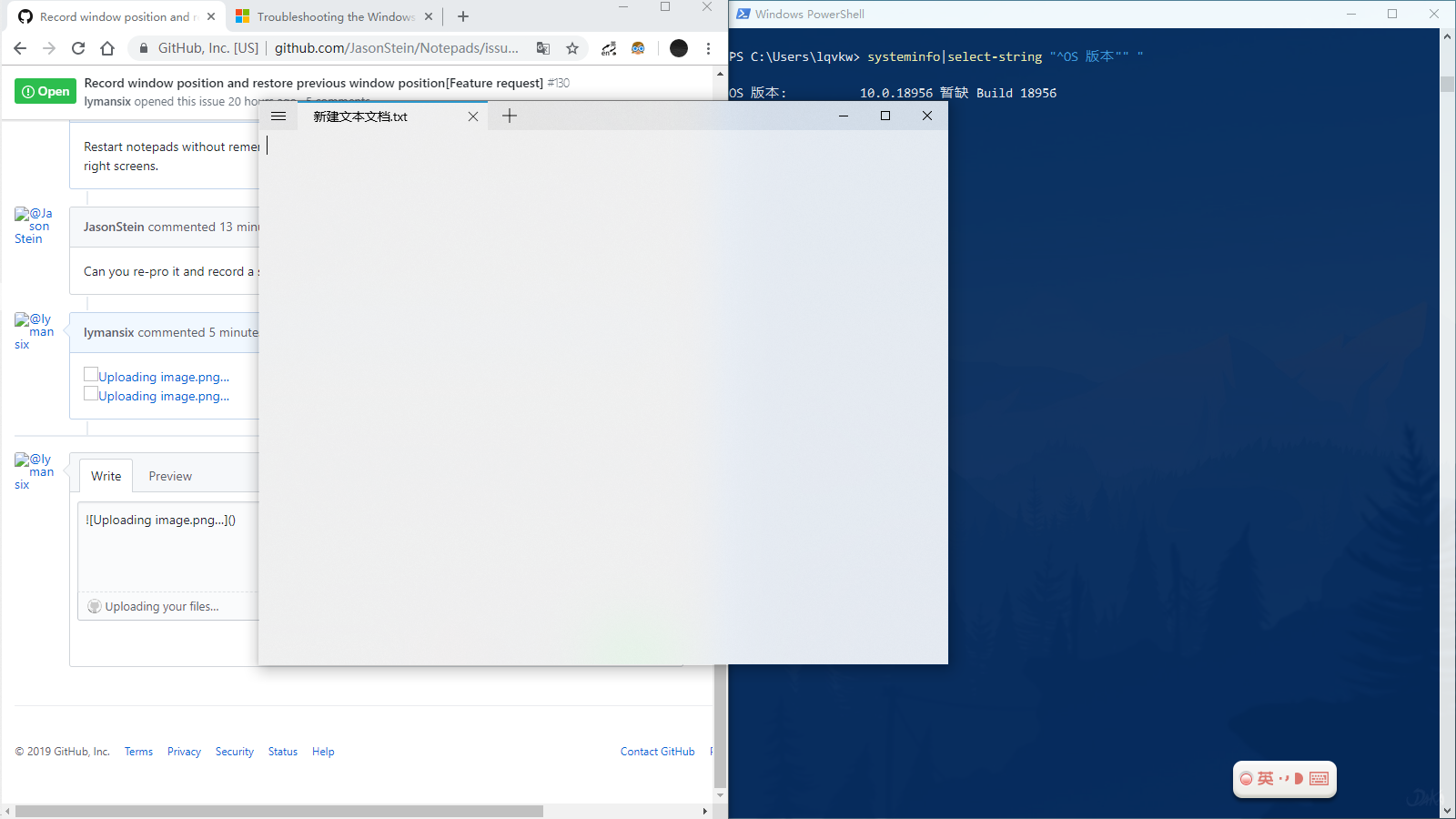
Restart notepads without remembering the location and size of the window after splitting the left and right screens.
lymansix
on 12 Aug 2019
Can you re-pro it and record a short video if possible? Or screenshots?
JasonStein
on 12 Aug 2019
Close notepads after the left split screen and reopen the location of the last window that could not be recorded.

lymansix
on 12 Aug 2019
This is "default" behavior for all UWP apps. Split view is a special scenario/use case .
JasonStein
on 12 Aug 2019
Okay, I see. Thank you for your answer.
By the way, is there any other way to do it?
lymansix
on 12 Aug 2019
You mean to remember last window position for split view? No I do not think so.
JasonStein
on 12 Aug 2019
Just installed your (nice) app, and stumbled upon this "feature" behaviour.
Had to uninstall again, because if an app does not start pixel-perfect how I exited it last time, it is rather unusable to me 😢
 UweKeim
on 14 Mar 2020
UweKeim
on 14 Mar 2020
@UweKeim This is true not only for Notepads but also for all other UWP apps including Windows 10 Email app, Calculator and even the Settings app. There is nothing I can do about it.
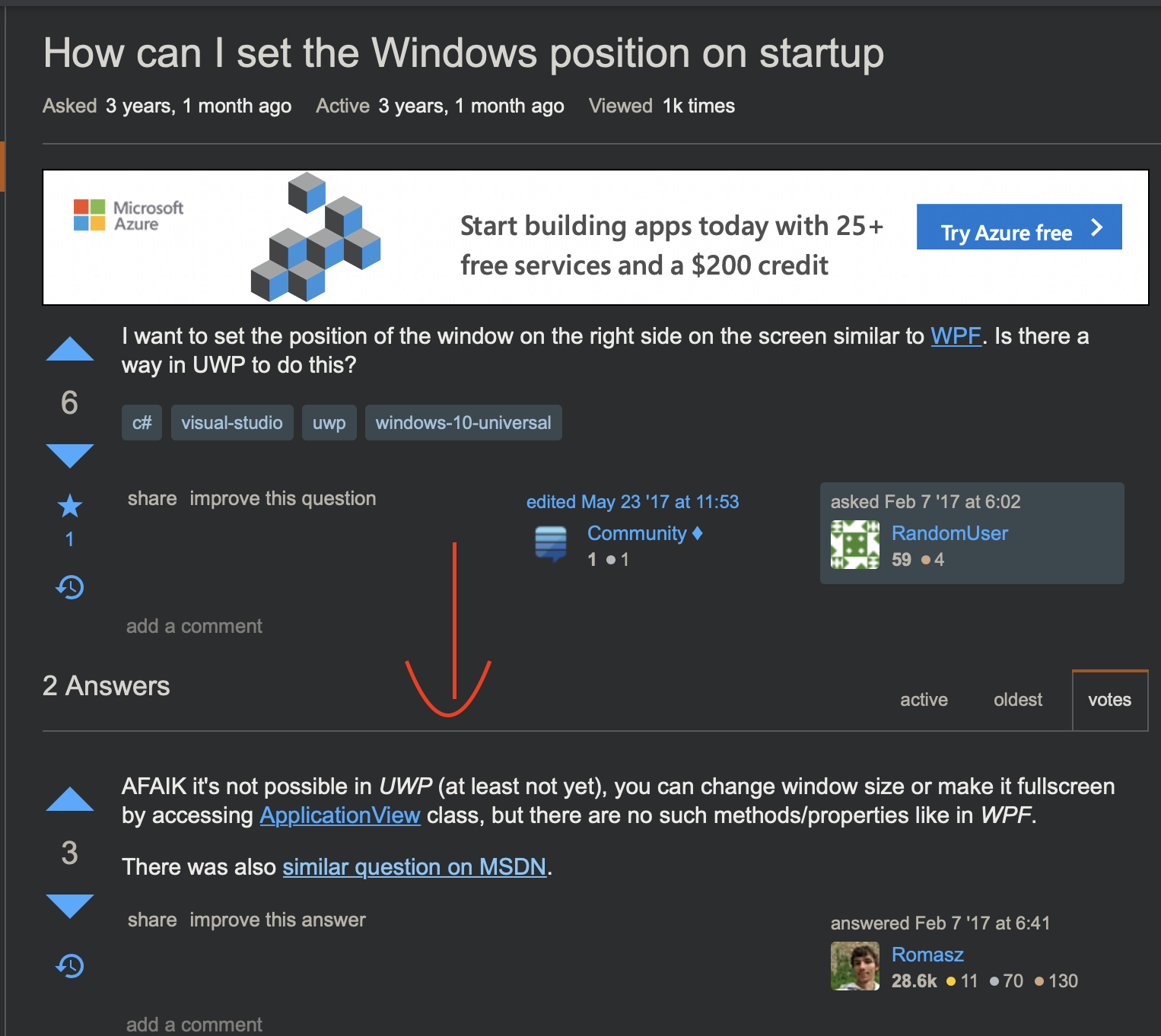
UWP apps have no control of its own window and runs inside a sandbox. Only win32 apps can have full access to its window location as well as for multi-monitor scenario. UWP on the other hand knows nothing about host environment regarding to window.
JasonStein
on 14 Mar 2020
I tested Notepads and it definitely opens up with the same size and in the same location it was before closing.
yaichenbaum
on 15 Mar 2020
Thanks for your feedback.
UweKeim
on 15 Mar 2020
I tested Notepads and it definitely opens up with the same size and in the same location it was before closing.
Yes, that's true but not for the case that @lymansix shared. (Split screen scenario)
JasonStein
on 15 Mar 2020
Related issues
 IslandRhythms
·
6Comments
IslandRhythms
·
6Comments
 frousselet
·
3Comments
frousselet
·
3Comments
 pnp0a03
·
6Comments
pnp0a03
·
6Comments
 ItzNeviKat
·
4Comments
ItzNeviKat
·
4Comments
 AHBICJ
·
5Comments
AHBICJ
·
5Comments