Notepads: [Feature Request]: Add option to enable line numbers on the left margin
 8times9
All 10 comments
I do agree that this feature is useful even for plain text editor. However, it is not easy to do with my current approach (implementation related). I will revisit this later. What I can do next is to provide "Go to line" feature, but not line number in the near future.
 JasonStein
on 5 Jul 2019
JasonStein
on 5 Jul 2019
Adding line number to the RichEditBox is a problem, it seems can not set a fixed line height, but you can use TextRange.GetPoint() to get the position of a line.
This is my old editor, and it also uses RichEditBox,
it supports line number && code highlight
https://github.com/Duronsoft/Just_Editor_UWP_Old
You can also check this new one, it uses my custom input controls
https://github.com/Duronsoft/Just_Editor_UWP
 Duronsoft
on 17 Dec 2019
Duronsoft
on 17 Dec 2019
@Duronsoft thx for the tip, I was trying the similar way but ends up with misaligned line number and line content. It starts to getting off a little bit after few thousand lines so I completely gave up.
JasonStein
on 17 Dec 2019
@JasonStein
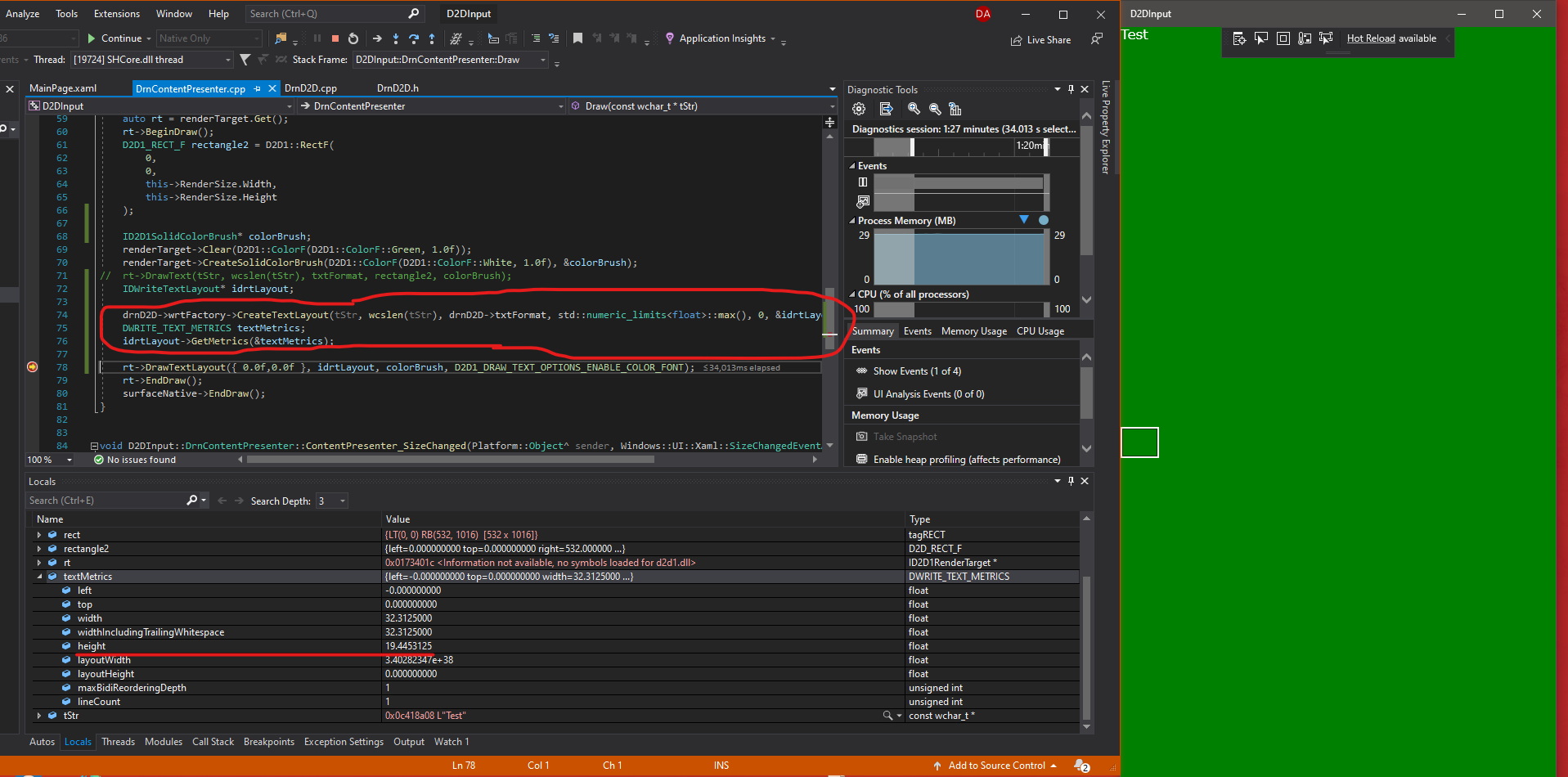
I found a new solution to get line height, it needs Direct2D API, I guess win2d also provides something similar, maybe you could try that.
Duronsoft
on 30 Dec 2019
Any news? line numbers would be awesome
 beerisgood
on 7 Feb 2020
beerisgood
on 7 Feb 2020
@beerisgood I guess the best solution is to create a custom control, it means a lot of changes to this app, but it could get better performance.
Duronsoft
on 7 Feb 2020
同志,有关于行号显示的进展如何?
 abersheeran
on 28 Apr 2020
abersheeran
on 28 Apr 2020
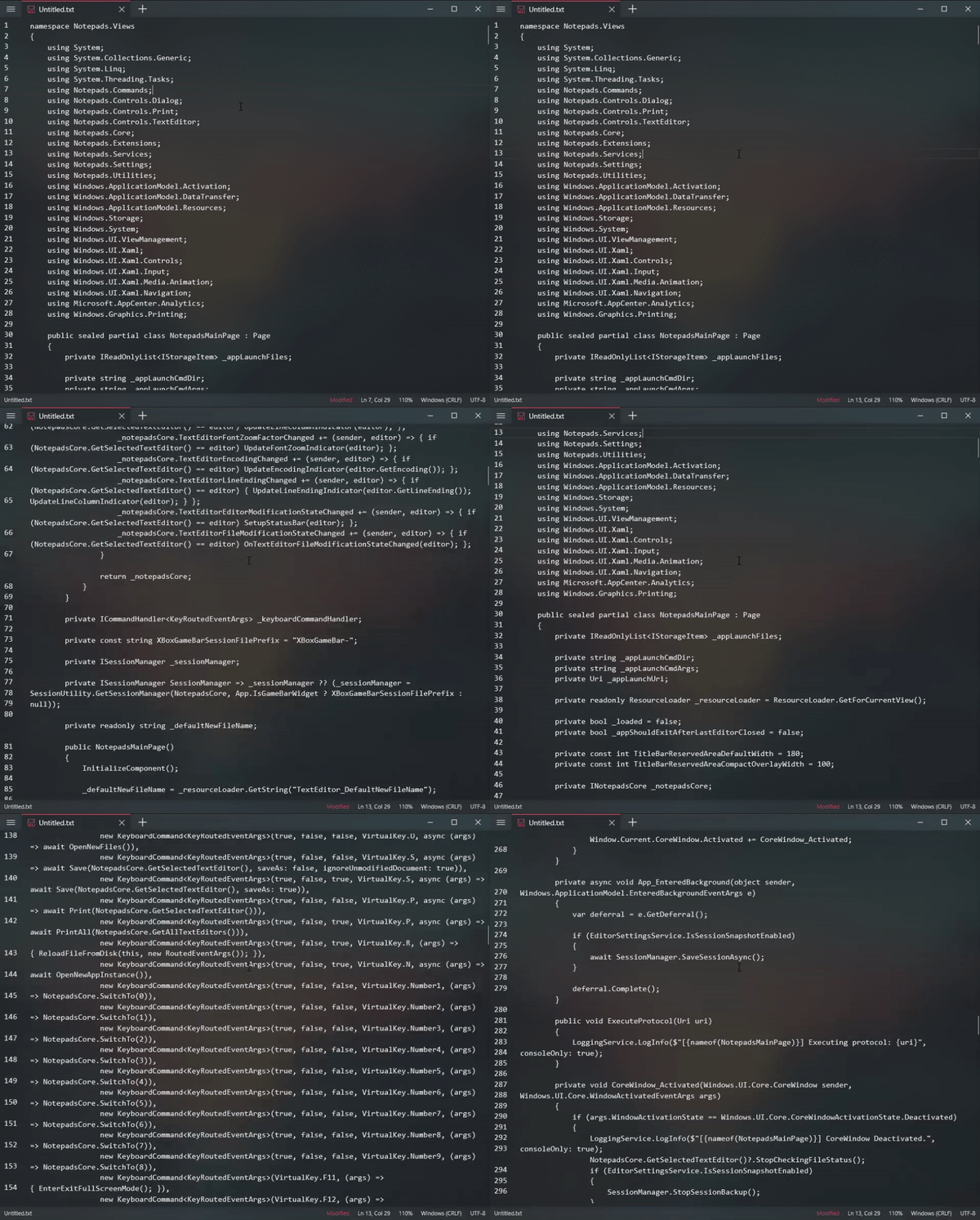
同志,有关于行号显示的进展如何?
JasonStein
on 29 Apr 2020
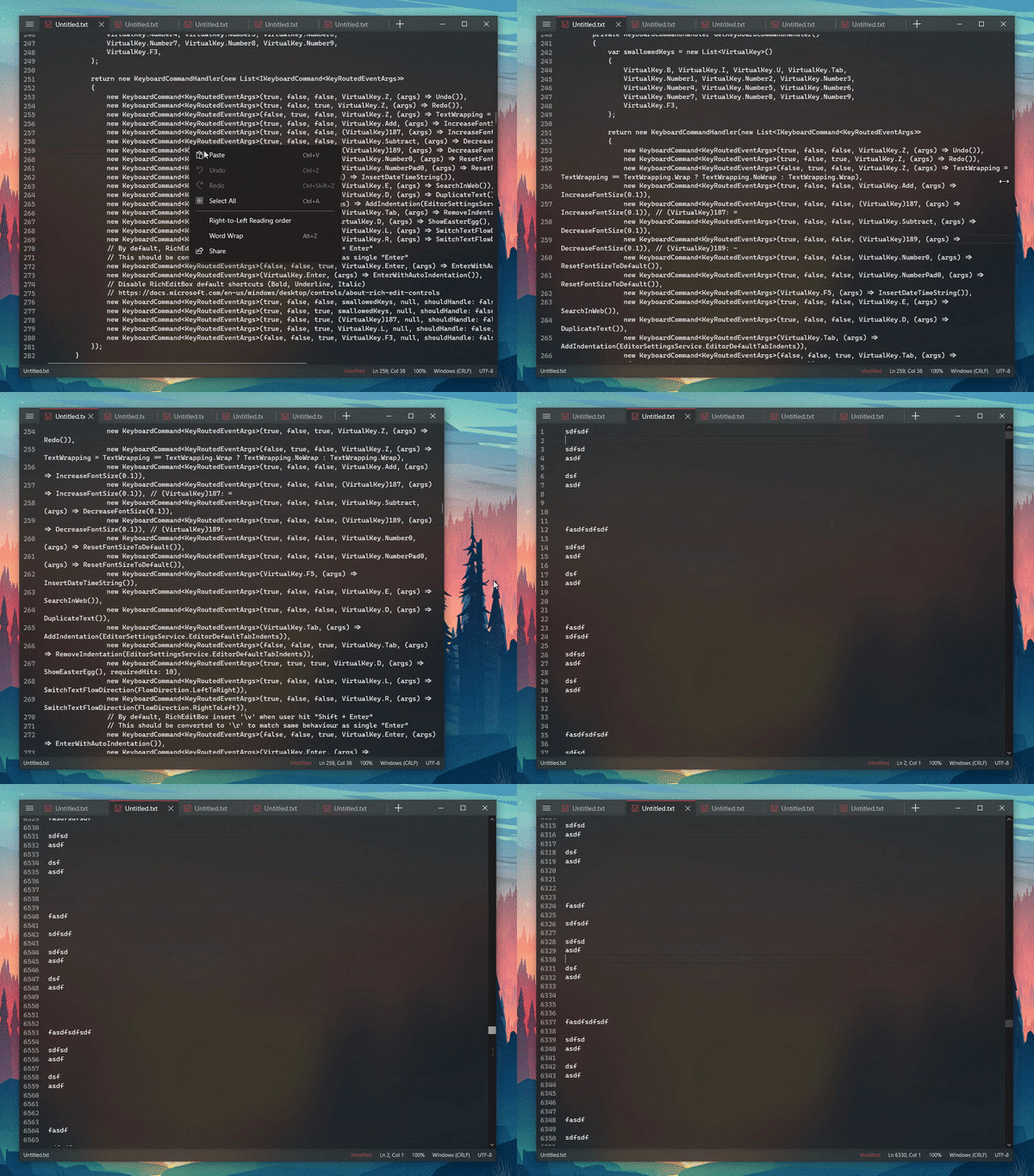
WIP:
JasonStein
on 1 May 2020
This feature has been implemented in Notepads v1.3.0.0.
Closing this thread for now.
JasonStein
on 5 May 2020
Related issues
 Jnss98b
·
3Comments
Jnss98b
·
3Comments
 MC-Guan
·
4Comments
MC-Guan
·
4Comments
 MarcAnt01
·
6Comments
MarcAnt01
·
6Comments
 pnp0a03
·
3Comments
pnp0a03
·
3Comments
 kompjoefriek
·
4Comments
kompjoefriek
·
4Comments
Most helpful comment
WIP:
