Notebook: Adjusting width of attached image in markdown cell
I love the "attach image" functionality from PR #621. However, currently I need to manually adjust the size of the image before I attach it to get a proper rendering (appropriate width). If I want to change the size of the image, I need to remove the attachment, resize the image file with an editor and upload it again.
Is it possible to have some kind of way to specify the width (and/or height) of an attached image in a markdown cell?
 hakostra
All 11 comments
We should be sizing images to a reasonable default size in markdown cells. If this isn't working for images you attach, then this is a bug.
 ellisonbg
on 23 Dec 2016
ellisonbg
on 23 Dec 2016
If you a screenshot on Mac and paste it into a Markdown cell, it will show up twice as big as it should be in the output. What is the best way to deal with this?
 gandalfsaxe
on 19 Nov 2017
gandalfsaxe
on 19 Nov 2017
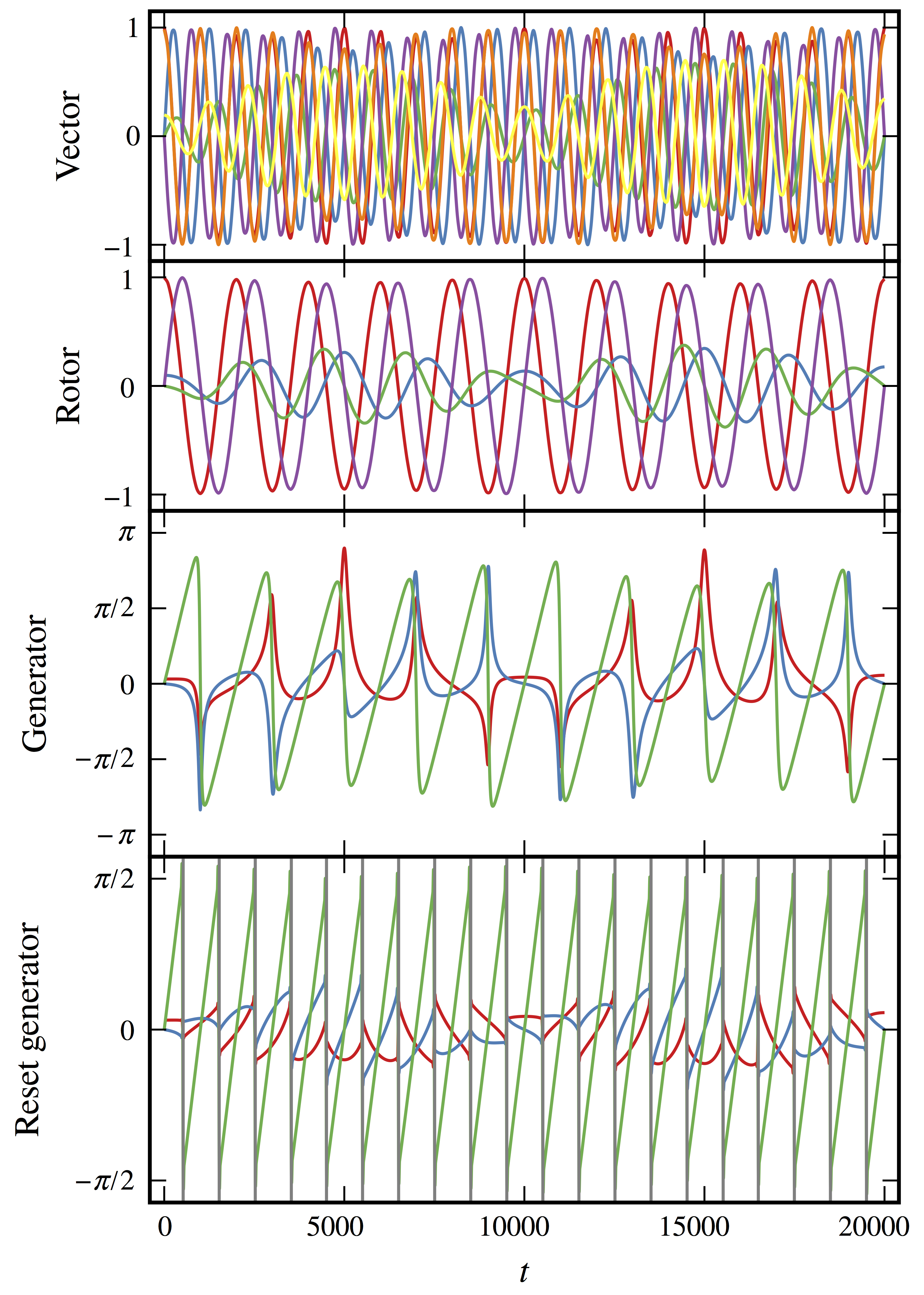
I would argue that allowing user control is better in any case, but if you insist on imposing "reasonable" default sizes I've got an example that I'm unhappy with. I need to include a plot from a (PDF) paper. To be able to see the necessary details in the plot, I need a pretty high resolution. I've tried every combination of parameters I can think of with gimp, imagemagick, and dumb old Mac Preview, and every single time when I attach the image in a notebook it either fills the width of my cells (and is thus so tall that I can't see the whole thing at once) or is so jaggy as to be completely useless. I would much prefer to be able to attach this image, rather than shipping it alongside the notebook.
 moble
on 30 Nov 2017
moble
on 30 Nov 2017
For anyone else coming across this issue, user control of attached image sizing is possible via either wrapping in a div, or directly referring to the attachment using an img tag, e.g.
<div style="width: 200px;"></div>
<img src="attachment:foo.svg" width="200">
It would be nice if this was documented somewhere.
 simonbyrne
on 16 Feb 2018
simonbyrne
on 16 Feb 2018
Actually, _any_ documentation for attachments would be greatly appreciated. The only mention I could find was in the changelog:
Markdown cells now support attachments. Simply drag and drop an image from your desktop to a markdown cell to add it. Unlike relative links that you enter manually, attachments are embedded in the notebook itself. An unreferenced attachment will be automatically scrubbed from the notebook on save (PR #621).
Could someone let me know if the img tag counts as a reference here?
simonbyrne
on 16 Feb 2018
I always reference attached images using an img tag when I want to set height and width, so I can confirm that the images won't be removed when the notebook is saved using this approach. Some Markdown flavors have direct (i.e. non-HTML) ways of doing this, but I think using the HTML tag works fine.
I don't know if/where attachments are documented, though; I discovered them in GitHub issues.
 neighthan
on 21 Apr 2018
neighthan
on 21 Apr 2018
This is the only method that worked for attachments for me:
<div>
<img src="attachment:Screen%20Shot%202019-08-06%20at%201.48.10%20PM.png" width="500"/>
</div>
 BrittonWinterrose
on 7 Aug 2019
BrittonWinterrose
on 7 Aug 2019
@BrittonWinterrose Yet neither of those methods doesn't work when saving ipynb in html format:
https://github.com/jupyter/nbconvert/issues/1057
The only thing that gets exported correctly is the unmodified , but this one coincidentally doesn't support adjusting size.
 axil
on 22 Oct 2019
axil
on 22 Oct 2019
The suggestion
<div>
<img src="attachment:Screen%20Shot%202020-01-15%20at%2011.38.49%20AM.png" width="500"/>
</div>
does not work in my jupyter 6.0.0 notebook. Like axil above, the only thing that works for me  does not allow size adjustment.
Using a file instead of an attachment in html
<img src="img1" width=600>
does work and allows sizing, but I LOVE the drag and drop attachment functionality. Let me know if I can help make it work.
 chogg
on 15 Jan 2020
chogg
on 15 Jan 2020
@chogg Did you try @simonbyrne's suggestion of setting the width of the div?
moble
on 15 Jan 2020
This is the only method that worked for attachments for me:
<div>
<img src="attachment:Screen%20Shot%202019-08-06%20at%201.48.10%20PM.png" width="500"/>
</div>
it also works for me. I have to copy and paste a file into the jupyter notebook.

Then I revise this line into:
<div>
<img src="attachment:image.png" align="right" width="500"/>
</div>

 chengjun
on 15 May 2020
chengjun
on 15 May 2020
Related issues
 uolter
·
3Comments
uolter
·
3Comments
 harshinielath
·
3Comments
harshinielath
·
3Comments
 Foadsf
·
3Comments
Foadsf
·
3Comments
 qnicole-zakka
·
3Comments
qnicole-zakka
·
3Comments
 mowe96
·
3Comments
mowe96
·
3Comments
Most helpful comment
For anyone else coming across this issue, user control of attached image sizing is possible via either wrapping in a
div, or directly referring to the attachment using animgtag, e.g.It would be nice if this was documented somewhere.