Nixpkgs: LibreOffice: theme is not applied & fonts are broken
Issue description
I am using KDE, but this issue applies to GNOME as well (just tested it).
I haven't used LibreOffice for a while, and today I started it and saw that:
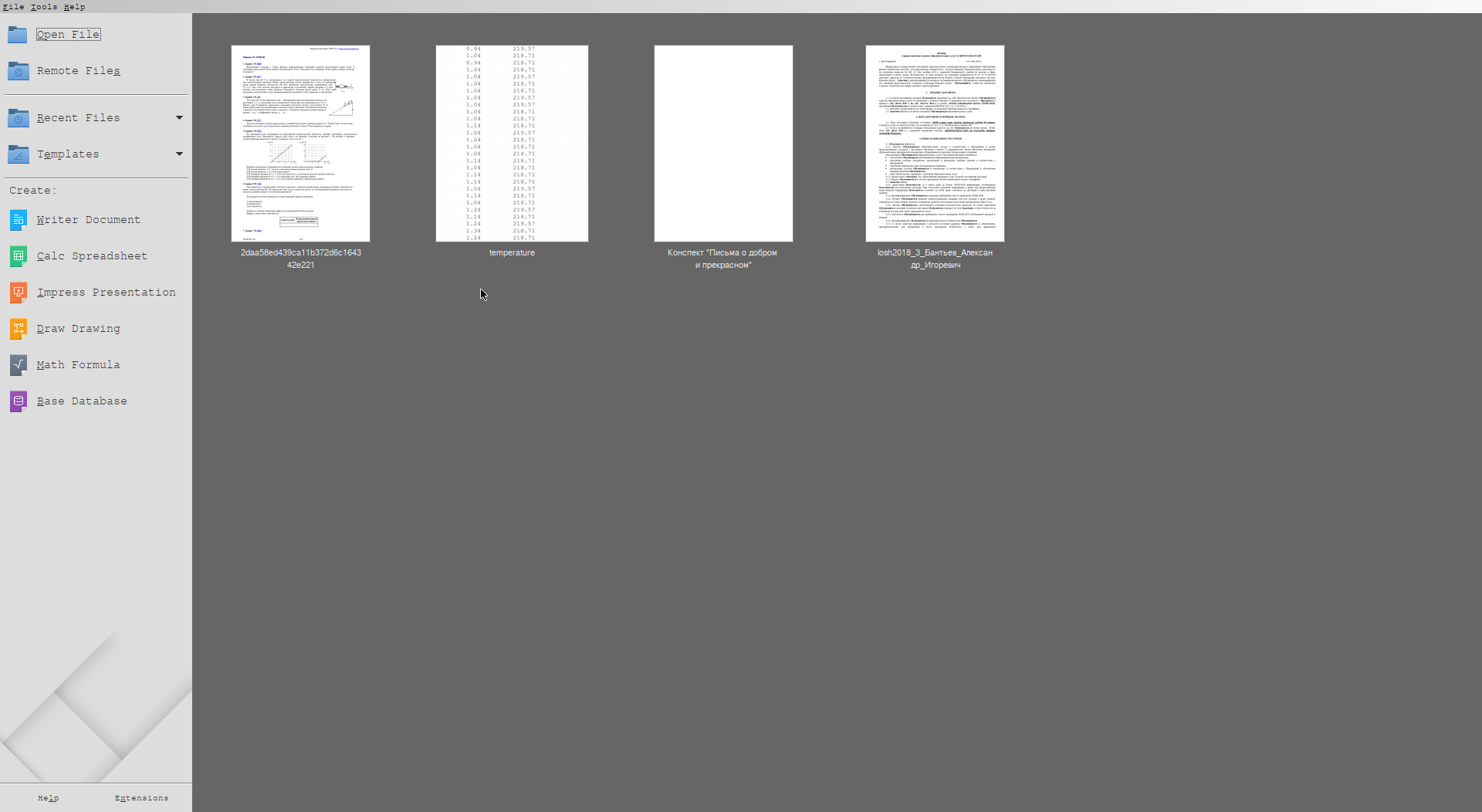
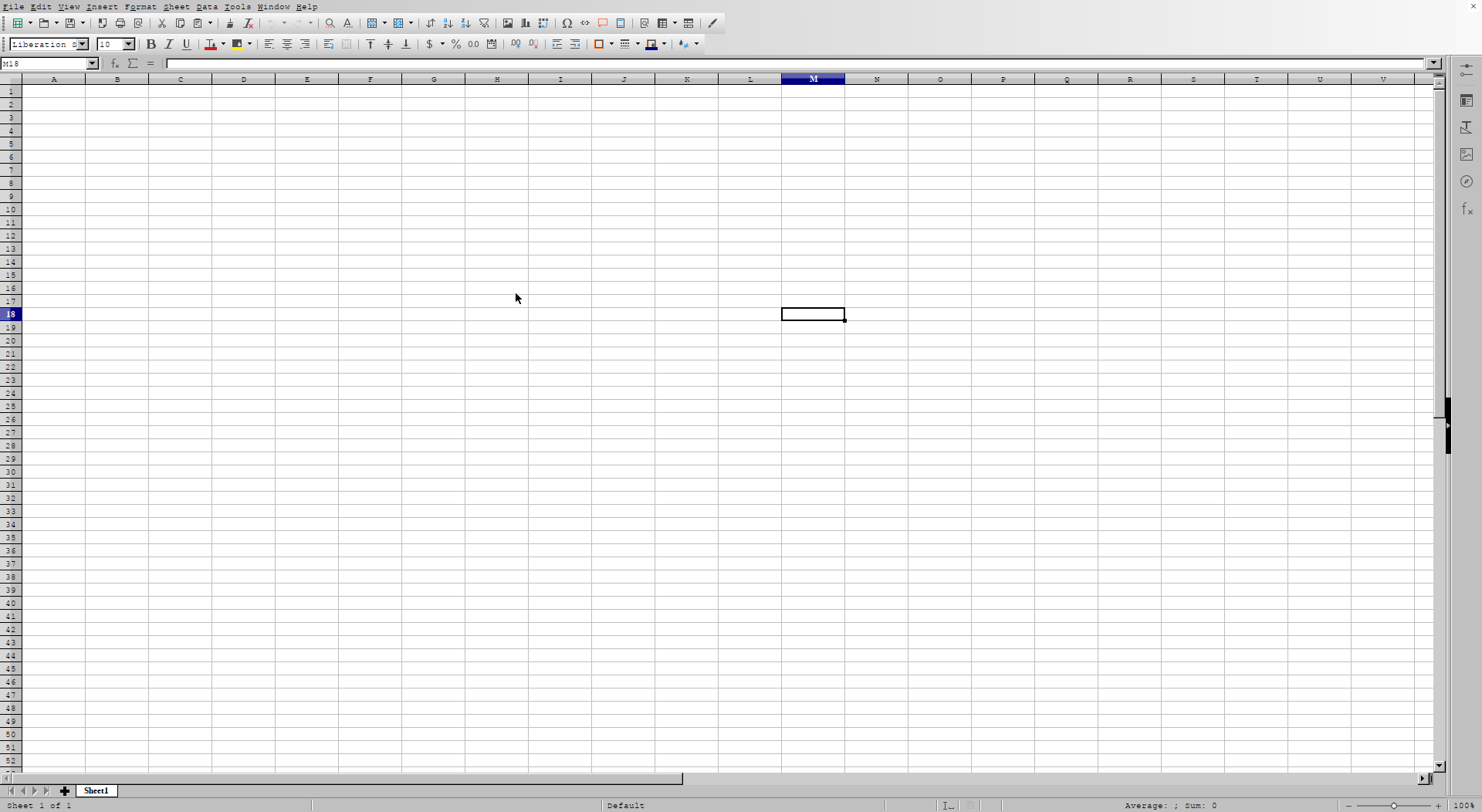
Clearly, libreoffice ignores my QT theme, GTK theme, and font settings.
Previously (a couple of month ago) it was OK, "Breeze" theme from KDE worked, and fonts were applied correctly as well.
Steps to reproduce
nix-shell -p libreoffice --run "libreoffice"
Technical details
- system:
"x86_64-linux" - host os:
Linux 4.17.6, NixOS, 18.03.132865.411cc559c05 (Impala) - multi-user?:
yes - sandbox:
no - version:
nix-env (Nix) 2.0.4 - channels(root):
"nixos-18.03.132865.411cc559c05, nixos-18.03-18.03" - nixpkgs:
/nix/var/nix/profiles/per-user/root/channels/nixos/nixpkgs
 balsoft
All 8 comments
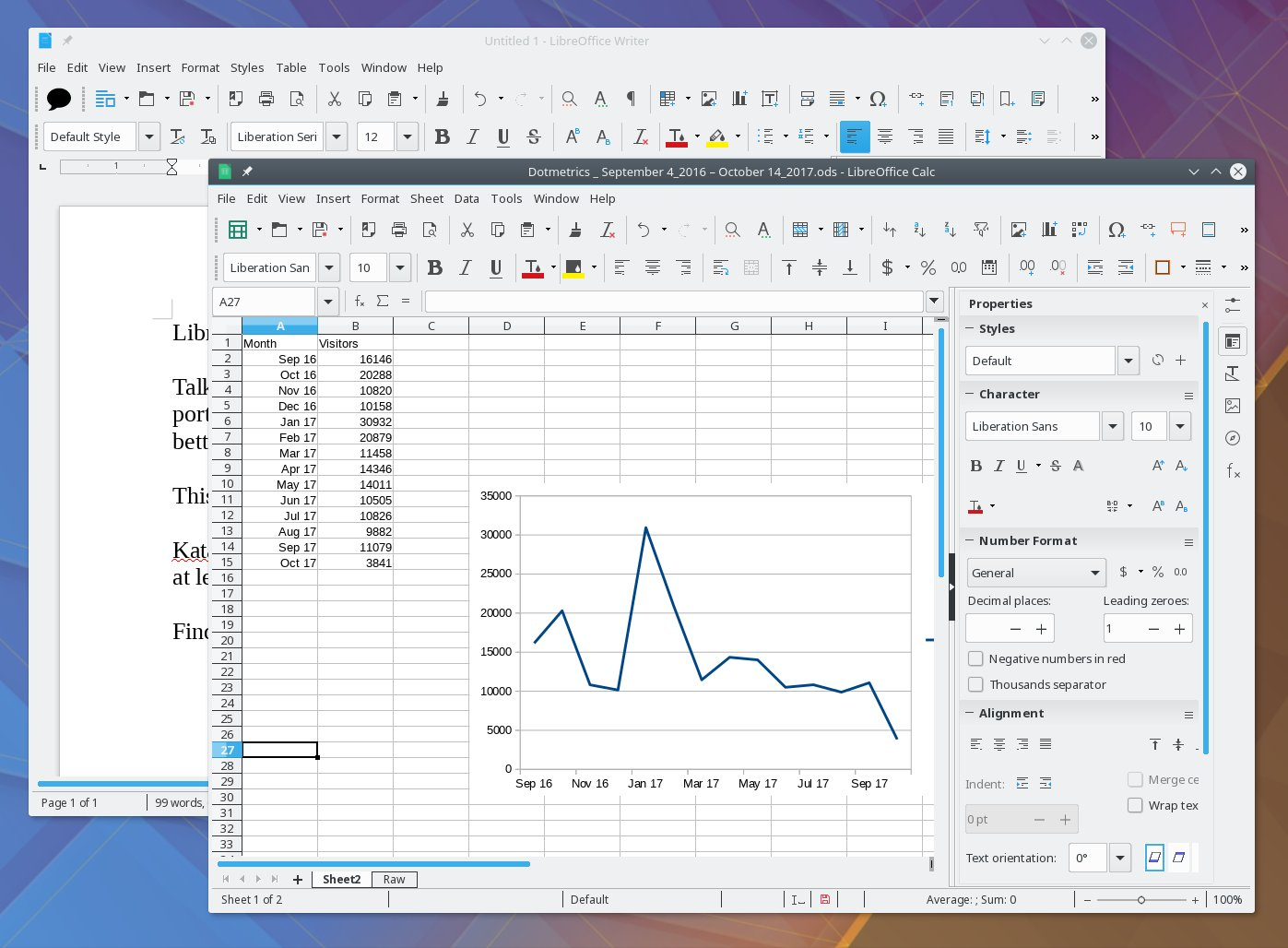
Expected look:
balsoft
on 24 Jul 2018
Same here. LibreOffice always looked like that since I set up the machine with NixOS 17.09 though... On 18.03 the problem persisted.
 va1entin
on 24 Jul 2018
va1entin
on 24 Jul 2018
Well, I switched from 17.03 to 18.03 without 17.09, so maybe that's the issue. I clearly remember it looking good on my machine.
balsoft
on 24 Jul 2018
I have the same problem (clean 18.03 install). Setting SAL_USE_VCLPLUGIN=kde4 as described here fixes it for me (any of gtk/gkt3/kde4 seem to work).
 eigenzeugs
on 24 Jul 2018
eigenzeugs
on 24 Jul 2018
https://github.com/NixOS/nixpkgs/blob/95a819c0026a7a3c0dd2099e1c53fea95430c505/pkgs/applications/office/libreoffice/wrapper.sh#L3 seems to be the issue. Maybe we could add an optional thing (I don't know what they're called; something like nix-shell -p "libreoffice.override{vclPlugin=\"kde4\"}"), because right now the actual value is gen, which stands for "generic".
balsoft
on 24 Jul 2018
Actually, it seems like it's already fixed, the fix just didn't make it to release yet: https://github.com/NixOS/nixpkgs/commit/1f52bfb67cfb0c2ceec862e1aab9f5667c9100ee
cc @7c6f434c : when will this be merged into release?
balsoft
on 24 Jul 2018
Hm, I never think in terms of stable branches… Well, I doubt I will get around to it before a couple of weeks, but if you create a cherry-pick PR and mention me, I will probably merge it in a couple of days.
 7c6f434c
on 25 Jul 2018
7c6f434c
on 25 Jul 2018
All good, should be fixed with #44090 . It should appear in channels in a day or two.
balsoft
on 26 Jul 2018
Related issues
 copumpkin
·
3Comments
copumpkin
·
3Comments
 domenkozar
·
3Comments
domenkozar
·
3Comments
 edolstra
·
3Comments
edolstra
·
3Comments
 yawnt
·
3Comments
copumpkin
·
3Comments
yawnt
·
3Comments
copumpkin
·
3Comments