Nivo: @nivo/bar misses lodash-es as dependency
Hello,
I've noticed that after installing newest nivo/bar version to the clean create-react-app application and including demo Bar component from the documentation, nivo/bar misses lodash-es as dependency.
To reproduce:
create-react-app applicationcd applicationnpm i -S @nivo/bar- add component code
npm startresults with:

I think the issue might be in babel preset, but I'm not sure.
Adding lodash-es as a dependency to the project, or to nivo/bar package fixes this issue.
 szymonmal
All 9 comments
I present the same problem, i tried importing via npm but it's no works
 jafp2000
on 14 Dec 2017
jafp2000
on 14 Dec 2017
Looking at bar's package-json file, it doesn't have lodash-es in the dependencies, so I guess that would be the fix.
 gioragutt
on 15 Dec 2017
gioragutt
on 15 Dec 2017
This same is happening for nivo/circle-packing as well
 BhavyaLight
on 30 Dec 2017
BhavyaLight
on 30 Dec 2017
Same for @nivo/sankey.
 sethbro
on 10 Jan 2018
sethbro
on 10 Jan 2018
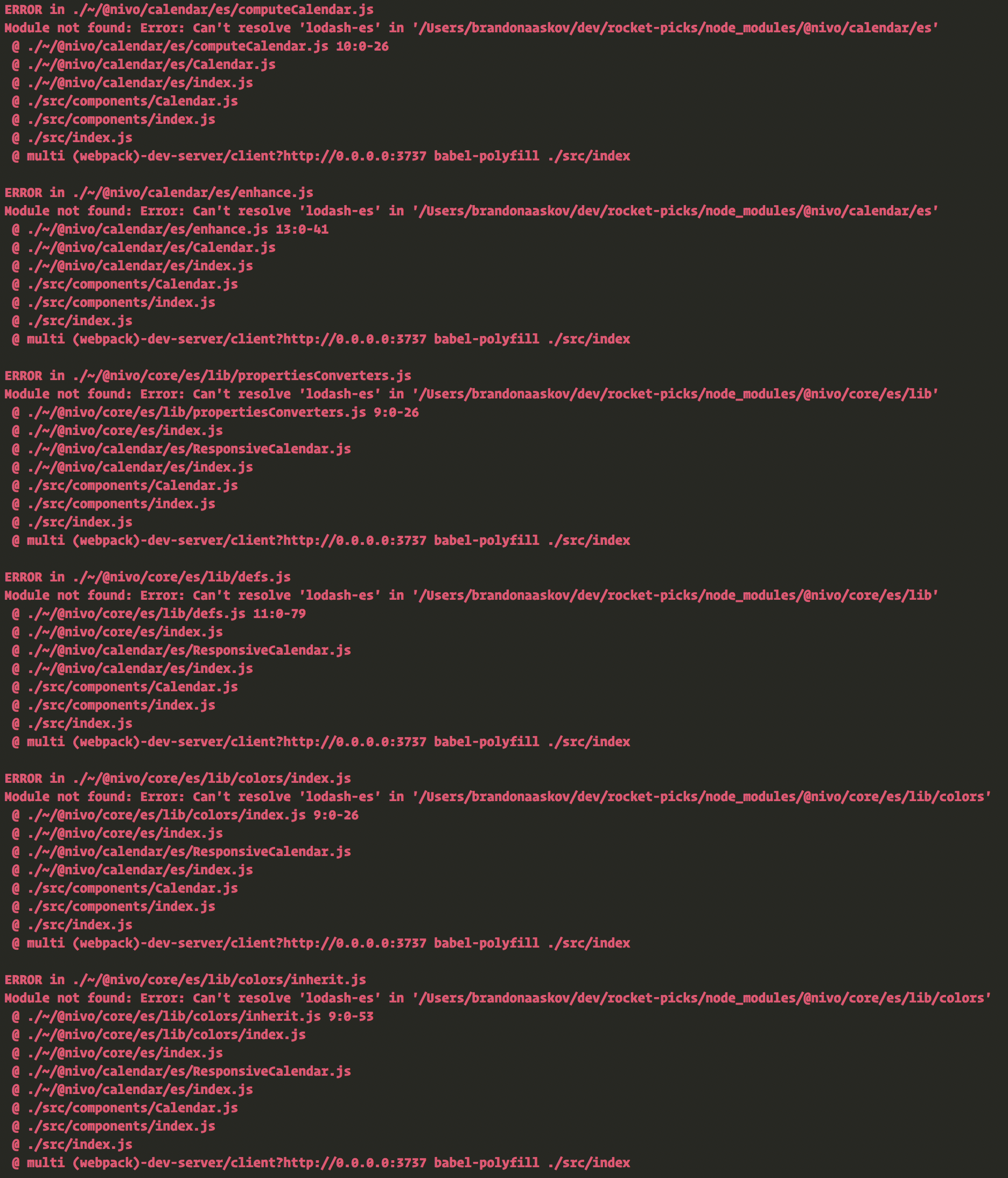
Same is true for @nivo/calendar:
 brandonaaskov
on 18 Jan 2018
brandonaaskov
on 18 Jan 2018
I don't know nearly enough about Lerna/publishing monorepos like this, but suffice to say I can run make package-dev-calendar from nivo and then yarn link @nivo/calendar from my project and that _does_ work.
Best I can figure at this point is that there's something happening during the publish step since working with it in dev is fine.
brandonaaskov
on 19 Jan 2018
Yeah, like I've mentioned in the opening post adding lodash-es as a dependency to the project, or to nivo/bar package fixes this issue, but I think that @plouc uses his own babel-preset that changes declaration.
So like you've said @brandonaaskov running full make and linking works correctly.
szymonmal
on 19 Jan 2018
Something similar for @nivo/line. [email protected] was loaded, but 4.x.x was supposed to be loaded. I npm installed lodash@latest in the root of the app and the problem didn't disappear until I manually modified the path to lodash in compute.js (obviously, that's not a persistent change, because it's in node_modules).
 IonicaBizau
on 25 Jan 2018
IonicaBizau
on 25 Jan 2018
 plouc
on 18 May 2018
plouc
on 18 May 2018
Related issues
 Haaziq-Uvais
·
3Comments
Haaziq-Uvais
·
3Comments
 ellipticaldoor
·
4Comments
ellipticaldoor
·
4Comments
 gcloeval
·
3Comments
gcloeval
·
3Comments
 serendipity1004
·
3Comments
serendipity1004
·
3Comments
 barnapisti1994
·
3Comments
barnapisti1994
·
3Comments
Most helpful comment
Something similar for
@nivo/line.[email protected]was loaded, but4.x.xwas supposed to be loaded. Inpm installedlodash@latestin the root of the app and the problem didn't disappear until I manually modified the path to lodash incompute.js(obviously, that's not a persistent change, because it's innode_modules).