Ng2-pdf-viewer: Allow to print PDF
 VadimDez
All 24 comments
When is going to be implementedthis feature?
Best Regards.
 skormel
on 27 Jul 2017
skormel
on 27 Jul 2017
Is this going to be implemented?
 fad250
on 5 Apr 2018
fad250
on 5 Apr 2018
hi, can we print the pdf document ? documentation please.
 sivahanuman
on 11 Jun 2018
sivahanuman
on 11 Jun 2018
Hi, this is a very important feature.
would you please add this feature??
 hesampour
on 9 Aug 2018
hesampour
on 9 Aug 2018
Any word on implementing this? Or at least giving some guidelines on how to go about printing a file? Edge and its lack of Blob Urls is creating a major blocker.
 AlexandrosG
on 20 Nov 2018
AlexandrosG
on 20 Nov 2018
I got it to print using
const blobUrl = window.URL.createObjectURL((this.srcBinary);
const iframe = document.createElement('iframe');
iframe.style.display = 'none';
iframe.src = blobUrl;
document.body.appendChild(iframe);
iframe.contentWindow.print();
 rohanrp
on 15 Feb 2019
rohanrp
on 15 Feb 2019
I got it to print using
const blobUrl = window.URL.createObjectURL((this.srcBinary);
const iframe = document.createElement('iframe');
iframe.style.display = 'none';
iframe.src = blobUrl;
document.body.appendChild(iframe);
iframe.contentWindow.print();
I tryed your code but it doesn't print anything...
Did you solve?
I need to print the pdf showed by ng2-pdf-viewer but I don't know how to do...
 ferrarinim
on 6 Mar 2019
ferrarinim
on 6 Mar 2019
@VadimDez I need to print the document with the data on top of it , would you please add this feature??
 dhamodharaanbm
on 21 Aug 2019
dhamodharaanbm
on 21 Aug 2019
I am using Print.js (https://printjs.crabbly.com/) in order to print to document:
    let binary = '';
    const len = this.documentSrc.byteLength;
    for (let i = 0; i < len; i++) {
      binary += String.fromCharCode(this.documentSrc[i]);
    }
    printJS({
      printable: btoa(binary),
      type: 'pdf',
      base64: true
    });
 seopei
on 21 Aug 2019
seopei
on 21 Aug 2019
Is this going to be implemented?
 juliengit2
on 10 Mar 2020
juliengit2
on 10 Mar 2020
I got it to print using
const blobUrl = window.URL.createObjectURL((this.srcBinary);
const iframe = document.createElement('iframe');
iframe.style.display = 'none';
iframe.src = blobUrl;
document.body.appendChild(iframe);
iframe.contentWindow.print();
it works for me without any issue
 kiranhpe
on 9 Apr 2020
kiranhpe
on 9 Apr 2020
I got it to print using
const blobUrl = window.URL.createObjectURL((this.srcBinary);
const iframe = document.createElement('iframe');
iframe.style.display = 'none';
iframe.src = blobUrl;
document.body.appendChild(iframe);
iframe.contentWindow.print();
This only works in chrome , failed in Firefox , edge and IE
 bhawin-boom
on 17 Jun 2020
bhawin-boom
on 17 Jun 2020
I think you should close this. There's no way to reliably trigger a print from the plugin itself.
Google drive even works around this by simply opening the document directly in a new tab, and letting the user decide what to do. It doesn't even trigger the print dialog.
 jpike88
on 31 Jul 2020
jpike88
on 31 Jul 2020
PDF.js allows you to print without opening new tab
see https://mozilla.github.io/pdf.js/web/viewer.html
rohanrp
on 31 Jul 2020
That's probably using a trick with iframes or something, and the outcome is less than ideal because of all the footer and extra stuff the browser throws in there. If you're trying to print a PDF, you probably don't want that stuff present...
jpike88
on 31 Jul 2020
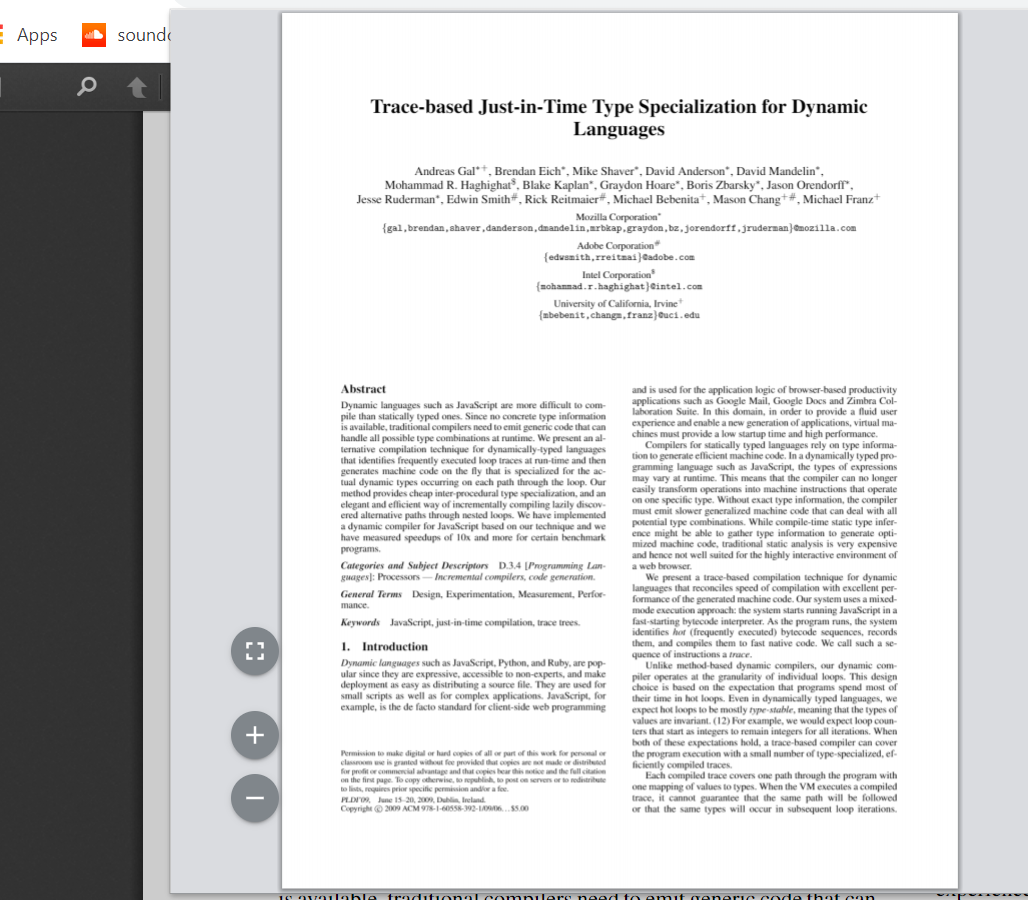
It prints it perfectly. Here is a screenshot from Ctrl + P. My above code does the same thing except it doesn't work in IE11
rohanrp
on 31 Jul 2020
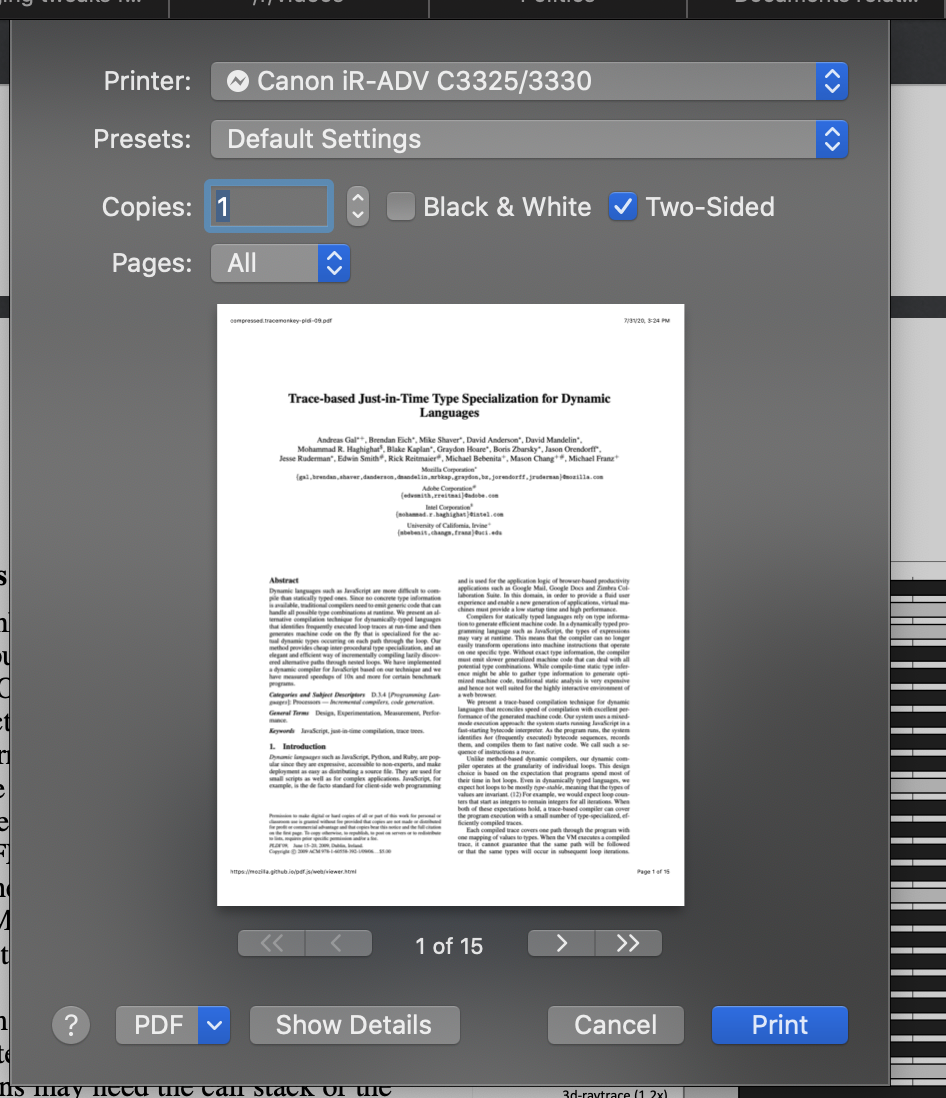
This is in Safari
jpike88
on 31 Jul 2020
that's because safari treats the document as a webpage instead of PDF. If it helps, the user can disable print headers and footers in Safari browser.
rohanrp
on 31 Jul 2020
Well that's a non-starter then, because users aren't that well versed in their browser configuration to know how to do that. It creates pain for support.
Their browser is already capable of viewing and printing PDFs cleanly (even IE11, which uses what reader is available, typically Acrobat), which is why something like Google drive, even with a document previewer, chooses to open in a new tab when print is clicked. Bonus also being that on something like iOS, the native document previewer allows for easy sharing, opening in something else etc
jpike88
on 31 Jul 2020
Well fair enough.
One of the reasons many people use ng2-pdf-viewer or pdf.js is because companies want to restrict sensitive documents from being printed or stored on the user's computer (although you can hack around and download the PDF via direct url).
So the print option is not a very strong use case for this library.
rohanrp
on 31 Jul 2020
This issue has been automatically marked as stale because it has not had recent activity. It will be closed if no further activity occurs. Thank you for your contributions.
![stale[bot] picture](https://avatars.githubusercontent.com/in/1724?v=4&s=40) stale[bot]
on 29 Sep 2020
stale[bot]
on 29 Sep 2020
This issue has been automatically marked as stale because it has not had recent activity. It will be closed if no further activity occurs. Thank you for your contributions.
stale[bot]
on 28 Nov 2020
I might provide a pull request. Printing isn't that difficult - apart from the problems @jpike88 observed in Safari.
 stephanrauh
on 28 Dec 2020
stephanrauh
on 28 Dec 2020
@VadimDez I've got a working prototype. It's not perfect - one of my test files is printed on 19 instead of 18 pages, but it's already good enough for most use cases.
I'm only worried about copyright. My implementation is based on Mozilla's print algorithm. I've ported it to TypeScript and simplified it a lot, so according to German law, I'm the copyright owner. But I'm not sure if that's also true by international law. So it might be difficult to publish it under an MIT license.
stephanrauh
on 3 Jan 2021
Related issues
VadimDez
·
5Comments
 xmran
·
4Comments
xmran
·
4Comments
 quentinmachard-niji
·
3Comments
quentinmachard-niji
·
3Comments
 RahmatAliMalik5
·
5Comments
RahmatAliMalik5
·
5Comments
 asadullazadeh
·
4Comments
asadullazadeh
·
4Comments
Most helpful comment
When is going to be implementedthis feature?
Best Regards.