Netlify-cms: Markdown Widget "code-block" component => "Field Settings" => "MODE" => "codemirror/..." Cannot find module.
Hi,
I just updated Netlify CMS from v2.9.7 to v2.10.48 to resolve this issue: #3722
But I have another issue on Markdown Widget "code-block" component.
Describe the bug
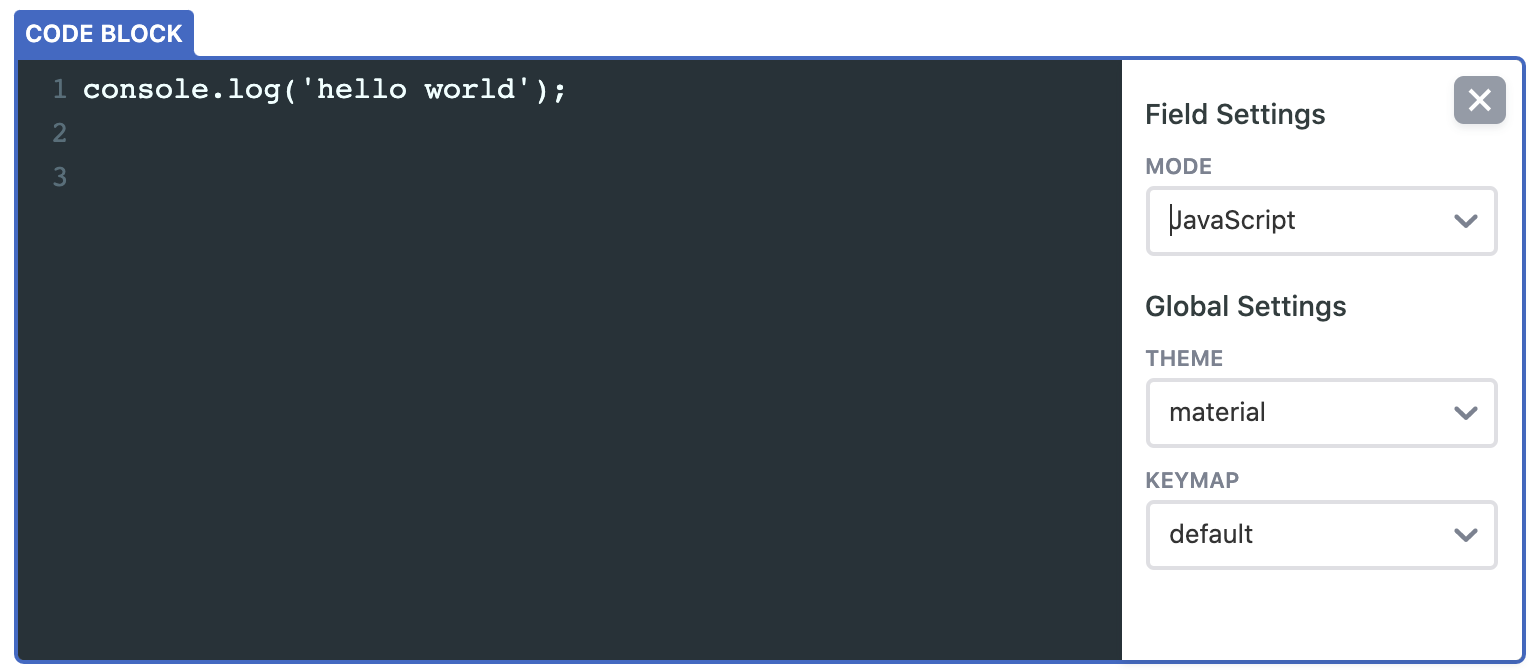
When I try to select a "mode" from "Field Settings" using the "code-block" component I am getting an error as below. (Screenshots)
To Reproduce
- Go to a Markdown Widget and select a "code-block" component.
- Click to "Settings" icon. (right-top)
- Select a "MODE" from this "Field Settings" modal.
- Look at the console.
Expected behavior
Maybe a preview as highlighted for this component but have to add the language code to file => e.g. ```js
Screenshots
1- Select a Language
2- Console

Applicable Versions:
- Netlify CMS version: 2.10.48
- Git provider: GitHub
- OS: MacOS
- Browser version: Chrome Version 81.0.4044.129 (Official Build) (64-bit)
CMS configuration
```
- label: "YYY"
name: "yyy"
folder: "xxx/yyy"
create: true
delete: false
identifier_field: zzz
fields:
- {.........}
- { required: true, label: "Content", name: "body", widget: "markdown", buttons: ["bold","italic","link","code-block","quote","bulleted-list","numbered-list","heading-two","heading-three","heading-four"], hint: "Content of this YYY", }
```
 furcan
All 3 comments

if (mode) {
    await Promise.resolve("codemirror/mode/".concat(mode, "/").concat(mode, ".js")).then(s => _interopRequireWildcard(require(s)));
}
Hi @furcan, this was merged but not released. The version on master branch is deployed here https://cms-demo.netlify.com/ so you cant test your use case there.
 erezrokah
on 13 May 2020
erezrokah
on 13 May 2020
Hi @erezrokah
I have been tested and it seems to be ok.
Thanks for your support.
Have a nice day.
furcan
on 13 May 2020
Related issues
 kalwalt
·
3Comments
kalwalt
·
3Comments
 papandreou
·
3Comments
papandreou
·
3Comments
 ciokan
·
3Comments
ciokan
·
3Comments
 noelmace
·
3Comments
noelmace
·
3Comments
 emckay
·
3Comments
emckay
·
3Comments