Netlify-cms: r.get is not a function (Collection/Edit page)
Describe the bug
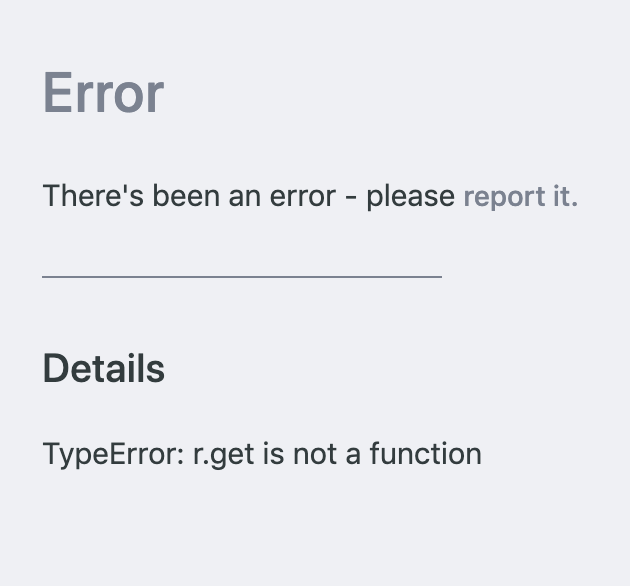
While trying to make an edit to an existing collection item (standard blog post) I was prompted to use 'a local cached version' instead. I dismissed this prompt and the application seemed to crash. I can no longer edit any collection items, not just the one I'd initially selected
To Reproduce
_I'm not sure how this happened, but I believe it went something like this_
_Either this, or it messed up because I just pushed to GH right before this._
I believe it's something wrong with my config.yml, specifically the tags section, since removing that field seems to solve the issue.
I have existing front matter called tags with values like ["coding", "personal", "announcement"], o maybe that doesn't play well with NCMS?
Expected behavior
Be able to make edits to my collections, or at least refresh the page to have the error go away
Screenshots
The crash screen:
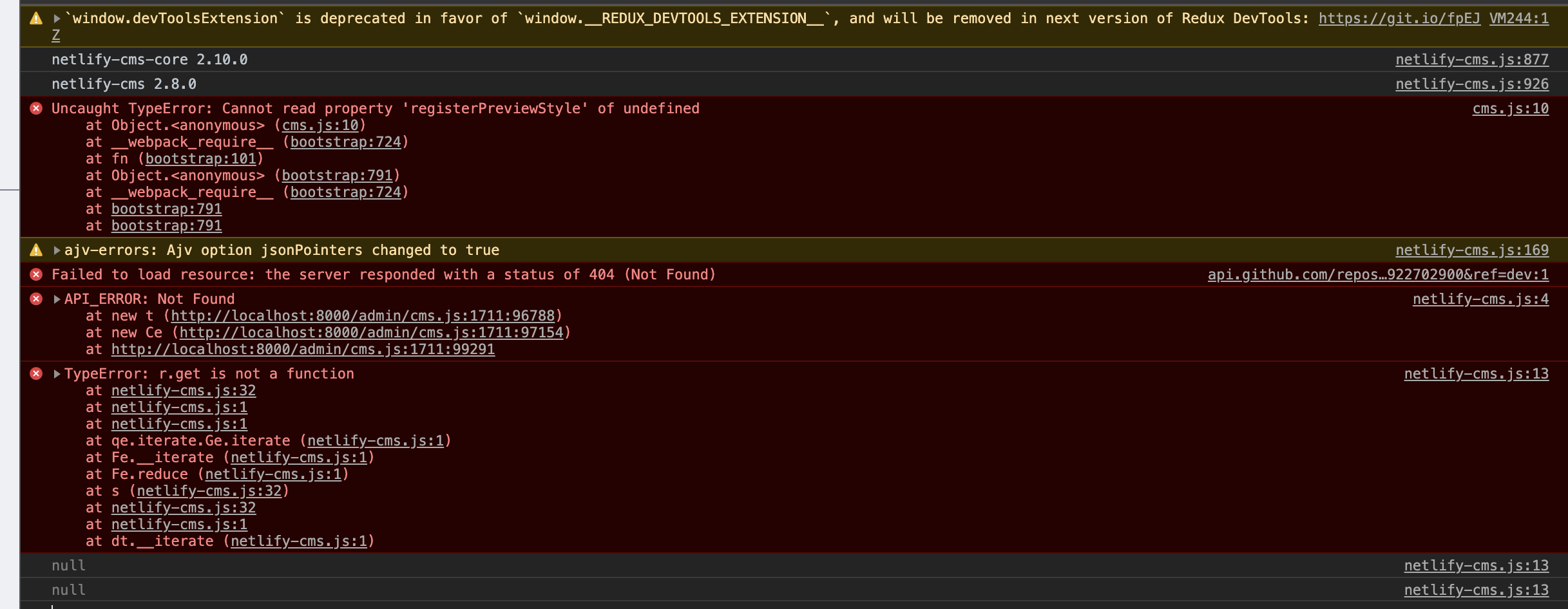
Console print-out:
Applicable Versions:
- Netlify CMS version: ^2.8.0
- Git provider: GH
- OS: Win10
- Browser version: Chrome 73
- Node.JS version: 10.13.0
CMS configuration
backend:
  name: github
  repo: leeandher/leander.xyz
  branch: dev

# backend:
#  repo: test-repo

media_folder: static/assets
public_folder: assets

collections:
  - name: blog
    label: Blog
    folder: src/pages/blog
    create: true
    fields:
      - { name: path, label: Path, widget: string }
      - { name: date, label: Date, widget: date }
      - { name: title, label: Title, widget: string }
      - { name: preview, label: Preview, widget: text }
      - { name: body, label: Body, widget: markdown }
      - {
          name: tags,
          label: Tags,
          widget: list,
          fields: { name: tag, label: Tag, widget: string },
        }
Additional context
 leeandher
All 8 comments
Restarting the dev server didn't fix this either :/
leeandher
on 30 Mar 2019
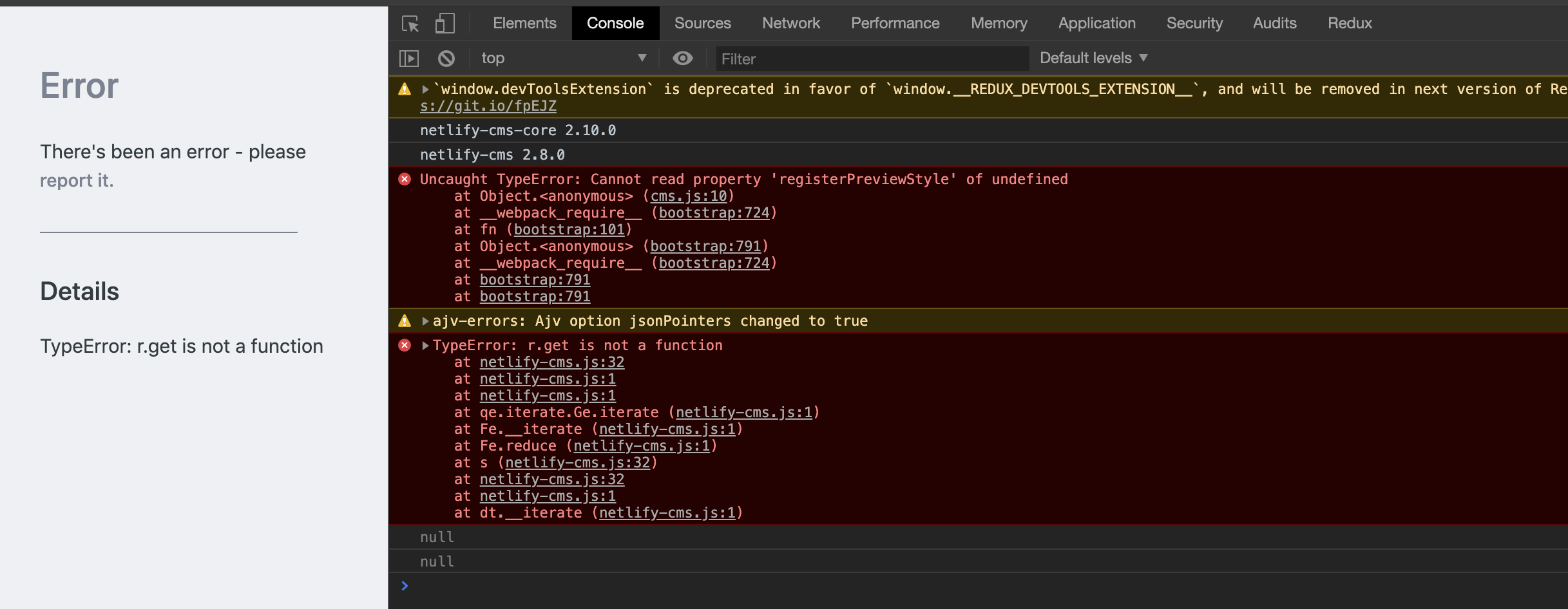
Since my assets/ folder wasn't initialized, it 404'd in console, but that wasn't the cause, the problem still persists:
leeandher
on 30 Mar 2019
EDIT: modified steps to reproduce
leeandher
on 30 Mar 2019
Immediate fix is to delete your localstorage on the dev url.
Sent with GitHawk
 erquhart
on 30 Mar 2019
erquhart
on 30 Mar 2019
Oh wait you're on 2.8.0 - try bumping to 2.9.0.
Sent with GitHawk
erquhart
on 30 Mar 2019
@erquhart Deleted localStorage and bumped version, I'm still getting the bug :/
leeandher
on 30 Mar 2019
@erquhart Ahhhhh, I was just being dumb. I had a list widget with a custom field, but only one: string. If you add the fields property with an 's' instead of field for only one custom widget, the application seems to break.
leeandher
on 30 Mar 2019
The fields property needs an array instead of an object.
 tomrutgers
on 30 Mar 2019
tomrutgers
on 30 Mar 2019
Related issues
 TomPichaud
·
3Comments
TomPichaud
·
3Comments
 ghost
·
3Comments
ghost
·
3Comments
 zebapy
·
3Comments
zebapy
·
3Comments
 tech4him1
·
3Comments
tech4him1
·
3Comments
 chriskirknielsen
·
3Comments
chriskirknielsen
·
3Comments
Most helpful comment
@erquhart Ahhhhh, I was just being dumb. I had a
listwidget with a custom field, but only one:string. If you add thefieldsproperty with an 's' instead offieldfor only one custom widget, the application seems to break.