Neovim-qt: Disable GUI tabline inside ginit.vim is not satisfactory
I am aware that we can disable GUI tabline inside ginit.vim by using GuiTabline 0 command.
When I open nvim-qt, I noticed that GUI tabline will show and then disappears. After that, the TUI tabline will show (see the image below).
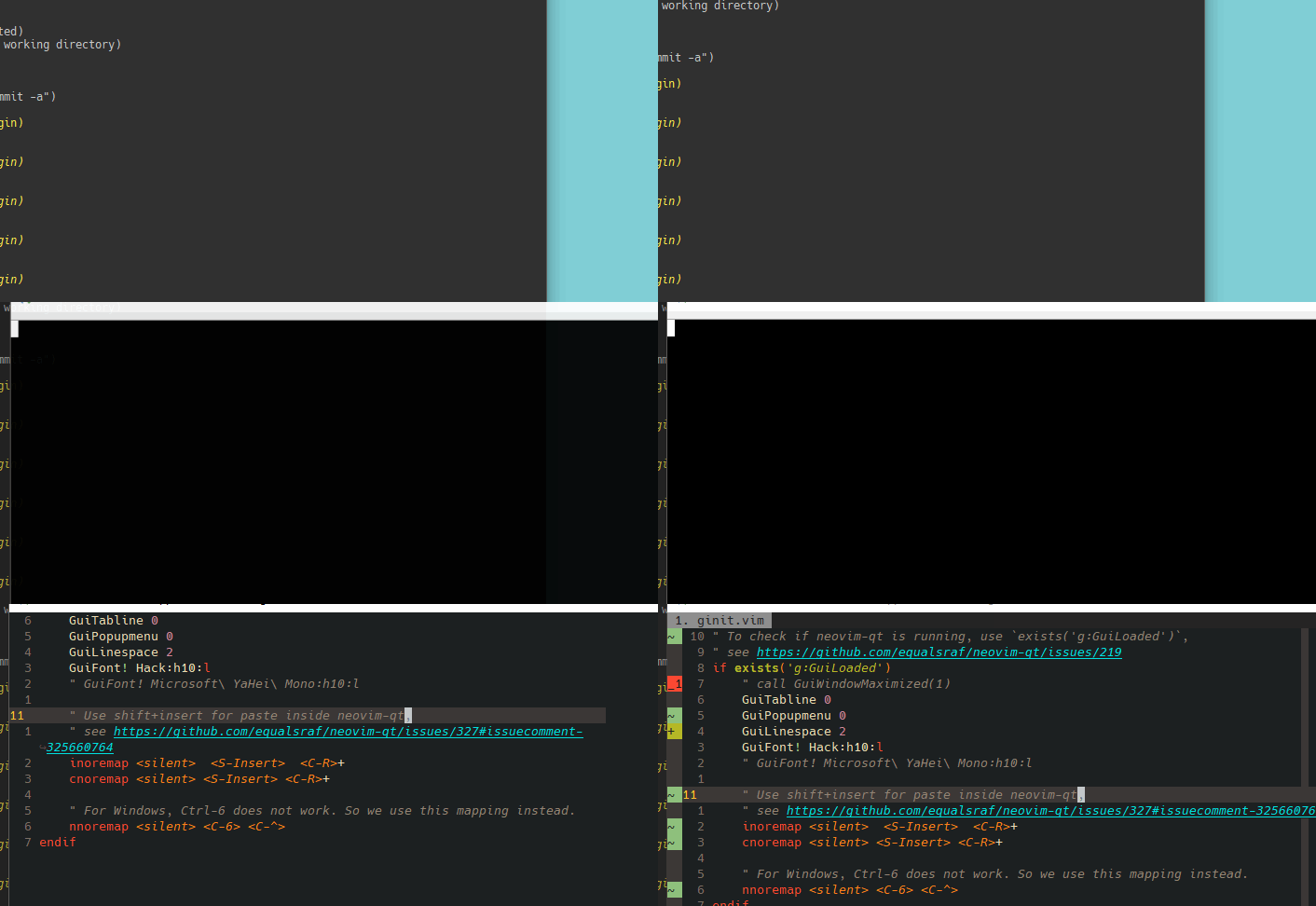
However, if we use the option --no-ext-tabline, there will be no delay between opening the nvim-qt window and showing the TUI tabline.
Can this issue be fixed or we have to use --no-ext-tabline? Having to type an option every time is a bit boring.
version info
I am using nvim-qt bundled with Neovim Windows release. My neovim version is:
NVIM v0.4.0-2050-g6aed19b2b
Build type: RelWithDebInfo
LuaJIT 2.0.5
Compilation: C:/Program Files (x86)/Microsoft Visual Studio/2017/Community/VC/Tools/MSVC/14.16.27023/bin/Hostx86/x64/cl.exe /DWIN32 /D_WINDOWS /W3 /MD /Zi /O2 /Ob1 /DNDEBUG -DMIN_LOG_LEVEL=3 /W3 -D_CRT_SECURE_NO_WARNINGS -D_CRT_NONSTDC_NO_DEPRECATE -DWIN32 -D_WIN32_WINNT=0x0600 -DINCLUDE_GENERATED_DECLARATIONS -DNVIM_MSGPACK_HAS_FLOAT32 -DNVIM_UNIBI_HAS_VAR_FROM -IC:/projects/neovim/build/config -IC:/projects/neovim/src -IC:/projects/nvim-deps/usr/include -IC:/projects/neovim/build/src/nvim/auto -IC:/projects/neovim/build/include
Compiled by appveyor@APPVYR-WIN

Features: -acl +iconv +tui
See ":help feature-compile"

   system vimrc file: "$VIM\sysinit.vim"
  fall-back for $VIM: "C:/Program Files/nvim/share/nvim"

Run :checkhealth for more info
 jdhao
jdhao
All 7 comments
This is already fixed. Sorry for the lack of documentation, it is on my TODO list! :smile:
There are some new solutions available in recent versions of neovim-qt.
For Mac/Linux try creating the file ~/.config/nvim-qt/nvim-qt.conf:
[General]
ext_linegrid=true
ext_popupmenu=false
ext_tabline=false
The feature uses QSettings, so Windows is supported too. Windows requires modifying the Registry, and I am uncertain which keys are required offhand.
ext_linegrid: Enables the modern UI drawing protocol.
ext_popupmenu: Enables the Qt-GUI popup menu.
ext_tabline: Enables the Qt-GUI tab line.
The was also a related feature added by Pull Request #581 recently.
 jgehrig
on 18 Sep 2019
jgehrig
on 18 Sep 2019
@jgehrig I am looking forward to the relevant documentation on how to do it on Windows.
jdhao
on 18 Sep 2019
@jdhao if you still need it, this works for me:
regedit
Computer\HKEY_CURRENT_USER\Software\nvim-qt\nvim-qt
ext_tabline=false

 oczekp
on 18 Sep 2019
oczekp
on 18 Sep 2019
Thanks @oczekp!
Looking at the documentation my Mac instructions are not correct either... It should be something like: $HOME/Library/Preferences/com.nvim-qt.nvim-qt.plist?
Once this figured out, we should put together Markdown documentation and maybe a neovim :help entry.
jgehrig
on 18 Sep 2019
Can the GUI tabline be disabled by default? I suppose most users would like to use the TUI tabline instead. 😄️
jdhao
on 19 Sep 2019
Yeah, I agree. The ext_tabline is not my favorite feature either.
However, it has been this way for some time and everyone has their workarounds in place. It might be better to leave it as is?
If there is enough support for such a change, I'm happy to make the modification...
jgehrig
on 26 Sep 2019
The QSettings config file can disable :GuiTabline before the UI loads.
See above for how to configure this option on your platform.
Marking this as closed.
jgehrig
on 6 Aug 2020
Related issues
 stu0292
·
3Comments
stu0292
·
3Comments
 augustblizzard
·
6Comments
augustblizzard
·
6Comments
 f-squirrel
·
7Comments
f-squirrel
·
7Comments
 mhinz
·
4Comments
mhinz
·
4Comments
 iamkarlson
·
6Comments
iamkarlson
·
6Comments
Most helpful comment
This is already fixed. Sorry for the lack of documentation, it is on my TODO list! :smile:
There are some new solutions available in recent versions of neovim-qt.
For Mac/Linux try creating the file
~/.config/nvim-qt/nvim-qt.conf:The feature uses QSettings, so Windows is supported too. Windows requires modifying the Registry, and I am uncertain which keys are required offhand.
ext_linegrid: Enables the modern UI drawing protocol.ext_popupmenu: Enables the Qt-GUI popup menu.ext_tabline: Enables the Qt-GUI tab line.The was also a related feature added by Pull Request #581 recently.