Hey!
I was wondering if there's a way to increase the line height (add more space between text lines). It looks quite cramped at the moment and it's usually possible to customize the line height in other apps.
I looked through the docs and :h guifont, but didn't find any line-height settings there. Is there a way to customize it in neovide?
If not, would it be difficult to add this?
 JoosepAlviste
All 10 comments
Is linespace what you're looking for?
https://neovim.io/doc/user/options.html#'linespace'
'linespace' 'lsp' number (default 0)
global
{only in the GUI}
Number of pixel lines inserted between characters. Useful if the font
uses the full character cell height, making lines touch each other.
When non-zero there is room for underlining.
With some fonts there can be too much room between lines (to have
space for ascents and descents). Then it makes sense to set
'linespace' to a negative value. This may cause display problems
though!
 p00f
on 20 Mar 2021
p00f
on 20 Mar 2021
I'm pretty sure this won't work with neovide today. We can probably make it work though!
 Kethku
on 20 Mar 2021
Kethku
on 20 Mar 2021
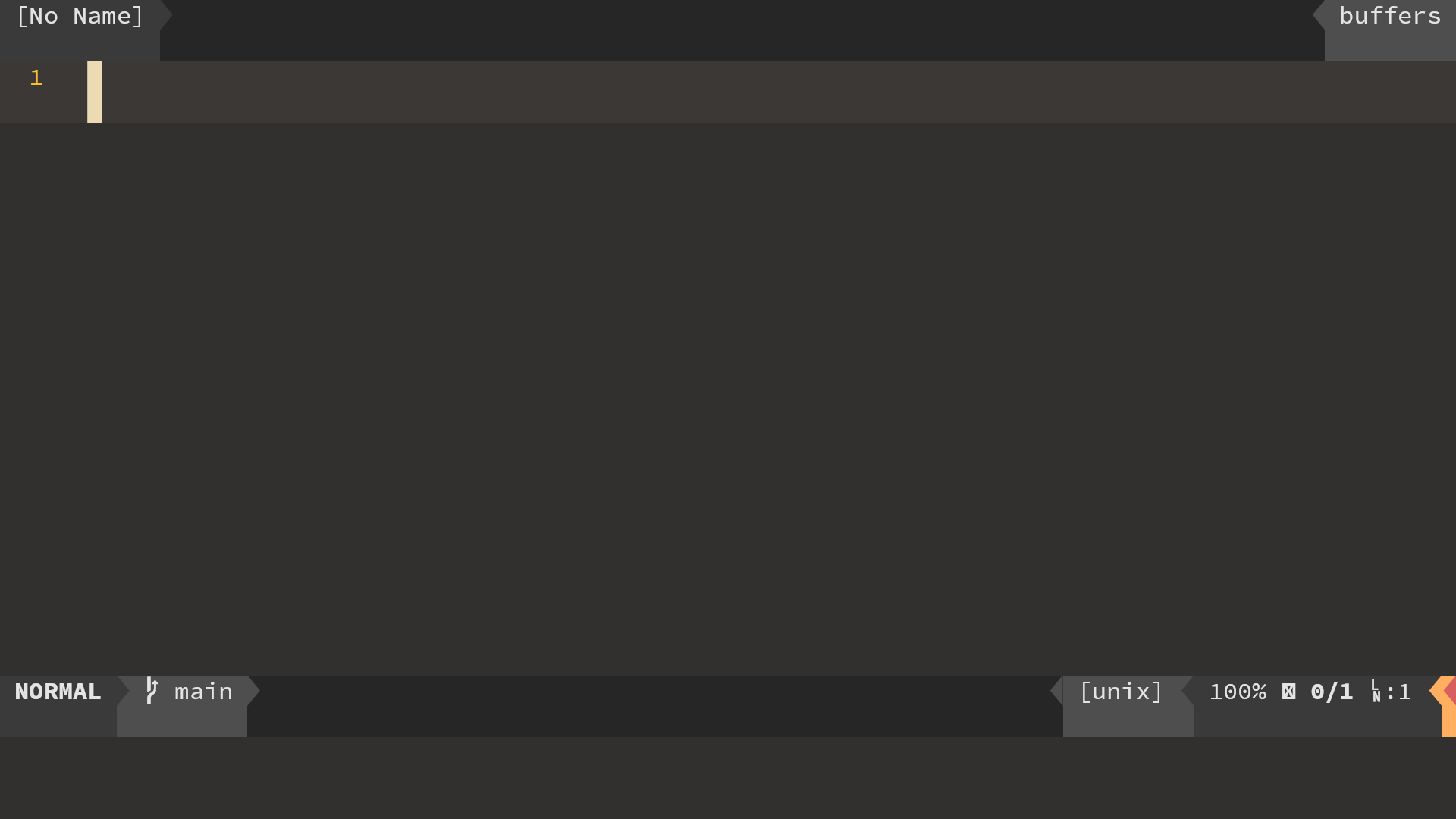
This is easy I just modified font_height(in cacher I believe) and it worked fine. But, symbols don't look good.
I took a look at the kitty terminal's source and it renders symbols(nerd font) itself i.e. does not depends on the selected font to provide symbols. We have to do something similar to make it look like that.
Neovide with my hack:
Kitty:
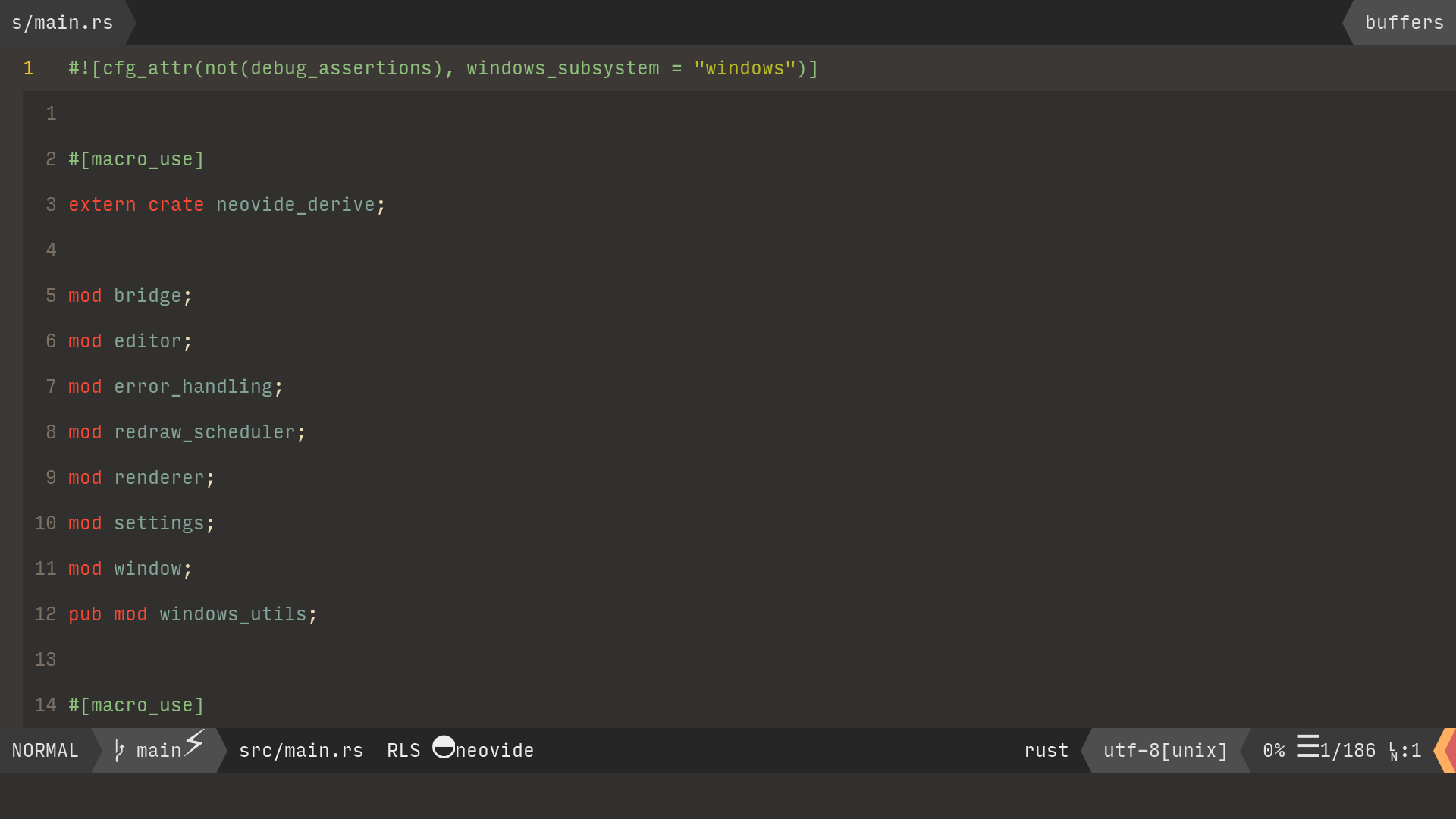
It makes symbols of modified cell_height but keeps the font unmodified.
Decisions to take:
- Should NeoVide render symbols by itself and not depend on the font to provide them?
- Should we provide an option to use fractional option i.e. % of font height as spacing or utilize neovim's linespace attr.
My Opinion:
- Yes
g:neovide line_height=...%if this is present use it otherwise uselinespace=...px
 rathod-sahaab
on 13 Apr 2021
rathod-sahaab
on 13 Apr 2021
I read this and will respond soon. I greatly appreciate you digging into this, its been on my list for a while
Kethku
on 14 Apr 2021
I'm going to answer in parts. This one is regarding nerd font symbols. I have thought for a while that it would be awesome to implement our own rendering of nerd font style powerline symbols similar to https://www.spacemacs.org/doc/DOCUMENTATION#powerline-separators. I have some questions though.
Implementing this would also solve the problem where powerline separators sometimes have lines of pixels separating the foreground character render and the background color
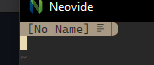
Actually drawing these should be pretty easy using the skia canvas apis. We'd have to override the main font rendering for this particular case which may be slightly complicated because we don't want the shaper to draw the glyph. This will likely require changes to the caching shaper and the main renderer module.
Open questions I have:
- How do we determine if a character is meant to be a powerline character, and if it is, which direction should it point? We probably need to provide configuration for this, but it would be nice for neovide to just get it right by default.
- What what separators would be a good initial set? I like the ones spacemacs provides, so maybe that would be a good starting point.
I will likely split this part out into its own issue to continue discussion there.
Kethku
on 14 Apr 2021
This part is in response to line height. I think it makes sense to provide a fractional option as well as supporting the default lineheight option. There is a minor complication in that the settings system is currently very specific to neovide global variables as the options mechanism. I have a branch where I have started to work on this by introducing new attributes to the settings procedural macro, but that code is complicated and the work is slow going. https://github.com/Kethku/neovide/tree/settings-attributes
Kethku
on 14 Apr 2021
In the meantime though it should be possible to address the initial concern with the custom fraction based line height option while I continue to push the attribute system for options/settings. Then once that has arrived, it should be pretty easy to just add support for it and we should be good to go. I will likely get to this task eventually, but would also be more than willing to take a PR with this work and can help with any questions along the way
Kethku
on 14 Apr 2021
@Kethku any updates on this?
 Chaitanyabsprip
on 1 May 2021
Chaitanyabsprip
on 1 May 2021
Would love to see this happend! ✈ @Kethku any news? I absolutely love this program, with this feature I will finally be able to use it for all projects.
 luisiacc
on 11 May 2021
luisiacc
on 11 May 2021
No updates yet. Highest priority are opengl and fontfallback. Opengl is getting very close, but font fallback will take some time. I would be more than happy to guide somebody else who wants to work on this though
Kethku
on 13 May 2021
Related issues
 Ninmi
·
53Comments
Ninmi
·
53Comments
 khalidchawtany
·
23Comments
Kethku
·
87Comments
khalidchawtany
·
23Comments
Kethku
·
87Comments
 reisub0
·
39Comments
reisub0
·
39Comments
 aj3423
·
45Comments
aj3423
·
45Comments
Most helpful comment
I'm pretty sure this won't work with neovide today. We can probably make it work though!