Navcontainerhelper: Error running Create-AlProjectFolderFromNavContainer
Get the following error when using Create-AlProjectFolderFromNavContainer:

It does look like it copies some of the files to the right folders. For example, it copied 58 codeunits, 28 pages, and 25 tables. A few others as well.
Container was created using the AL app-only sandbox master US insider image:
New-NavContainer -containerName $containerName `
    -accept_eula `
    -auth "NavUserPassword" `
    -Credential $credential `
    -imageName $imageName `
    -licenseFile $licenseFile `
    -alwaysPull `
    -shortcuts "Desktop" `
    -restart no `
    -updateHosts `
    -assignPremiumPlan `
    -useBestContainerOS `
    -includeAL
Here is what I'm running......cannot figure out what is wrong:
$containerName = 'bc15app'
$alProjectFolder = "C:\ProgramData\NavContainerHelper\Extensions\$containerName\objects\al"

$myModifiedObjects = @()

$alFileStructure = { Param ([string] $type, [int] $id, [string] $name)
    if ($myModifiedObjects.Contains("$type$id")) {
        $folder = "Modified"
    }
    elseif (($id -ge 50000 -and $id -le 59999) -or ($id -gt 1999999999)) {
        $folder = "My"
    }
    else {
        $folder = "BaseApp"
    }

    switch ($type) {
        "page"     { "$folder\Pages\$($name).al" }
        "table"    { "$folder\Tables\$($name).al" }
        "codeunit" { "$folder\Codeunits\$($name).al" }
        "query"    { "$folder\Queries\$($name).al" }
        "report"   { "$folder\Reports\$($name).al" }
        "xmlport"  { "$folder\XmlPorts\$($name).al" }
        "profile"  { "$folder\Profiles\$($name).al" }
        "dotnet"   { "$folder\$($name).al" }
        ".rdlc"    { "$folder\Layouts\$($name).rdlc" }
        ".docx"    { "$folder\Layouts\$($name).docx" }
        ".xlf"     { "$folder\$($name).xlf" }
        default { throw "Unknown type '$type'" }
    }
}

Create-AlProjectFolderFromNavContainer -containerName $containerName `
                                       -alProjectFolder $alProjectFolder `
                                       -name "BaseApp" `
                                       -publisher "Microsoft" `
                                       -version "15.0.0.0" `
                                       -useBaseLine `
                                       -alFileStructure $alFileStructure
 MikeGlue
All 6 comments
Could you put a Write-Host in the alFileStructure function and see which file is the problematic one - and maybe email me the last and next file?
 freddydk
on 30 Jul 2019
freddydk
on 30 Jul 2019
I have a repro - will fix this.
freddydk
on 30 Jul 2019
Seems like some new types have been introduced lately, that the copy-sources didn't expect.
Also your function will have to support these:
    switch ($type) {
        "enum"           { "$folder\Enums\$($name).al" }
        "enumextension"  { "$folder\Enums\$($name).al" }
        "page"           { "$folder\Pages\$($name).al" }
        "pageextension"  { "$folder\Pages\$($name).al" }
        "table"          { "$folder\Tables\$($name).al" }
        "tableexension"  { "$folder\Tables\$($name).al" }
        "codeunit"       { "$folder\Codeunits\$($name).al" }
        "query"          { "$folder\Queries\$($name).al" }
        "report"         { "$folder\Reports\$($name).al" }
        "xmlport"        { "$folder\XmlPorts\$($name).al" }
        "profile"        { "$folder\Profiles\$($name).al" }
        "dotnet"         { "$folder\$($name).al" }
        ".rdlc"          { "$folder\Layouts\$($name).rdlc" }
        ".docx"          { "$folder\Layouts\$($name).docx" }
        ".xlf"           { "$folder\$($name).xlf" }
        default { throw "Unknown type '$type'" }
    }
This was also the reason for not blogging about this yet - wanted to make sure I could support all types:-)
New containerhelper will be available tomorrow with this support.
Blog post about this - this week.
New insider builds with 15.x probably tomorrow as well on bcinsider.
freddydk
on 30 Jul 2019
Fixed in 0.6.2.9
freddydk
on 31 Jul 2019
Freddy,
i am running on the 0.6.2.9
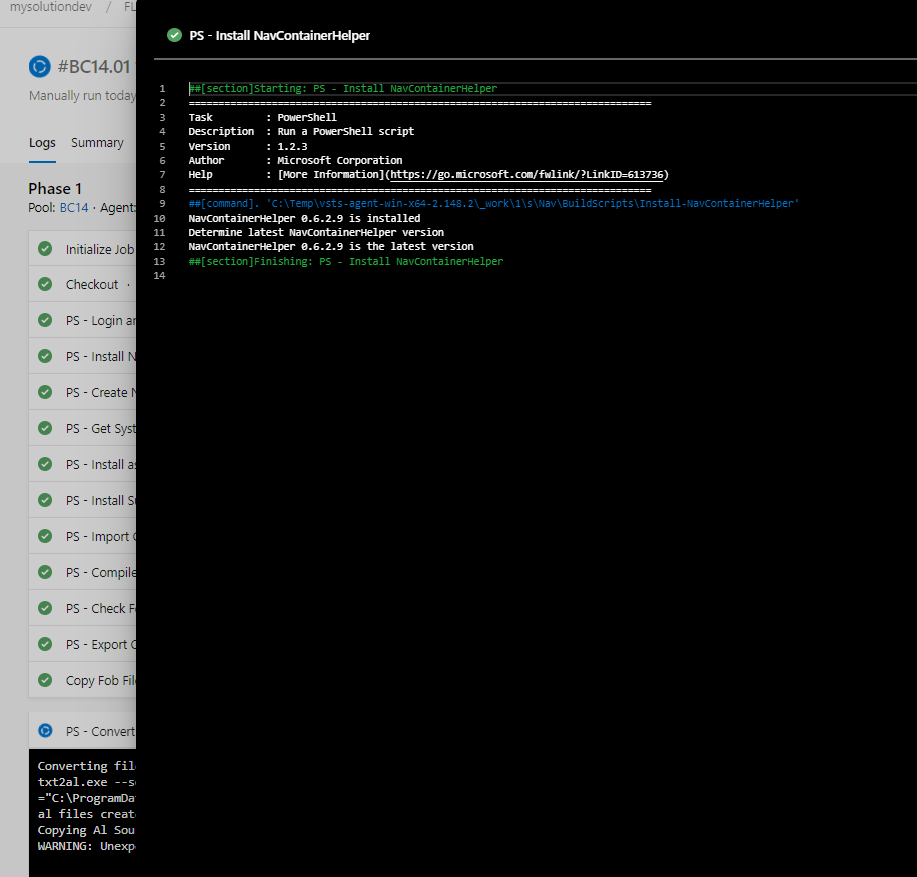
but i do get the error on a | symbol in the filename:

Should this be fixed already? else i will myself remove the not accepted symbols for the filesystem.
 hvandenborn
on 1 Aug 2019
hvandenborn
on 1 Aug 2019
Seems unrelated to the other bug.
You shouldn't post new questions on closed issues, chances er nobody sees them.
Better to open another issue.
Is that an object with a | in the name?
freddydk
on 1 Aug 2019
Related issues
 tfenster
·
3Comments
tfenster
·
3Comments
 gintuoklis
·
5Comments
gintuoklis
·
5Comments
 mattiasboustedt
·
5Comments
mattiasboustedt
·
5Comments
 Rukkulakki
·
5Comments
Rukkulakki
·
5Comments
 Spycoclown
·
4Comments
Spycoclown
·
4Comments