Motioneyeos: All cameras stopped working
Preliminary Docs
I confirm that I have read the CONTRIBUTING guide before opening this issue.
I confirm that I have read the FAQ before opening this issue.
motionEyeOS Version
I am running motionEyeOS version: (insert your version here, e.g. 20180314).
Board Model
I am using the following board/model: (insert your board model here, e.g. Raspberry PI 4.
Camera
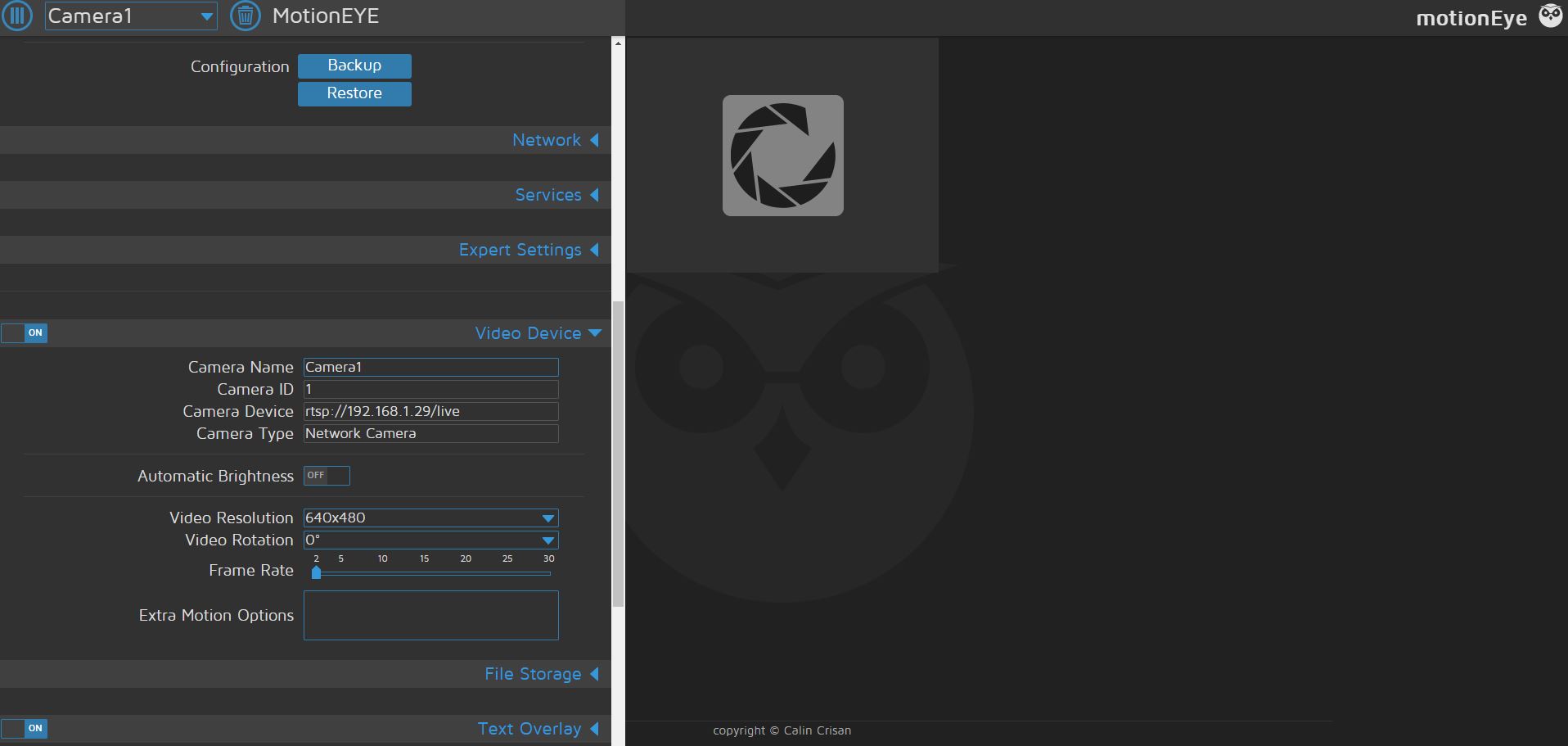
Wyze Cam v2
Network Connection
My motionEyeOS unit is connected to the network via: (choose your network connection, e.g. Ethernet.
Log Files
I consider the following log files relevant to this issue:
- (attach e.g. motioneye.log)
- (attach e.g. boot.log)
 bobster316
All 13 comments
When checking with VLC all Wyze camera's work fine
bobster316
on 9 Aug 2019
Just signed up to github to leave a comment.
I've had the same/similar problem, are you using Chrome and have you tried Firefox?
 Weeman89
on 9 Aug 2019
Weeman89
on 9 Aug 2019
Currently using motioneyeos-raspberrypi4-dev20190715
bobster316
on 9 Aug 2019
Just tried with Firefox and it works! Thanks
what is stopping chrome from running it?
bobster316
on 9 Aug 2019
By default Chrome has a flag which permits to lazy load an image.
Until the problem is further investigated you can workaround disabling this flag.
This will force the browser to render without delaying the information.
Step by step:
1) Open Chrome App or Chrome Browser
2) In the URL box type: chrome://flags/#disable-lazy-image-loading
3) The application will show some parameters highlighting this one.
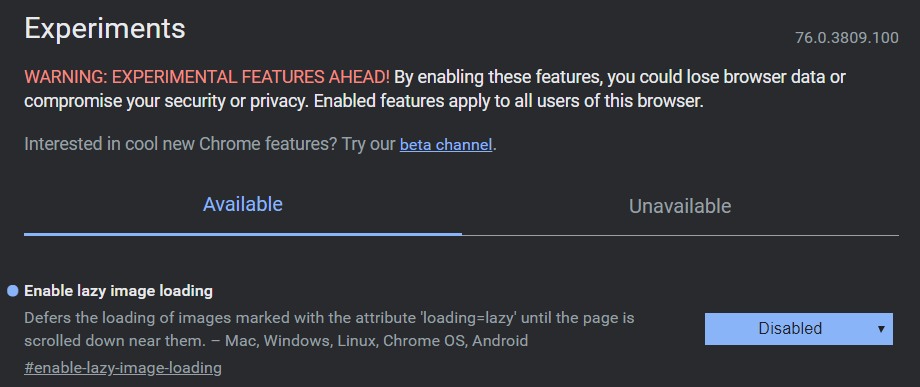
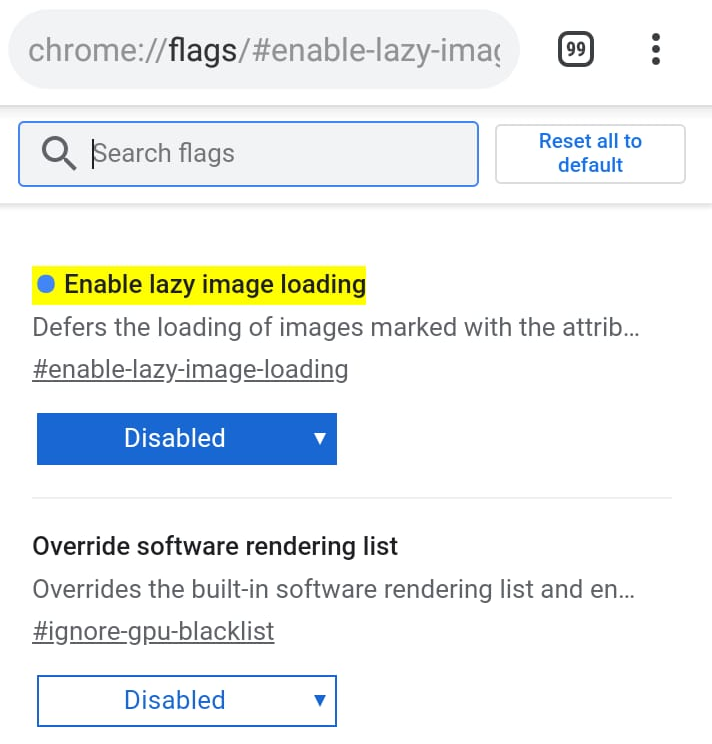
4) Be sure to confirm that the Image Lazy Load is disabled.
5) Clean your page cache
6) Try again to see if it´s working.
Best regards!
 Lincolnhsp
on 10 Aug 2019
Lincolnhsp
on 10 Aug 2019
Same issue, all cams stuck in spinney-circle mode. Tried Firefox, and everything works fine.
 SoloSquirrel
on 10 Aug 2019
SoloSquirrel
on 10 Aug 2019
look at #2030
 helmar74
on 10 Aug 2019
helmar74
on 10 Aug 2019
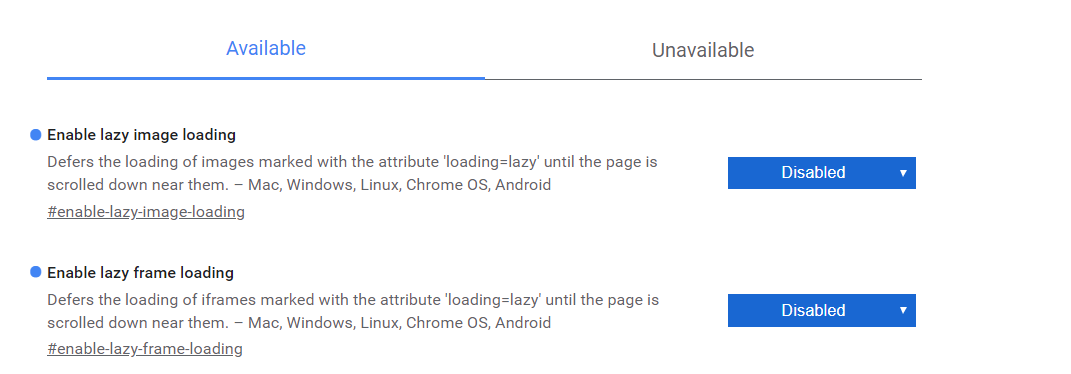
Go to chrome://flags and search vor "lazy"
disable both options
for now this helps the most
 grhangelone
on 10 Aug 2019
grhangelone
on 10 Aug 2019
Hi, I disaled both options, but it's not working for me....
helmar74
on 10 Aug 2019
It looks like there are more issues to check in your case...
Anyway, if you need a quick fix, i recommend you backing up the configuration.
Installing the Dev Version and restore the config. It will spare you lots of time.
Since i run 3 home servers, in one of them (a Raspberry Pi 3+), i had to go this way.
Backup, format the microSD, intall the newest image, restore configuration.
But if you can´t stop the service right now, check this other options:
1) Check your router config and see if it upgraded its firmware recently installing some traffic filtering or shaping rules, in some cases the ISP forbid outgoing traffic requiring another service plan to allow it. Checking the router log could give you some insights.
2) If you´re using some dynamic dns services, check its state.
3) Run speedtest to verify the outgoing speed (https://www.speedtest.net).
4) Try to disable your firewall, clean your cache, and reload the page (just to check is something like this is somehow blocking the service).
5) If you´re using AdBlockers, Ghostery or Privacy Badge extensions, try do disable them all before reloading the pages.

The solution i used, worked in this MotionEye version, maybe this isn´t working because you are using one completely different.
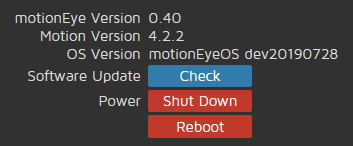
I can´t thing other possibilities right now... but if restoring the service is urgent... i think that reinstalling and importing configurations is the best way.
Lincolnhsp
on 10 Aug 2019
Already fixed in motionEye. Will be available in the currently baking nightly build.
 ccrisan
on 11 Aug 2019
ccrisan
on 11 Aug 2019
@ccrisan When will the fix be available in the raspberry PI 3 images? Is there any way to get notified?
 neilyoung
on 12 Aug 2019
neilyoung
on 12 Aug 2019
@neilyoung use the latest nightly build.
ccrisan
on 23 Aug 2019
Related issues
 jangix
·
5Comments
jangix
·
5Comments
 nusspli
·
5Comments
nusspli
·
5Comments
 JasonMorris1
·
5Comments
JasonMorris1
·
5Comments
 darrenc90
·
3Comments
darrenc90
·
3Comments
 CLUB777ONE
·
4Comments
CLUB777ONE
·
4Comments
Most helpful comment
Just tried with Firefox and it works! Thanks
what is stopping chrome from running it?