Contact Information Labels appear to be broken.
 pqhf5kd
All 5 comments
What do you mean?
Maybe it's not clear, but nothing is broken here.
 asbiin
on 20 Oct 2019
asbiin
on 20 Oct 2019
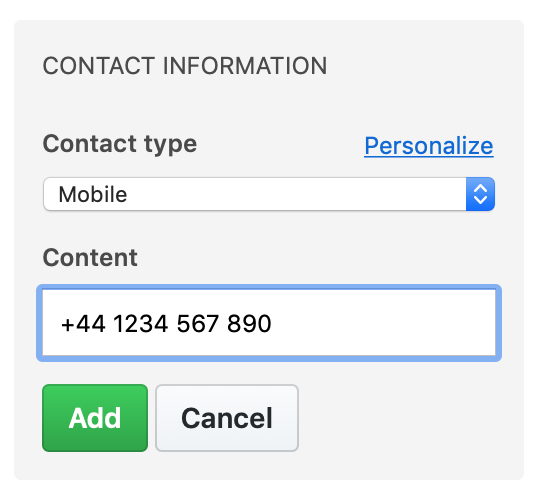
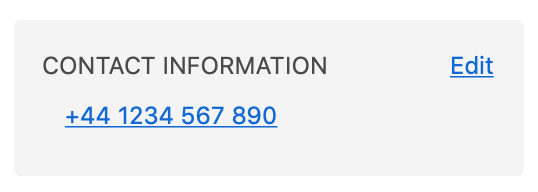
Here I've added several entries:
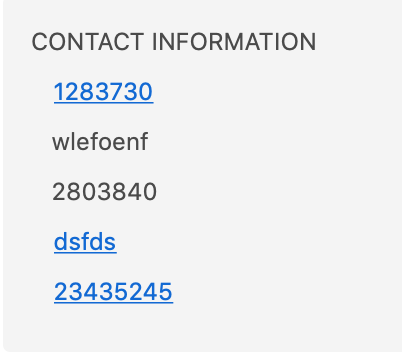
How do I know what each entry is? Email, Landline, Mobile, Facebook, custom label, etc
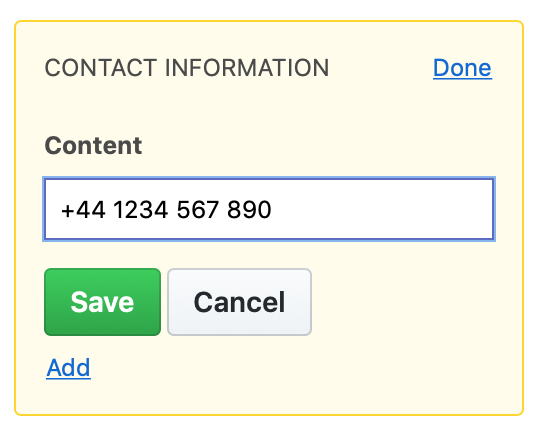
If I edit the entry, I'm not given the option to change the label.
pqhf5kd
on 20 Oct 2019
How do I know what each entry is?
There used to be icons next to each line, essentially describing each (an envelope icon, a phone icon). It appears the project wants to move away from the font product they used to show the icons, and this was a bit left behind in the transition.
If I edit the entry, I'm not given the option to change the label.
Yeah, I guess that's just how it works. If you need a different contact type, then delete the entry and create the type you did want.
 pzl
on 24 Oct 2019
pzl
on 24 Oct 2019
I see previous posts regarding Font Awesome now. If it's being removed then the options need to be removed and the 'Contact Field Type' 'Name' should be displayed.
@djaiss
Merge with #2452
pqhf5kd
on 28 Oct 2019
@pqhf5kd There was indeed a (real) problem! The icons should reappear after the fix is deployed.
asbiin
on 12 Nov 2019
Related issues
asbiin
·
4Comments
 stralsi
·
4Comments
stralsi
·
4Comments
 mattdavenport
·
3Comments
mattdavenport
·
3Comments
 jkbecker
·
3Comments
jkbecker
·
3Comments
 xorgnz
·
3Comments
xorgnz
·
3Comments
Most helpful comment
@pqhf5kd There was indeed a (real) problem! The icons should reappear after the fix is deployed.