Model-viewer: Regression: white objects suddenly render yellow or blue
Description
Regression: white objects suddenly render yellow or blue.
Some parts of models that don't use textures have started to render yellow or blue.
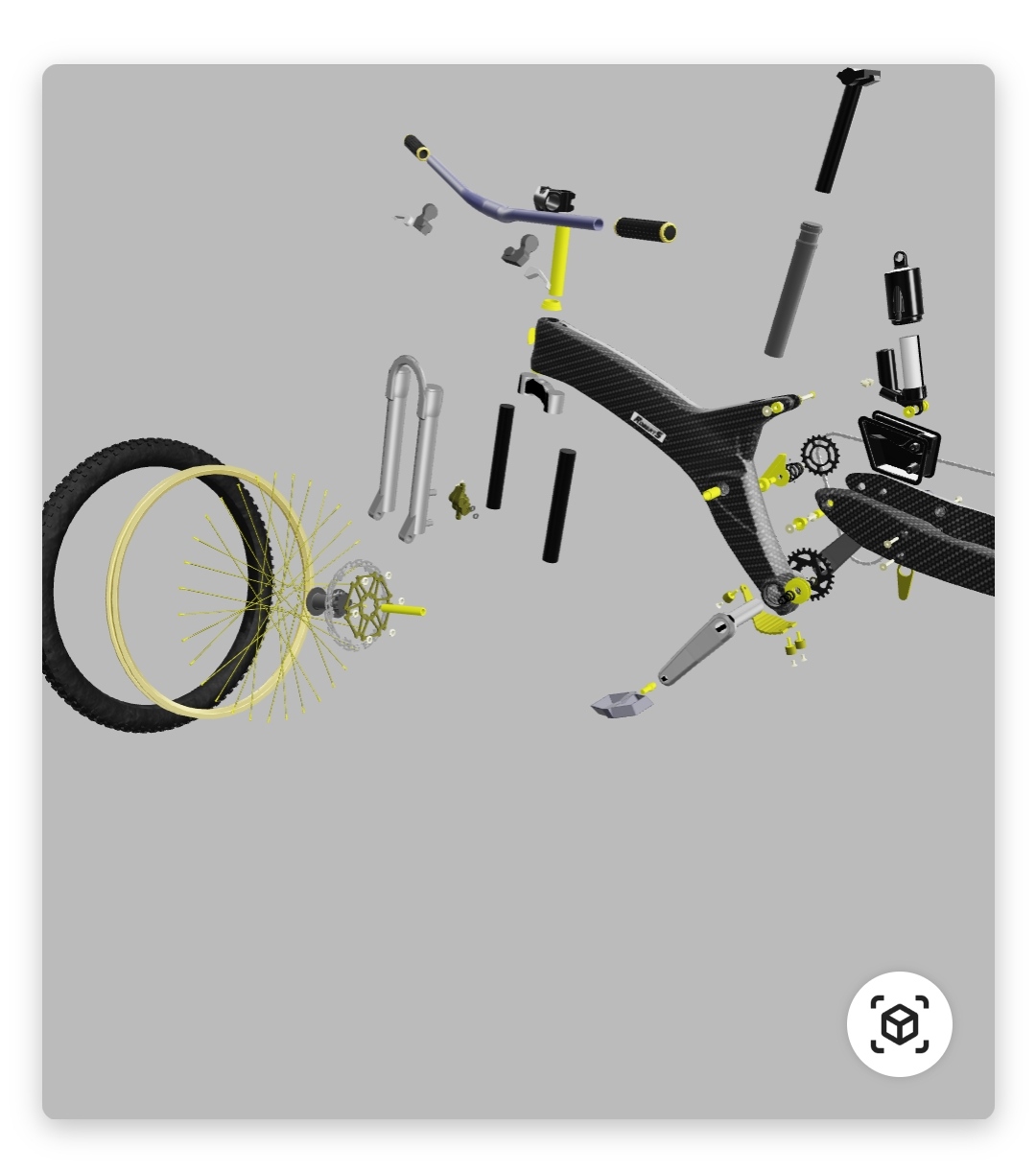
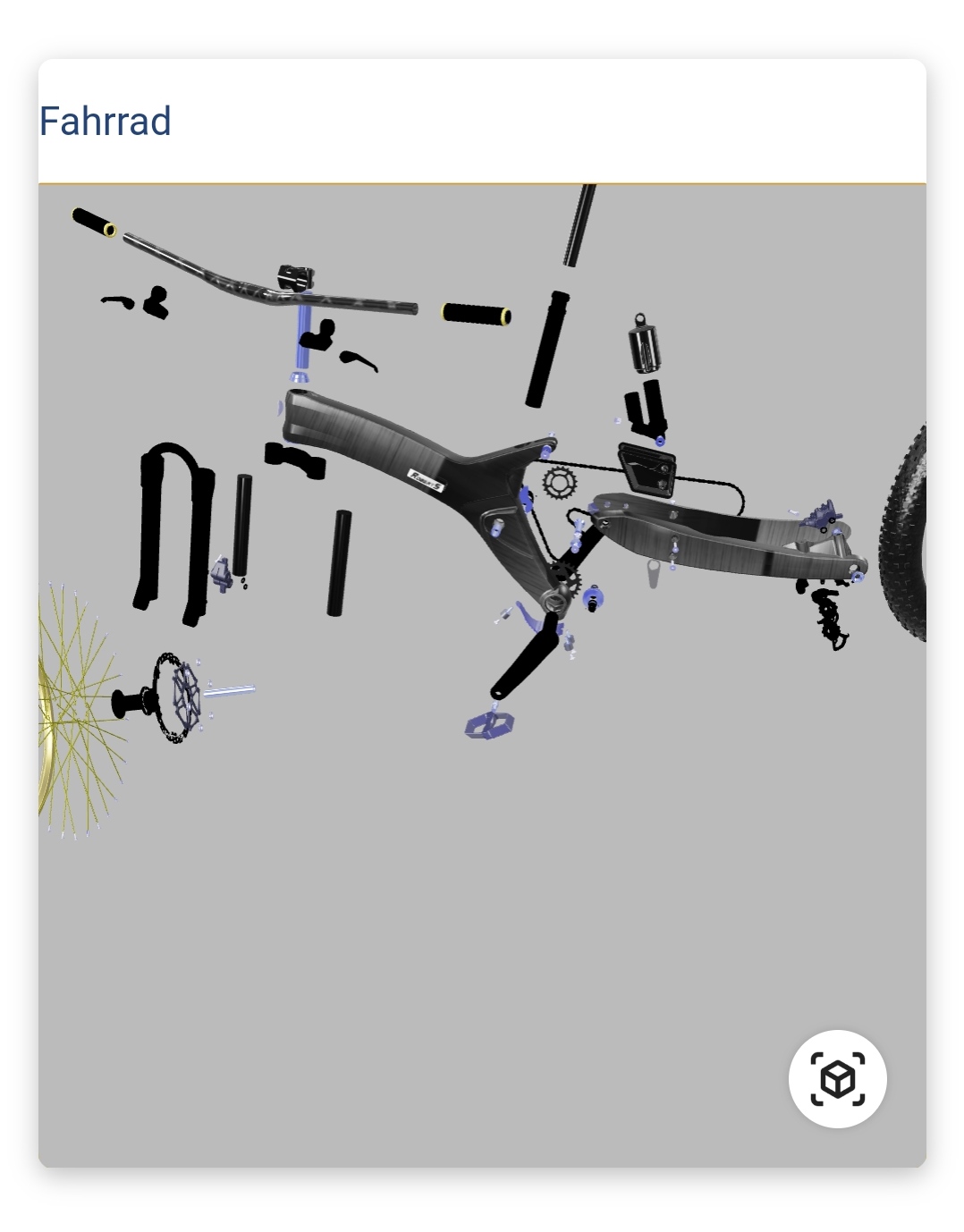

The bike parts above and the cubes around the shark are untextured and should render white; they did when I uploaded those models.
Live Demo
https://sleet-kookaburra.glitch.me/
Browser Affected
- [x] Chrome
- [ ] Edge
- [x] Firefox
- [ ] Helios
- [ ] IE
- [ ] Safari
OS
- [x] Android
- [ ] iOS
- [ ] Linux
- [ ] MacOS
- [] Windows
Versions
- model-viewer: latest
 hybridherbst
All 10 comments
@soraryu I'm not able to reproduce this problem in your demo.
I have tried running the test case in Chrome 79 on Windows 10 via BrowserStack:
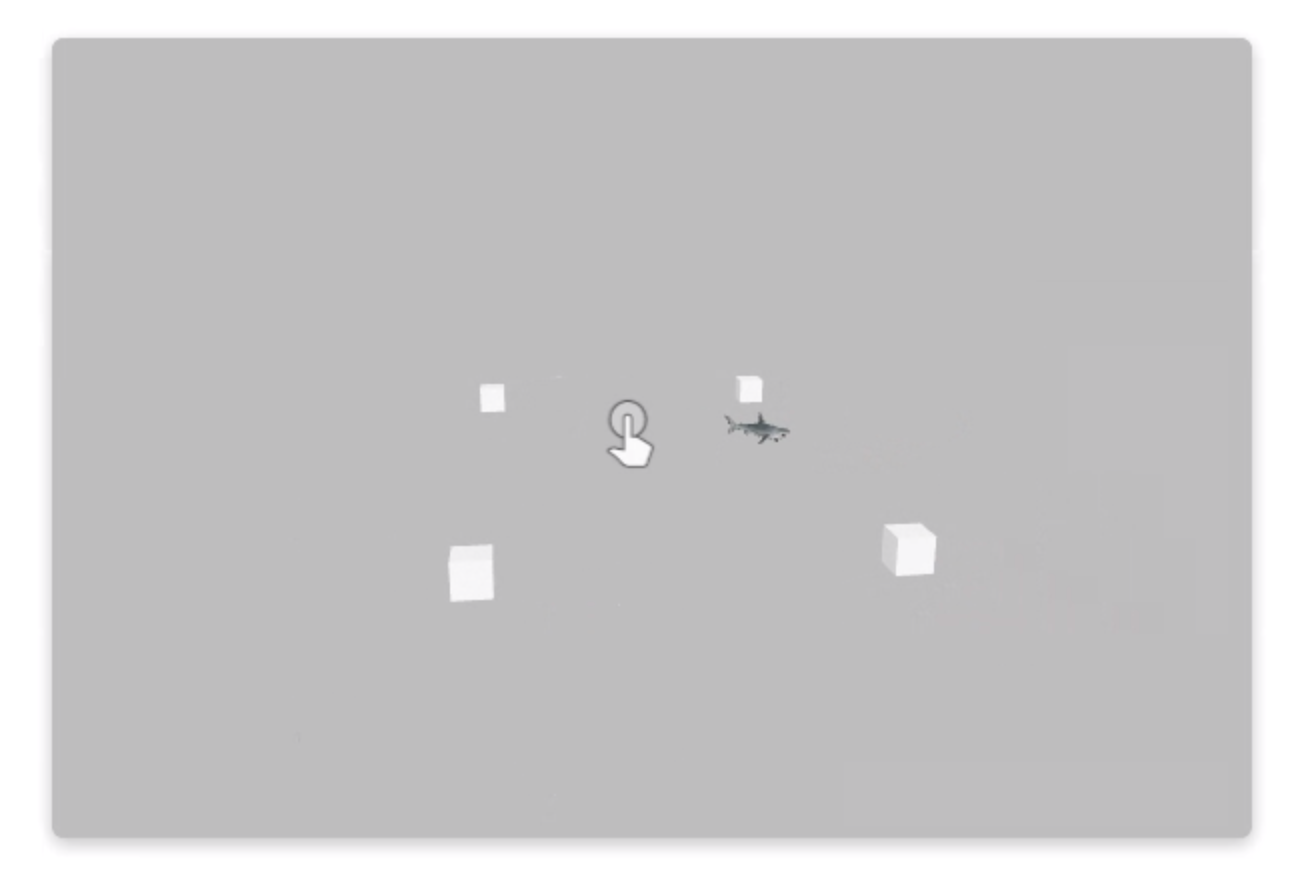
Can you offer any additional details about your setup? GPU? Windows / Chrome versions etc?
 cdata
on 20 Dec 2019
cdata
on 20 Dec 2019
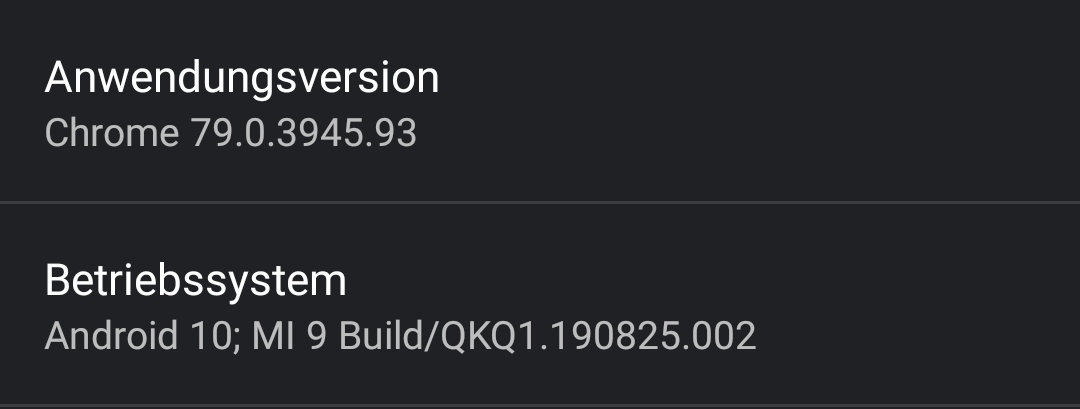
Sorry, ticked the wrong OS, corrected it now. This happens on Android 10, Xiaomi Mi 9, latest Chrome.
hybridherbst
on 20 Dec 2019
Reproduction attempts
Here are a few shots from phones on BrowserStack with the same chipset (Snapdragon 855) / browser (Chrome 79) combo:
Samsung Galaxy S10|Oppo OnePlus 7|
---------------------|----------------|
 |
|
So, Samsung seems fine, but there definitely seems to be something funky with the Oppo. To my eyes, the lighting on those squares looks darkened in that render.
In the JS console, there isn't a whole lot of actionable info, although it does look like there are some non-power-of-two textures in the mix:

For the OnePlus, I also saw this happening on the bike model, which looks pretty bad:
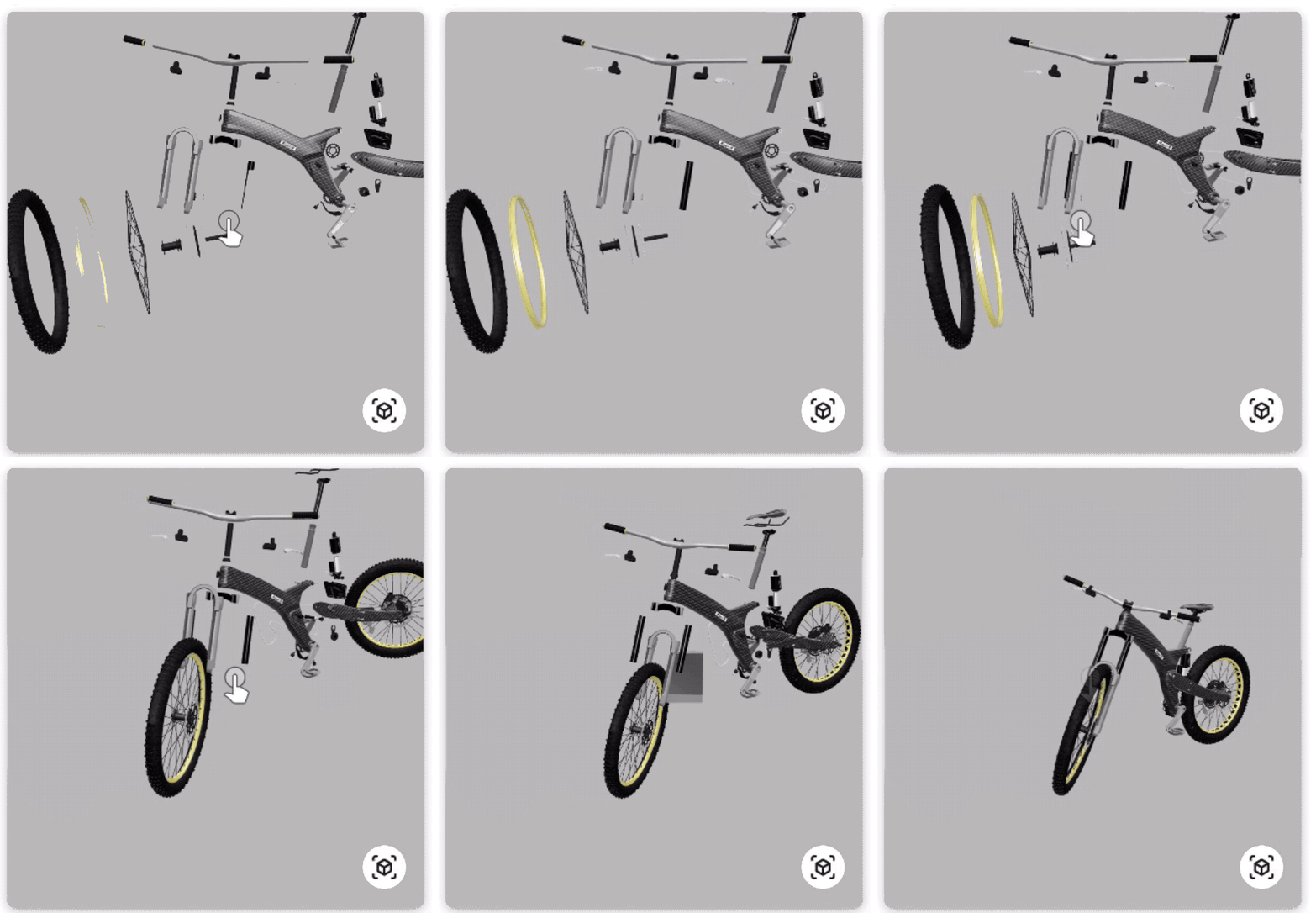
On both of those phones, these were the warnings I got in the console for the bike model, but only the OnePlus had major rendering issues:

Stepping back for a bit, I tried dropping the bicycle model into the Scene Viewer preview tool (https://vr.google.com/scene-viewer-preview) and noticed right away that it has hundreds of errors (as far as the preview tool is concerned) and also is reportedly very complex.
Analysis
It seems like there is definitely a discoloration problem that we can reproduce. We can probably use the Oppo OnePlus 7 emulator on BrowserStack to isolate the problem and look into it. cc @elalish
The yellow discoloration remains illusive. I guess we will need to get ahold of a Xiaomi 9 to verify the issue. It's possible that a fix for the Oppo will help the Xiaomi, but there is really no way to be sure.
As far as the bike is concerned, I'm worried that even if there is a <model-viewer> bug affecting it, it would be very difficult to tweeze it out of the nest of other problems in that model. @soraryu would you be willing to look into some of the errors reported by the Scene Viewer preview tool and let us know if you can reduce or eliminate them?
cdata
on 20 Dec 2019
Yep, I know the bike has lots of warnings, but until the 0.8 update has rendered fine in both model-viewer and SceneViewer on any device I tried (and that's a lot, ~20 different mobiles). Note that I have another issue open here (that you forwarded to the scene viewer team iirc) about the web preview being incorrect and models working fine on actual devices.
For reproduction, the shark is a much lighter model. I have an assumption what the issue is (affects all objects that don't have a texture assigned). I'll try to make a very simple repro.
hybridherbst
on 20 Dec 2019
Thanks @soraryu , and acknowledged that there are outstanding threads of discussion related to the bike.
I ordered us a Xiaomi Mi 9 for local testing, but we probably won't be able to do anything until after the new year.
cdata
on 20 Dec 2019
So this is definitely a regression between 0.7.2 and 0.8.0.
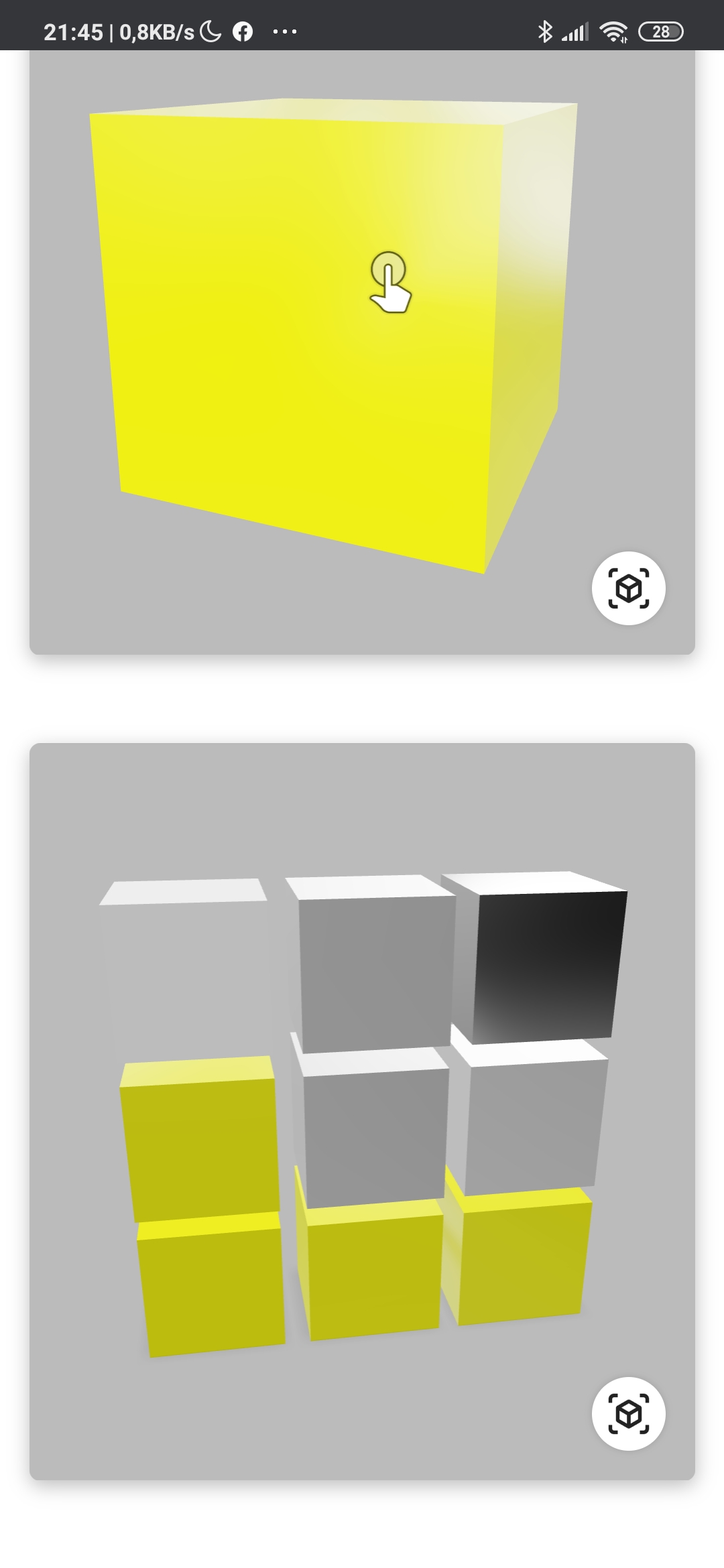
I uploaded a single white cube and it shows the same behaviour. I then made an array of cubes of varying smoothness / metallicness and the result is that all things that have
a) no texture
b) metallic 0
are yellow.
The top row has a 10x10 pix white texture assigned and does not show that behaviour.
(I have seen similar colorization effects when albedo outputs are not saturated properly in a shader (yellow/blue overshooting with some values either below 0 or above 1) - might this be a shader issue?).
You can switch model-viewer versions here (0.7.2/latest dist/master):
https://glitch.com/edit/#!/sleet-kookaburra
On 0.8:
On 0.7.2:
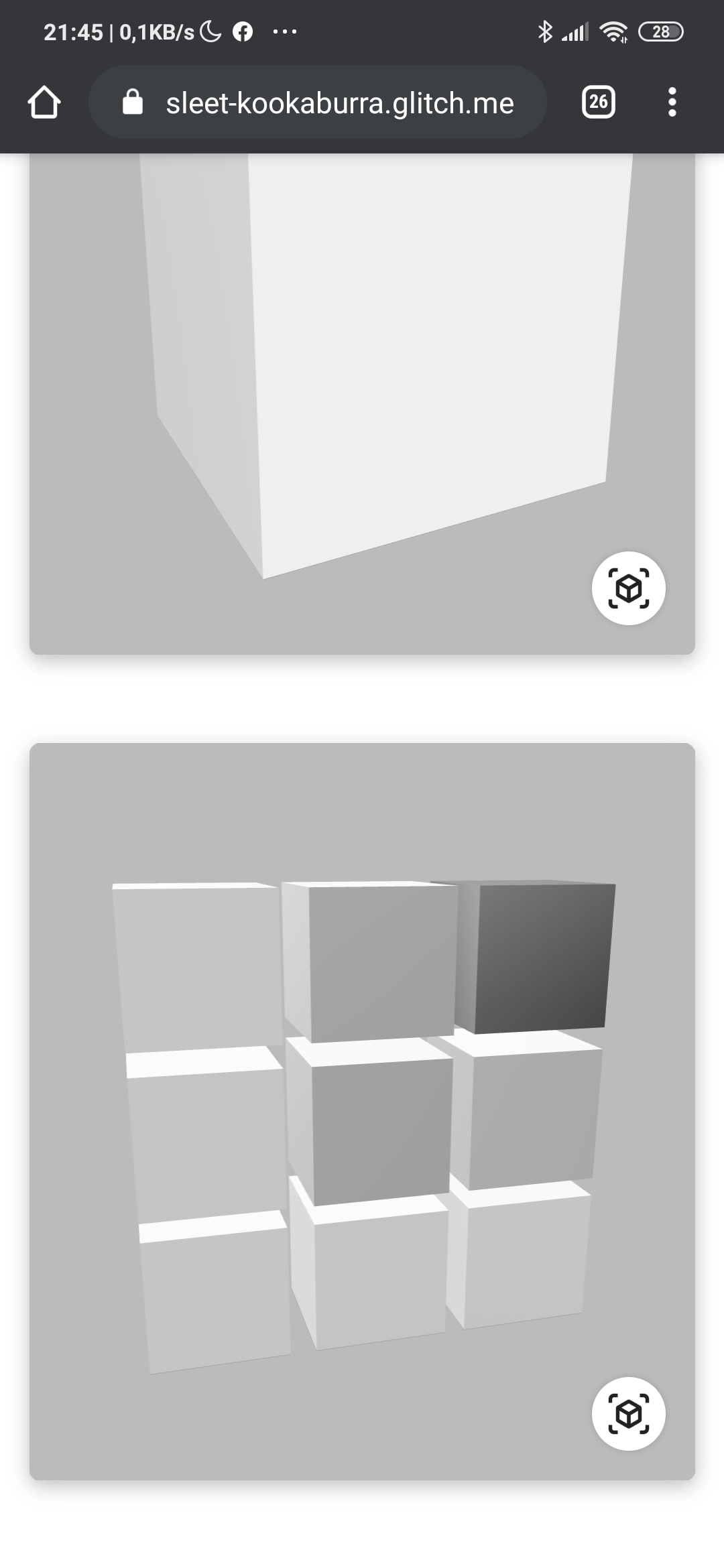
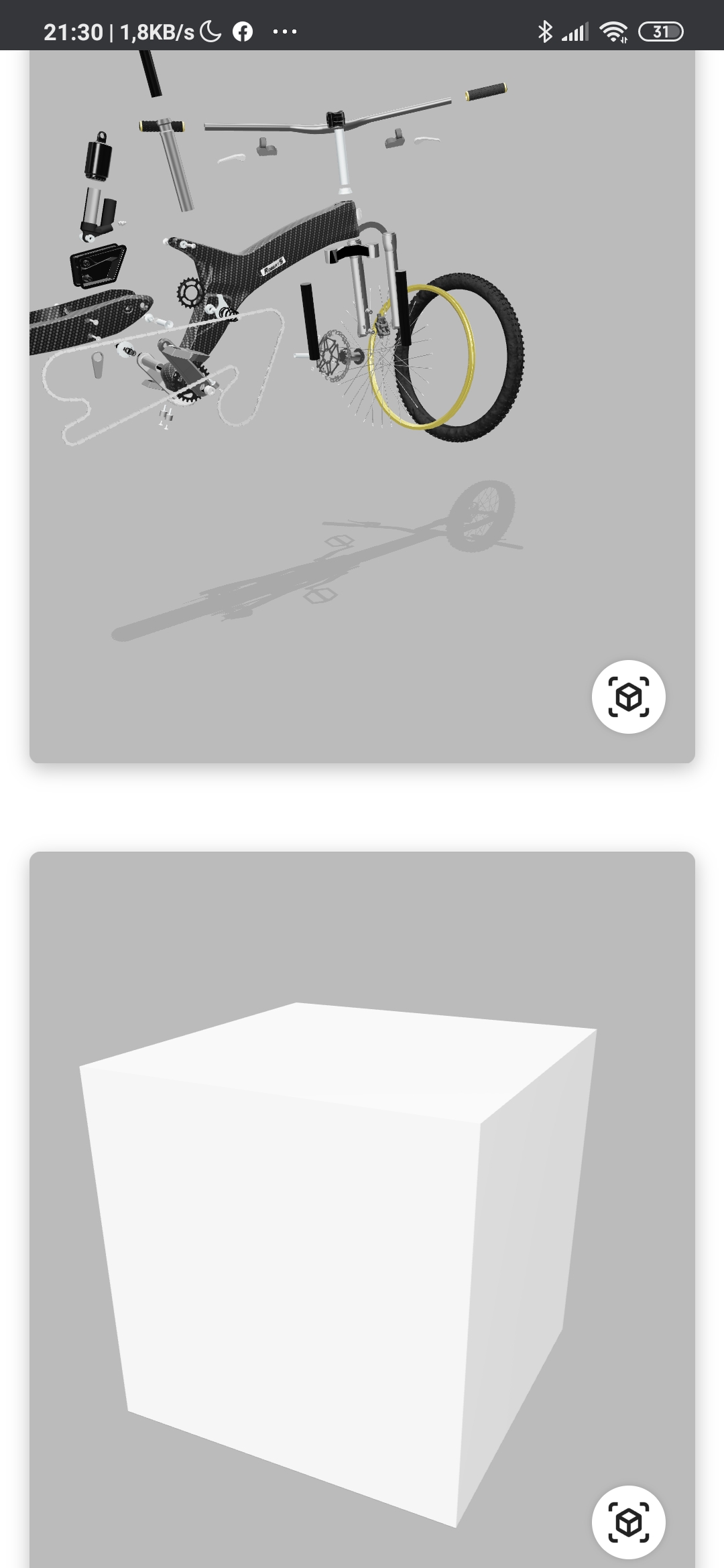
note both cube and bike work
hybridherbst
on 20 Dec 2019
@soraryu Yes, I'd guess this is a regression we picked up from bumping our version of three.js. I'll look into it. I still need to find a device that repros it.
 elalish
on 20 Dec 2019
elalish
on 20 Dec 2019
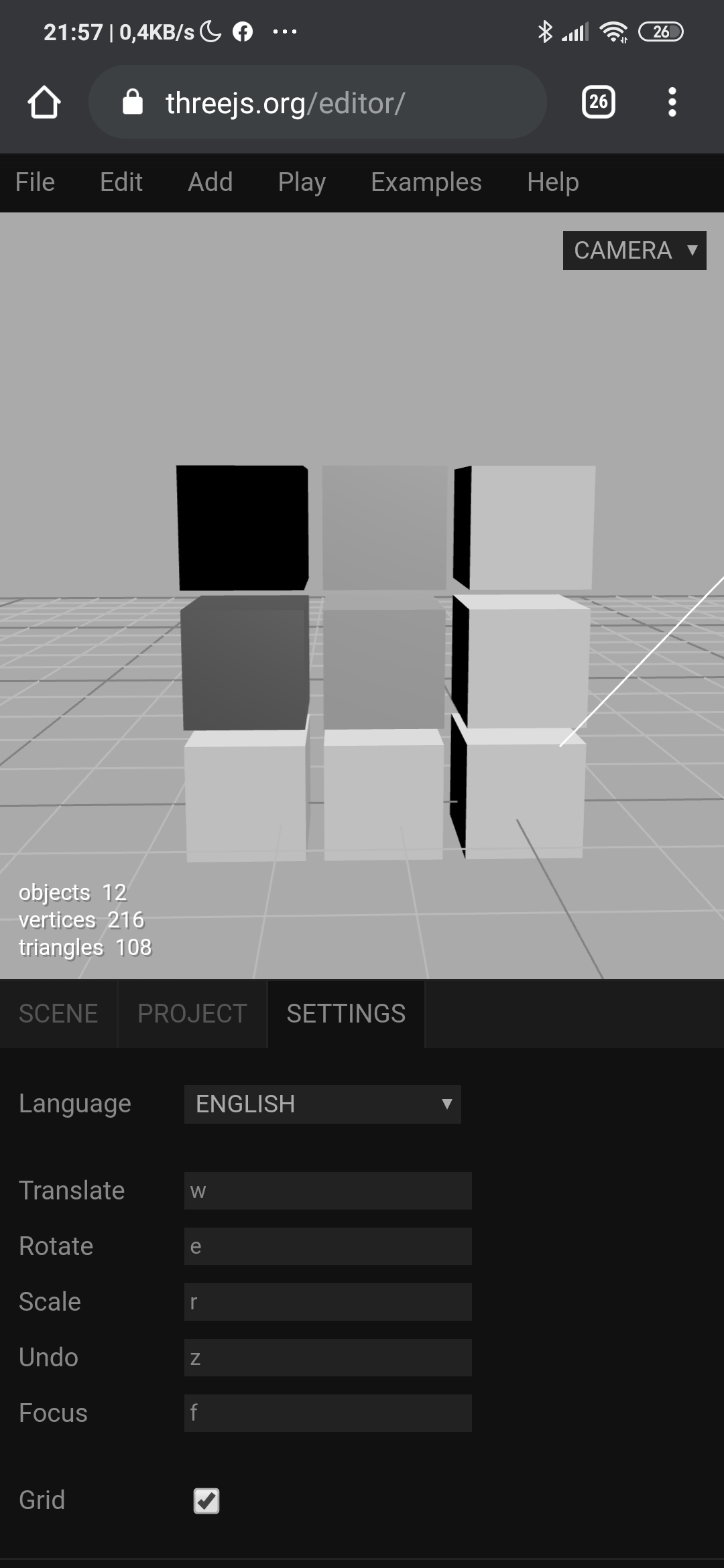
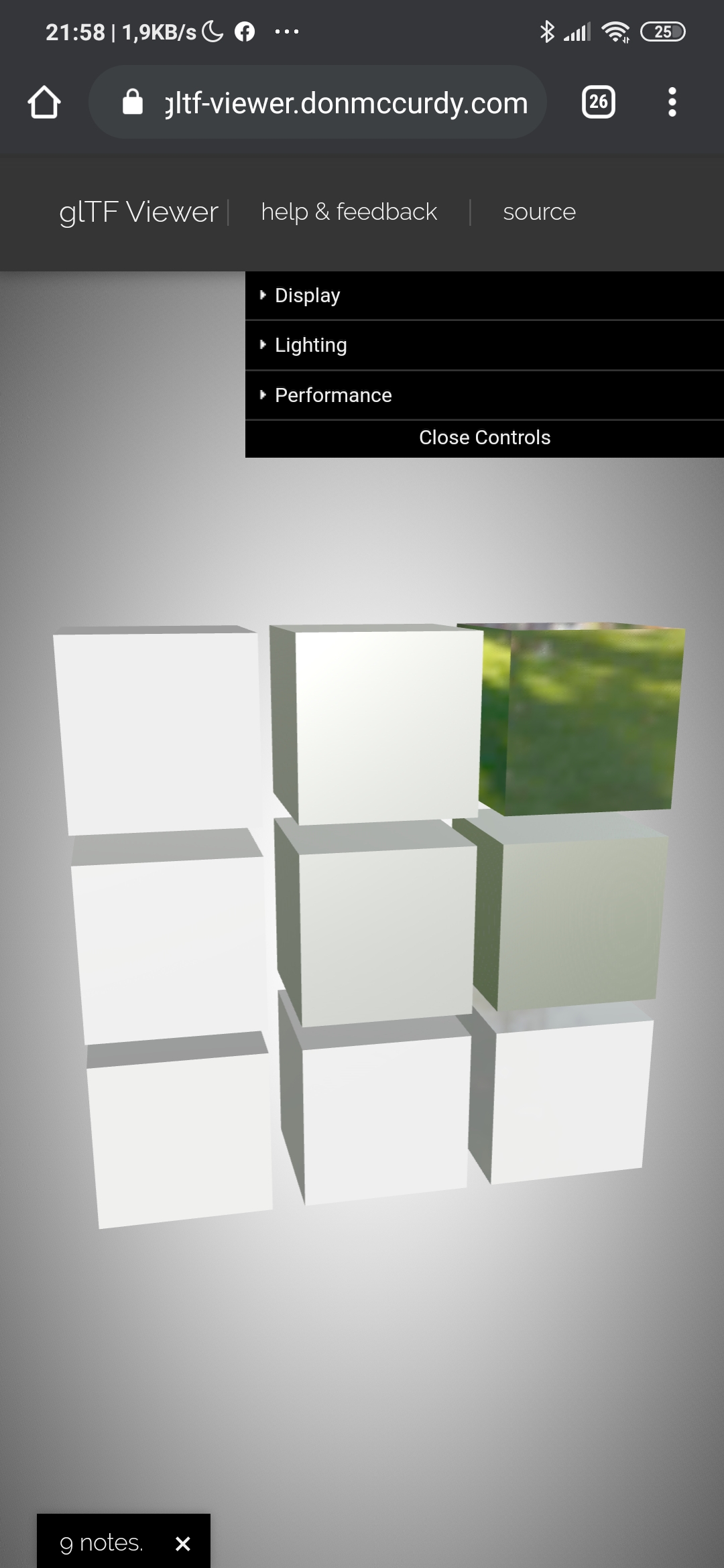
Two more tests with external three.js look ok (of course I'm not sure that's the same version you're using):
hybridherbst
on 20 Dec 2019
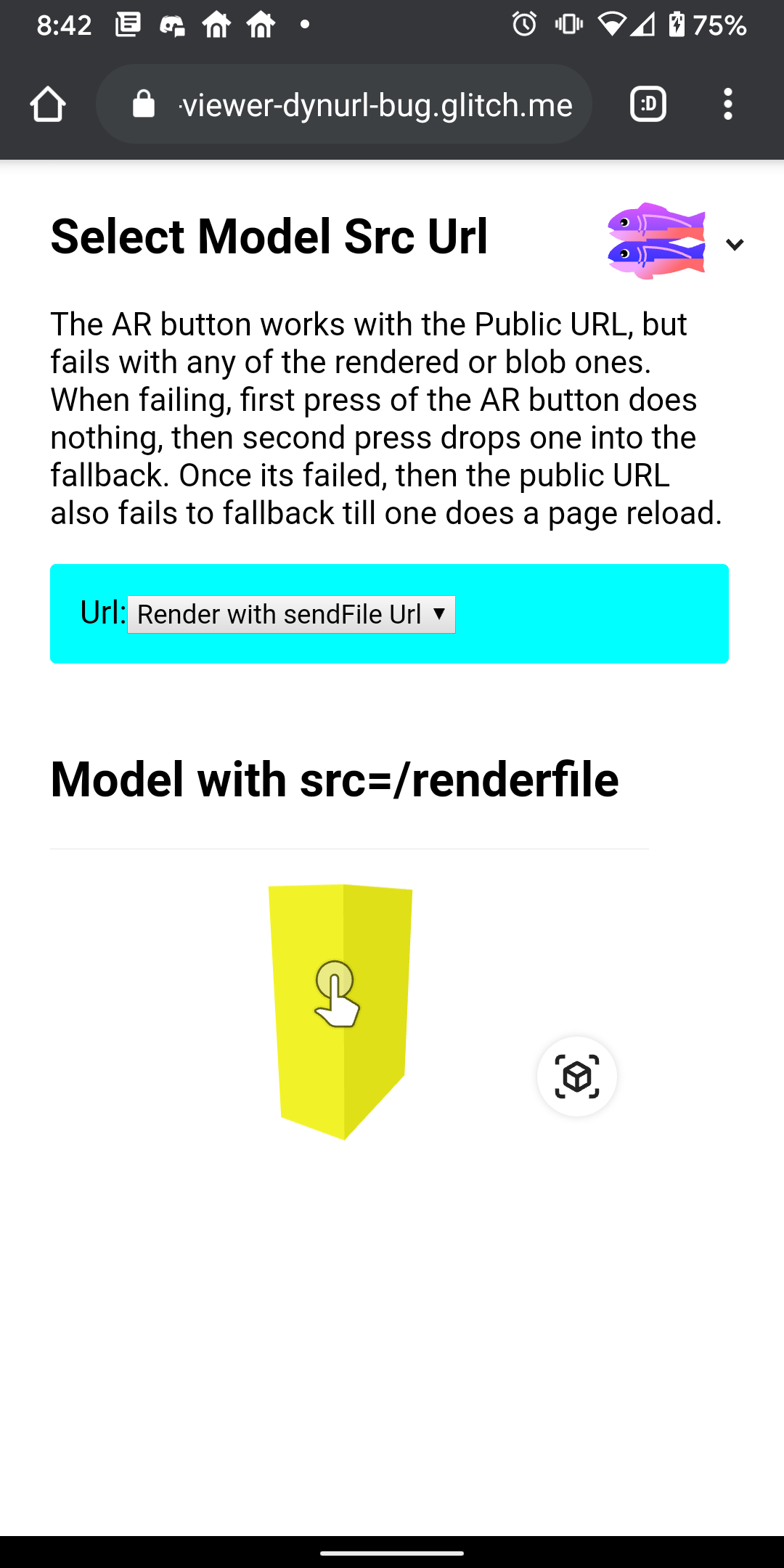
Ran into this issue on my Pixel 3 when looking at a demo from another unrelated issue (#950): https://model-viewer-dynurl-bug.glitch.me/
cdata
on 6 Jan 2020
I built a minimal repro of this on three: https://github.com/mrdoob/three.js/issues/18315
elalish
on 6 Jan 2020
Related issues
 Arumugamhns
·
30Comments
cdata
·
19Comments
Arumugamhns
·
30Comments
cdata
·
19Comments
 ebrayton
·
37Comments
hybridherbst
·
19Comments
ebrayton
·
37Comments
hybridherbst
·
19Comments
 calin-ciobanu
·
13Comments
calin-ciobanu
·
13Comments
Most helpful comment
I built a minimal repro of this on three: https://github.com/mrdoob/three.js/issues/18315