Model-viewer: "Couldn't load Object" when using a src Firebase URL
Description
I'm using Firebase for my app, but setting up model-viewer to reference the storage is proving problematic.
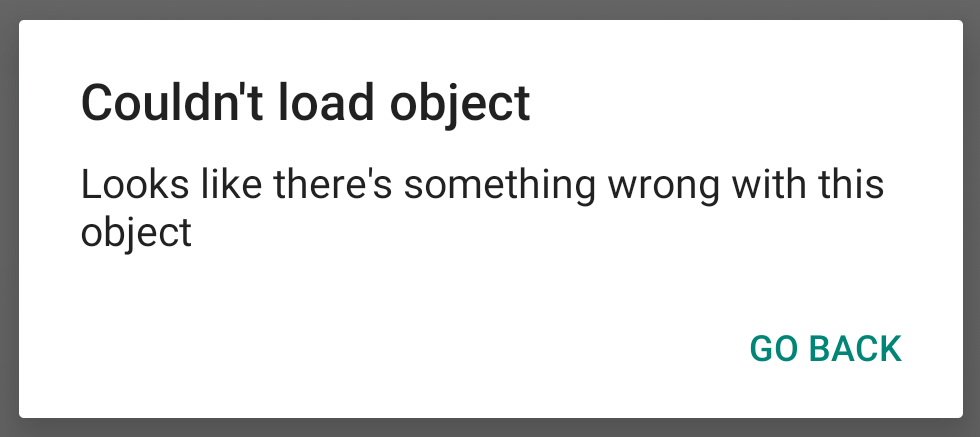
When attempting to launch Scene Viewer on Android I get "Couldn't load Object - Looks like there's something wrong with this object."
The model loads fine when the URL is relative or points to some other external source. When I include an ios-src, iOS correctly handles the Firebase urls and displays the model.
To simplify and to make sure it wasn't my model, I uploaded the Astronaut and replicated a basic setup on glitch. A snippet like this should replicate the issue (spaces added to the URL so you don't have to scroll horizontally):
<model-viewer src="https://firebasestorage.googleapis.com/v0/b
                   /<proj>.appspot.com/o/model%2FAstronaut.glb
                   ?alt=media&token=<token>"
              camera-controls ar
              interaction-prompt="auto">
</model-viewer>
Live Demo
Browser Affected
- [x] Chrome (tested on version 76.0.3809.132)
OS
- [x] Android (tested on version 9)
Versions
- model-viewer: v0.6.0
 ebrayton
All 37 comments
Hey, thanks for thorough description of the problem @ebrayton . This is a problem with Scene Viewer (the native app that <model-viewer> launches on Android). I'll forward the report to that team and let you know if they think it's a problem on their side.
 cdata
on 7 Sep 2019
cdata
on 7 Sep 2019
Thank you. Let me know, too, if there's any other information they need.
ebrayton
on 9 Sep 2019
Hi everybody:
Same behavior here, when trying to test the web component from my own (secure) server:
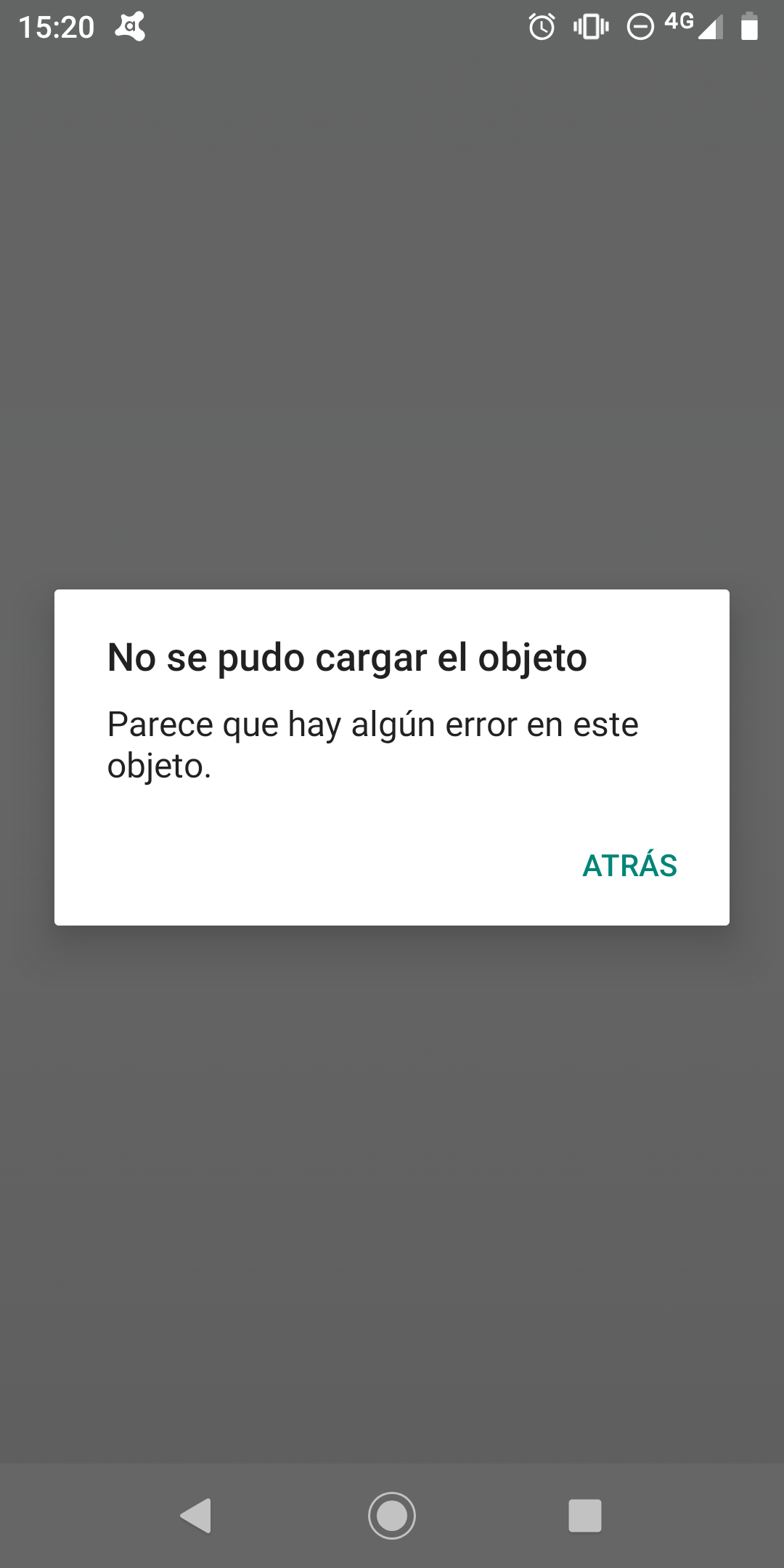
Debugging the web page by means of "Remote devices" tool on desktop Chrome I get:
model-viewer.js:57191 Uncaught (in promise) TypeError: fullscreen error
    at HTMLElement.[onARButtonContainerFallbackClick] (model-viewer.js:57191)
    at HTMLDivElement.ARModelViewerElement.<computed> (model-viewer.js:57058)
Any help on this will be welcome!
 vortice3D
on 14 Sep 2019
vortice3D
on 14 Sep 2019
Same here, I have that problem either with glb/gltf models hosted on external source (github.io) and local
 nicolocarpignoli
on 25 Sep 2019
nicolocarpignoli
on 25 Sep 2019
I'm having the same problem when using my Firebase Storage repo. The only way I managed to load the GLB model from there was changing the rules so everyone could access the file; obviously I cannot leave it like that. Any progress on this?
 arturomarruffovegas
on 24 Oct 2019
arturomarruffovegas
on 24 Oct 2019
Hey folks, sorry for letting this fall off the radar. We determined that this is actually a <model-viewer> bug. We are accidentally breaking URLs that have sensitive query strings when we pass them into Scene Viewer.
cdata
on 24 Oct 2019
In that case, is there any way to fix this?
Enviado desde mi iPhone
El 24 oct. 2019, a la(s) 11:53, Christopher Joel notifications@github.com escribió:
Hey folks, sorry for letting this fall off the radar. We determined that this is actually abug. We are accidentally breaking URLs that have sensitive query strings when we pass them into Scene Viewer. —
You are receiving this because you commented.
Reply to this email directly, view it on GitHub, or unsubscribe.
arturomarruffovegas
on 24 Oct 2019
FYI we have opened https://github.com/GoogleWebComponents/model-viewer/pull/855 to resolve this issue. If anyone has time, it would be really helpful if you could test out this PR to make sure it resolves the issue for you.
Try it out by using this build:
<script type="module" src="https://github.pika.dev/googlewebcomponents/model-viewer/pr/855"></script>
BTW once we have sorted this out, we plan to release v0.7.2 with this fix.
cdata
on 25 Oct 2019
A fix for this has been released as v0.7.2. Please ping this bug if you are still having problems and we will re-open to investigate!
cdata
on 26 Oct 2019
Confirmed v0.7.2 working for me. Thanks!
ebrayton
on 28 Oct 2019
I ran into this issue today. When using a Firebase stored GLTF file it would not load. However, in the corresponding USDZ file worked in Quick Look. This is only with Firebase. When using files hosted in S3, both are working.
 theranbrig
on 14 Feb 2020
theranbrig
on 14 Feb 2020
@theranbrig we fixed this one a while back. If you are experiencing it, you may be using an old version or <model-viewer>, or else there is a new bug. Can you share an example URL that I can try to confirm that your file is failing to load?
cdata
on 14 Feb 2020
@cdata I am on version 0.8.1. Here is a file I recently uploaded:
https://firebasestorage.googleapis.com/v0/b/yzed-88819.appspot.com/o/images%2FGLTF_DOWNSIZED_JUMPERJACKET_V5.gltf?alt=media&token=a5c77518-0b0d-4980-839c-c951c270f153
theranbrig
on 14 Feb 2020
@theranbrig I tried throwing together a simple test case with your model so that I can try this out for myself. Unfortunately, the CORS headers are too restrictive and I cannot load the model (see http://lopsided-motion.glitch.me/fb-eg.html).
Would it be possible for you to put together a test case like that w/ sufficiently permissive CORS so that I can diagnose the issue you are seeing?
cdata
on 14 Feb 2020
We are not using Firebase for hosting and have moved onto S3. However, the strange thing was with that was that the CORS did not affect the USDZ or the images that I had uploaded. It was only on the GLB/GLTF file.
theranbrig
on 18 Feb 2020
For .usdz, the file is ultimately loaded by a native app and may not be subject to CORS restrictions. For images, the browser is able to load images (via <img> or CSS styles) without CORS permissions.
One of the cases where CORS permissions apply is when you load a file with fetch or XMLHTTPRequest. This is the case when we load glTF and glB files. We do this because we want to render these 3D models inline in the browser, but the browser doesn't have a "built-in" way to render them, so we need to read the contents of the file in order to render it ourselves. In most cases where JavaScript can read the response to a network request, CORS becomes an issue.
So, sufficiently permissive CORS headers need to be set in the response for <model-viewer> to work as intended.
cdata
on 18 Feb 2020
Hi there,
I'm getting the same issue.
I'm trying to use the Google Scene Viewer as described here:
link
and using a firebase storage download url as the file.
I know this strictly falls outside the scope of Model Viewer, but I'm hoping someone will be willing to help me out!
 ataylor09
on 14 Jul 2020
ataylor09
on 14 Jul 2020
@tpsiaki Do you have any guidance you could provide to @ataylor09?
 elalish
on 14 Jul 2020
elalish
on 14 Jul 2020
@elalish Out of interest, do you know how Model Viewer handles this? Isn't model viewer using Scene Viewer behind the scenes to start AR on an Android device?
ataylor09
on 15 Jul 2020
@ataylor09 our default is now webXR instead of SceneViewer, so that we don't have to leave the browser or redownload the model. When you specify ar-mode="scene-viewer", we just pass the src URL to their intent, but we get no feedback from then on.
elalish
on 16 Jul 2020
Hi there,
I'm getting the same issue.I'm trying to use the Google Scene Viewer as described here:
linkand using a firebase storage download url as the file.
I know this strictly falls outside the scope of Model Viewer, but I'm hoping someone will be willing to help me out!
Same issue here, using version 1.0 in Android app:
sceneViewerIntent.setData(Uri.parse(https://arvr.google.com/scene-viewer/1.0?file=https://firebasestorage.googleapis.com/v0/b/...)
Any ideas how to get this working?
 jpeltone
on 20 Jul 2020
jpeltone
on 20 Jul 2020
We switched to hosting our GLTF and USDZ files on AWS S3. No problems at all. Not sure if that is a viable option for everyone, but we haven't had any issues since switching.
theranbrig
on 20 Jul 2020
Thanks but in my case I would not like to use S3 since all models and other logic is built on top of Firebase. One would expect Google to support integration between their products but I guess not in this case...
jpeltone
on 20 Jul 2020
@ataylor09 @jpeltone Do you have examples of the urls to the gltf or glb files you're trying to load from firebase or elsewhere that are failing?
 tpsiaki
on 20 Jul 2020
tpsiaki
on 20 Jul 2020
@jpeltone - The link you provided seems to maybe not be including the url get params to the file= parameter sent to scene viewer. This link is telling Scene Viewer that the gltf can be downloaded at https://firebasestorage.googleapis.com/v0/b/ which seems to be incomplete.
tpsiaki
on 20 Jul 2020
Thanks for replying, I did not want to paste the full link as the access is behind authentication but I created temporary file here: https://firebasestorage.googleapis.com/v0/b/ardom-ee02f.appspot.com/o/models%2Fscene.gltf?alt=media&token=899e893b-8d92-42d1-bfb5-2e2485104784
However, this file is only the gltf file, is it so that also the bin file and textures are also needed? I could not get the model working in the preview tool either even with all the files included so it's probably something with the model itself? I have created sfb file from the model successfully with Sceneform plug-in though so it should be working.
jpeltone
on 20 Jul 2020
update: I was able to see this model successfully in the preview-tool: https://firebasestorage.googleapis.com/v0/b/ardom-ee02f.appspot.com/o/models%2Fwall-lamp.zip?alt=media&token=14865e06-29e4-4397-93c4-5e4b085b7263 when uploading the zip file but if I upload the files in the zip to the preview tool separately it does not work and it does not work from Android app code either but gives the same error as when accessing the gltf file.
jpeltone
on 20 Jul 2020
update 2: I packed the file to glb and uploading it to the preview tool works and shows fine but still does not work from Android app.
File: https://arvr.google.com/scene-viewer/1.0?file=https://firebasestorage.googleapis.com/v0/b/ardom-ee02f.appspot.com/o/models%2Fout.glb?alt=media&token=a4839672-3d8b-436b-9c37-ad088d1fe3e5
related code:
Intent sceneViewerIntent = new Intent(Intent.ACTION_VIEW);
sceneViewerIntent.setData(Uri.parse("https://arvr.google.com/scene-viewer/1.0?file=https://firebasestorage.googleapis.com/v0/b/ardom-ee02f.appspot.com/o/models%2Fout.glb?alt=media&token=a4839672-3d8b-436b-9c37-ad088d1fe3e5"));
sceneViewerIntent.setPackage("com.google.android.googlequicksearchbox");
startActivity(sceneViewerIntent);
Another finding: the Help link in the online preview tool does not work at least for me but gives: developers.google.com refused to connect.
jpeltone
on 20 Jul 2020
This is because the & in your intent is being treated as part of the intent url rather than part of the file url, and the %2F is url decoded when the file parameter is read out the intent. You need to url escape the & with %26 and the % with %25.
This works for me:
https://arvr.google.com/scene-viewer/1.0?file=https://firebasestorage.googleapis.com/v0/b/ardom-ee02f.appspot.com/o/models%252Fout.glb?alt=media%26token=a4839672-3d8b-436b-9c37-ad088d1fe3e5
tpsiaki
on 20 Jul 2020
Great, thanks, I missed that when just copying the link. I still need to check how getDownloadUrl() in Firebase StorageReference manages url escaping and try it out.
jpeltone
on 21 Jul 2020
Hi, are we sure this issue hasn't resurfaced? I am getting the same issue, urls with query params (for example: https://firebasestorage.googleapis.com/v0/b/sharpar-io.appspot.com/o/DELETEME%2Fgithubexample.glb?alt=media&token=61e28706-0488-4a24-82d7-9bde2d66f611) are throwing the 'couldn't load object' error in scene viewer.
I understand that it is an issue with the formatting of the url... however I've played around with url-encoding various parts of the 'src' attribute directly and all I get are 403 errors (because I am url-encoding parst of firebase's authentication token query).
This leads me to believe that the problem is in the model-viewer code itself, in how it is formatting the intent sent to scene-viewer.
 Sheldonfrith
on 3 Oct 2020
Sheldonfrith
on 3 Oct 2020
@Sheldonfrith Can you link to your page where this is not working? That would allow me to debug. Also, if you use webXR mode instead of scene-viewer does it work?
elalish
on 5 Oct 2020
@elalish This is a page with one of our models from firebase storage (switching away from firebase soon because of this issue, but currently it is still using firebase so you might be able to debug it): https://authentique.co/products/purple-resin-tray
Sheldonfrith
on 13 Oct 2020
@Sheldonfrith It looks like you've switched to using webXR mode now? That's what I get when I try and it's working, though the model seems to be at an enormous size. Did you check that it's properly modeled in units of meters, as that's what glTF requires?
elalish
on 13 Oct 2020
Any updates here? Facing the same issue, I hit CORS when I try to access a .glb/.gltf file on firebase storage.
 naiveHobo
on 4 Jan 2021
naiveHobo
on 4 Jan 2021
@naiveHobo I'm not sure you're seeing the same problem, and this is a pretty long, closed thread. Maybe time to start a new issue with your own link and repro steps. You will need proper CORS headers from wherever you're serving from, so if Firebase doesn't do that or allow it to be configured, you may need to use a different server.
elalish
on 5 Jan 2021
Related issues
 anupamdas2012
·
13Comments
anupamdas2012
·
13Comments
 suro7
·
31Comments
cdata
·
22Comments
cdata
·
19Comments
cdata
·
15Comments
suro7
·
31Comments
cdata
·
22Comments
cdata
·
19Comments
cdata
·
15Comments
Most helpful comment
Confirmed v0.7.2 working for me. Thanks!