Model-viewer: [BREAKING CHANGE] model viewer distributions now have a CORS policy preventing usage
Description
Some of our pages using model-viewer have suddenly stopped working. It seems that the link https://unpkg.com/@google/model-viewer/dist/model-viewer.js now (suddenly) has a CORS policy preventing access to the script, e.g. from Glitch.

Live Demo
https://glitch.com/edit/#!/fierce-passionfruit
Note that using the explicit version number still works:
https://unpkg.com/@google/model[email protected]/dist/model-viewer.js
Browser Affected
- [X] Chrome
- [X] Edge
- [X] Firefox
- [ ] Helios
- [ ] IE
- [ ] Safari
OS
- [X] Android
- [X] iOS
- [ ] Linux
- [ ] MacOS
- [X] Windows
Versions
- model-viewer: latest dist version
@cdata I think you'll want to check this asap
 hybridherbst
All 12 comments
@soraryu acknowledged, checking it out.
 cdata
on 1 Nov 2019
cdata
on 1 Nov 2019
@soraryu thanks for reporting. Your test case is currently working as expected for me.
Looking at the network panel from desktop OSX / Chrome, I see the first redirect request has permissive CORS:

And so does the follow-on request that responds 200:
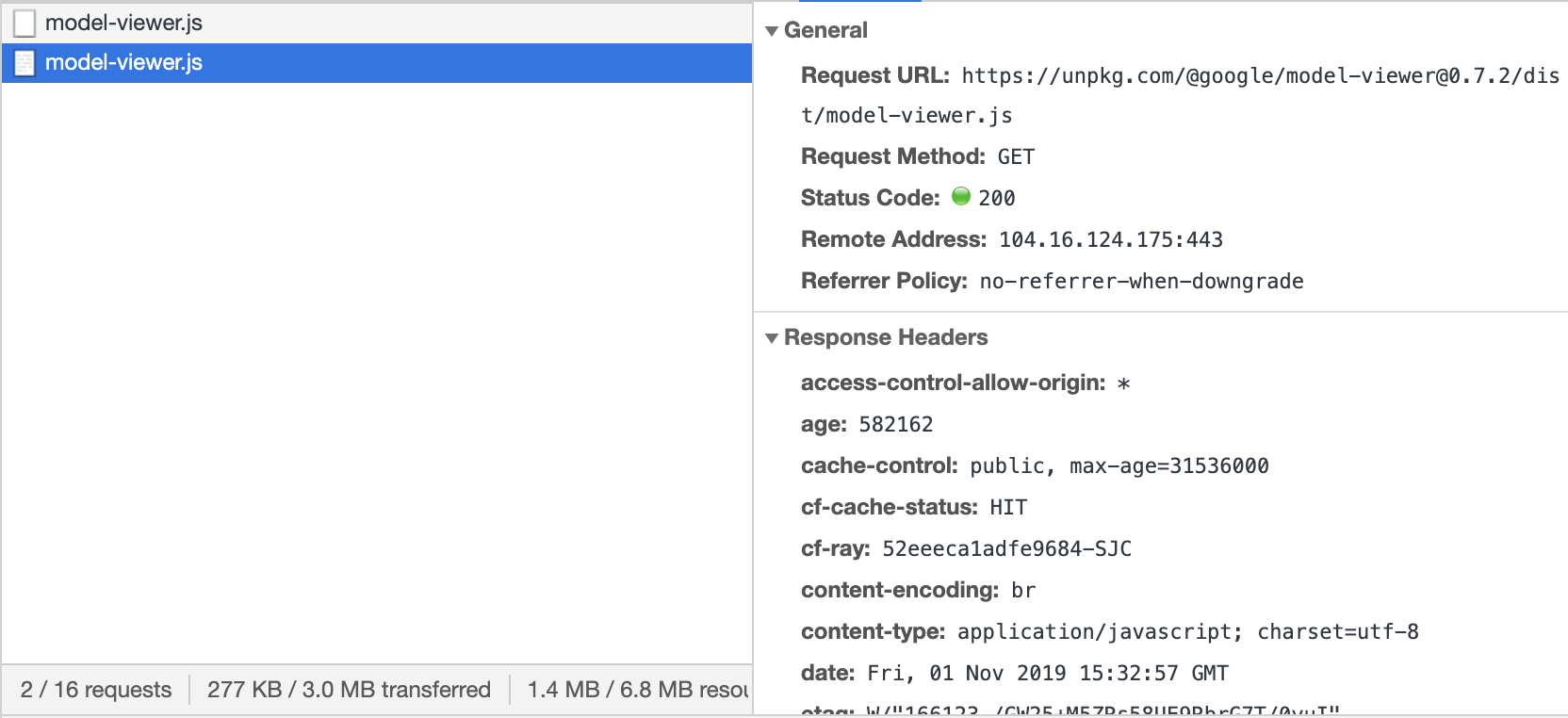
Some follow-on questions that could help us diagnose the issue include:
- How many different networks have you tried this from?
- What geographical region are you trying it from?
cdata
on 1 Nov 2019
One thought is that if unpkg's redirect times out, you might never have receive the permissive CORS header. That could lead to an error message in the console, but the source of the problem is network issues on unpkg.com's side.
cdata
on 1 Nov 2019
Looks like we got an earlier report of this in #865, but I'll be using this as the primary tracking issue for now.
cdata
on 1 Nov 2019
I did some investigation of UNPKG to try to glean its system status. It looks as though they briefly made changes to how their CORS headers work, and that they decided to revert them shortly after they landed (see https://github.com/mjackson/unpkg/pull/227#issuecomment-548828956 and https://github.com/mjackson/unpkg/issues/226#issuecomment-548824862).
This seems to be a likely candidate for the problem, but we should follow up with them to confirm.
cdata
on 1 Nov 2019
Apologies for the service interruption here. I've reverted the change we made last night and purged the cache for @google/model-viewer version 0.7.2. It is now using Access-Control-Allow-Origin: * once again. Please LMK if you'd like to purge any other package + version combinations from the cache.
 mjackson
on 1 Nov 2019
mjackson
on 1 Nov 2019
Thanks for the insight @mjackson I'm just grateful we could trace the source of the problem. Keep up the good work!
For now I'm going to close out this issue. We can re-open if folks continue to have issues.
cdata
on 1 Nov 2019
OK, so it was basically bad timing :) I was showing a client a couple of my glitch test projects today and nothing worked. Wew. I can confirm our pages work again.
hybridherbst
on 1 Nov 2019
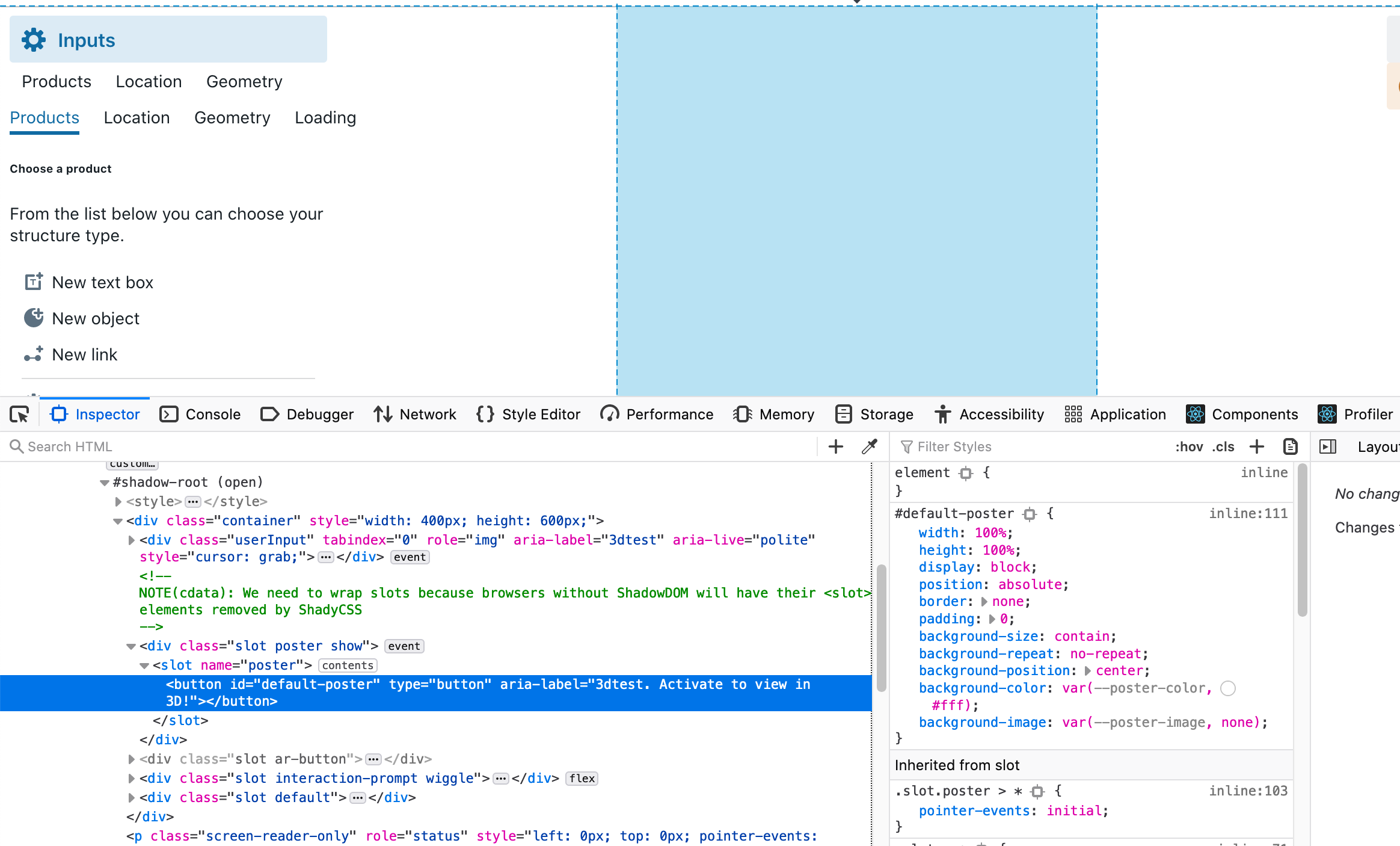
@cdata I am experiencing similar problems and <model-viewer> is not rendering anything into my page. I've tried serving my model files from AWS S3, GCP Storage with proper CORS settings but nothing. ...Now I moved the files into a local asset folder but the same. Now I do not get the CORS errors, obviously, but nothing rendered. I tried in different browsers and environments.
System: MacOS Catalina 10.15
Browsers: Chrome, Firefox (both latest)
Frameworks: ReactJS, vanilla HTML
 Biaggio74
on 14 Jan 2021
Biaggio74
on 14 Jan 2021
@Biaggio74 Was this working before? Do you know how or when it changed? There haven't been any recent changes at unpkg, so it seems unlikely to be the same issue.
 elalish
on 14 Jan 2021
elalish
on 14 Jan 2021
@elalish this is my first time to meet with the model-viewer and never worked for me so far. I also tried with yarn add but got the same result. Strangely I do not get any error in the dev console of Chrome or Firefox, so difficult to debug.
Biaggio74
on 14 Jan 2021
I'd recommend you open a new Q&A in discussions with a link to your repro. You'll have a better shot at support there than in a closed issue. If it's your first time with model-viewer, you might want to try out a simple HTML website first to get the hang of it before introducing frameworks.
elalish
on 14 Jan 2021
Related issues
cdata
·
15Comments
 fselcukcan
·
14Comments
fselcukcan
·
14Comments
 pushmatrix
·
34Comments
hybridherbst
·
19Comments
pushmatrix
·
34Comments
hybridherbst
·
19Comments
 OriginLive
·
27Comments
OriginLive
·
27Comments
Most helpful comment
Thanks for the insight @mjackson I'm just grateful we could trace the source of the problem. Keep up the good work!
For now I'm going to close out this issue. We can re-open if folks continue to have issues.