Mne-python: TimeViewer Play/Pause button should toggle state when tmax is reached
Describe the bug
Currently the Play/Pause button doesn't switch from Pause to Play when the the last time point has been reached.
Steps to reproduce
Open TimeViewer with an STC with multiple time points, press the play button, wait until the last time point is reached.
Expected results
Play/Pause button state should toggle.
Actual results
Play/Pause button does not toggle:
https://youtu.be/xnFgfJ1-s-M
Additional information
Instead of toggling automatically once tmax is reached, we could also simply loop until the user explicitly requests to pause playback?
 hoechenberger
All 7 comments
Also needs a callback from time slider drag events.
hoechenberger
on 16 Apr 2020
Also needs a callback from time slider drag events.
I am not sure to understand what you mean by that. Drag event for the time slider and matplotlib time line are 'active user event'. As opposed to the 'play/pause' button which indicates that the time points are updated automatically.
 GuillaumeFavelier
on 16 Apr 2020
GuillaumeFavelier
on 16 Apr 2020
What I meant is that we need to decide what happens in the following scenario:
- user has pressed the Play/Pause button
- movie is still playing
- user grabs the PyVista time slider and moves it along the tube
- should playback be paused?
- or should playback immediately continue once the slider drag event has been finalized?
hoechenberger
on 16 Apr 2020
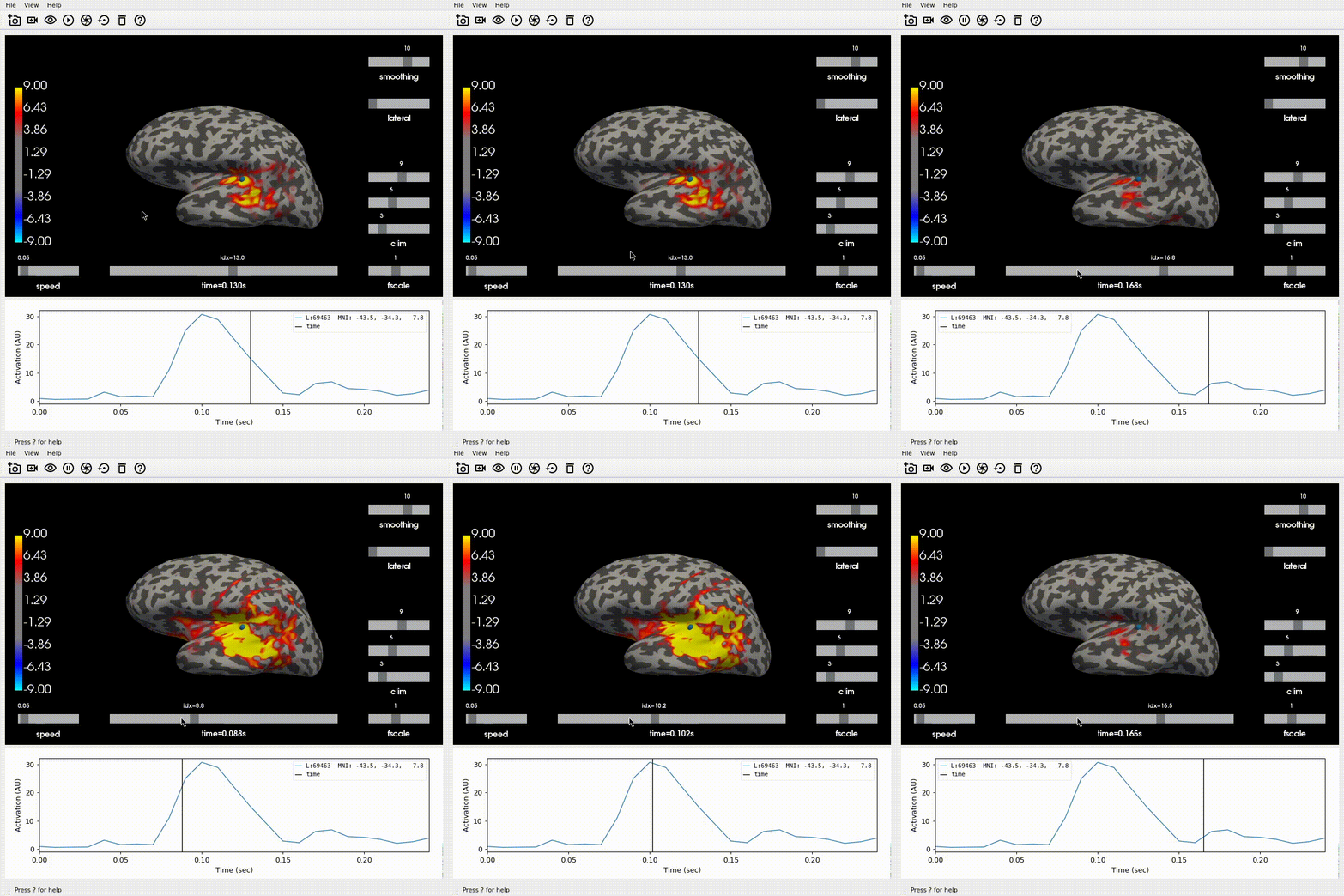
I would say it should restart as soon as you let go of the slider, starting at the new slider location. This allows viewing the same activity over and over again just by clicking a point on the slider during playback, which is nice.
 larsoner
on 16 Apr 2020
larsoner
on 16 Apr 2020
it should restart as soon as you let go of the slider, starting at the new slider location.
I believe this is the current behaviour right?
GuillaumeFavelier
on 16 Apr 2020
It was last time I tested and might indeed still be true. I was just responding to @hoechenberger's question above:
- should playback be paused?
- or should playback immediately continue once the slider drag event has been finalized?
larsoner
on 16 Apr 2020
It was last time I tested and might indeed still be true. I was just responding to @hoechenberger's question above:
Yes, it's still working that way! :)
hoechenberger
on 16 Apr 2020
Related issues
 Mehrabkhazraei
·
7Comments
Mehrabkhazraei
·
7Comments
 erfpak7
·
5Comments
erfpak7
·
5Comments
 mirgee
·
3Comments
mirgee
·
3Comments
 sappelhoff
·
6Comments
hoechenberger
·
6Comments
sappelhoff
·
6Comments
hoechenberger
·
6Comments
Most helpful comment
It was last time I tested and might indeed still be true. I was just responding to @hoechenberger's question above: