Mixedrealitytoolkit-unity: Supersaturated colors
Describe the bug
I use the MRTK standard shader in my scene. Everything looks good in the Unity editor, but when I build the project, all the colors are way too colorful.
To reproduce
I'm not sure, but it might have something to do with the LWRP. I can not test this for my project because I can not fix the current bad state.
I've tried to test it on a new project, but I can not click on the "Update Mixed Reality Toolkit / Utilities / MRTK S... Pipeline" button (grayed out).
Expected behavior
The materials rendered using the HoloLens device should resemble the materials rendered in the Unity Scenes window.
Your Setup (please complete the following information)
- Unity Version 2019.2.9f1
- MRTK Version v2.1.0 NuGet
Project Settings/Player/XR Settings:
- Depth Format: 16-bit
- Enabled Depth Buffer Sharing: enabled
- Rendering Mode: Single Pass Instanced
Target Platform (please complete the following information)
- HoloLens
 ChristophHoltmann
All 5 comments
@ChristophHoltmann Do you think you could take some captures on your device / in editor for comparison?
 Railboy
on 19 Nov 2019
Railboy
on 19 Nov 2019
Hi @Railboy thank you for your fast response!
Here are some pictures:
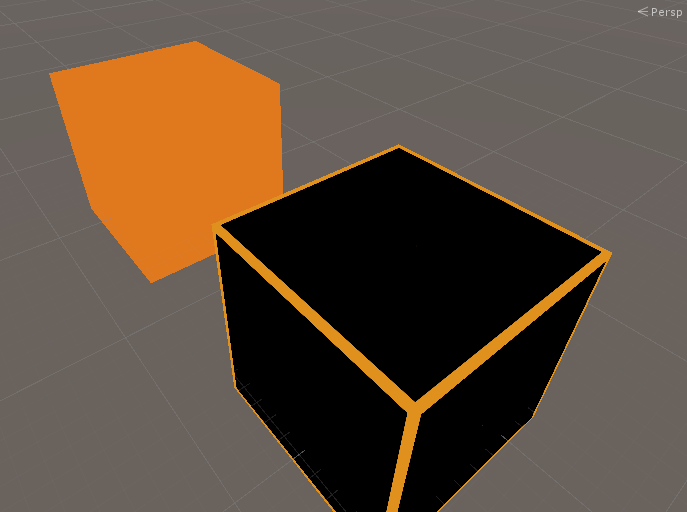
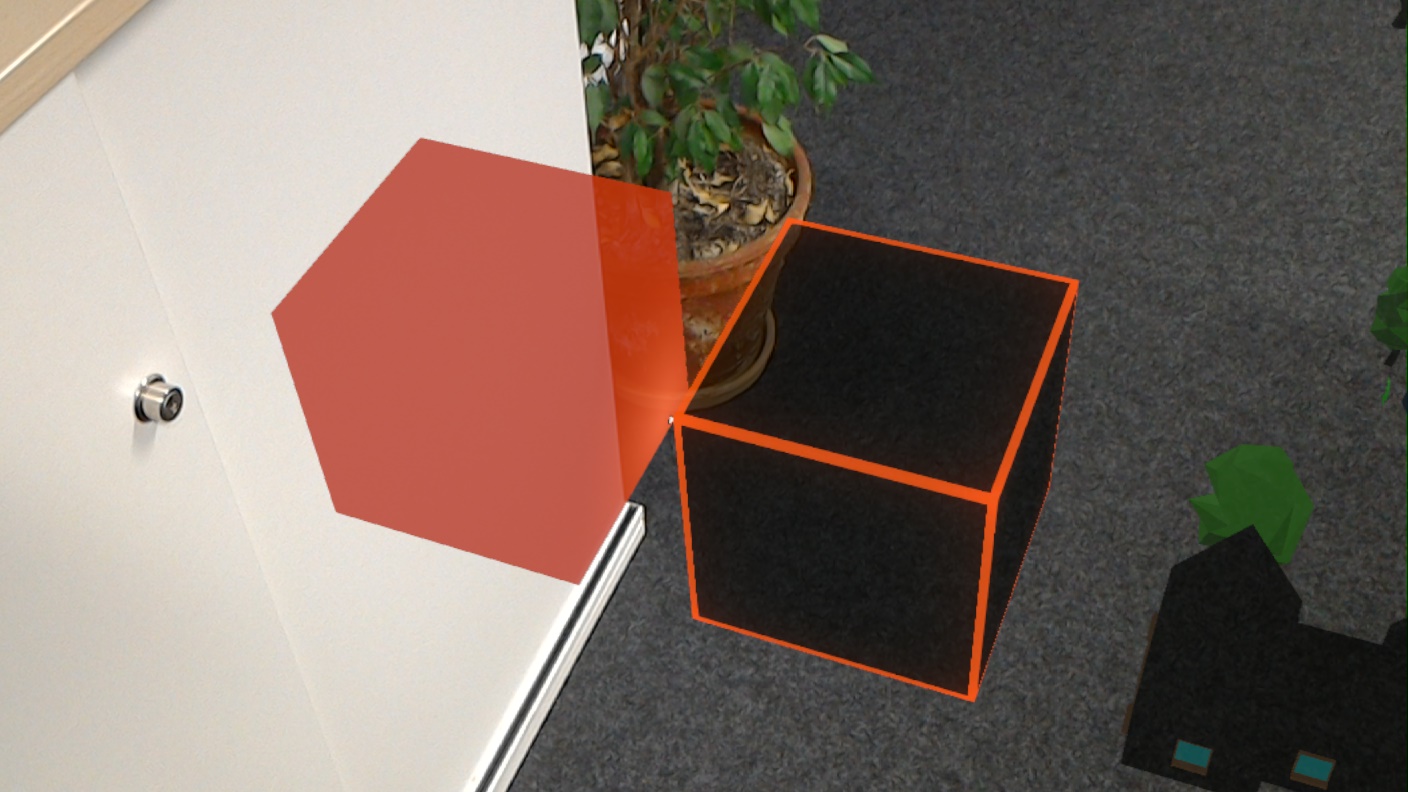
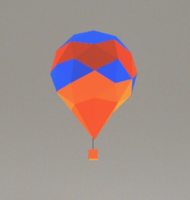

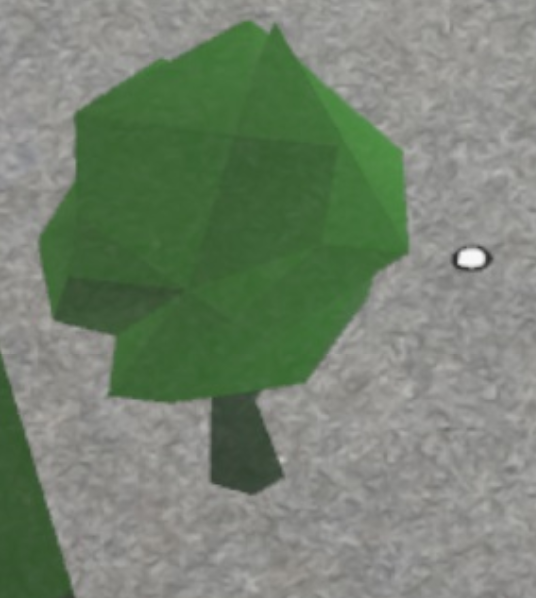
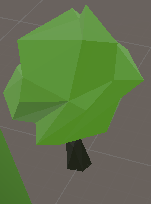
Hope this helps.
ChristophHoltmann
on 19 Nov 2019
@ChristophHoltmann What color space is your project using?
Railboy
on 21 Nov 2019
@Railboy This is the perfect question!
I was able to fix it an hour ago by using "gamma" color space. It is a hack, but it works ;)
These issues might look similar to the problem I had:
https://issuetracker.unity3d.com/issues/lwrp-android-scene-is-rendered-darker-in-build-when-graphics-api-set-to-gles3-and-color-space-set-to-linear
https://issuetracker.unity3d.com/issues/lwrp-android-lighweight-scene-is-noticeably-darker-when-building-application-with-gles3-on-android-9-device
ChristophHoltmann
on 21 Nov 2019
ChristophHoltmann
on 21 Nov 2019
Related issues
 rigma
·
3Comments
rigma
·
3Comments
 Alexees
·
3Comments
Alexees
·
3Comments
 overedge
·
3Comments
overedge
·
3Comments
 StephenHodgson
·
3Comments
StephenHodgson
·
3Comments
 dfields-msft
·
3Comments
dfields-msft
·
3Comments