Mini-graph-card: Empty block instead of widget (Not always)
Hello,
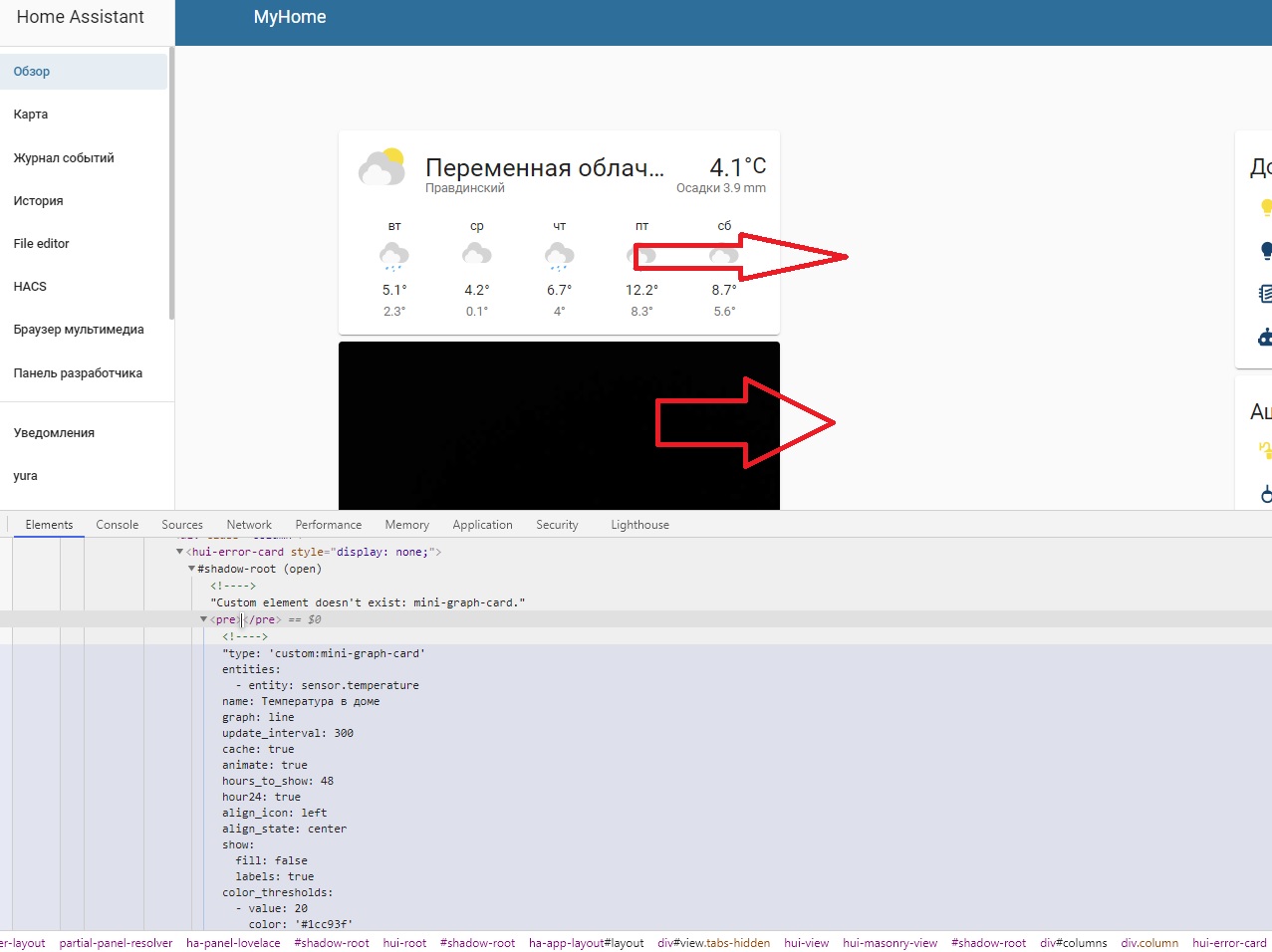
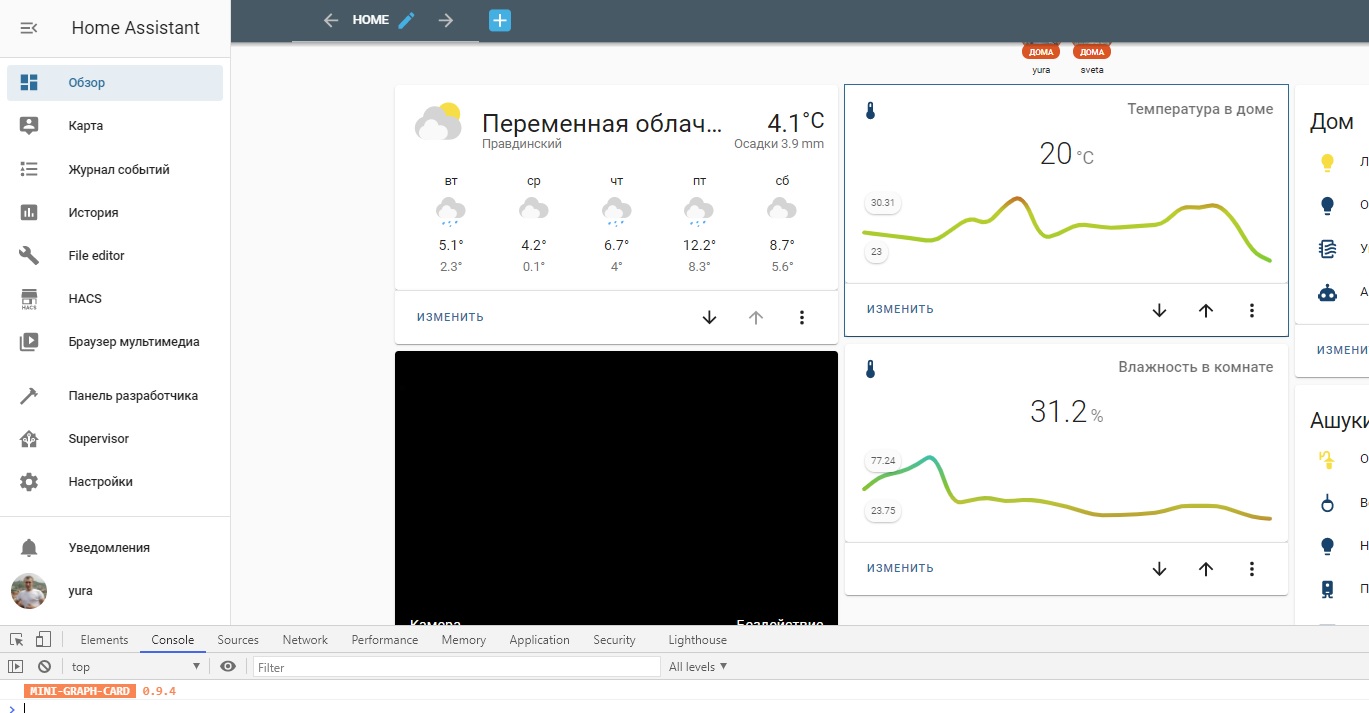
Sometimes the widget is not displayed and there is an empty block in its place and there are no errors in the chrome console.
But when I open the lovelace edit, the widgets appear immediately. It seems to me that the problem arises when I open the home assistant in my smartphone. I also did testing in google chrome on a PC using imitation display as on a mobile device and then the problem also appears.
The problem also occurs with the simple widget from the example:
- type: custom:mini-graph-card
entities:
- sensor.temperature
Home Assistant 0.116.2, docker_version | 19.03.13, Debian GNU/Linux 10 (buster)


 yadenisenko
All 4 comments
I have quite the same issue.
I don't have empty blocks but the cards simply disappear if I start HA with my custom dashboard or I refresh it.
If I change view with anything else (e.g. settings or default auto dashboard) and then I return to my custom dashboard, the cards appear again (then if I refresh the page the cards disappear again).
This behaviour occurs either in a PC with google chrome or with the android app.
HA 0.116.4 Core on a Raspbian Buster RPi 3/ Python 3.8.6.
I have two other custom mini graph cards in one horizontal stack and the issue does not occur.
 JackTalisker
on 21 Oct 2020
JackTalisker
on 21 Oct 2020
Same issue like Jack wrote (HA Core 0.116.4, Debian buster, python 3.7). There was no problem on 0.115.
 mateuszlukasik-PL
on 22 Oct 2020
mateuszlukasik-PL
on 22 Oct 2020
It happens to me too. I need to refresh in Safari several times (full reload with Cmd+Option+R) before the card is displayed. I'm on latest full Home Assistant install on RPI 3b+.
 mmalina
on 23 Oct 2020
mmalina
on 23 Oct 2020
Hi,
I have same behavior on Android device. Widgets are not loaded on app start, but when I click edit on dashboard, they are loaded. After restarting app, they are missing again. https://github.com/home-assistant/android/issues/1107
 rchovan
on 25 Oct 2020
rchovan
on 25 Oct 2020
Related issues
 WhistleMaster
·
6Comments
WhistleMaster
·
6Comments
 tomecki88
·
8Comments
tomecki88
·
8Comments
 QkulleQ
·
7Comments
QkulleQ
·
7Comments
 NapalmCandy
·
4Comments
NapalmCandy
·
4Comments
 simonwood0609
·
7Comments
simonwood0609
·
7Comments
Most helpful comment
Hi,
I have same behavior on Android device. Widgets are not loaded on app start, but when I click edit on dashboard, they are loaded. After restarting app, they are missing again. https://github.com/home-assistant/android/issues/1107