Mini-graph-card: Custom element doesn't exist: mini-graph-card.
I have added the "Resources" line in the Raw UI still getting this error :(

 misthios
All 11 comments
Hey, did you download the bundle and place it inside your home assistant www/ folder?
If so navigate to http://[HA-IP]:[PORT]/local/mini-graph-card-bundle.js to see if it's served properly.
I really recommend checking out HACS which really simplifies the install/update process of custom cards.
 kalkih
on 19 Sep 2019
kalkih
on 19 Sep 2019
I have installed the plugin from HACS and it also fails.
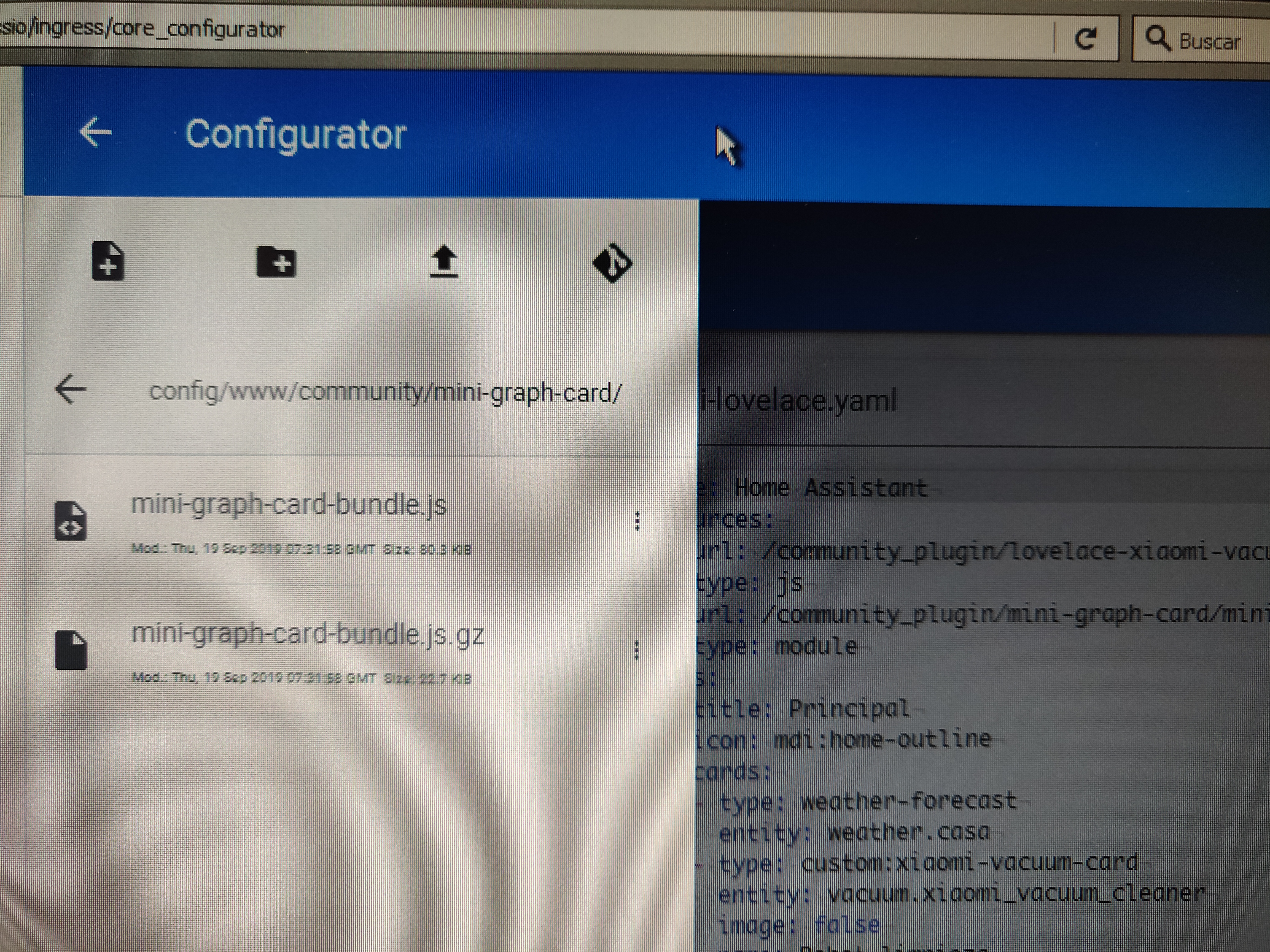
 Gogmaghog
on 19 Sep 2019
Gogmaghog
on 19 Sep 2019
What happens when you navigate to http://[HA-IP]:[PORT]/local/community/mini-graph-card/mini-graph-card-bundle.js?
And what browser are you using?
kalkih
on 19 Sep 2019
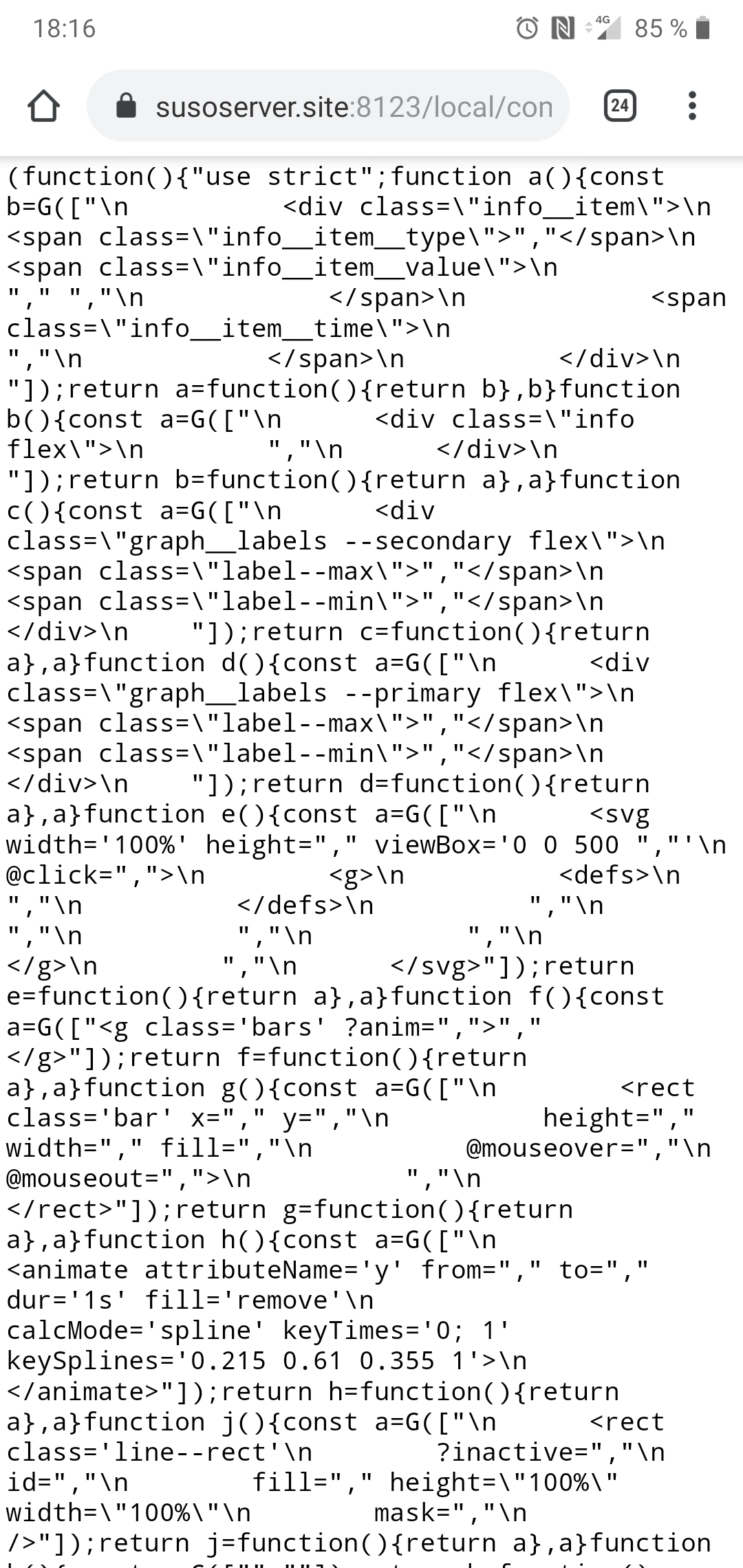
All is ok when I navigate to url http://[HA-IP]:[PORT]/local/community/mini-graph-card/mini-graph-card-bundle.js
Gogmaghog
on 19 Sep 2019
@kalkih I tried via HACS still getting the error!
All is ok when I navigate to url http://[HA-IP]:[PORT]/local/community/mini-graph-card/mini-graph-card-bundle.js

misthios
on 20 Sep 2019
Double check your resource reference, if installed through hacs it should be
  - url: /community_plugin/mini-graph-card/mini-graph-card-bundle.js
    type: module
It's working fine @kalkih
My mistake! Forgot to add "resources:"
misthios
on 22 Sep 2019
Have the same problem.
My resources url
/hacsfiles/mini-graph-card/mini-graph-card-bundle.js
Installed with HACS
 mihail4anov
on 10 Jun 2020
mihail4anov
on 10 Jun 2020
Seems to be working in inkognito mode.
mihail4anov
on 10 Jun 2020
Clear browser cache or try pressing the three dot menu in the Home Assistant header and then press "reload resources".
kalkih
on 10 Jun 2020
thanks a lot "reload resources" hepled )
 un1te
on 22 Sep 2020
un1te
on 22 Sep 2020
Related issues
 balloob
·
4Comments
balloob
·
4Comments
 phardy
·
3Comments
phardy
·
3Comments
 isabellaalstrom
·
6Comments
isabellaalstrom
·
6Comments
 tomlut
·
4Comments
tomlut
·
4Comments
 clydefrog76
·
6Comments
clydefrog76
·
6Comments
Most helpful comment
Clear browser cache or try pressing the three dot menu in the Home Assistant header and then press "reload resources".