Messagekit: MessageInputBar not showing when MessagesViewController subclass used as ChildViewController
MessageKit Version: 1.0.0
Swift Version: 4.1
Test Device: iPad 12.9(inch)
When adding messageViewController on container view(red color background), seems like inputAccesoryView doesn't show.
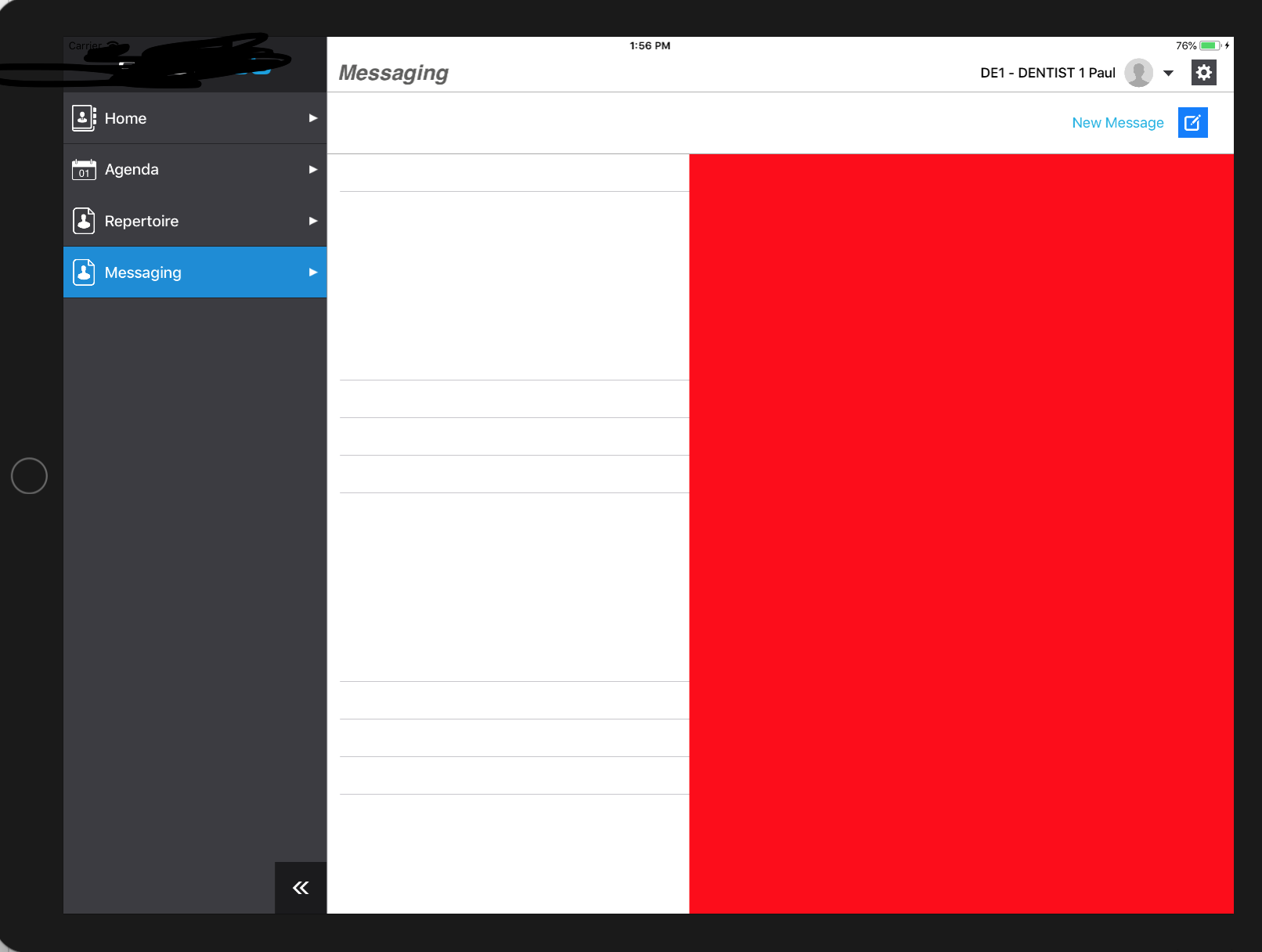
I tried to use becomFirstResponder in viewdidAppear but the inputAccesoryView seems to take width of the parentViewController (here you can see the code):
override func viewDidLoad() {
    super.viewDidLoad()
    setupNavigationBar(actionsTarget: self)
    setupLocalization()

    viewController = ChatViewController()
    addChildViewController(viewController!)
    viewController?.view.frame = containerView.bounds
    containerView.addSubview((viewController?.view)!)
    viewController?.didMove(toParentViewController: self)

  }

  override func viewDidAppear(_ animated: Bool) {
    super.viewDidAppear(animated)
    viewController?.becomeFirstResponder()
  }
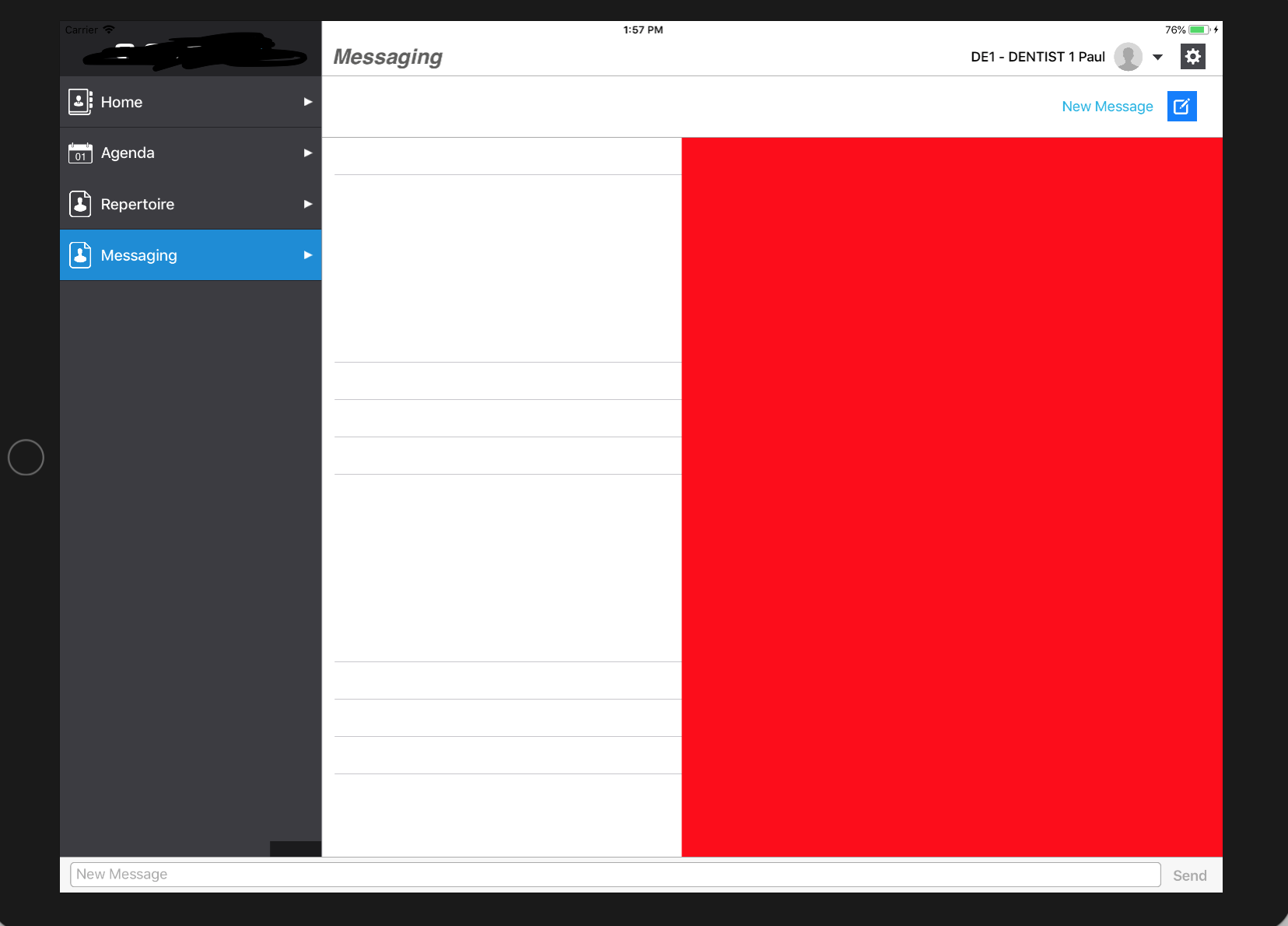
Is there a way to make inputAccesoryView to be same width as containerView ?
 VadimPlasiciuc
All 15 comments
Hi @VadimPlasiciucShopToMeIOS, as of now there is no way to keep it within the width of the container view due to how InputAccessoryView works. I am working on an alternative that will be released in 2.0 under the new MessageKit/MessageInputBar library
Sent with GitHawk
 nathantannar4
on 22 Jun 2018
nathantannar4
on 22 Jun 2018
@nathantannar4 This is already something we have a PR for #297. It's something related to MessageKit and not MessageInputBar. I also would not classify this as a bug, it's just something we don't support yet. When my company needs to support iPad in the upcoming months, this will be something I add
 SD10
on 22 Jun 2018
SD10
on 22 Jun 2018
Closing as a duplicate of #296
SD10
on 22 Jun 2018
I think you didn't understand me well, i don't need undock keyboard, the keyboard should remain as default, i don't know how to add the inputBar(Message InputBar) to be half of view. I don't use splitViewController, it's just a containerView in which i add MessagesViewController.
I tried to add a subview, and it works great this way, but it affects the layout, of messages cell(messagescollectionView).
VadimPlasiciuc
on 22 Jun 2018
Hi @VadimPlasiciucShopToMeIOS , yes the solution I'm working on for split view controllers is to use it as a subview. You need to use the delegate method for the MessageInputBar to get when it changes it content size and adjust your collection view inset accordingly
Sent with GitHawk
nathantannar4
on 23 Jun 2018
I am having same issue in iPhone too. MessageViewController is subclassed in a container view with tab bar hidden. Let me know if anyone finds any solution. Although messageCollectionView is my first responder.
 simform-solutions
on 9 Jan 2019
simform-solutions
on 9 Jan 2019
@simformsolutions Tge MessagesViewController needs to be the first responder. This is what's required by UIKit for the InputAccessoryView to show.
Sent with GitHawk
nathantannar4
on 9 Jan 2019
Is there an easy way to add the input bar in manually so that it won't dissapear when the MessagesViewController subclass is not the first responder?
 rchatham
on 20 Jan 2019
rchatham
on 20 Jan 2019
You could look into creating a view as a snapshot of the MessageInputBar, and adding the snapchat to the subclassed view controller
Sent with GitHawk
nathantannar4
on 20 Jan 2019
Really what I want to do is add the MessageInputBar as a subview of the MessagesViewController instead of as the inputAccessoryView. Preferably in a way that I can override the default behavior in me MessagesViewController subclass.
rchatham
on 20 Jan 2019
In order to do this, I had to override the default behavior in the MessagesViewController. I also had to change the default access control for these methods of the MessagesViewController from private to open. I have the files copied into a folder in my project as opposed to some other method of dependency management such as carthage or cocoapods.
    override var hidesBottomBarWhenPushed: Bool {
        get { return true }
        set {}
    }

    override var inputAccessoryView: UIView? {
        return nil
    }

    override func setupSubviews() {
        super.setupSubviews()

        view.addSubview(messageInputBar)
    }

    override func setupConstraints() {

        messagesCollectionView.translatesAutoresizingMaskIntoConstraints = false

        let top = messagesCollectionView.topAnchor.constraint(equalTo: view.topAnchor, constant: topLayoutGuide.length)
        if #available(iOS 11.0, *) {
            let leading = messagesCollectionView.leadingAnchor.constraint(equalTo: view.safeAreaLayoutGuide.leadingAnchor)
            let trailing = messagesCollectionView.trailingAnchor.constraint(equalTo: view.safeAreaLayoutGuide.trailingAnchor)
            NSLayoutConstraint.activate([top, trailing, leading])
        } else {
            let leading = messagesCollectionView.leadingAnchor.constraint(equalTo: view.leadingAnchor)
            let trailing = messagesCollectionView.trailingAnchor.constraint(equalTo: view.trailingAnchor)
            NSLayoutConstraint.activate([top, trailing, leading])
        }

        messageInputBar.translatesAutoresizingMaskIntoConstraints = false

        let messagesBottom = messagesCollectionView.bottomAnchor.constraint(equalTo: messageInputBar.topAnchor)
        if #available(iOS 11.0, *) {
            let mesaageInputBarBottom = messageInputBar.bottomAnchor.constraint(equalTo: view.safeAreaLayoutGuide.bottomAnchor)
            let messageInputBarLeading = messageInputBar.leadingAnchor.constraint(equalTo: view.safeAreaLayoutGuide.leadingAnchor)
            let messageInputBarTrailing = messageInputBar.trailingAnchor.constraint(equalTo: view.safeAreaLayoutGuide.trailingAnchor)
            NSLayoutConstraint.activate([messagesBottom, mesaageInputBarBottom, messageInputBarLeading, messageInputBarTrailing])
        } else {
            let mesaageInputBarBottom = messageInputBar.bottomAnchor.constraint(equalTo: view.bottomAnchor)
            let messageInputBarLeading = messageInputBar.leadingAnchor.constraint(equalTo: view.leadingAnchor)
            let messageInputBarTrailing = messageInputBar.trailingAnchor.constraint(equalTo: view.trailingAnchor)
            NSLayoutConstraint.activate([messagesBottom, mesaageInputBarBottom, messageInputBarLeading, messageInputBarTrailing])
        }
    }
This should also solve your problem @VadimPlasiciuc @simformsolutions
rchatham
on 20 Jan 2019
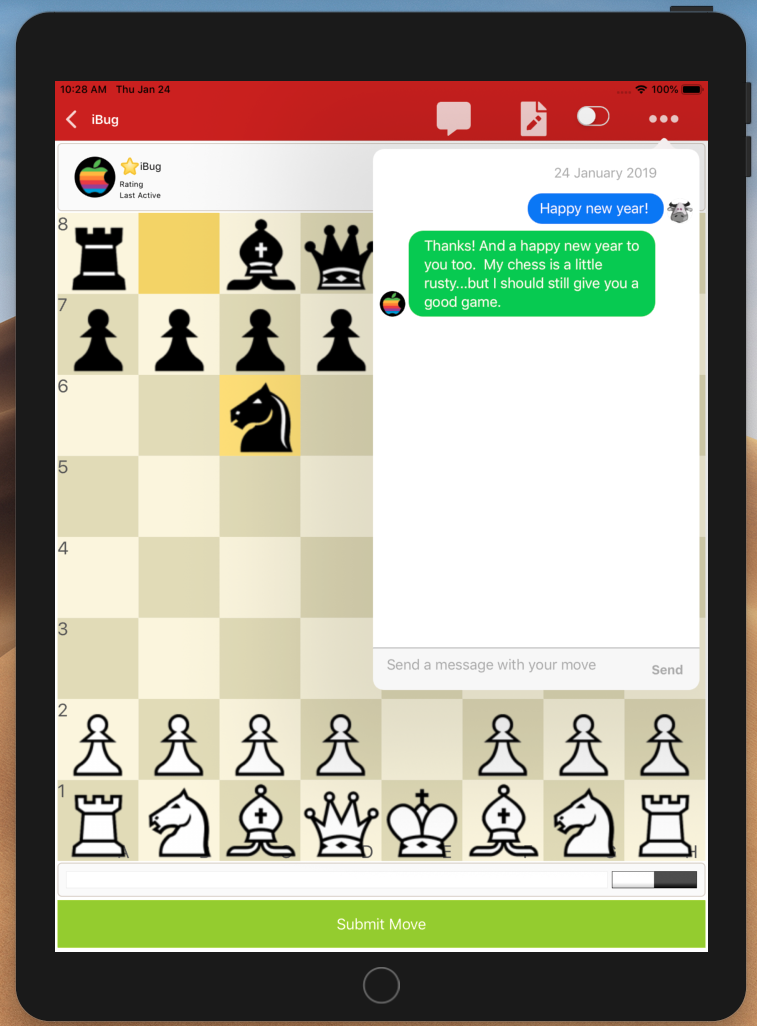
@rchatham Big thanks for that suggestion - very timely too. Forked, removed privates as a quick fix, and your suggestion appears to work perfectly. Saved me a whole lot of time.👍
 netadapt
on 24 Jan 2019
netadapt
on 24 Jan 2019
@netadapt I've actually noticed a few issues with my approach regarding the reactivity to the keyboard. I've got it working for myself but the solution above needs a little bit of work.
rchatham
on 11 Feb 2019
I had the same problem with an InputAccesoryView in a containerView's childviewcontroller, and what worked for me was setting the ".becomeFirstResponder()" method after all the animations for showing the other viewcontroller were done.
So in my case I was grabbing some Firebase data and setting it in a UITableView in the containerView's Viewcontroller with an animation when the loading was done, the only thing I need to do was adding (or using the existing) completion handler of that "UIView.animate" and setting it to become the first responder.
In my case in my conainerView's Viewcontroller, it was something like this:
    tableViewHeightConstraint.constant = commentTV.contentSize.height

    UIView.animate(withDuration: 0.4, animations: {
        self.view.updateConstraints()
        self.view.layoutIfNeeded()
    }) { (completed) in
        self.becomeFirstResponder()
    }
I hope it can maybe help you guys out as well, because I was messing around with this for a while now and could't find any real solution untill I saw this answer on StackOverflow: https://stackoverflow.com/questions/30692899/display-inputaccessoryview-in-childviewcontroller
 10686142
on 5 Nov 2019
10686142
on 5 Nov 2019
Related issues
 pawankmrai
·
3Comments
pawankmrai
·
3Comments
 Abacaxi-Nelson
·
4Comments
Abacaxi-Nelson
·
4Comments
 bilaalrashid
·
3Comments
bilaalrashid
·
3Comments
 JulienLevallois
·
4Comments
JulienLevallois
·
4Comments
 Leon12345679
·
3Comments
Leon12345679
·
3Comments
Most helpful comment
In order to do this, I had to override the default behavior in the MessagesViewController. I also had to change the default access control for these methods of the MessagesViewController from private to open. I have the files copied into a folder in my project as opposed to some other method of dependency management such as carthage or cocoapods.