Material-theme-jetbrains: New background-image won't go away.
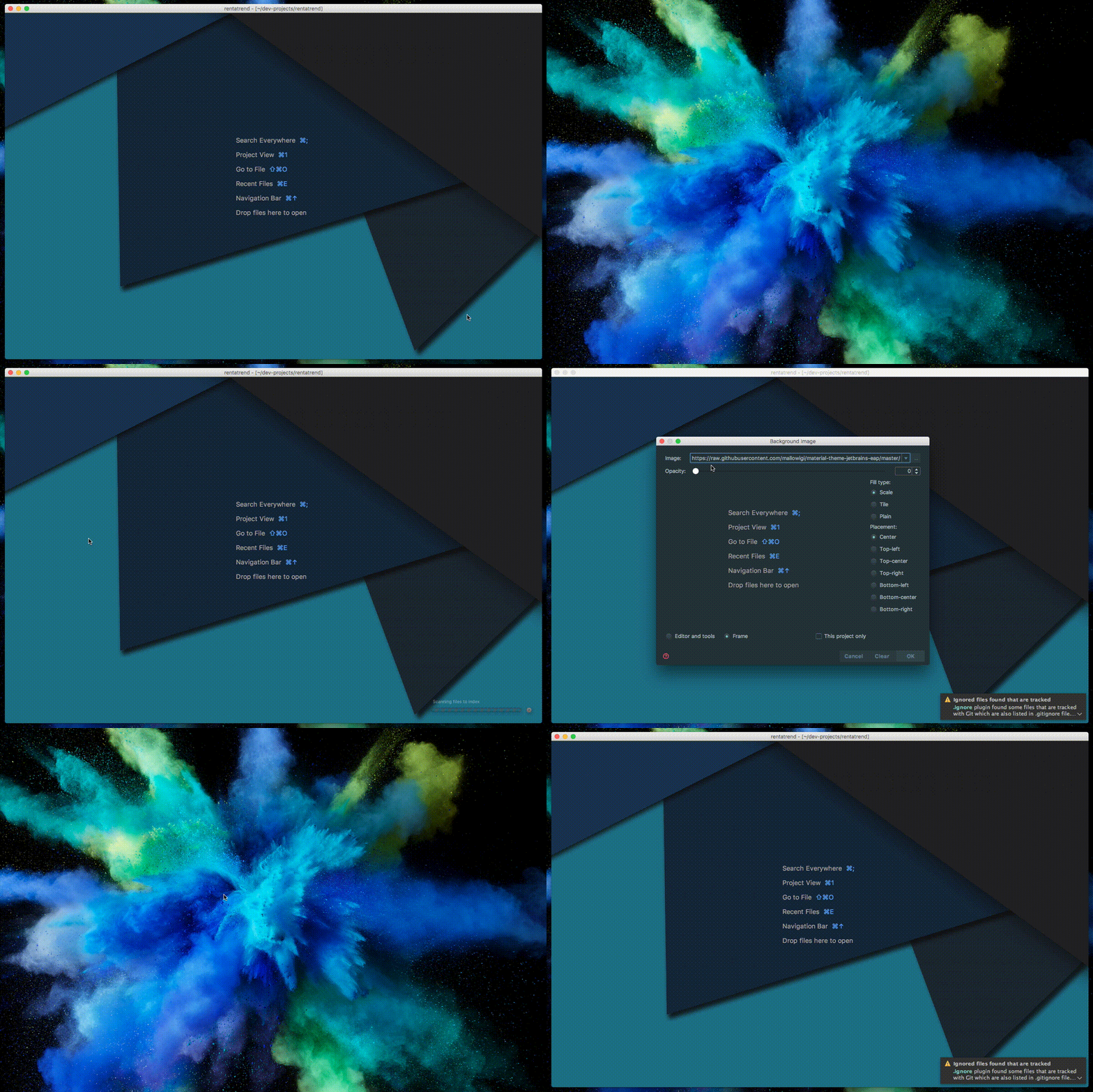
I keep changing the settings to another image or lower transparency to 0, but the image comes back after every restart.
 LasseRafn
All 8 comments
Odd, it doesn't happen in my machine (classic...)
Which IDE? OS?
 mallowigi
on 13 Jun 2017
mallowigi
on 13 Jun 2017
I have the same problem:
PhpStorm 2017.1.4
Build #PS-171.4694.2, built on May 16, 2017
Mac OS X 10.12.5
 bitecodes
on 13 Jun 2017
bitecodes
on 13 Jun 2017
Thats odd!
Clearning does not work either. In reference to the other issue.
macOS 10.12.5
PhpStorm 2017.1.4
LasseRafn
on 13 Jun 2017
Demo:
LasseRafn
on 13 Jun 2017
I understand now, but yeah this is the expected behavior
From the README:
Therefore some things need to be known:
If you rather want to use the IDE's feature, turn off the option in the Material Theme completely. This will prevent the background to be changed at start.
If you want to disable the background completely, set the custom wallpaper path to be empty and the checkbox on, then click Apply, and finally uncheck the option and save.
And same if you want to disable the plugin, it will not revert back the blank wallpaper, you will have to open the IDE's dialog.
mallowigi
on 13 Jun 2017
Ah, okay! Thanks :)
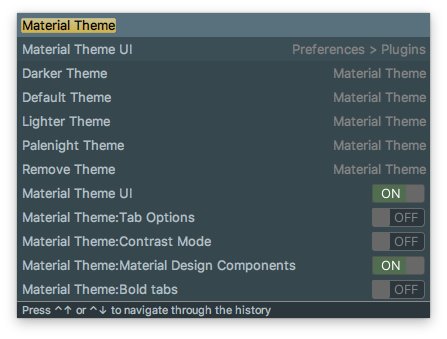
Where would that setting be? (which one)
LasseRafn
on 13 Jun 2017
Oh yeah I forgot to add the settings to this list as well...
It's on Preferences > Tools > Material Theme > Custom Wallpaper
mallowigi
on 13 Jun 2017
Thanks! And sorry for the trouble..
This is absolutely my favorite plugin for PhpStorm, thanks for maintaining it 👍 !
LasseRafn
on 14 Jun 2017
Related issues
mallowigi
·
3Comments
 un000
·
4Comments
un000
·
4Comments
 vbasem
·
4Comments
vbasem
·
4Comments
 nammaianh
·
3Comments
nammaianh
·
3Comments
 wolf99
·
3Comments
wolf99
·
3Comments
Most helpful comment
Demo: