Mastodon: Mastodon removes final dot at the end of my link
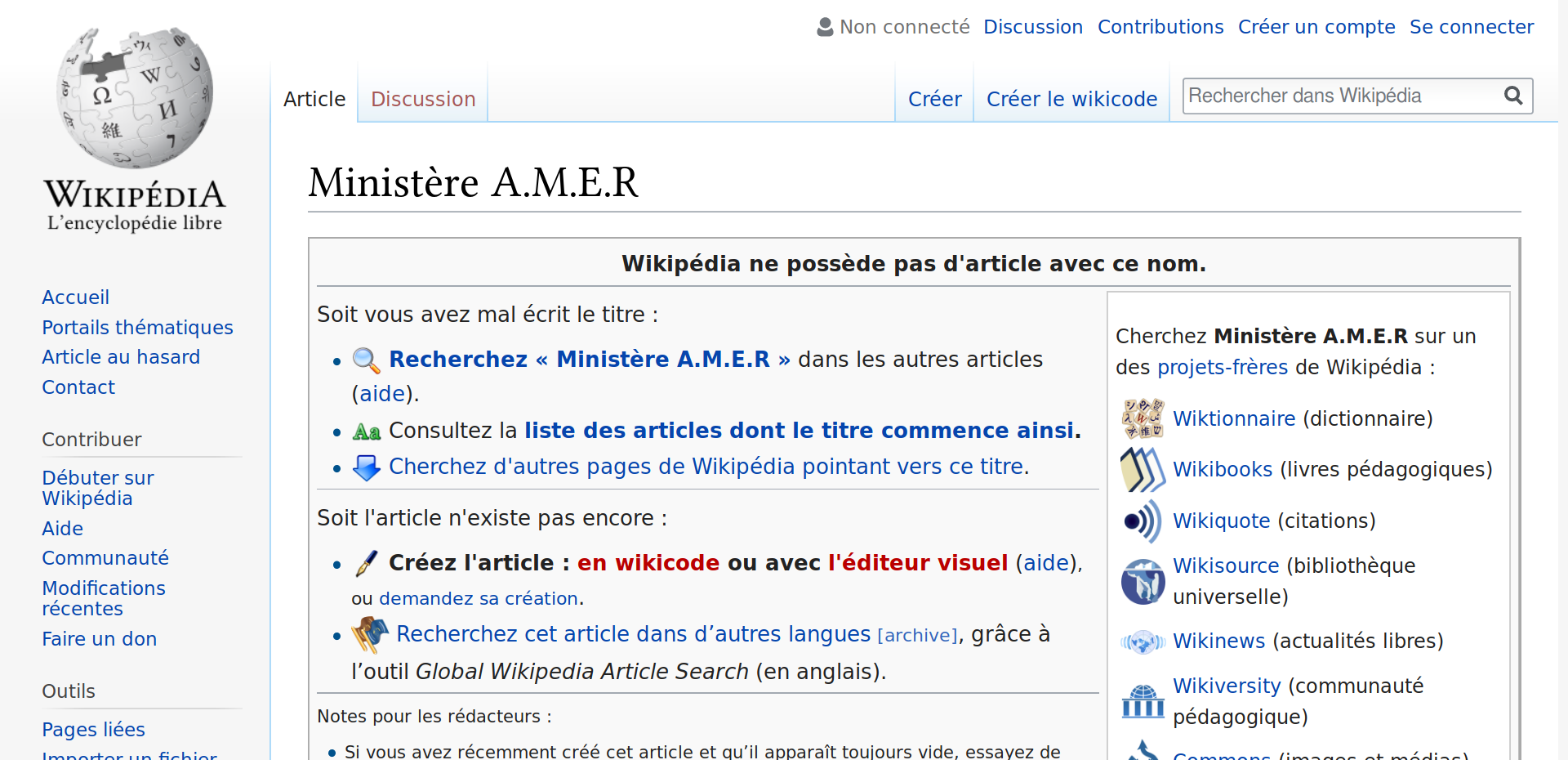
When I paste a link with a (dot) at the end of the link, when I click on my link mastodon remove the (dot) and do not redirect me to the right page.
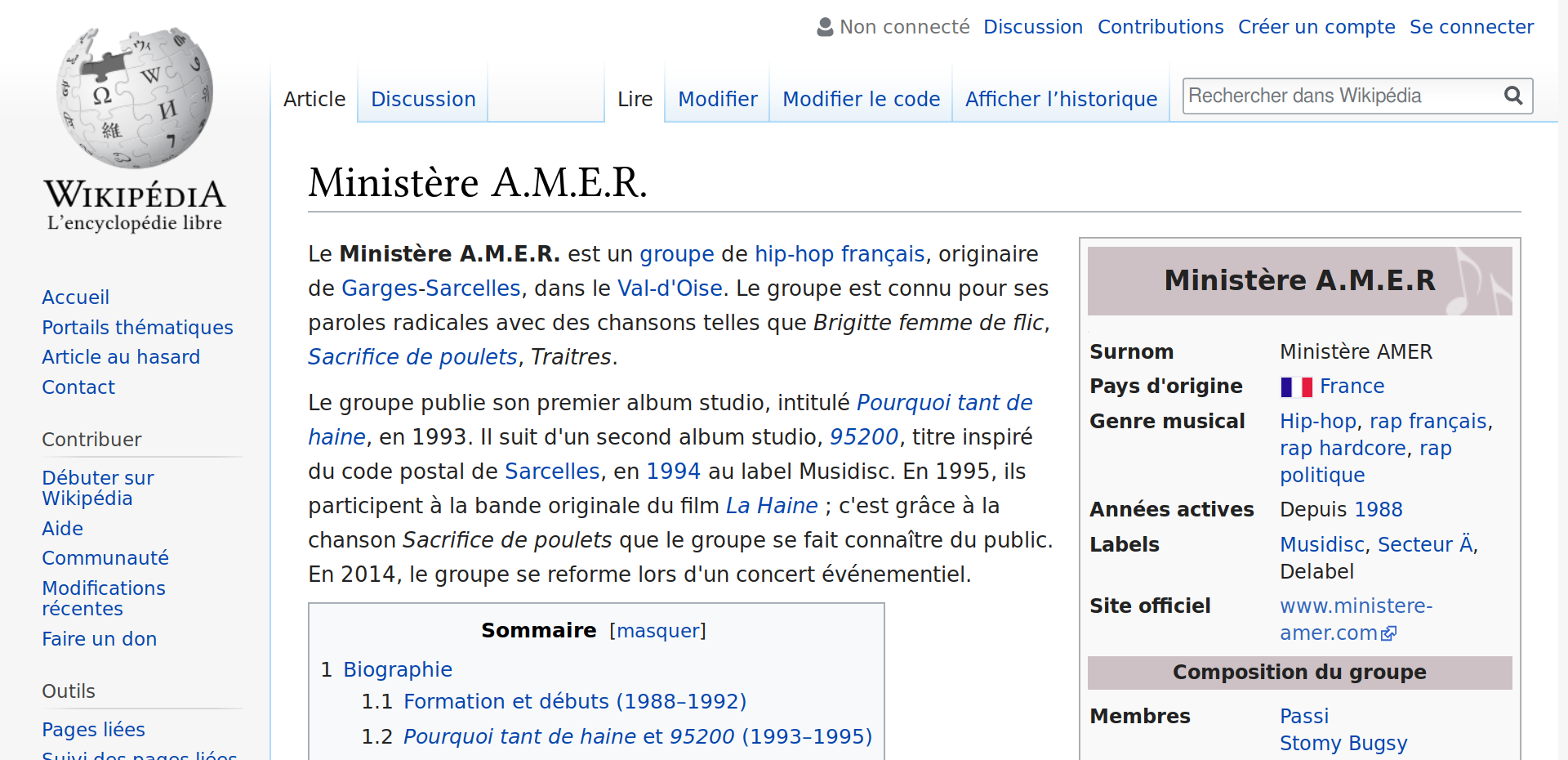
Example, I put this link: https://fr.wikipedia.org/wiki/Ministère_A.M.E.R.
mastodon shows me the full link in the toot but when I click on the link, mastodon sends me back to a fake page because it removes the final point of my link.
EDIT: It's the same on github >_<'.
 MyNameIsTroll
All 4 comments
You can use url tag on github "text" :
https://fr.wikipedia.org/wiki/Minist%C3%A8re_A.M.E.R.
 JohnD28
on 8 Mar 2018
JohnD28
on 8 Mar 2018
You'll have to url-encode your link to get the right output:
https://fr.wikipedia.org/wiki/Minist%C3%A8re_A%2EM%2EE%2ER%2E
see:
https://fr.wikipedia.org/wiki/Minist%C3%A8re_A%2EM%2EE%2ER%2E
 nightpool
on 8 Mar 2018
nightpool
on 8 Mar 2018
This rule was imported from Twitter, and it's intended to avoid capturing final dot on the end of sentences, like "You can see an example page on http://example.com/test."
Another workaround is appending # to the end of the URL:
https://fr.wikipedia.org/wiki/Ministère_A.M.E.R.#
https://fr.wikipedia.org/wiki/Ministère_A.M.E.R.#
and looks like wrapping with < and > also works on Github, but this won't work on Mastodon:
<https://fr.wikipedia.org/wiki/Ministère_A.M.E.R.>
https://fr.wikipedia.org/wiki/Ministère_A.M.E.R.
 unarist
on 10 Mar 2018
unarist
on 10 Mar 2018
@unarist Thank you for these tips and explanations:)
MyNameIsTroll
on 11 Mar 2018
Related issues
 hugogameiro
·
3Comments
hugogameiro
·
3Comments
 renatolond
·
3Comments
renatolond
·
3Comments
 KellerFuchs
·
3Comments
KellerFuchs
·
3Comments
 flukejones
·
3Comments
flukejones
·
3Comments
 lauramichet
·
3Comments
lauramichet
·
3Comments
Most helpful comment
This rule was imported from Twitter, and it's intended to avoid capturing final dot on the end of sentences, like "You can see an example page on http://example.com/test."
Another workaround is appending
#to the end of the URL:https://fr.wikipedia.org/wiki/Ministère_A.M.E.R.#https://fr.wikipedia.org/wiki/Ministère_A.M.E.R.#
and looks like wrapping with
<and>also works on Github, but this won't work on Mastodon:<https://fr.wikipedia.org/wiki/Ministère_A.M.E.R.>https://fr.wikipedia.org/wiki/Ministère_A.M.E.R.