Markdown-preview-enhanced: Markdown Emojis from autocomplete-emojis don't display
Version/Platform Information
- Atom 1.18.0 is32
- OS Windows 8 X64
- Markdown preview enhanced 0.14.2
- Autocomplete-emojis plugin version 2.5.0
Steps to reproduce the problem
- Create a new markdown file
- Choose to add an emoji to the file using the autocomplete-emojis plugin.
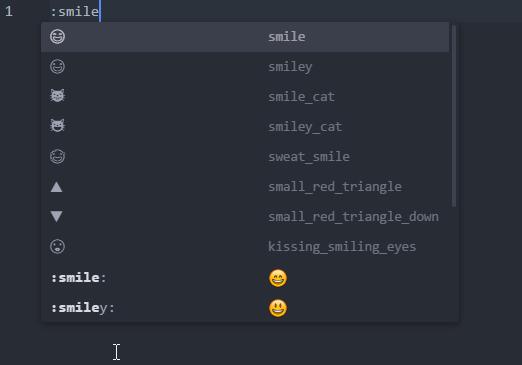
Expected Output
User can add both Unicode and Markdown flavor emojis to the file
Actual Output
User can add Unicode emojis successfully
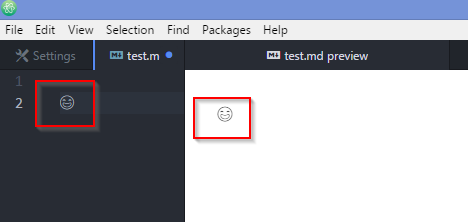
User is NOT able to add Markdown emojis
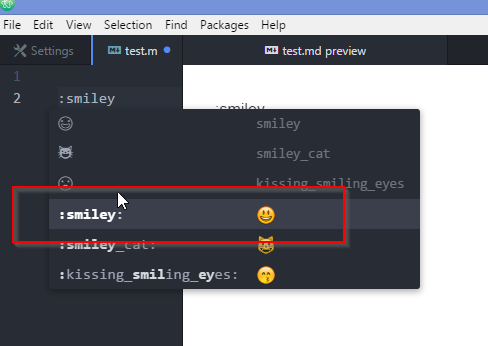
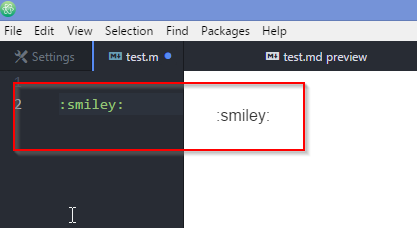
 message2prateek
All 10 comments
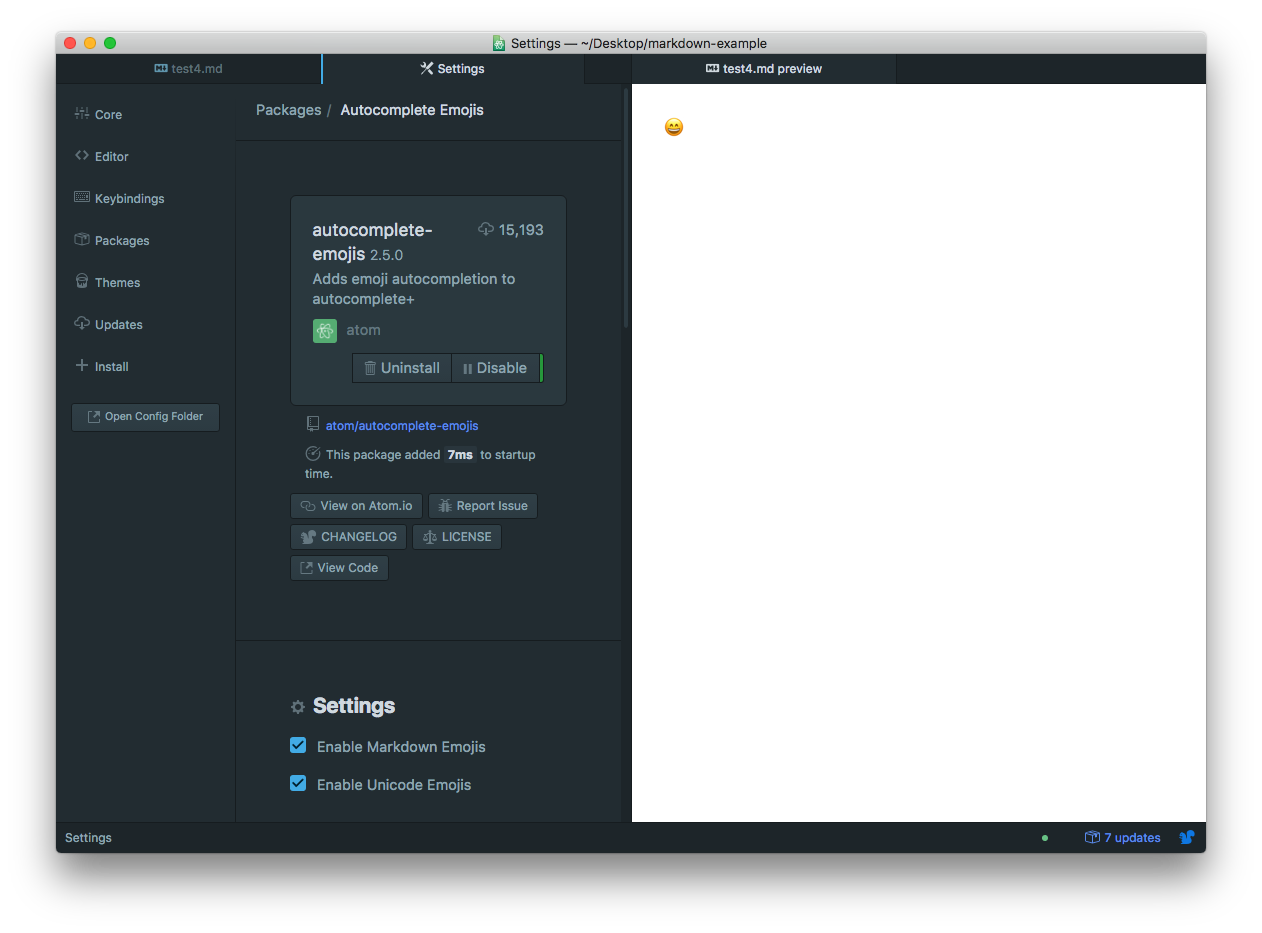
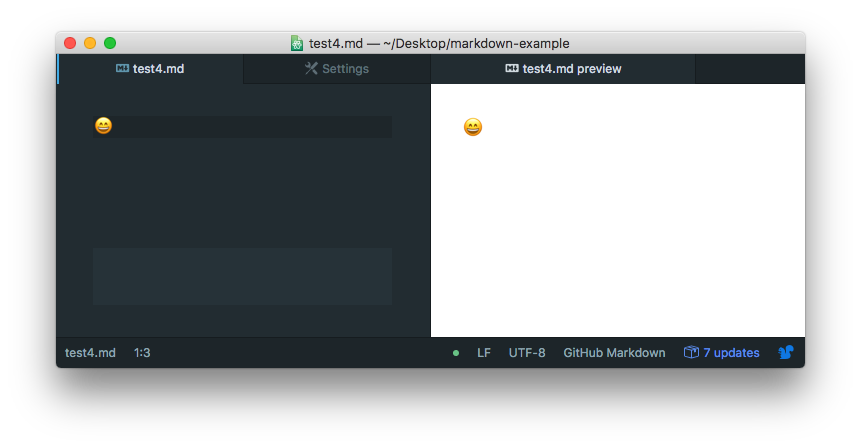
Set Enable Unicode Emojis under autocomplete-emojis package to be true, then insert emoji directly to your markdown file.
 shd101wyy
on 22 Jul 2017
shd101wyy
on 22 Jul 2017
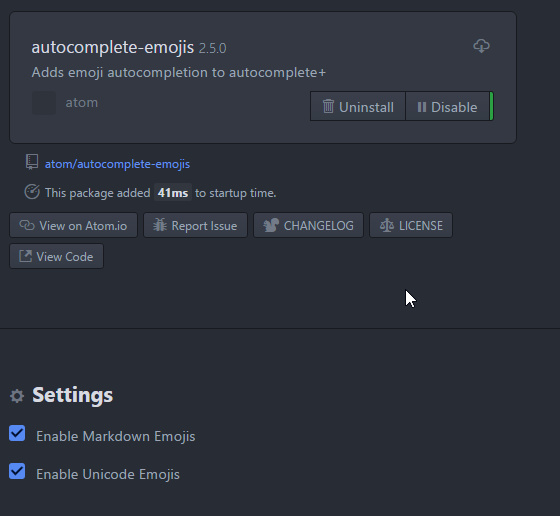
I have the settings enabled, but still, the emojis don't show up for me. Please guide.
message2prateek
on 23 Jul 2017
I don't really know why it doesn't work on your computer.
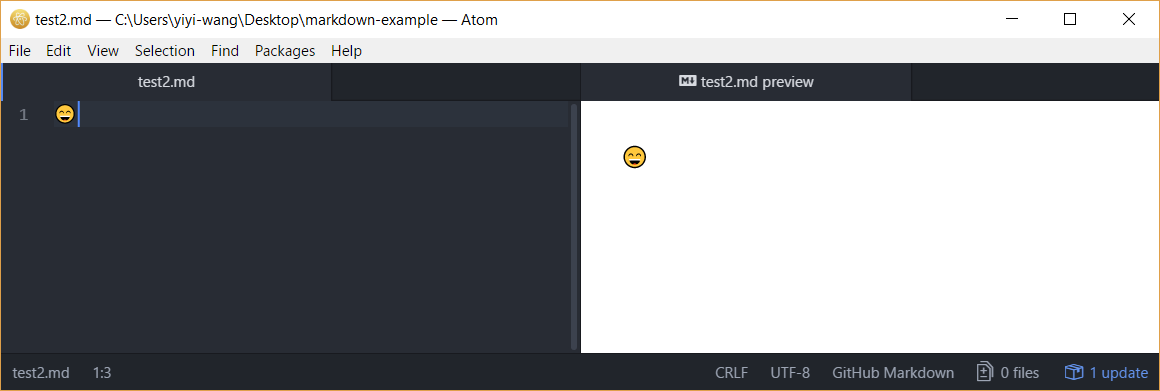
I also just tried on my Windows 10 machine and it works perfectly.
So I think your system has to have builtin emoji support in order to use autocomplete-emojis.
From your screenshot, I assume that you are not using Windows 10?
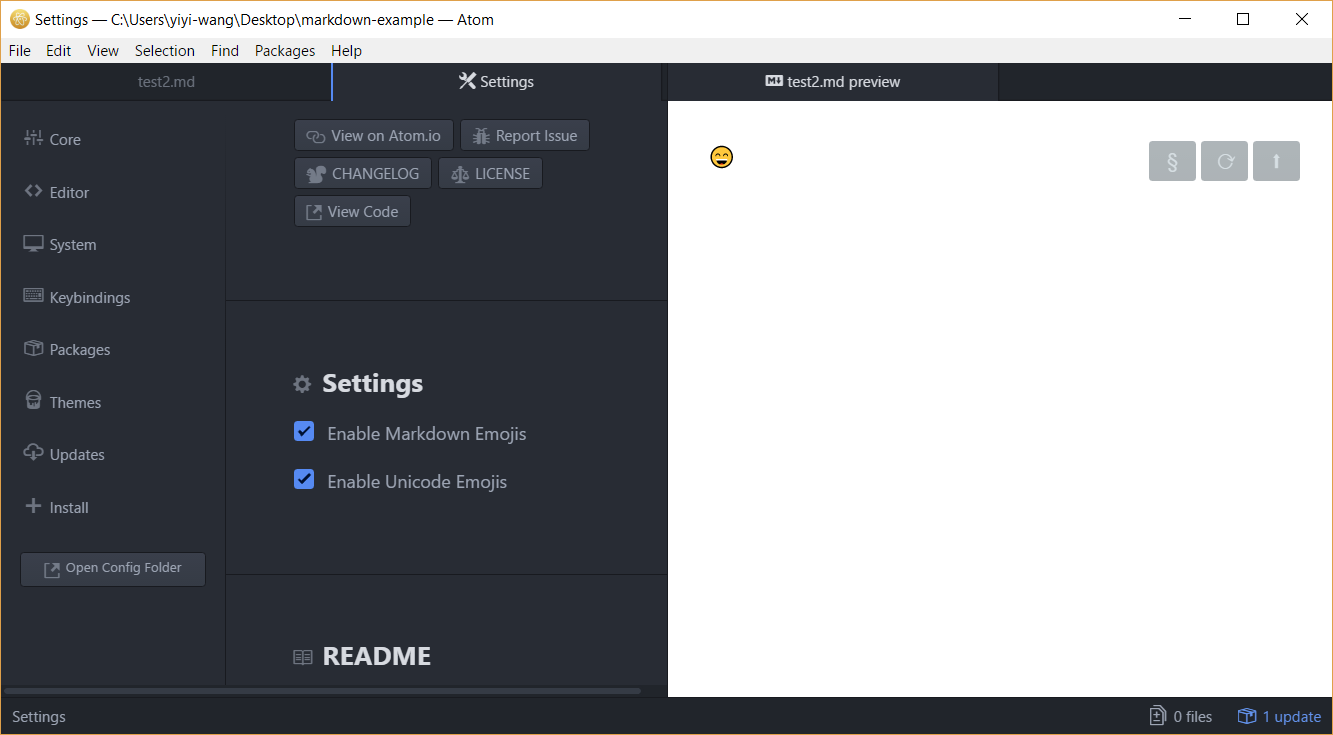
shd101wyy
on 23 Jul 2017
shd101wyy
on 23 Jul 2017
Thanks for the link. Seems like a problem with system.
message2prateek
on 24 Jul 2017
Reopening this issue since I'm having the same issue.
Emojis are not showing, writing :apple: does open the autocomplete-emojis dropdown but on the preview there is the plain text of the emoji.
I can confirm that with the built-in atom preview emojis are shown properly. I've tried both markdown and unicode ones without succes.
 maxiride
on 12 Sep 2017
maxiride
on 12 Sep 2017
@Maxiride @message2prateek I will add emoji and fontawesome support in next release. Thanks.
shd101wyy
on 12 Sep 2017
@message2prateek @Maxiride Both emoji and font-awesome are supported now.
You can disable it from the package settings.

Cheers :)
shd101wyy
on 1 Oct 2017
Thank you very much for the time dedicated to this improvement :) well done!
maxiride
on 1 Oct 2017
Thanks a lot for your hard work 👍 Really appreciate it.
message2prateek
on 2 Oct 2017
Related issues
 lhk
·
4Comments
lhk
·
4Comments
 liuwa666
·
5Comments
liuwa666
·
5Comments
 xu4wang
·
5Comments
xu4wang
·
5Comments
 StefanoCecere
·
5Comments
StefanoCecere
·
5Comments
 franklin373
·
4Comments
franklin373
·
4Comments
Most helpful comment
@message2prateek @Maxiride Both emoji and font-awesome are supported now.
You can disable it from the package settings.

Cheers :)