Markdown-preview-enhanced: vs code下所有的code chunk不能运行
我试了matplotlib, plotly都不行,python、node.js均已经安装,用官方文档给的例子测试均不通过
 liuwa666
All 5 comments
来张截图?还有你是怎么运行 code chunk 的呢?shift enter 了吗?
 shd101wyy
on 20 Jan 2018
shd101wyy
on 20 Jan 2018
👍1
截图如下,你看看
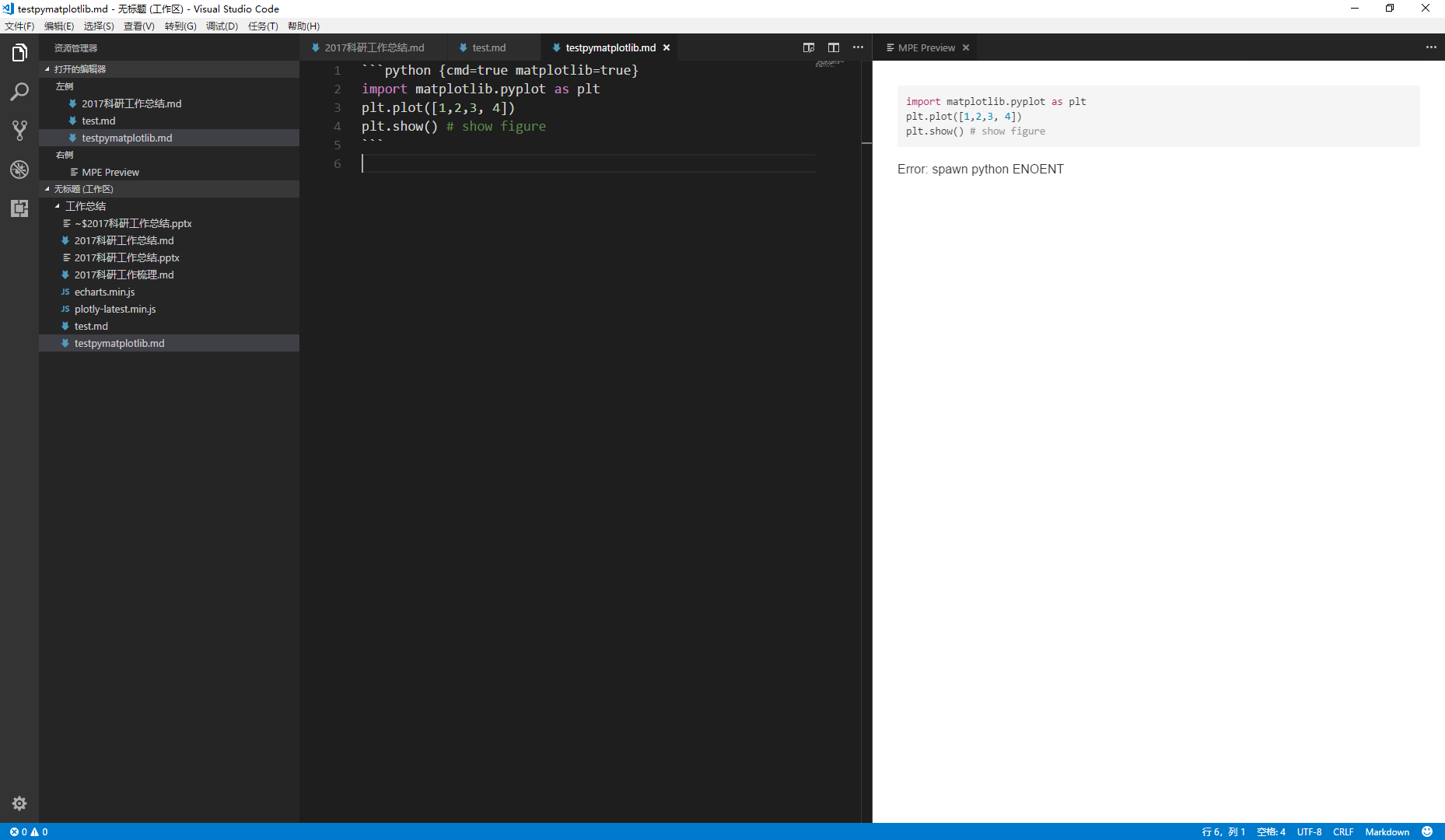
@shd101wyy 还有,交个朋友如何,特别佩服你,我也可以跟着你玩玩 micromsg: fuyingfy
另:python装的最新的2.7,matplotlib已经安装成功
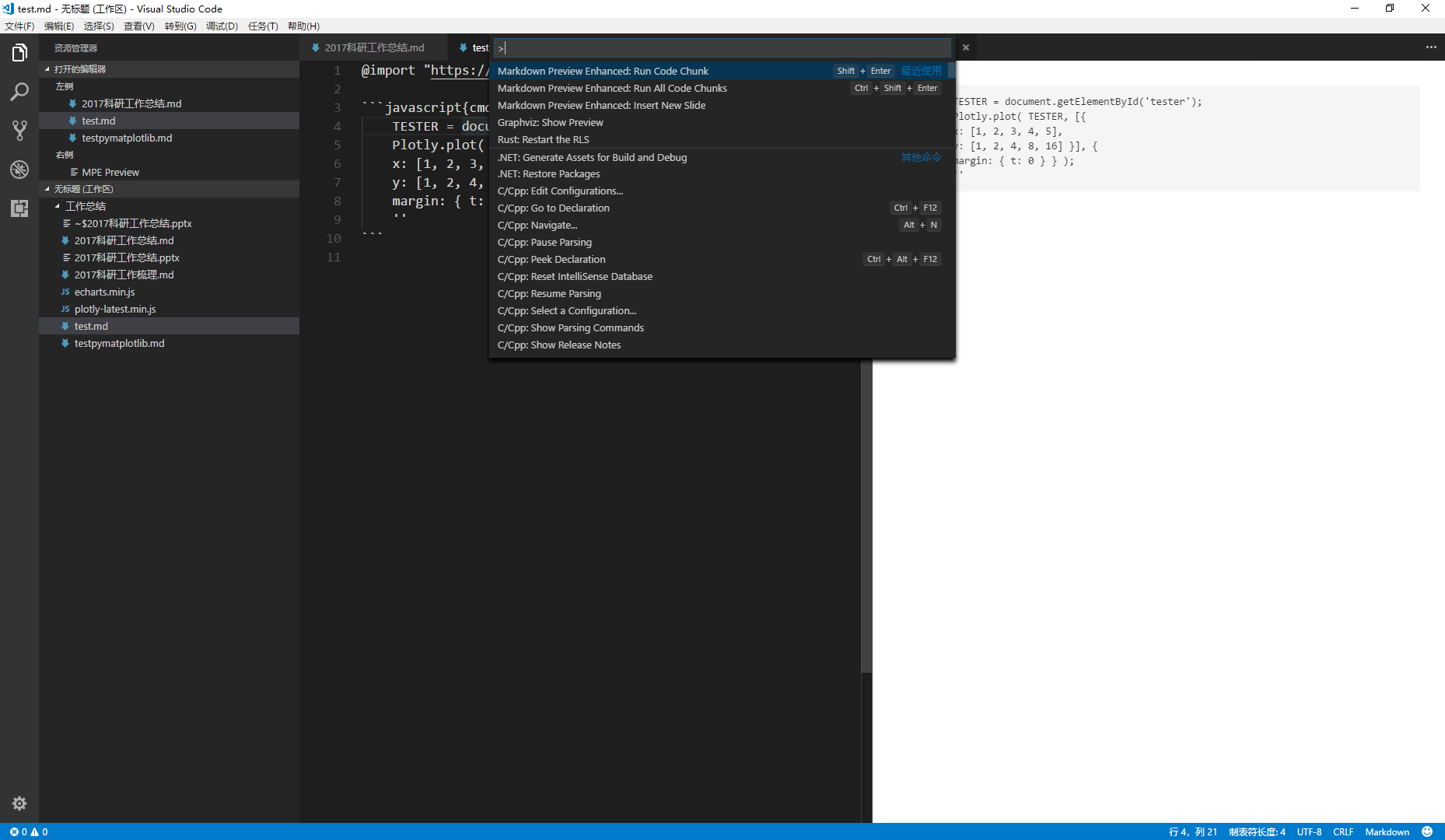
还有:

当然,这些都是用了这个命令的:
liuwa666
on 21 Jan 2018
可能是 windows 的缘故,找时间我看看。谢谢。
shd101wyy
on 23 Jan 2018
👍1
I would say, you may need to add the following setting in VS Code settings.json file to enable the script execution
"markdown-preview-enhanced.enableScriptExecution": true
Then you can press Ctrl-Alt-Enter to run all scripts in the *.md file.
 nie93
on 31 Aug 2018
nie93
on 31 Aug 2018
👍1
Is the directory of your Python interpreter added to PATH Variable?
how to add Windows path environment variable
 j4ggr
on 2 Jul 2019
j4ggr
on 2 Jul 2019
Was this page helpful?
0 / 5 - 0 ratings
Related issues
 abhayghatpande
·
5Comments
abhayghatpande
·
5Comments
 saeidamiri1
·
3Comments
saeidamiri1
·
3Comments
 franklin373
·
4Comments
franklin373
·
4Comments
 metheoryt
·
6Comments
metheoryt
·
6Comments
 adamaltmejd
·
5Comments
adamaltmejd
·
5Comments