Mapbox-navigation-android: Fix `CustomUIComponentStyleActivity` SummaryBottomSheet reappearance
A somewhat thin sliver of the the bottom of the SummaryBottomSheet is missing when the NavigationView's camera is recentered during turn-by-turn navigation.





 langsmith
All 12 comments
are you talking about the skinny line at the bottom of SummaryBottomSheet during the transition?
I don't see it after the bottom sheet is fully displayed.
 JunDai
on 8 May 2020
JunDai
on 8 May 2020
The skinny line (area where you can see the map at the bottom of the SummaryBottomSheet) is only visible as the SummaryBottomSheet goes through the process of being visible again. Meaning, when it transitions from BottomSheetBehavior.STATE_HIDDEN to BottomSheetBehavior.STATE_EXPANDED. It's not visible once the sheet's done expanding. Might have to do with the programmatic set up of views in the NavigationView class.
I think I might try to tackle this ticket after https://github.com/mapbox/mapbox-navigation-android/issues/2935. I'm close to finishing https://github.com/mapbox/mapbox-navigation-android/issues/2935.
langsmith
on 8 May 2020
The skinny line (area where you can see the map at the bottom of the
SummaryBottomSheet) is only visible as theSummaryBottomSheetgoes through the process of being visible again. Meaning, when it transitions fromBottomSheetBehavior.STATE_HIDDENtoBottomSheetBehavior.STATE_EXPANDED. It's not visible once the sheet's done expanding. Might have to do with the programmatic set up of views in theNavigationViewclass.
It seems related to how SummaryBottomSheet is animated by the system when transitions between BottomSheetBehavior states. I believe we're only setting the state of the SummaryBottomSheet and letting Android to animate. We can explore managing the animation on our side to fix OP though 🚀
 Guardiola31337
on 8 May 2020
Guardiola31337
on 8 May 2020
I tried this out on a Pixel 2 (API 26) emulator. Didn't see any bottom sheet issues. Would be helpful if folks on @mapbox/navigation-android would look to see if they see the issue on their device on master. Might just be a rendering issue with my specific device.
langsmith
on 12 May 2020
@langsmith - my Samsung S9+ doesn't have problem.
JunDai
on 12 May 2020
Thanks @JunDai . Any issues in CustomUIComponentStyleActivity? I'm seeing weird bottom sheet issues as seen in the GIF below
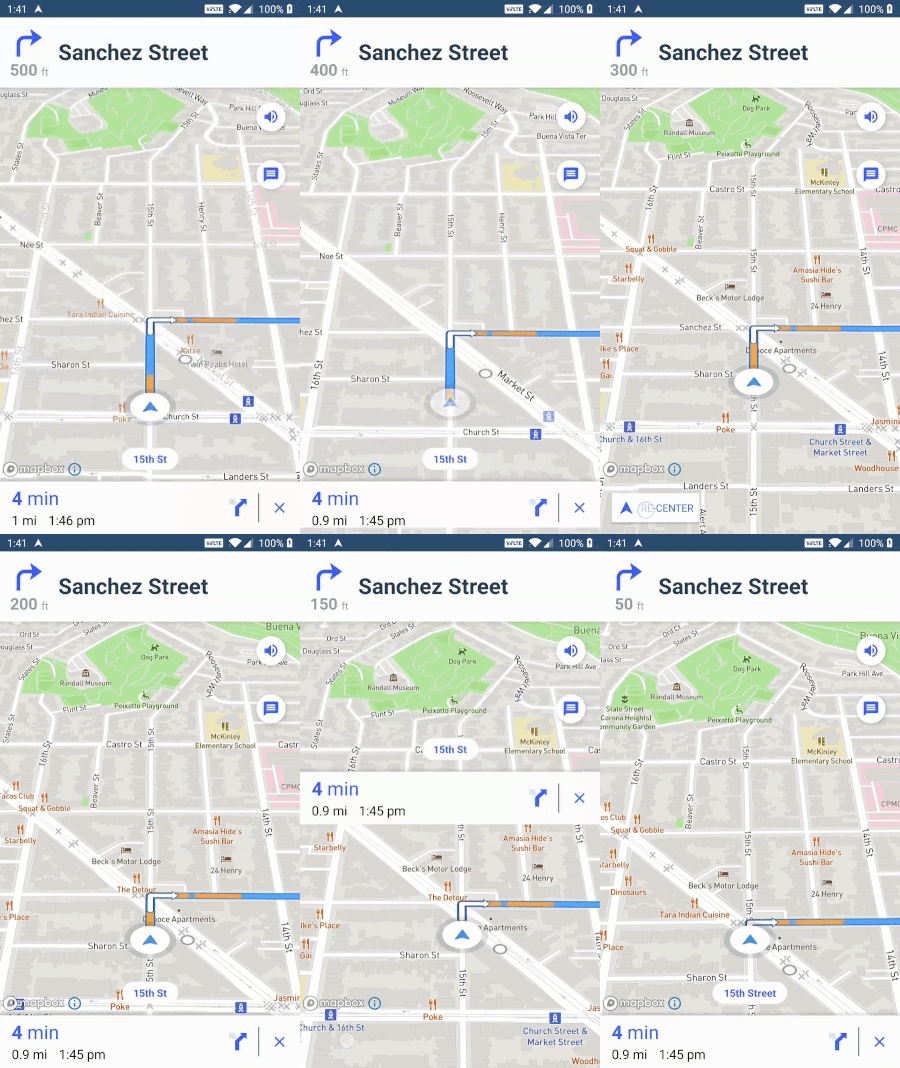
Now I can't even recreate the original bottom space issue on my physical device 😕 Probably is leftover visual artifact glitch thing with my specific device that was appearing only a handful of times.
Steps to investigate original issue:
- Open the
examplestest app. - Open the
Navigation UI SDKsection - Open the
NavigationViewexample, which is the 1st example listed. This isNavigationViewActivityin Android Studio. - Wait for the puck to start moving along the route.
- Move the map so that the
SummaryBottomSheethides. - Keep your eyes on the bottom of the device screen and then press the
RE-CENTERbutton to go back to tracking the device location. - As the
SummaryBottomSheetre-appears, look for any spaces at the bottom of theSummaryBottomSheetand/or any other sheet loading issues.
langsmith
on 12 May 2020
Cannot reproduce the original issue. cc @langsmith
 abhishek1508
on 12 May 2020
abhishek1508
on 12 May 2020
Thanks for looking @abhishek1508. Any issues in CustomUIComponentStyleActivity on your device?
langsmith
on 12 May 2020
Yeah I see this behavior in CustomUIComponentStyleActivity
cc @langsmith
abhishek1508
on 12 May 2020
@abhishek1508 , you see the same weird loading behavior that is shown in my GIF above?
langsmith
on 12 May 2020
Yes @langsmith
abhishek1508
on 12 May 2020
@abhishek1508 , you see the same weird loading behavior that is shown in my GIF above?
same here 🤔
JunDai
on 12 May 2020
Related issues
 jethromay
·
7Comments
jethromay
·
7Comments
 carstenhag
·
8Comments
carstenhag
·
8Comments
 riastrad
·
3Comments
carstenhag
·
5Comments
riastrad
·
3Comments
carstenhag
·
5Comments
 skienzl
·
5Comments
skienzl
·
5Comments