Mapbox-navigation-android: Mapbox mapmatching waypoint issue
Android API:27
Mapbox Navigation SDK version:com.mapbox.mapboxsdk:mapbox-android-navigation:0.16.0
Hello everyone,
I have a problem with banner instructions. In our app, we would like to start turn by turn navigation with a specific route that we provide from another service. So we use our route as input for mapbox mapmatching. We get response from mapmatching and pass it as directionRoute to navigationView.
Everything is great so far, I'm able to get mapmatched route and navigationView starts without problem.
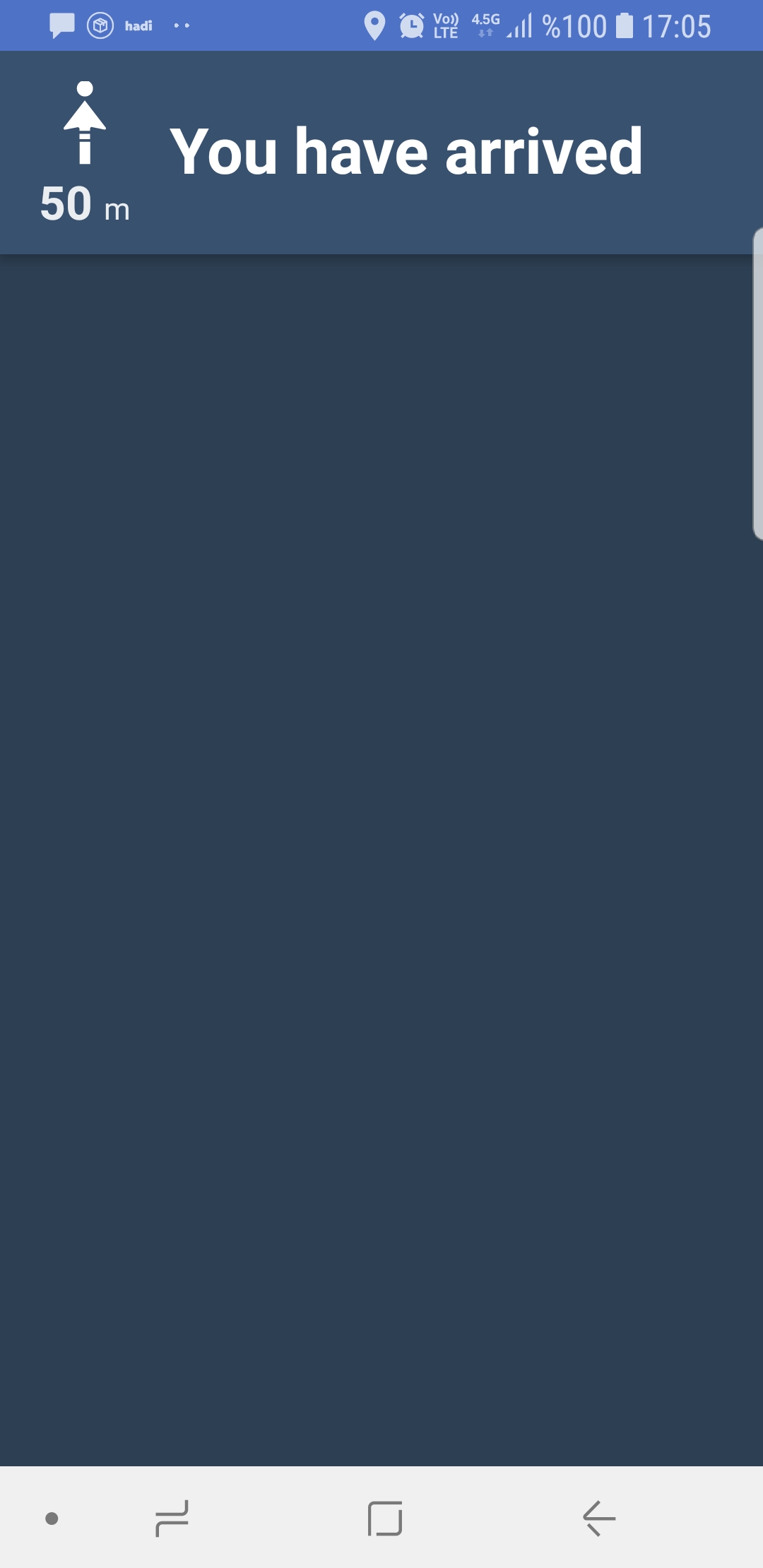
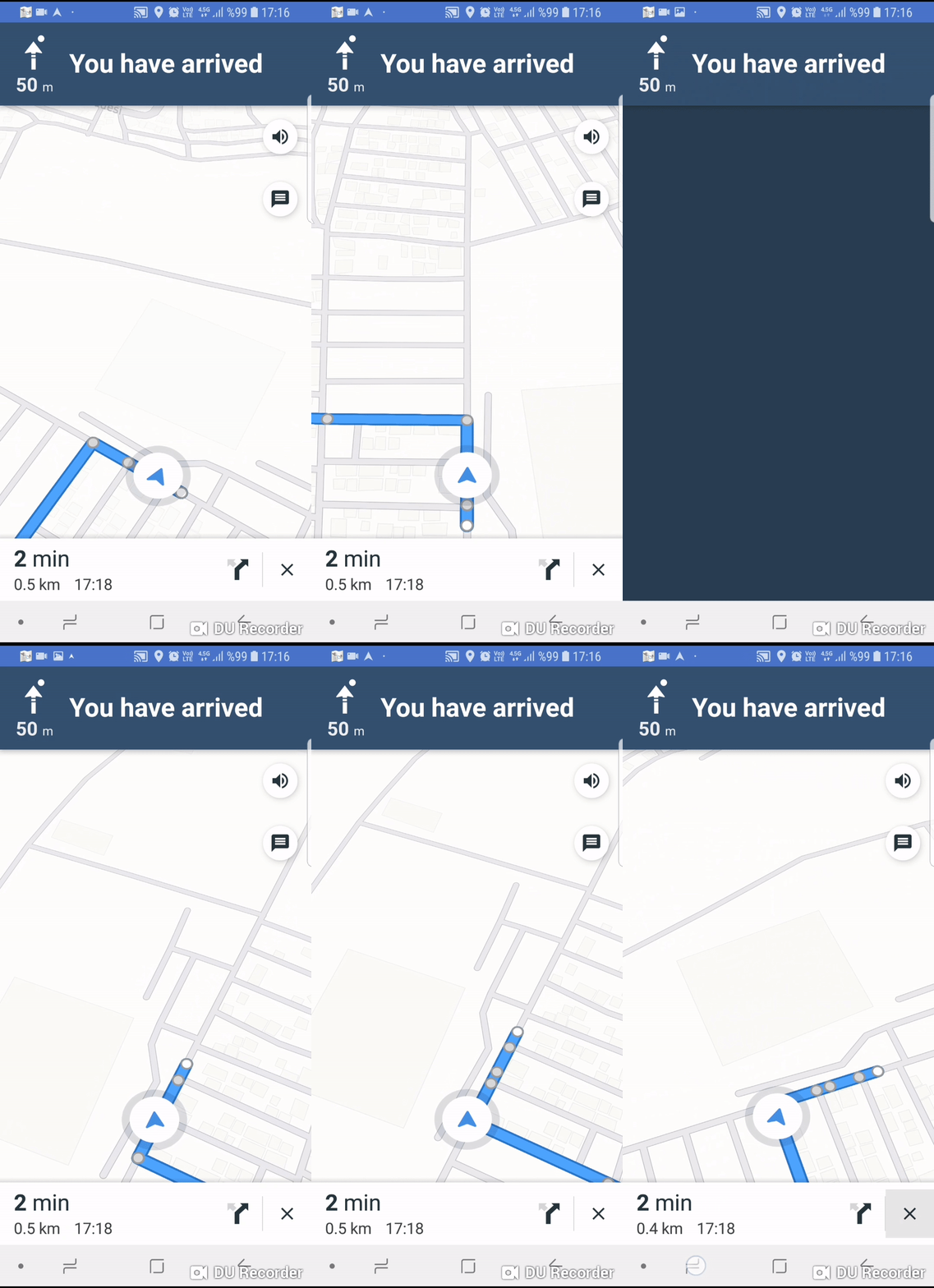
Problem is banner instructions. Mapmatching API returns the route as waypoints. Navigation banner treat each waypoint as destination. So I'm getting "You have arrived" text continuously. In addition to this map is rotation when we arrive at a waypoint.
When I click on instruction banner It doesnt show the next steps.
It would be great if you can solve this issue.
Snapshots:

When I click instruction banner:
screen record:
 headbanggg
All 5 comments
Hi,
in your builder just add this line :
MapboxMapMatching.builder()
.accessToken(Mapbox.getAccessToken())
.coordinates(liste)
### .waypoints(0, liste.size()-1 )
.steps(true)
.bannerInstructions(true)
.roundaboutExits(true)
.voiceInstructions(true)
.voiceUnits("metric")
.language("fr-FR")
.profile(DirectionsCriteria.PROFILE_WALKING)
.build()
The liste variable contains the waypoints
That way, only the first and the last points will be the waypoints, the others will be there to track the route.
But beware,if you leave the route it will reroute you to the last point directly
hope this help
 vincent-caron
on 2 Aug 2018
vincent-caron
on 2 Aug 2018
Hey @headbanggg 👋 Yeah it looks like the map matching response is returning a route completely made of waypoints, so the data / SDK is constantly providing arrival statuses.
Like @vincent-caron pointed out (thanks!), I'd work with the map matching request / adjust your parameters. Regarding map matching used with the NavigationView, please check out https://www.mapbox.com/android-docs/navigation/overview/map-matching/ as we have some guidelines on how to successfully reroute.
 danesfeder
on 2 Aug 2018
danesfeder
on 2 Aug 2018
@vincent-caron @danesfeder
.waypoints(0, liste.size()-1 )
Thanks a lot for your help. It works like a charm 👍
headbanggg
on 3 Aug 2018
you're welcome
vincent-caron
on 3 Aug 2018
Thanks. It works.
 bluetoothfx
on 5 Apr 2019
bluetoothfx
on 5 Apr 2019
Related issues
 skienzl
·
5Comments
skienzl
·
5Comments
 ericrwolfe
·
9Comments
ericrwolfe
·
9Comments
 karussell
·
4Comments
karussell
·
4Comments
 vidhi1011
·
10Comments
vidhi1011
·
10Comments
 Danny-James
·
7Comments
Danny-James
·
7Comments
Most helpful comment
Hey @headbanggg 👋 Yeah it looks like the map matching response is returning a route completely made of waypoints, so the data / SDK is constantly providing arrival statuses.
Like @vincent-caron pointed out (thanks!), I'd work with the map matching request / adjust your parameters. Regarding map matching used with the
NavigationView, please check out https://www.mapbox.com/android-docs/navigation/overview/map-matching/ as we have some guidelines on how to successfully reroute.