Mail: Messages in (priority) inbox take up too much vertical space
Expected behavior
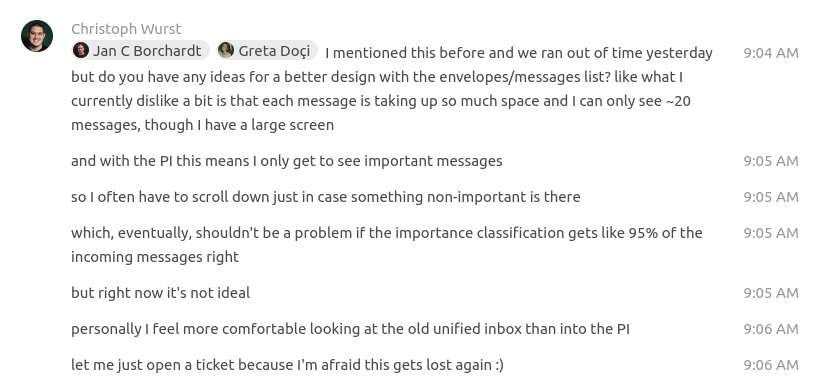
Have a good overview of my incoming messages, but not just the important ones but possibly also from other sections.
Actual behavior
I see ~20 messages of a mailbox, even on a large screen. For the priority inbox this means I don't even see my favorites. Other messages are hard to spot as I have to scroll down.
This will be even worse once we have #2666
Mail app
Mail app version:
v1.4+
cc @GretaD @jancborchardt @ma12-co @skjnldsv
 ChristophWurst
All 8 comments
What if we limit the numbers of messages shown for important and favs? Gmail does that as well. They even paginate. But I think we can have a simple collapse/expand logic that will always show the top x messages for important/other. Then you can see if there is anything new there but you'll also see the other messages.
ChristophWurst
on 6 May 2020
Or what about a compact mode?
Gmail does it as well no?
I've seen lots of clients have it too :thinking:
Would just switch to a 44px line with avatar - title - menu ? :shrug:
 skjnldsv
on 6 May 2020
skjnldsv
on 6 May 2020
44px line with avatar - title - menu ?
But what would that be for an email? avatar - sender -subject - menu? I don't think we can get that into a single line with the fixed width of our second column with meaningful text.
ChristophWurst
on 6 May 2020
Don't know, would be enough for me :)
Thuunderbird display the email & subject for me ad I manage just fine :shrug:
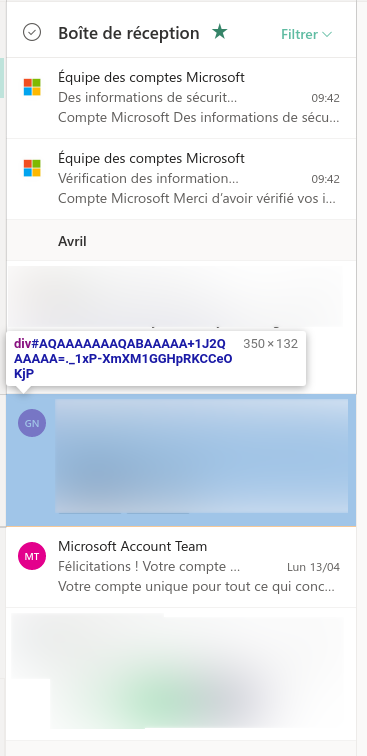
PS: I just checked Outlook, they display entries bigger than we do, 80px and up to 130px :scream:
skjnldsv
on 6 May 2020
What if we limit the numbers of messages shown for important and favs? Gmail does that as well. They even paginate. But I think we can have a simple collapse/expand logic that will always show the top x messages for important/other. Then you can see if there is anything new there but you'll also see the _other_ messages.
Yep, this is what we should do. Limit it to 5 for each section (except the bottom "Other" where we can simply show more to fill up the rest) and then show an entry "Show all important" and "Show all favorites" below that. It could be remembered, so if you want to always see the important ones it will always do that.
We shouldn’t do any collapsing or different views, as this all needs to be maintained.
 jancborchardt
on 6 May 2020
jancborchardt
on 6 May 2020
then show an entry "Show all important" and "Show all favorites" below that
Okay, but how do we un-show them? That is what I meant by "collapse".
ChristophWurst
on 6 May 2020
then show an entry "Show all important" and "Show all favorites" below that
Okay, but how do we un-show them? That is what I meant by "collapse".
Exactly like we do in the folder list, the entry changes to "Collapse important" and "Collapse favorites" to go back to only showing 5 entries.
jancborchardt
on 6 May 2020
Done https://github.com/nextcloud/mail/pull/3098#issuecomment-627508932
ChristophWurst
on 12 May 2020
Related issues
 northorsouth
·
37Comments
northorsouth
·
37Comments
 doc75
·
34Comments
doc75
·
34Comments
 guzzisti
·
28Comments
guzzisti
·
28Comments
 lepool
·
39Comments
lepool
·
39Comments
 zpintar
·
59Comments
zpintar
·
59Comments