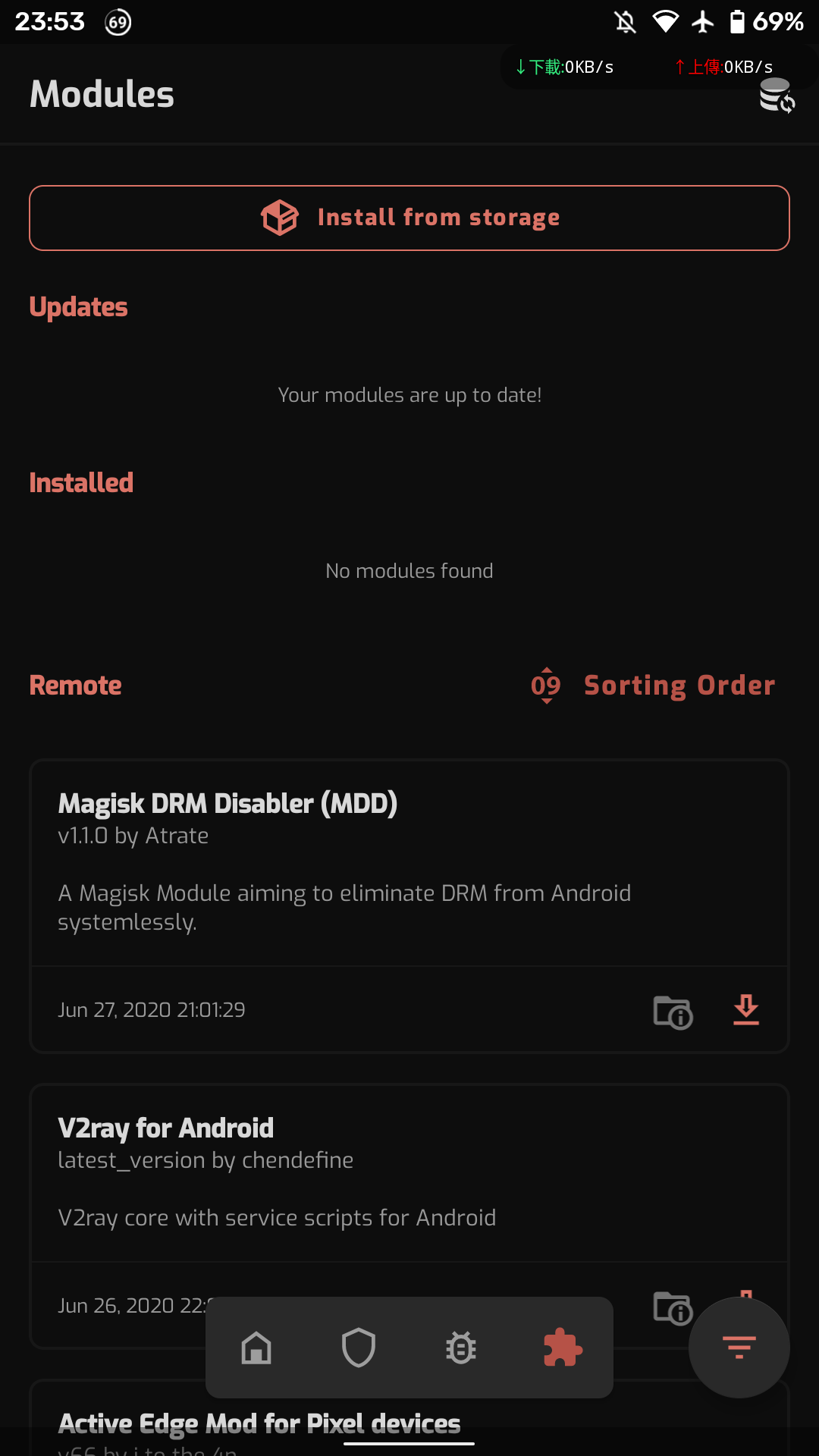
Magisk: Latest Canary Magisk Manager Module list didn't work.

 bluehomewu
All 12 comments
Are you using a different Magisk Manager, as your ui is different?
 Navneet-Kumar-Singh
on 28 Jun 2020
Navneet-Kumar-Singh
on 28 Jun 2020
Are you using a different Magisk Manager, as your ui is different?
I'm using official canary version Manager.
Not unofficially Manager.
bluehomewu
on 28 Jun 2020
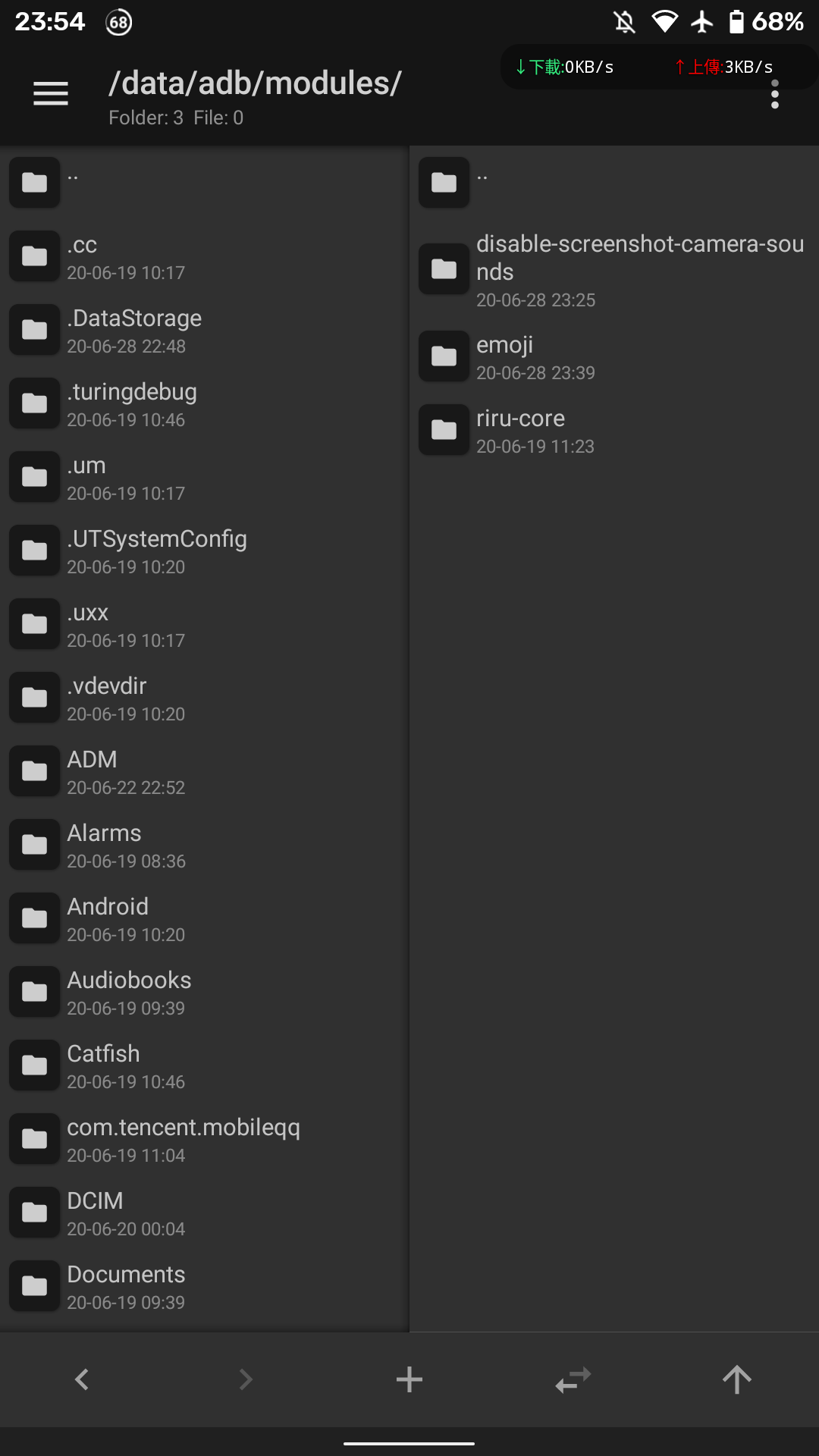
Latest canary manager doesn't show your installed modules but log shows that they are installed. The only downside is you can't turn off/on modules but you can uninstall/install them if you flash the modules themselves
 Shenron0
on 28 Jun 2020
Shenron0
on 28 Jun 2020
I have the same issue on my Onn 8 Android 9 tablet with 20417.
magisk_log_20200628_141656.log
 martyfender
on 28 Jun 2020
martyfender
on 28 Jun 2020
Same problem on my side.
I have update the Manager before updating Magisk. After this update, my modules list have diseppear.
And even after updating Magisk through the Manager, i had to force it 3 times, the 2 first times the Manager displayed "Download finished" (translated from French). I had to force-stop the Manager app (resurection remix default feature use am command), and specified no special install option and direct install.
Even after having reboot, my modules list always don't appear, but i know that the modules are enabled bcz the features provided by my modules continue to works.
 xerta555
on 28 Jun 2020
xerta555
on 28 Jun 2020
Yep, confirmed issue in Canary Manager 286. Downgraded to 285 and all works again.
 osm0sis
on 28 Jun 2020
osm0sis
on 28 Jun 2020
Certainly a noob question, but is it possible to downgrading though the Manager app and staying on Canary channel ? Or i must flash the zip through TWRP ?
xerta555
on 28 Jun 2020
@xerta555 that is indeed a noob question that doesn't need to be answered but I'll do it anyway to spare others. You can downgrade to the previous version of the manager if you still have the APK or the magisk.zip by opening the zip and search for the APK inside it and yes you have to uninstall the current version you already have installed. But make sure Magisk Manager is not hidden and restored to normal without it being renamed
Shenron0
on 28 Jun 2020
If you've got it hidden with the stub then you can go find the user_de directory for the hidden Manager and drop 285 into the dyn subdirectory as current.apk remembering to fix the ownership and perms like the one you're replacing. :wink:
osm0sis
on 28 Jun 2020
How to roll-back to Manager 285 (if you didn't have its apk downloaded) upon upgrading to Canary 286/20417:
https://forum.xda-developers.com/showpost.php?p=82944427&postcount=40410
And how to hide Manager then, keeping 285:
https://forum.xda-developers.com/showpost.php?p=82946185&postcount=40421
But hoping for quick fix and release of new Manager 287 🤩
 zgfg
on 29 Jun 2020
zgfg
on 29 Jun 2020
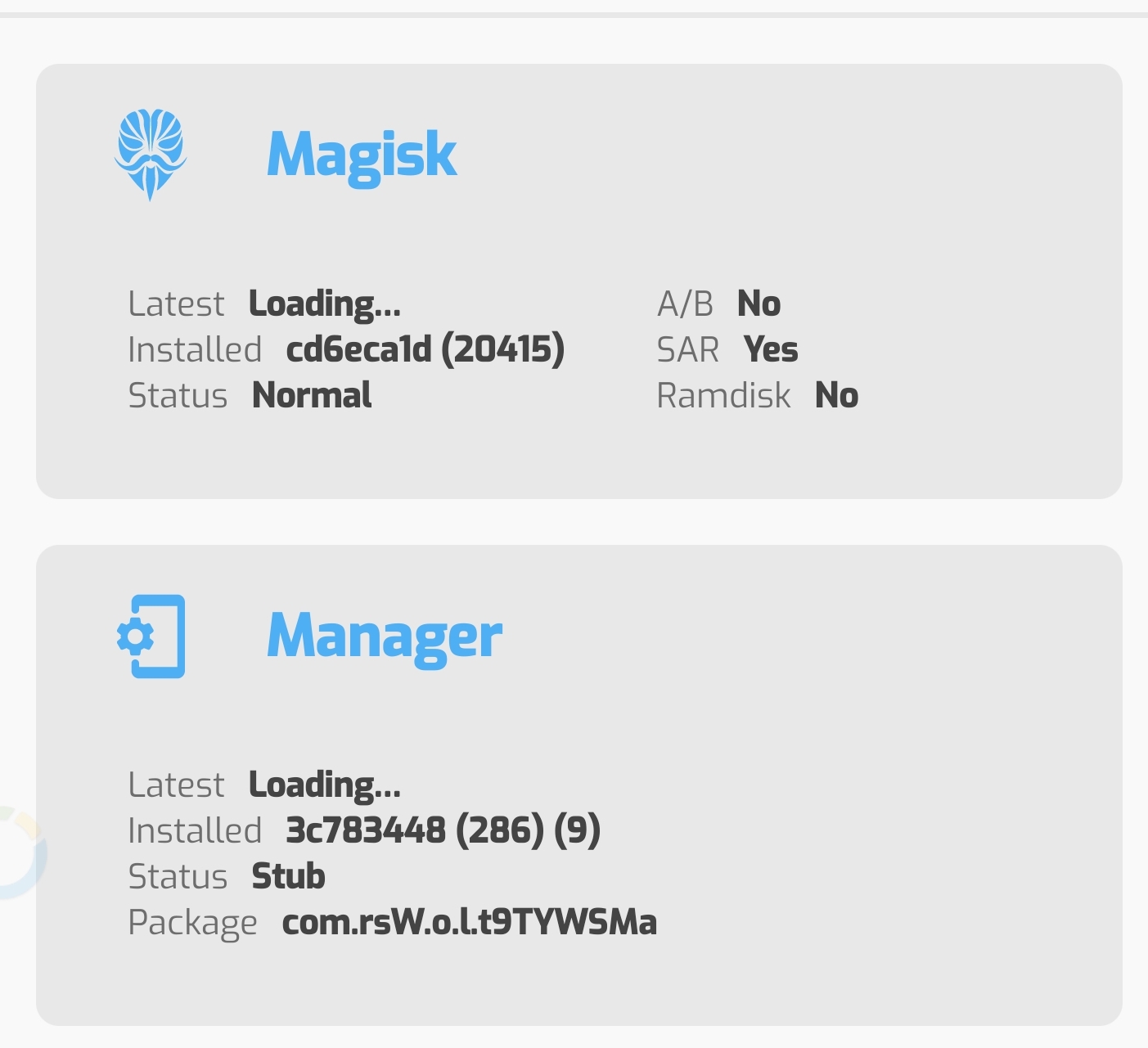
I am also having issues with 285 and 286. Somehow it has connectivity issues (fails to hide manager, can not download safteynet stuff or modules and it shows loading... when checking for new versions).
 toyassir
on 29 Jun 2020
toyassir
on 29 Jun 2020
Fixed b1e0c5ff38a61d487a3a7dc3a6ca32e44fcf1f29
 topjohnwu
on 29 Jun 2020
topjohnwu
on 29 Jun 2020
Related issues
 kam821
·
52Comments
kam821
·
52Comments
 sgs2ofameer
·
71Comments
sgs2ofameer
·
71Comments
 thekiefs
·
49Comments
thekiefs
·
49Comments
 rfgamaral
·
45Comments
rfgamaral
·
45Comments
 DenyDarko
·
53Comments
DenyDarko
·
53Comments
Most helpful comment
Fixed b1e0c5ff38a61d487a3a7dc3a6ca32e44fcf1f29