Magisk: [Android10] A-only two stage system-as-root
https://source.android.com/devices/bootloader/system-as-root
Android 10 forces system-as-root for all devices now, on non-A/B devices, both recovery and boot partitions exist, but boot partition contains ramdisk with init and base mount points
System boots in two stages. Kernel starts with boot-ramdisk as ramdisk and executes first stage init (/init) that mounts system, chroots into it and executes /system/bin/init (second stage init) that starts Android system.
A-only boot-ramdisk layout:
/apex (folder)
/avb (folder)
/debug_ramdisk (folder)
/dev (folder, mount point)
/init (static executable)
/mnt (folder, mount point)
/proc (folder, mount point)
/sys (folder, mount point)
_Magisk currently can't handle these boot-ramdisks_.
 argraur
All 23 comments
I'm well aware of 2 stage boot since that is what Pixel 3 Android 10 uses (whilst being A/B). A completely new process of booting is introduced into magiskinit to support it. I do not have any device that is A-only, so I'm not so sure about why it isn't working. Are you testing on the latest canary?
 topjohnwu
on 12 Sep 2019
topjohnwu
on 12 Sep 2019
Yes.
argraur
on 12 Sep 2019
Wait, there is no folder called /first_stage_ramdisk in the ramdisk? I though the standard process is to chroot into that folder, mount systems, and finally chroot again into /system. Magisk uses that to indicate that 2 stage init is used.
topjohnwu
on 12 Sep 2019
May you upload the boot image? I need to see how to patch fstab in this case....
topjohnwu
on 12 Sep 2019
It sure doesn't. On A/B devices first_stage_ramdisk is used to get rid of recovery components, but A-only mounts and chroots to system directly.
argraur
on 12 Sep 2019
Sure
argraur
on 12 Sep 2019
argraur
on 12 Sep 2019
Looks like it uses fstab in dts :/
argraur
on 12 Sep 2019
Looks like it uses fstab in dts :/
Well, that's some bad news......
I have to modify the fstab to change the folder from /system to anything else, or else the original init will continue to proceed and we have no way to stop it 😅
On the Pixels, the fstab is simply just a file in /first_stage_ramdisk, which is super simple
topjohnwu
on 12 Sep 2019
BTW, nice avatar you're using @argraur. Really like Momo 😉
topjohnwu
on 12 Sep 2019
Oof thanks <3
argraur
on 12 Sep 2019
By the way, system can be mounted as r/w on A-only devices.
argraur
on 13 Sep 2019
@argraur I think you are currently using custom ROM. On stock ROMs, the system image is formatted as "ext4 dedup", which is not possible to mount r/w. Check my tweets to see more info about this.
topjohnwu
on 13 Sep 2019
https://source.android.com/devices/bootloader/system-as-root
Android 10 forces system-as-root for all devices now, on non-A/B devices, both recovery and boot partitions exist, but boot partition contains ramdisk with init and base mount points
System boots in two stages. Kernel starts with boot-ramdisk as ramdisk and executes first stage init (/init) that mounts system, chroots into it and executes /system/bin/init (second stage init) that starts Android system.
A-only boot-ramdisk layout:
/apex (folder)
/avb (folder)
/debug_ramdisk (folder)
/dev (folder, mount point)
/init (static executable)
/mnt (folder, mount point)
/proc (folder, mount point)
/sys (folder, mount point)_Magisk currently can't handle these boot-ramdisks_.
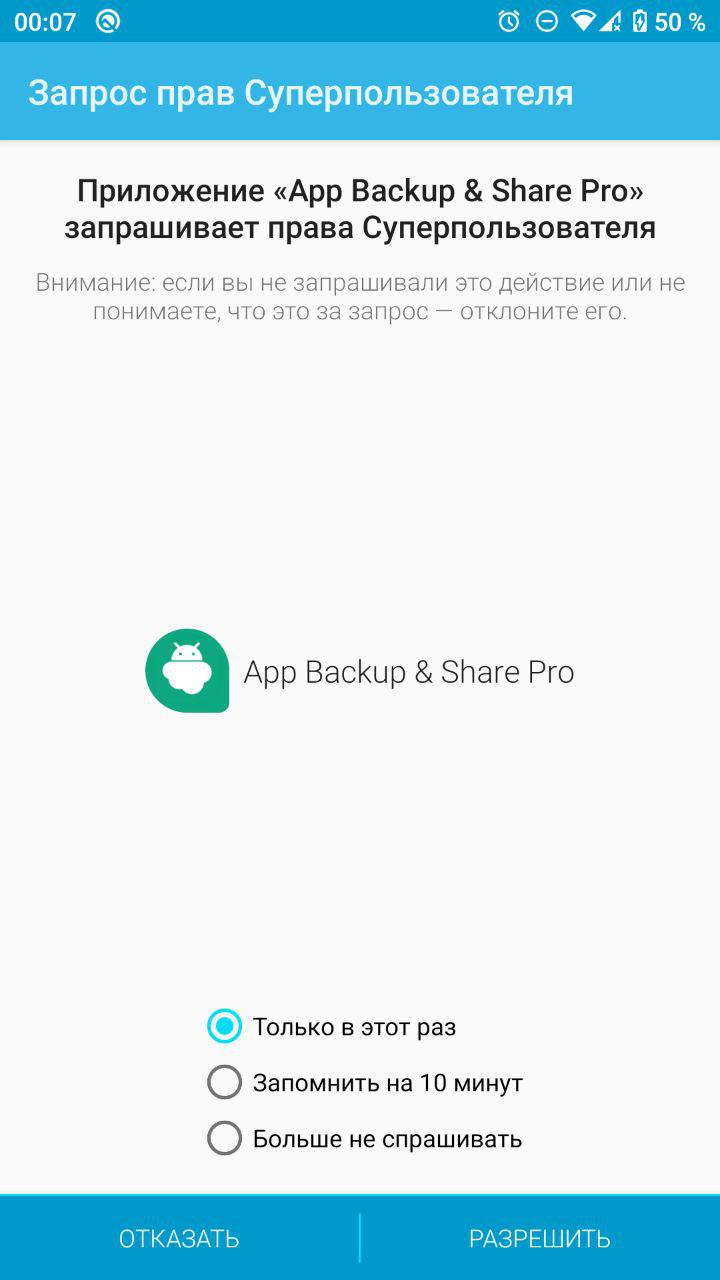
Superuser is alive) Still alive) But I am waiting for Magisk)
 xyyx
on 14 Sep 2019
xyyx
on 14 Sep 2019
https://source.android.com/devices/bootloader/system-as-root
Android 10 forces system-as-root for all devices now, on non-A/B devices, both recovery and boot partitions exist, but boot partition contains ramdisk with init and base mount points
System boots in two stages. Kernel starts with boot-ramdisk as ramdisk and executes first stage init (/init) that mounts system, chroots into it and executes /system/bin/init (second stage init) that starts Android system.
A-only boot-ramdisk layout:
/apex (folder)
/avb (folder)
/debug_ramdisk (folder)
/dev (folder, mount point)
/init (static executable)
/mnt (folder, mount point)
/proc (folder, mount point)
/sys (folder, mount point)
_Magisk currently can't handle these boot-ramdisks_.Superuser is alive) Still alive) But I am waiting for Magisk)
How to use it? I tried to copy file from phh's superuser but it doesn't work.
 h0cheung
on 14 Sep 2019
h0cheung
on 14 Sep 2019
@topjohnwu I just tried to mount K20 Pro Android 10 system image as r/w and it worked! http://bigota.d.miui.com/9.05.24/raphael_android_images_9.05.24.1.native.google.user_20190524.0000.00_10.0_ab58fbe3cb.tgz
argraur
on 14 Sep 2019
@topjohnwu Since this is becoming a blocker as more devices adopt Android 10, would it be worth funding an A-only Q-capable device for your testing?
 half-cambodian-hacker-man
on 19 Sep 2019
half-cambodian-hacker-man
on 19 Sep 2019
I would definitely throw in to fund an A-only device for testing!
 jmac052002
on 19 Sep 2019
jmac052002
on 19 Sep 2019
There are no A-only devices launched with Q. There are Mi 9 and K20 Pro that got official Q but both of them have Pie system-as-root implementation.
argraur
on 19 Sep 2019
John has a Nexus 5X which just got Pixel Experience 10 so now that he's released the new Magisk 19.4 beta he will probably start on seeing what's up with A only SAR on Q.
 skittles9823
on 19 Sep 2019
skittles9823
on 19 Sep 2019
To elaborate on some comments above:
A-only 2 stage init SAR can work both by including an fstab in the first stage ramdisk where the fstab contains /system with the flag first_stage_mount( reference article https://source.android.com/devices/architecture/kernel/mounting-partitions-early#fstab-ramdisk ), OR by early-mounting the /system block in dts fstab (note that the article does NOT say this is a possible solution!)
The second approach is the trend custom roms are going to follow for supporting legacy devices (before the legacy-SAR era), while the first one is most likely going to be used by vendors who are willing to release devices on Q with A-only SAR.
Idealy you'd want to support both, but the fstab patching would get quite complex.
 aleasto
on 19 Sep 2019
aleasto
on 19 Sep 2019
These series of commits add support for A-only 2SI devices: 4d91e50d6dec76a4bdcec737f11d7547b0da34cb...cf2d02c0dddbaaaa2b50b71369f8c8e5aa143b55
topjohnwu
on 22 Sep 2019
I'm still facing bootloops after installing latest magisk canary on s8 lineage 17.0 exynos 8995. uploading pstore logs can be useful?
 AlexZorzi
on 22 Sep 2019
AlexZorzi
on 22 Sep 2019
Related issues
 kam821
·
52Comments
kam821
·
52Comments
 coderobe
·
56Comments
coderobe
·
56Comments
 DeltaOn3X
·
48Comments
DeltaOn3X
·
48Comments
 thekiefs
·
49Comments
thekiefs
·
49Comments
 Akitakek
·
40Comments
Akitakek
·
40Comments
Most helpful comment
BTW, nice avatar you're using @argraur. Really like Momo 😉