Magento2: Magento 2.3.5 - Configurable product detail page showing blank page on frontend if product have 1000+ associate products.
Preconditions (*)
- Magento Version:2.3.5-p1
- MySQL 5.7
- Apache Webserver
- Elasticsearch engine 7.x
Steps to reproduce (*)
- Create Configurable Product and add more then 1000+ associate simple/virtual products.
- Go to Product detail page for that product.
Expected result (*)
- Product details page showing properly with all options.
Actual result (*)
- Blank product page showing.
- If I remove option wrapper from layout file then the Product page is showing properly.
- There isn't any error showing in log file.
Please provide Severity assessment for the Issue as Reporter. This information will help during Confirmation and Issue triage processes.
- [ ] Severity: S0 _- Affects critical data or functionality and leaves users without workaround._
- [ ] Severity: S1 _- Affects critical data or functionality and forces users to employ a workaround._
- [ ] Severity: S2 _- Affects non-critical data or functionality and forces users to employ a workaround._
- [ ] Severity: S3 _- Affects non-critical data or functionality and does not force users to employ a workaround._
- [ ] Severity: S4 _- Affects aesthetics, professional look and feel, “quality” or “usability”._
 iovistainc
All 14 comments
Hi @iovistainc. Thank you for your report.
To help us process this issue please make sure that you provided the following information:
- Summary of the issue
- Information on your environment
- Steps to reproduce
- Expected and actual results
Please make sure that the issue is reproducible on the vanilla Magento instance following Steps to reproduce. To deploy vanilla Magento instance on our environment, please, add a comment to the issue:
@magento give me 2.4-develop instance - upcoming 2.4.x release
For more details, please, review the Magento Contributor Assistant documentation.
Please, add a comment to assign the issue: @magento I am working on this
Join Magento Community Engineering Slack and ask your questions in #github channel.
:warning: According to the Magento Contribution requirements, all issues must go through the Community Contributions Triage process. Community Contributions Triage is a public meeting.
:clock10: You can find the schedule on the Magento Community Calendar page.
:telephone_receiver: The triage of issues happens in the queue order. If you want to speed up the delivery of your contribution, please join the Community Contributions Triage session to discuss the appropriate ticket.
:movie_camera: You can find the recording of the previous Community Contributions Triage on the Magento Youtube Channel
:pencil2: Feel free to post questions/proposals/feedback related to the Community Contributions Triage process to the corresponding Slack Channel
![m2-assistant[bot] picture](https://avatars0.githubusercontent.com/in/27048?v=4&s=40) m2-assistant[bot]
on 14 Jul 2020
m2-assistant[bot]
on 14 Jul 2020
Hi @engcom-Lima. Thank you for working on this issue.
In order to make sure that issue has enough information and ready for development, please read and check the following instruction: :point_down:
- [ ] 1. Verify that issue has all the required information. (Preconditions, Steps to reproduce, Expected result, Actual result).
Details
If the issue has a valid description, the labelIssue: Format is validwill be added to the issue automatically. Please, edit issue description if needed, until labelIssue: Format is validappears.
[ ] 2. Verify that issue has a meaningful description and provides enough information to reproduce the issue. If the report is valid, add
Issue: Clear Descriptionlabel to the issue by yourself.[ ] 3. Add
Component: XXXXXlabel(s) to the ticket, indicating the components it may be related to.[ ] 4. Verify that the issue is reproducible on
2.4-developbranchDetails
- Add the comment@magento give me 2.4-develop instanceto deploy test instance on Magento infrastructure.
- If the issue is reproducible on2.4-developbranch, please, add the labelReproduced on 2.4.x.
- If the issue is not reproducible, add your comment that issue is not reproducible and close the issue and _stop verification process here_![ ] 5. Add label
Issue: Confirmedonce verification is complete.[ ] 6. Make sure that automatic system confirms that report has been added to the backlog.
m2-assistant[bot]
on 17 Jul 2020
Hello @iovistainc
Unfortunately, I'm not able to reproduce issue by steps you described on clean 2.4-develop and 2.3.5-p1
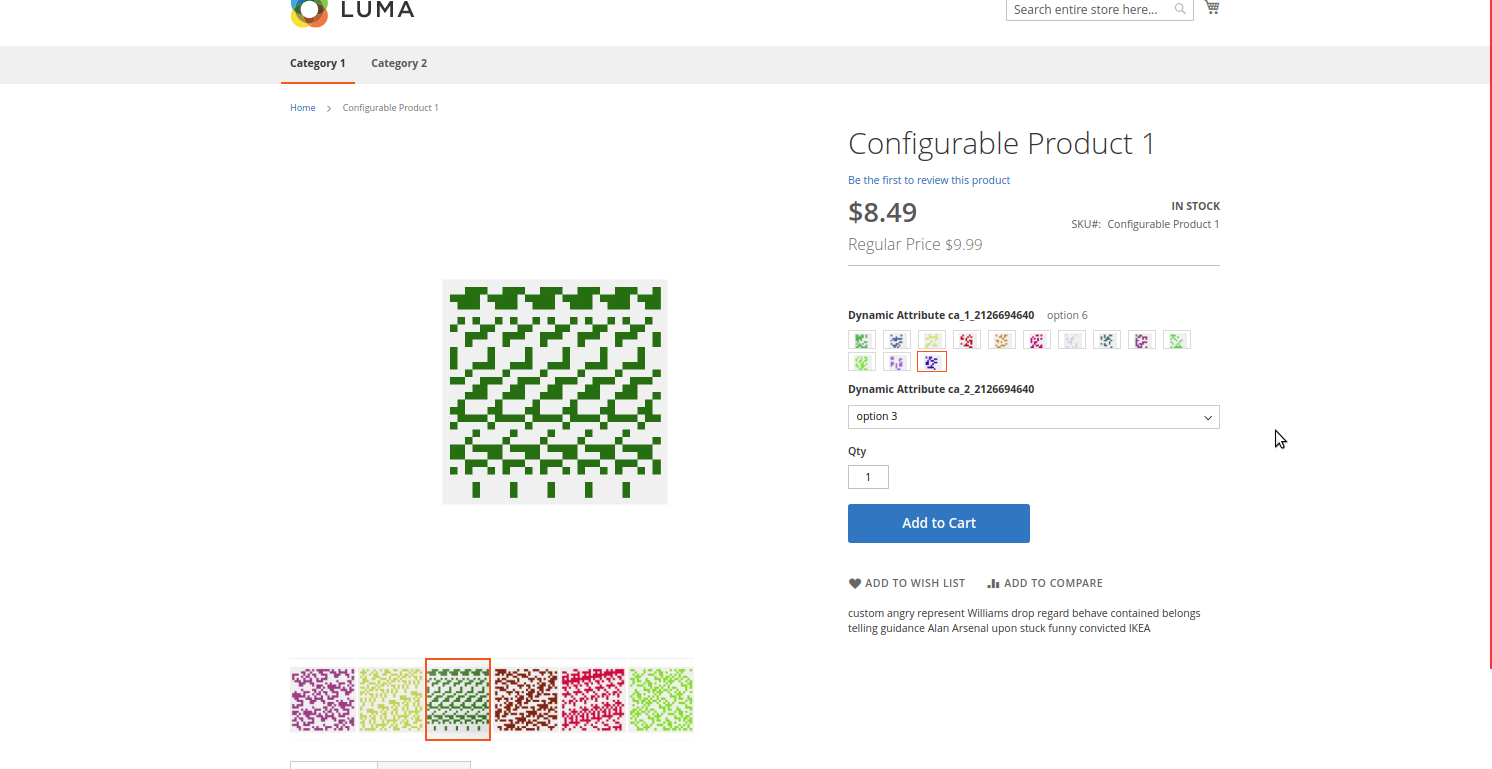
Please check memory_limit in php.ini
It would be great if you could add a screenshot of a blank product page
 engcom-Lima
on 17 Jul 2020
engcom-Lima
on 17 Jul 2020
Hello @engcom-Lima,
I have attached a link of the screenshot of blank product page and memory_limit is set to 756M.
iovistainc
on 20 Jul 2020
Hello @iovistainc
Try to set memory_limit to 2G and also increase max_execution_time to 3000. It works for me
engcom-Lima
on 20 Jul 2020
Hello @engcom-Lima
I have set memory_limit to 4096M and set max_execution_time to 18000 and still not working.
Also, there isn't any error log into Apache, MySQL, and Magento itself.
Is there any way I can print any kind of error log?
iovistainc
on 20 Jul 2020
@iovistainc
In this case, memory_limit can be set to 4G
Also make sure the value is changed in .user.ini
Is there any way I can print any kind of error log?
Yes. Set error_reporting to E_ALL and display_errors to 1 in php.ini. Save and restart Apache
Make sure that the debug mode is enabled in the backend. Go to Stores -> Configuration -> Advanced -> Developer -> Debug and set “Yes” to Log to File.
Set Magento store in developer mode.
There many ways to do it. More info here
engcom-Lima
on 20 Jul 2020
@iovistainc: we had a similar issue and https://github.com/magento/magento2/commit/3b611a7cc0040c9e5731cbc8e2080c2adb205d86 solved it for us, maybe this helps in your case as well?
 hostep
on 20 Jul 2020
hostep
on 20 Jul 2020
Hello @iovistainc @hostep I cannot reproduce this issue on 2.4-develop.
@iovistainc Try to use https://github.com/magento/magento2/commit/3b611a7cc0040c9e5731cbc8e2080c2adb205d86 Maybe it helps you to solve the issue
engcom-Lima
on 21 Jul 2020
@engcom-Lima, in our particular case, I think it only happened when you use Apache with php-fpm. If I remember correctly, the issue has something to do with the explanation written on this blogpost.
https://github.com/magento/magento2/commit/3b611a7cc0040c9e5731cbc8e2080c2adb205d86 is reducing the amount of headers sent from Magento to the webserver, so in our case it helped fixing this issue.
2.4-develop already contains this fix, but Magento 2.3.5-p1 does not.
hostep
on 21 Jul 2020
@hostep, @engcom-Lima
In my staging instance, this issue is solved by turning off Move JavaScript To Page Bottom, and in my staging site it's working properly after turning off this setting but in My live site after turning off this setting still, this issue is not resolved. And I already tried https://github.com/magento/magento2/commit/3b611a7cc0040c9e5731cbc8e2080c2adb205d86 patch but still nothing happens.
iovistainc
on 21 Jul 2020
@iovistainc I cannot reproduce this issue on 2.3.5-p1.
Have you try to run cron and reindex php bin/magento index:reindex
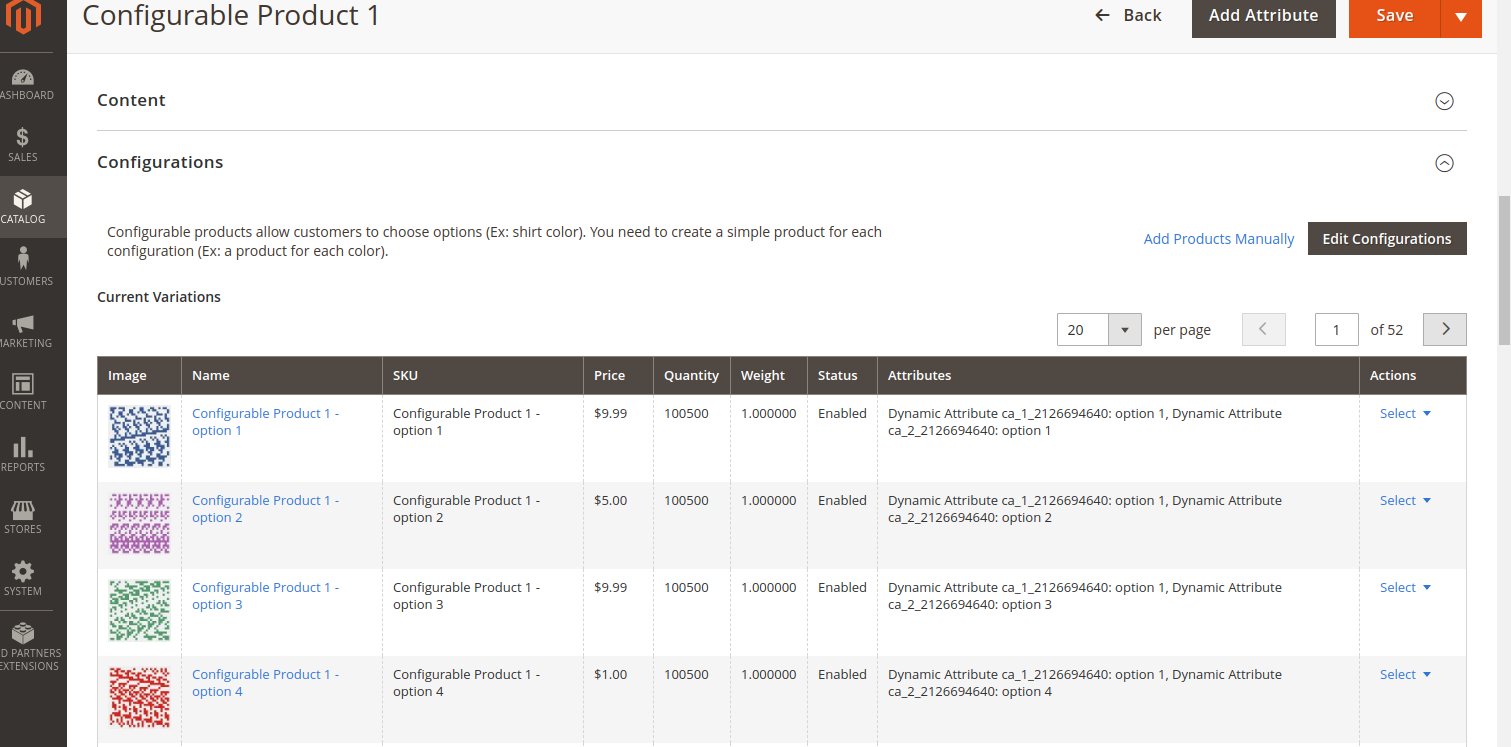
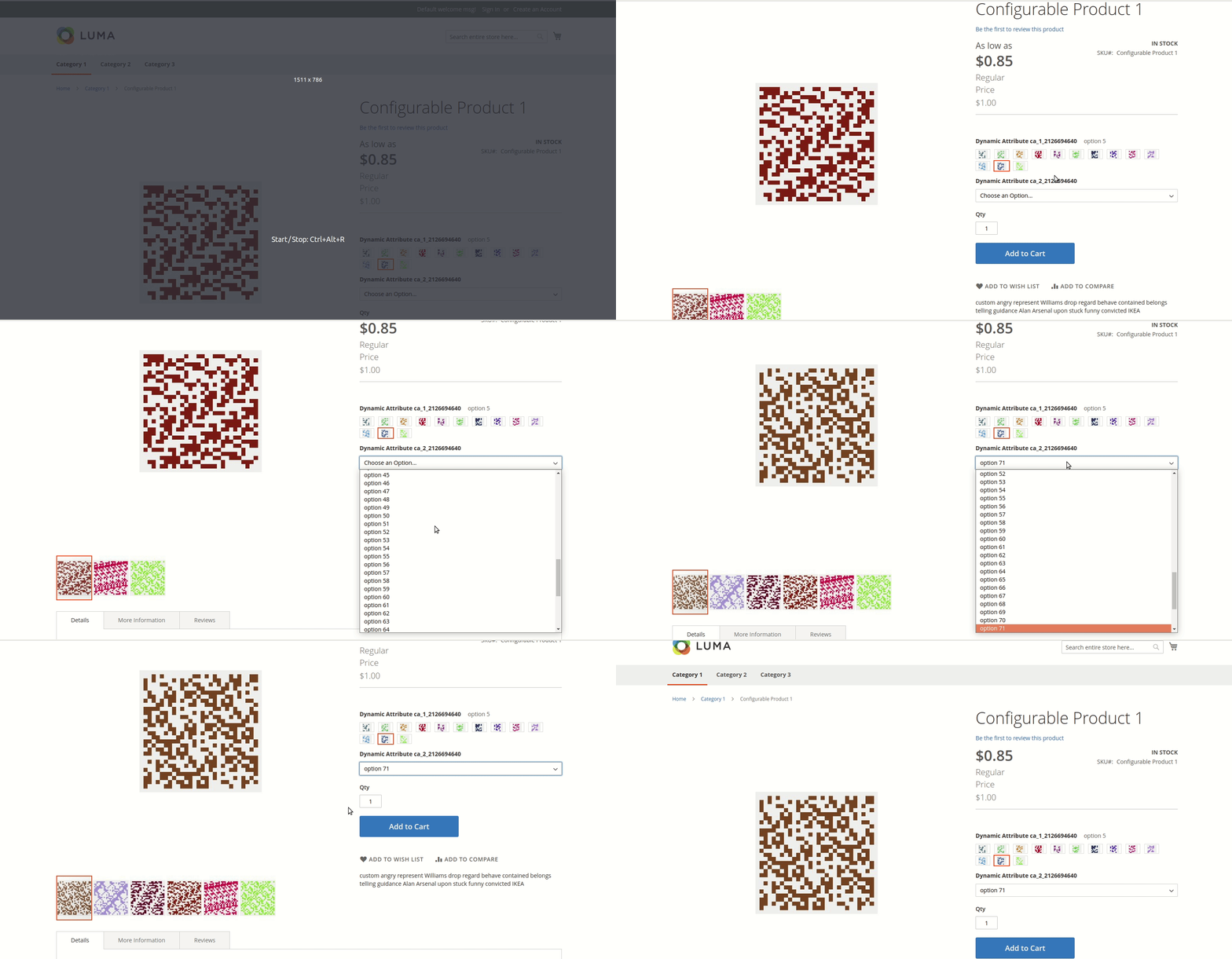
What is written in your logs?
engcom-Lima
on 21 Jul 2020
Hello @engcom-Lima
I have solved this issue as this issue is causing by one of our third-party extensions which is used for Javascript Defer.
Thanks for your help.
iovistainc
on 22 Jul 2020
@iovistainc Closed according to the comment
engcom-Lima
on 22 Jul 2020
Related issues
 ostmond
·
3Comments
ostmond
·
3Comments
 gg24
·
3Comments
gg24
·
3Comments
 jzalenski
·
3Comments
jzalenski
·
3Comments
 kandrejevs
·
3Comments
kandrejevs
·
3Comments
 spyrule
·
3Comments
spyrule
·
3Comments