Basic Buttons are not in Pixel Style & No Access to Settings from Home screen.
 amer4rock
All 12 comments
What do you mean by "Basic Buttons" (post a screenshot or use a screen recorder)? If you long-press on an empty space in the desktop, are you able to access the launcher settings?
 abdullahibneat
on 27 Aug 2017
abdullahibneat
on 27 Aug 2017
Sorry, I mean Home (Navigation) Buttons. The ones we operate with [Triangle, Circle, Square].
In Pixel they're Filled in & mine are Plane.
amer4rock
on 27 Aug 2017
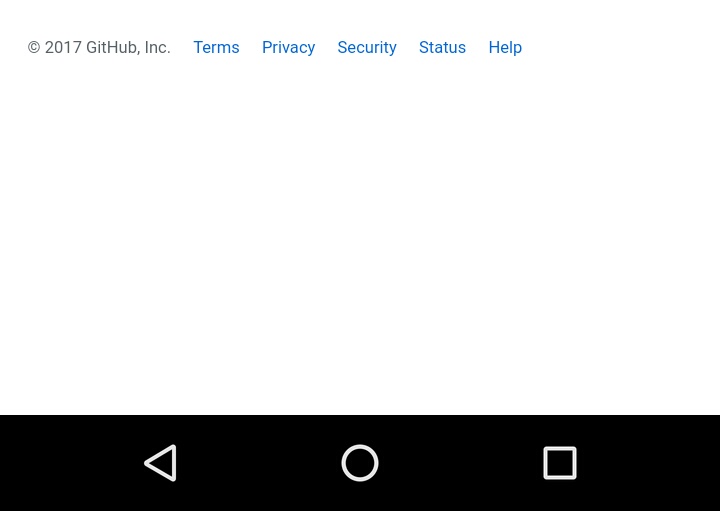
These Buttons
amer4rock
on 27 Aug 2017
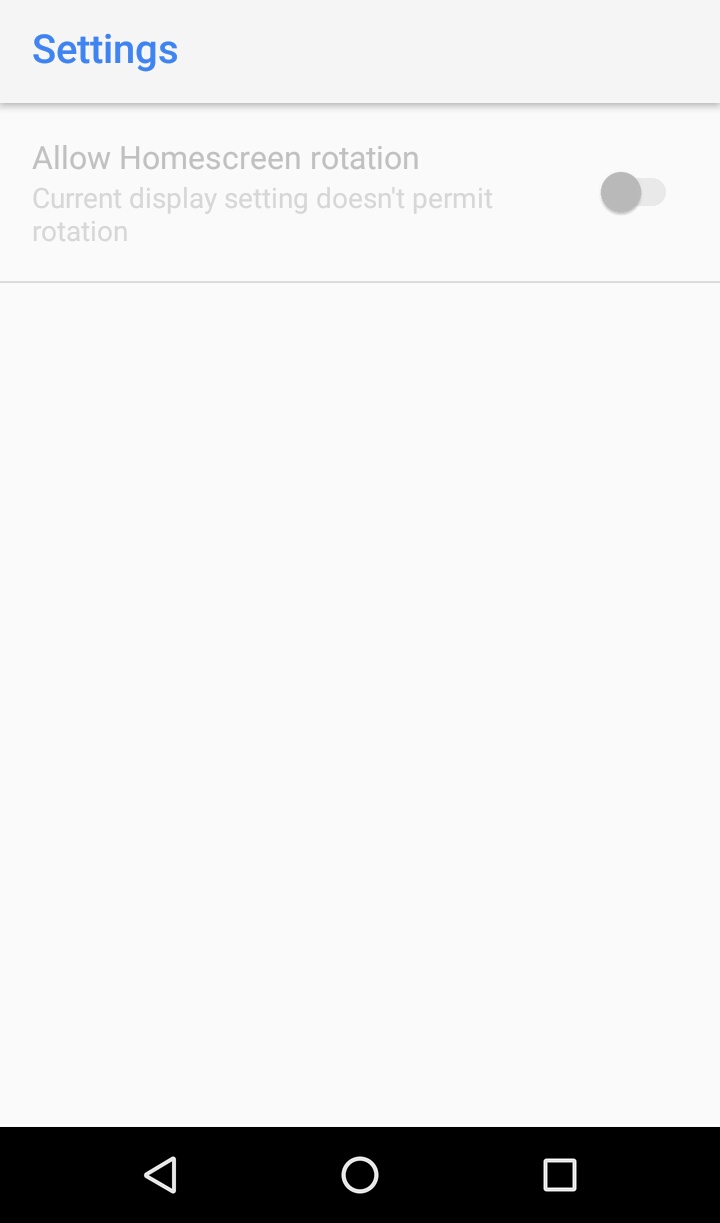
After Long Pressing on Homescreen; Settings; Rest of the Options are not Visible, like Icon Type etc.
amer4rock
on 27 Aug 2017
The pixel launcher does not change the navigation buttons _(triangle, circle and square)_. For that, you may use Substratum. Also, you can only see those options because you don't have Android Oreo (all other options are related to notification dots and shape of icons, which have been introduced in Android Oreo).
abdullahibneat
on 27 Aug 2017
Thanx anyways. But One of the Videos Showed some Buttons & a Link to here.
I thought you can fix this
This Link https://youtu.be/sQ7GkmoIuTQ
amer4rock
on 27 Aug 2017
At this minute: https://youtu.be/sQ7GkmoIuTQ?t=2m13s You can see the Google Pixel on the left and Nexus 6P on the right. On the Nexus 5X, you can see he installed an app called "Custom Nav". My guess is that he used this app to fill the navigation buttons.
abdullahibneat
on 27 Aug 2017
Okay. Thank You so much.
Didn't mean to lower the Gratitude 😀 but Honestly, must confess "Of all the Launchers yours is the best1. As the other Launchers lack Google Now access from Homescreen."
Unless you Planted a Malware 😉😆😝😝😝 LoL
amer4rock
on 27 Aug 2017
Well, the good thing about this launcher is that is open source, meaning anyone can check the code here and analyse it for any malicious code.
abdullahibneat
on 27 Aug 2017
Just Kidding
Thank You so much for the Support...!!👏👍
Good Luck
amer4rock
on 27 Aug 2017
I know you're kidding, but some people do actually think about this.
You can close this issue if you're happy.
abdullahibneat
on 27 Aug 2017
Try this app
 SethuSenthil
on 29 Aug 2017
SethuSenthil
on 29 Aug 2017
Related issues
 vishnudevk
·
9Comments
vishnudevk
·
9Comments
 khemu111
·
9Comments
khemu111
·
9Comments
 IzzySoft
·
9Comments
IzzySoft
·
9Comments
 ghost
·
8Comments
ghost
·
8Comments
 nikkomercado
·
4Comments
nikkomercado
·
4Comments