Kratos: [PFEM Fluid] Calculation runs but not printing results
Pfem fluid application in windows.
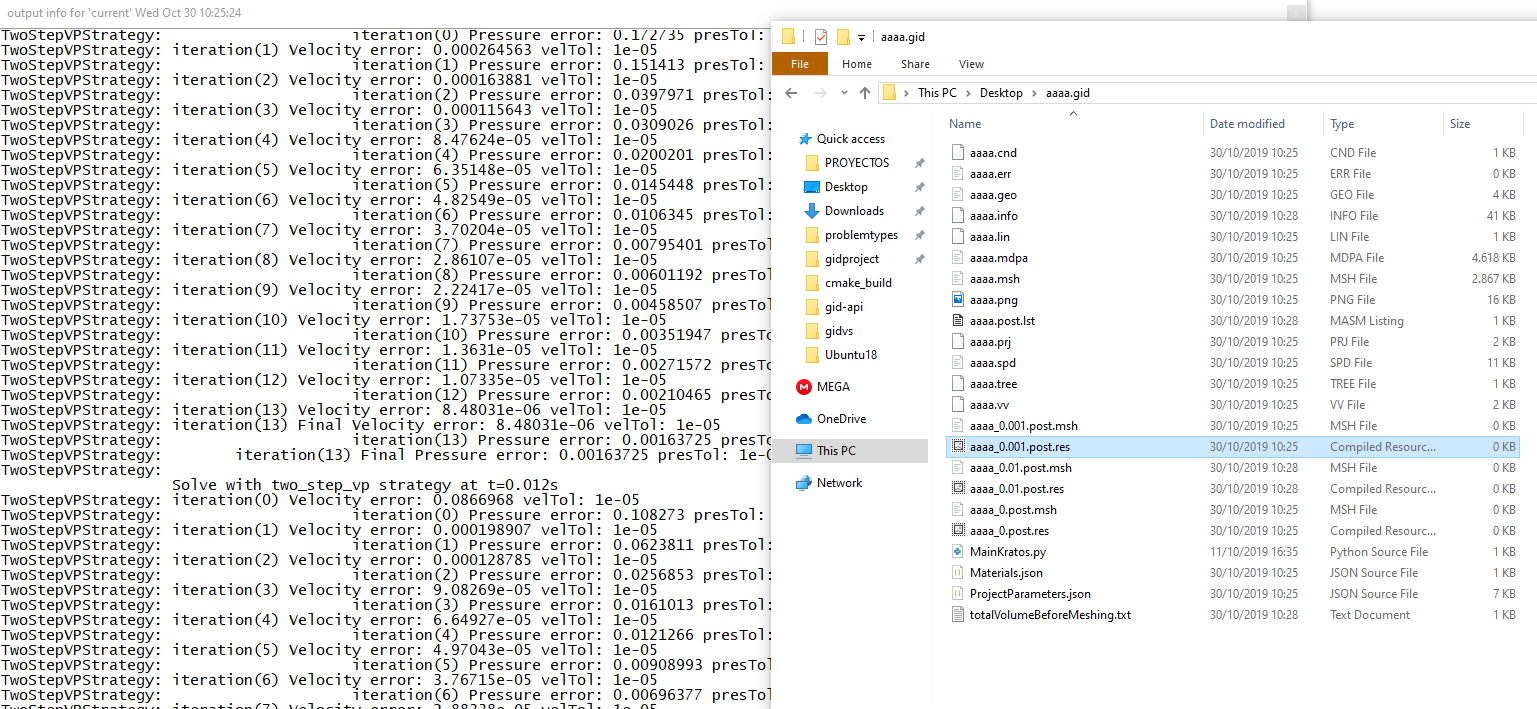
The calculation output info seem to be correct but no results or mesh is written
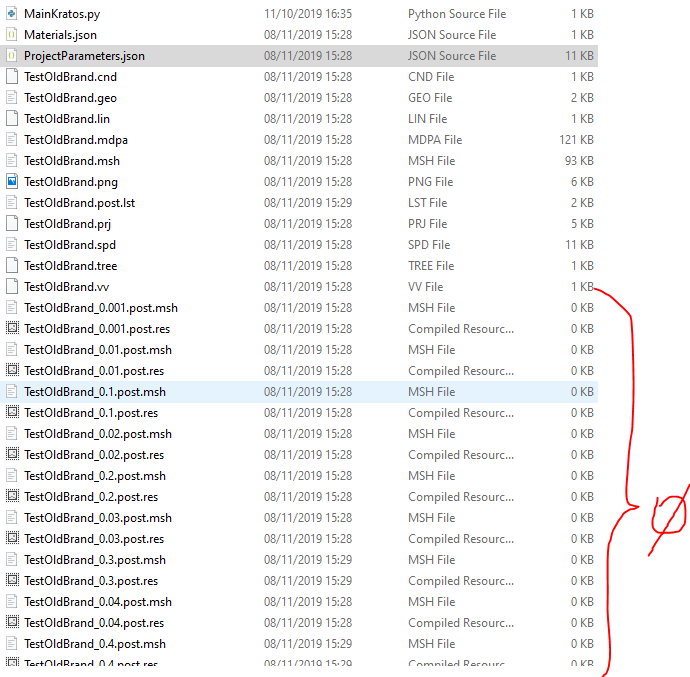
Result files are created but empty
 jginternational
All 15 comments
AAAh! I know that... I created an issue some time ago about this. It seems that in Windows, if you have two instances of GiD it does not work properly
 AlejandroCornejo
on 30 Oct 2019
AlejandroCornejo
on 30 Oct 2019
you can check it by changing the PfemGiD with the standard GiD output and it works fine
AlejandroCornejo
on 30 Oct 2019
@jginternational can you try with #5653?
 philbucher
on 30 Oct 2019
philbucher
on 30 Oct 2019
@AlejandroCornejo What do you mean with "2 instances of GiD" ? GiDPost to write results or GiD the Gui?
jginternational
on 30 Oct 2019
@jginternational I think #5653 and #4337 explain the problem and the proposed solution
philbucher
on 30 Oct 2019
More related to #3637, I suspect.
El 30 oct 2019, a las 12:11, Javi Gárate notifications@github.com escribió:
So @philbucher I understand that the GiDIO class should be some kind of Singleton. I'll try something with that PR this afternoon—
You are receiving this because you were assigned.
Reply to this email directly, view it on GitHub, or unsubscribe.
 maceligueta
on 30 Oct 2019
maceligueta
on 30 Oct 2019
More related to #3637, I suspect.
…
El 30 oct 2019, a las 12:11, Javi Gárate @.*> escribió: So @philbucher I understand that the GiDIO class should be some kind of Singleton. I'll try something with that PR this afternoon — You are receiving this because you were assigned. Reply to this email directly, view it on GitHub, or unsubscribe.
I think that is someting related to what @maceligueta says
AlejandroCornejo
on 31 Oct 2019
@jginternational If you modify the file applications\PfemFluidDynamicsApplication\python_scripts\pfem_fluid_gid_output_process.py as: self.body_io = GidIO( the postprocess works :)
AlejandroCornejo
on 31 Oct 2019
@AlejandroCornejo I've tested by changing that file into:
        if self.body_output or self.node_output:
            self.body_io = GidIO( self.volume_file_name,
                                    self.post_mode,
                                    self.multifile_flag,
                                    self.write_deformed_mesh,
                                    self.write_conditions)

        if self.skin_output or self.num_planes > 0:
            self.cut_io = GidIO(self.cut_file_name,
                                self.post_mode,
                                self.multifile_flag,
                                self.write_deformed_mesh,
                                WriteConditionsFlag.WriteConditionsOnly) # Cuts are conditions, so we always print conditions in the cut ModelPart
And it works in Windows
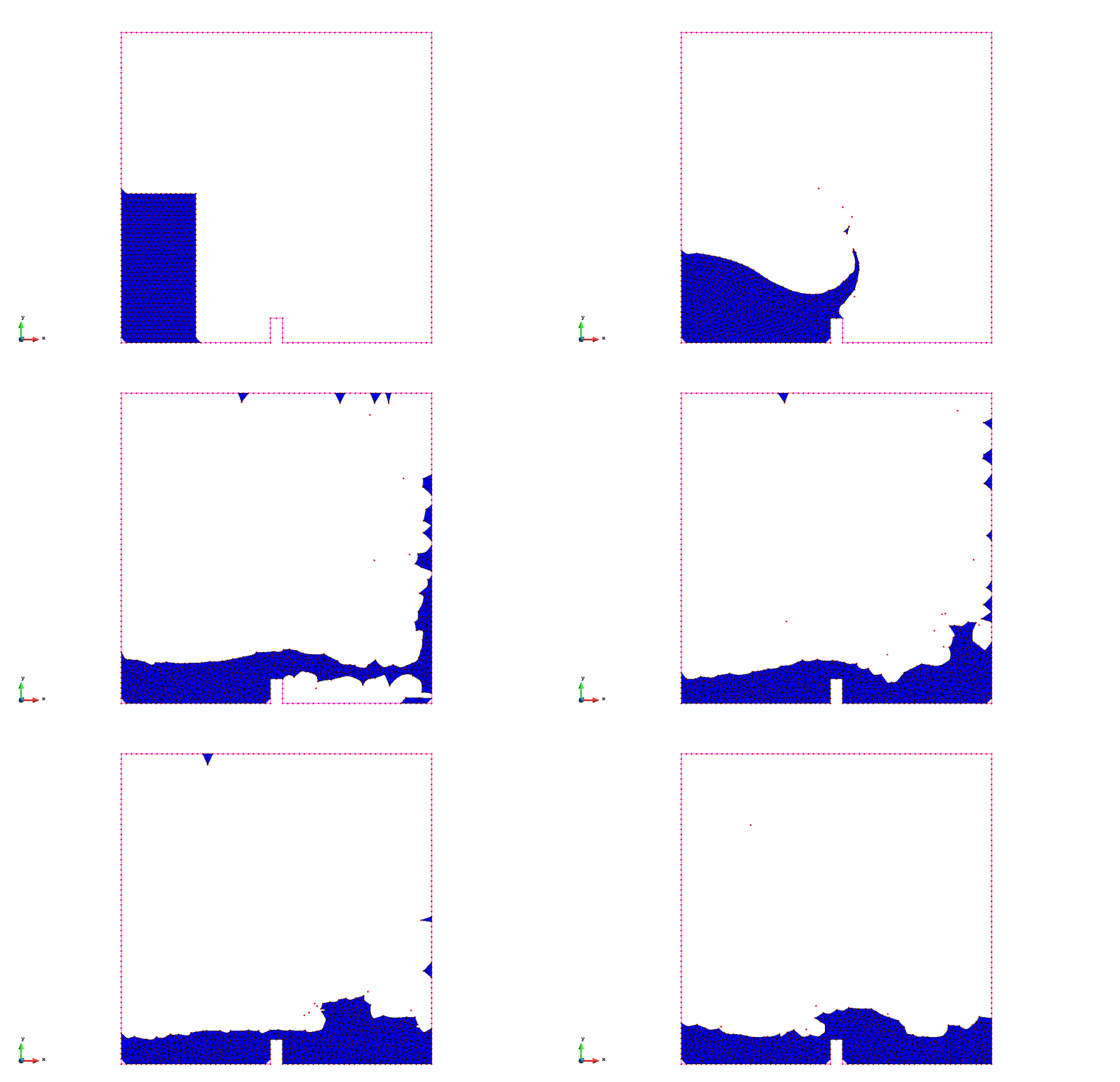
So, we need to think about this solution for the release (Since it's the only one working both in windows and linux (Hope on mac also))
jginternational
on 7 Nov 2019
@jginternational have you tried with #5653?
If this works then we could push for it to be merged soon in order to be included in the release
philbucher
on 7 Nov 2019
We did an override of GiDIO because it was not sufficient for the interest of PFEM post-process, I don't remember the exact reasons and I don't have time to check them today, but I will do on monday. @AFranci requested the changes, so he should remember as well.
maceligueta
on 8 Nov 2019
@AFranci just told me that the flying nodes are not in a separate layer. The PFEM GidIO puts them in a separate layer, so they can be turned off.
maceligueta
on 8 Nov 2019
Hi all,
First of all, thank all of you for working on this!
Those changes were done to allow the visualization of the PFEM 'flying' nodes. These nodes were put in a different group to differentiate them from the rest of the (inner) nodes. I attach two videos to make it more clear:
GidIO + with nodes plotted
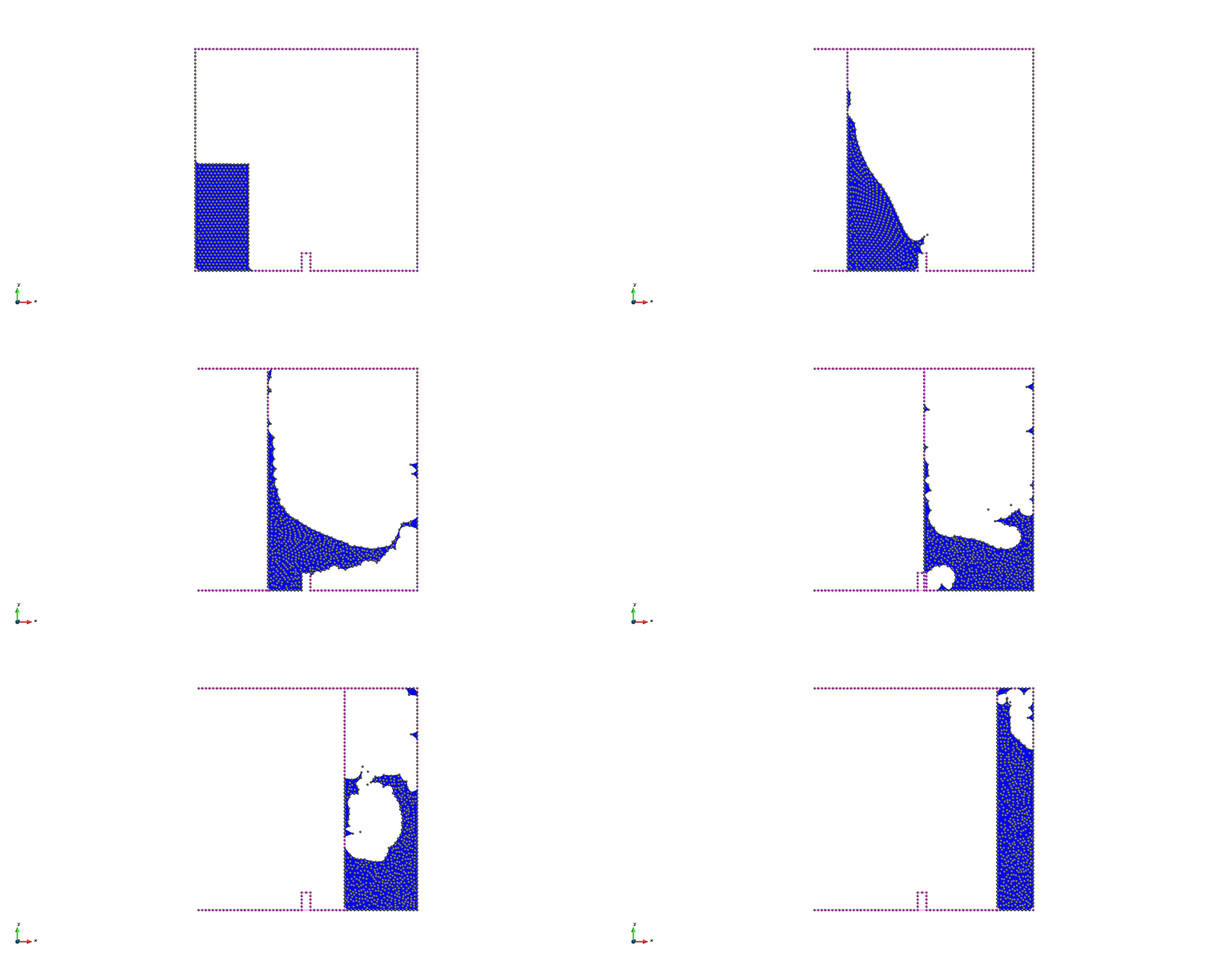
GidIO + without nodes
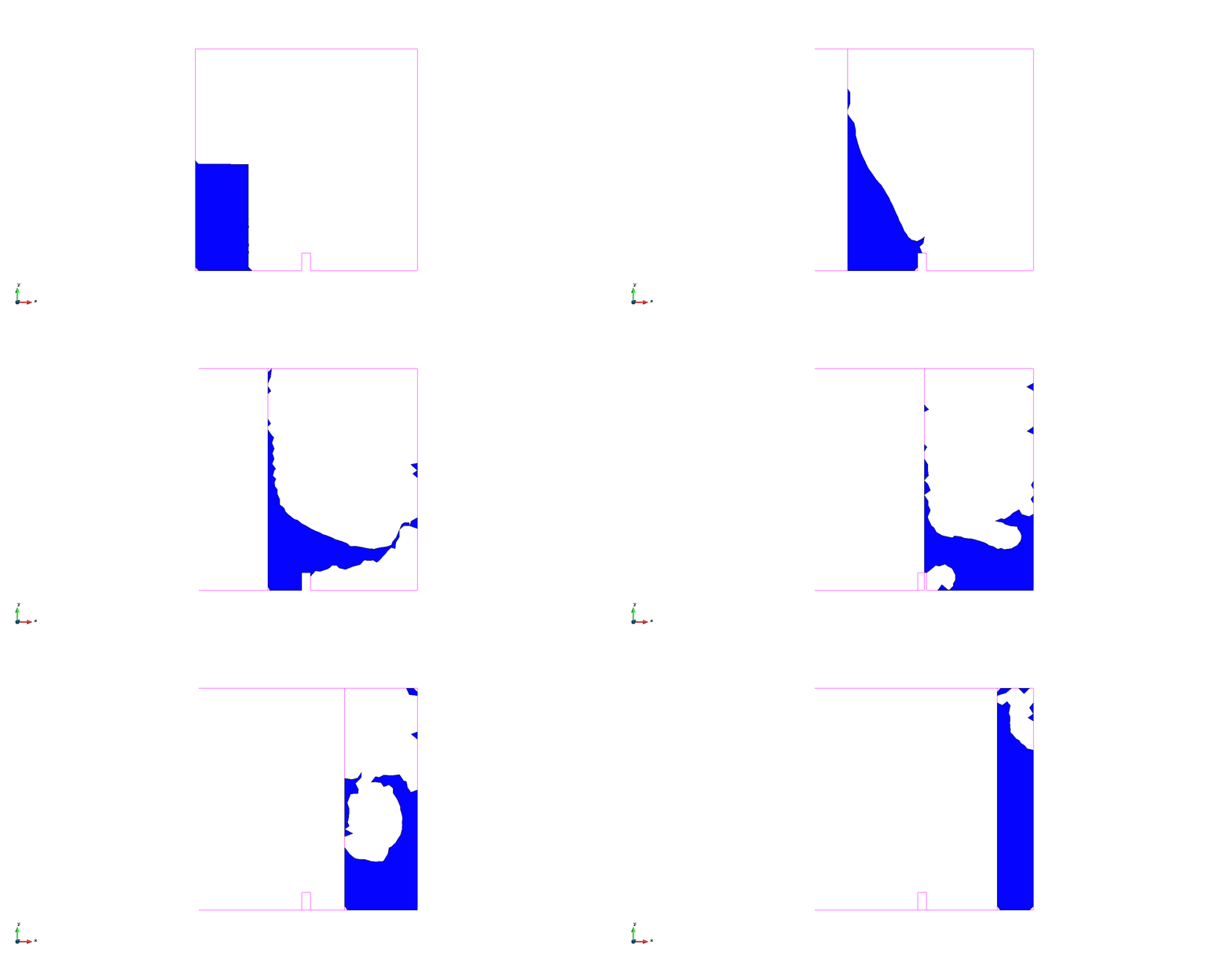
PFEMGidIO + flying nodes
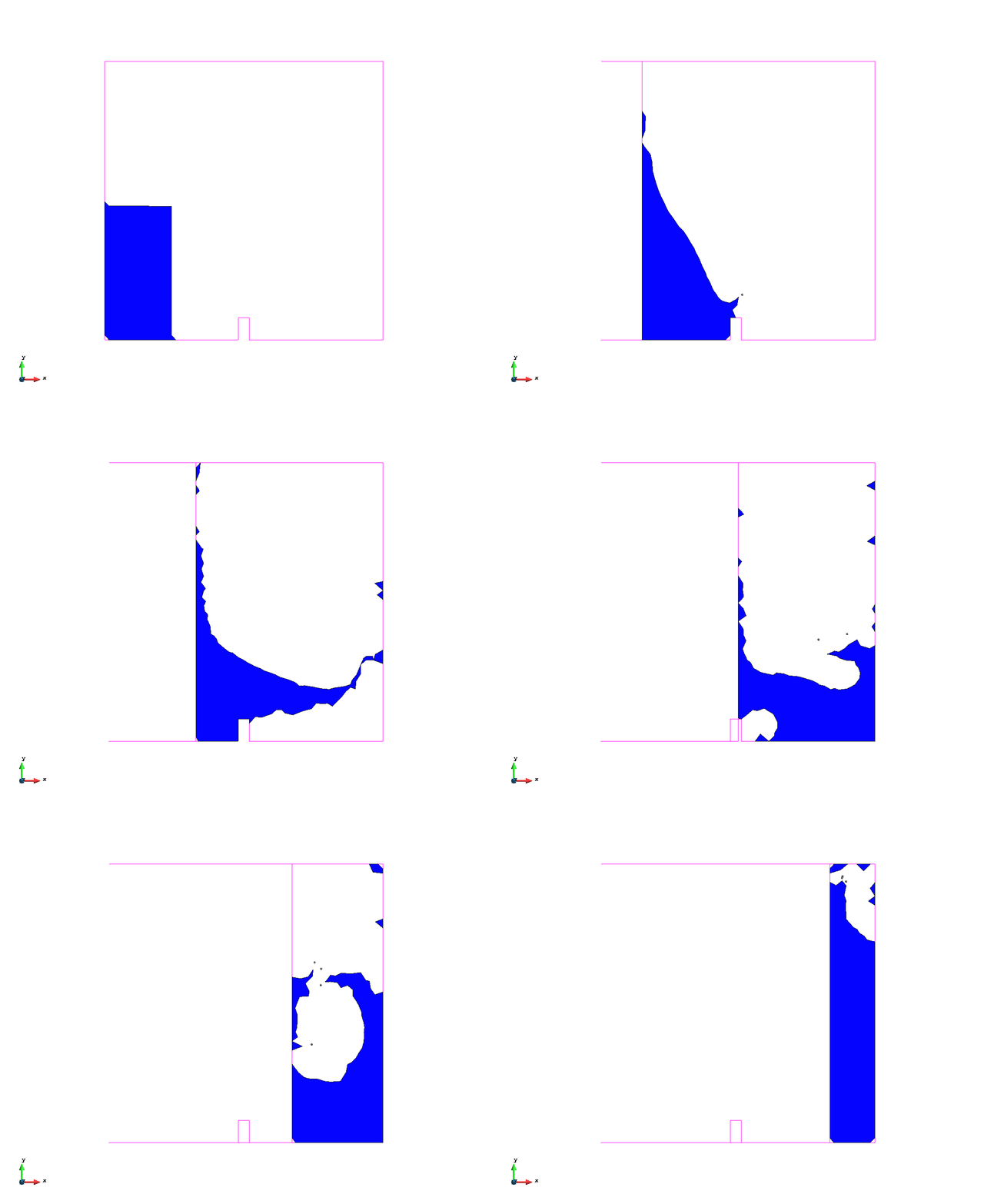
So, it is clear that the PFEMgidIO allows a better post-process, however, being this change not so crucial and while we don't find a solution for the windows problem, I think we should use the core GiDIO for this release version.
 AFranci
on 8 Nov 2019
AFranci
on 8 Nov 2019
@philbucher I've tested the branch you pointed by merging master into that one, leaving the 'pfem_fluid_gid_output_process.py' script as it was originally and it did not compile for windows. I had to remove the KRATOS_API from the GidIO class
class KRATOS_API(KRATOS_CORE) GiDIOBase : public IO {

    protected:
    static int msLiveInstances;
};

template<class TGaussPointContainer = GidGaussPointsContainer, class TMeshContainer = GidMeshContainer>
class GidIO : public GiDIOBase
After removing the KratosAPI, it compiled, but the output was still empty:
jginternational
on 8 Nov 2019
OK!
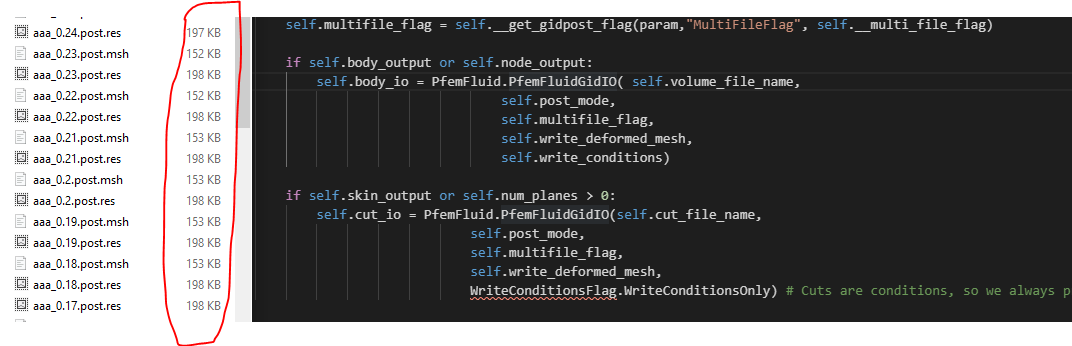
With this branch it's now working.
KratosMultiphysics/Kratos#5653
Ready to merge @maceligueta
jginternational
on 11 Nov 2019
Related issues
 KlausBSautter
·
6Comments
KlausBSautter
·
6Comments
 riccardotosi
·
7Comments
riccardotosi
·
7Comments
 roigcarlo
·
6Comments
roigcarlo
·
6Comments
 josep-m-carbonell
·
6Comments
roigcarlo
·
7Comments
josep-m-carbonell
·
6Comments
roigcarlo
·
7Comments
Most helpful comment
OK!
With this branch it's now working.
KratosMultiphysics/Kratos#5653
Ready to merge @maceligueta