Kolibri: Unexpected arrows next to username list
Observed behavior
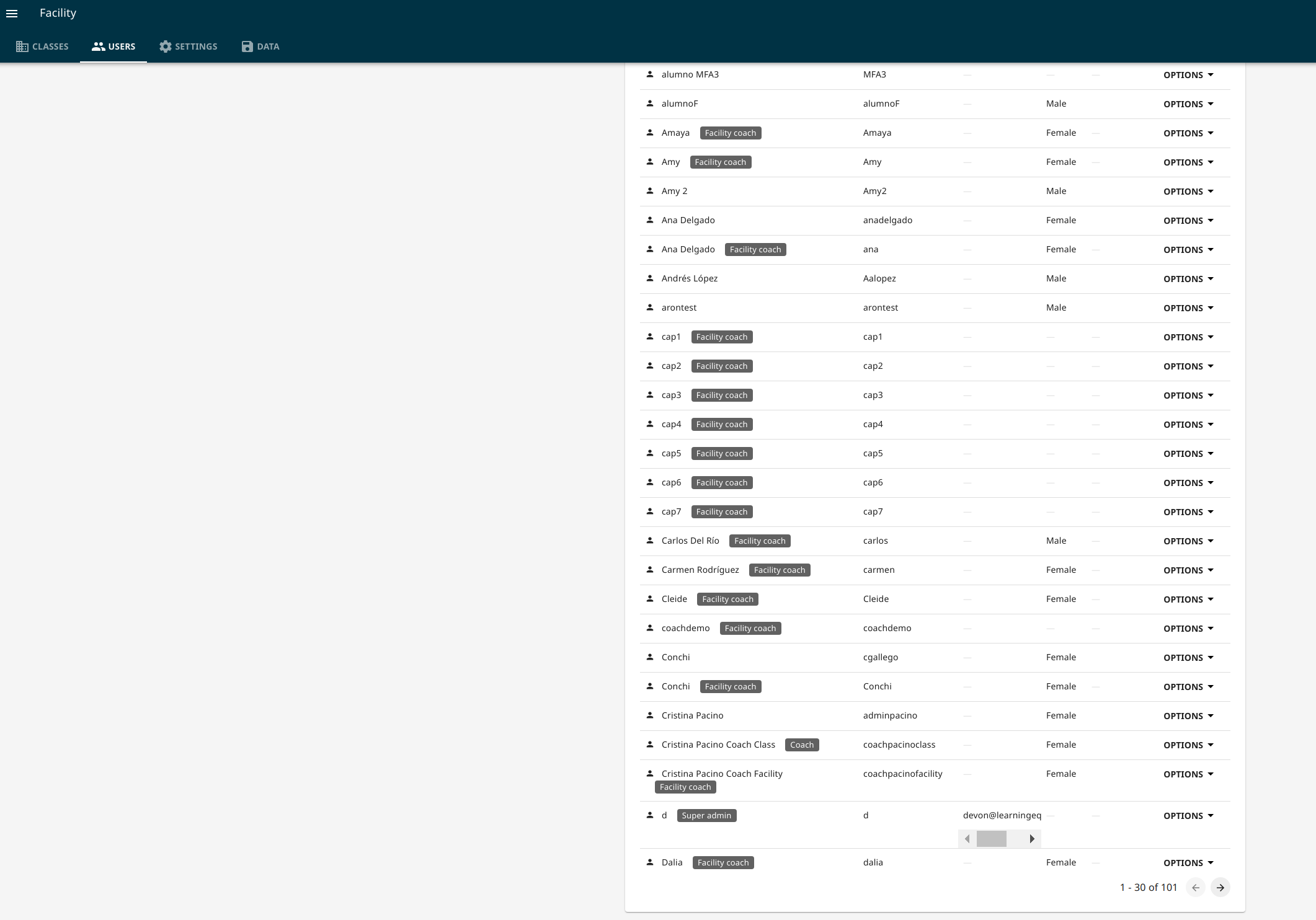
When navigating the Profuturo online server as an admin under the Users tab, there are unexpected arrows which appear next to each username
Expected behavior
There are no expectations of arrows
User-facing consequences
User may be confused by the design, but otherwise there seems to be consequence on clicking on the arrows
Steps to reproduce
- Navigate to Profuturo online server: profuturo.learningequality.org
- Log in as an admin
- Navigate to the Facilty --> Users tab
- View the user list
Context
- Kolibri version: Profuturo online server v0.13.3
- Browser: Chromium Version 81.0.4044.138 (Official Build) Built on Ubuntu , running on Ubuntu 18.04 (64-bit)

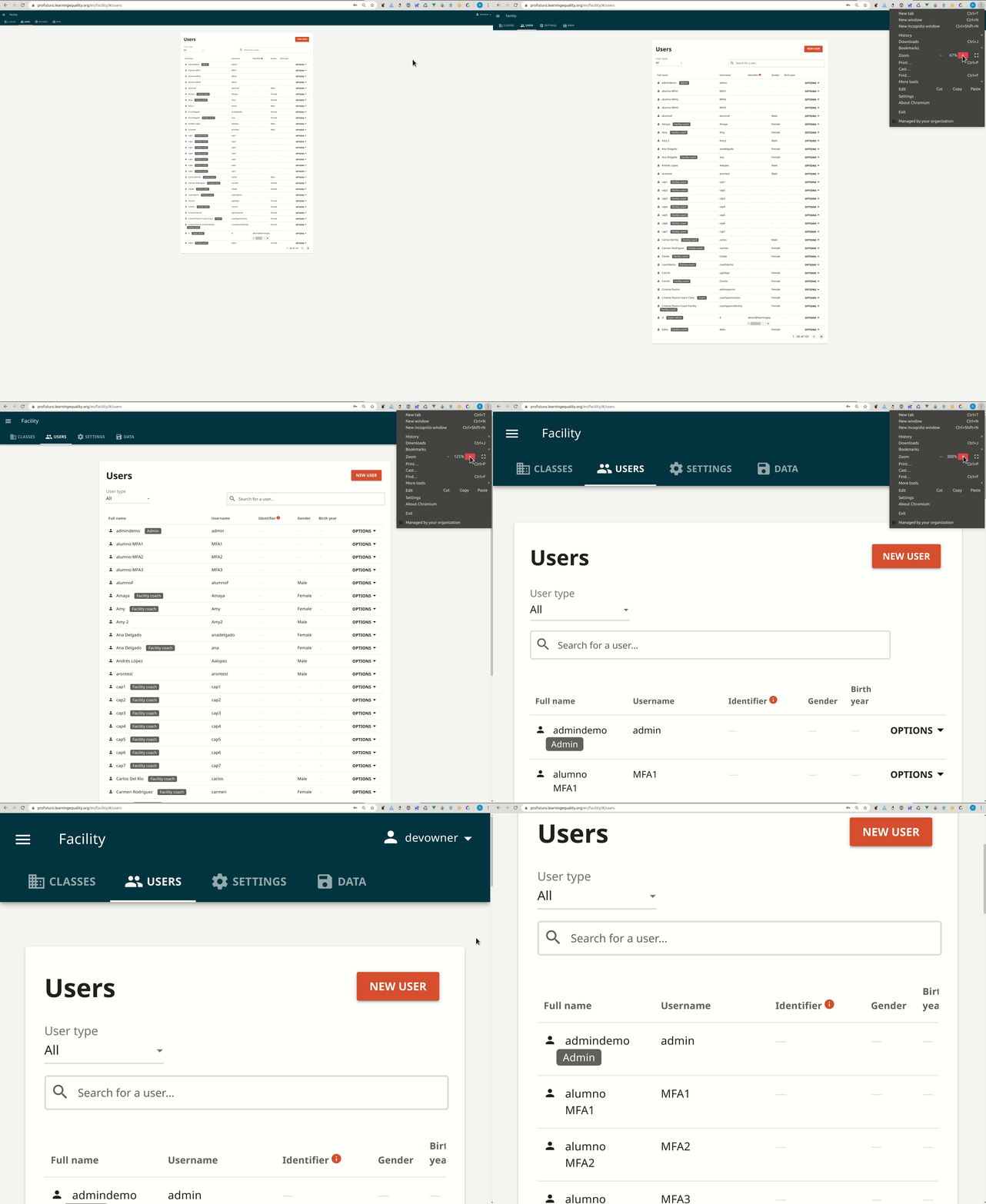
I tested the view when the window size of my browser was reduced - the problem remained

I changed the Zoom percentage to 50% and that eliminated the arrows
 jeepurs
All 7 comments
Not able to repro this on Chromium Version 83.0.4103.61 (Official Build) Built on Ubuntu , running on Ubuntu 18.04 (64-bit), no arrows anywhere from 50% all the way up to 300%. I'm also not seeing them in neither Firefox 76.0.1 or Chrome on my Ubuntu 18.04.
@jeepurs Could you try to update your Chromium to the latest version?
 radinamatic
on 4 Jun 2020
radinamatic
on 4 Jun 2020
Thanks @radinamatic ! I just upgraded to Chromium Version 83.0.4103.61 (Official Build) Built on Ubuntu , running on Ubuntu 18.04 (64-bit) and I still can see the same issue.
jeepurs
on 4 Jun 2020
@jeepurs would you mind testing on the LE demo server? It should use the same code for this page
 indirectlylit
on 5 Jun 2020
indirectlylit
on 5 Jun 2020
@indirectlylit @radinamatic Of course. I just logged in as super admin and admin on the Kolibri Demo server and could not reproduce the same issues I saw on the ProFuturo site
jeepurs
on 5 Jun 2020
@indirectlylit @radinamatic Yeah I checked too not reproducible locally :sweat_smile:
 Tlazypanda
on 6 Jun 2020
Tlazypanda
on 6 Jun 2020
A somewhat related view on a different online server - Akello Digital Classroom:

When I zoom, the horizontal arrows disappear, but the vertical ones remain:

jeepurs
on 9 Jun 2020
We have not seen these recently - although that may just be a consequence of @jeepurs no longer testing on her extreme browser zoom/resolution combo. Going to close for now.
 rtibbles
on 5 Apr 2021
rtibbles
on 5 Apr 2021
Related issues
radinamatic
·
6Comments
radinamatic
·
3Comments
 cpauya
·
5Comments
cpauya
·
5Comments
 metodimilevqa
·
3Comments
metodimilevqa
·
3Comments
 kollivier
·
4Comments
kollivier
·
4Comments
Most helpful comment
We have not seen these recently - although that may just be a consequence of @jeepurs no longer testing on her extreme browser zoom/resolution combo. Going to close for now.