Karabiner-elements: Will Not Activate
_Report from Big Sur public beta 20A5364E (latest public beta as of 2020-09-09)_
Karabiner seems to be in some kind of crashing loop.
Here is a screenshot of the log:
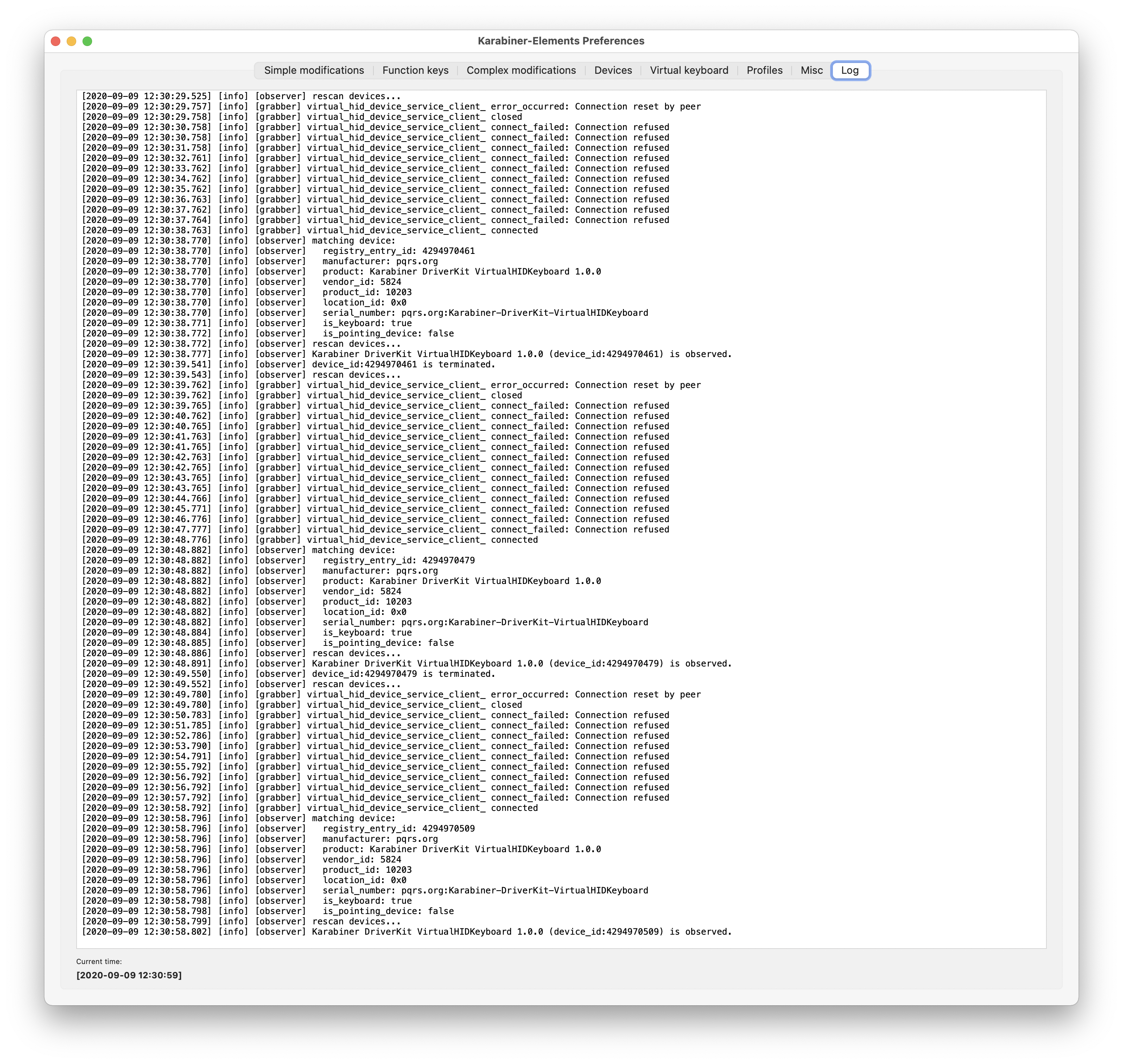
Those error messages just keep repeating.
Here's a Screencast of the log next to macOS' preference pane for the keyboard.
You can see that the dropdown for an alternative keyboard appears very _very_ briefly as it flashes in the System Preferences window. I believe this shows that it is activating, but then immediately crashing.
I have tried rebooting my Mac and I have uninstalled and reinstalled Karabiner Elements.
 tjluoma
All 3 comments
Thank you for feedback!
I released new version (12.93.0) which fixed a bug. Please confirm it.
https://karabiner-elements.pqrs.org/docs/macos-big-sur/
 tekezo
on 10 Sep 2020
tekezo
on 10 Sep 2020
Thank you for feedback!
I released new version (12.93.0) which fixed a bug. Please confirm it.
https://karabiner-elements.pqrs.org/docs/macos-big-sur/
Confirmed to work on MacOS Big Sur Beta 6! Thanks so much!
 lbibass
on 10 Sep 2020
lbibass
on 10 Sep 2020
Yes! This works. Thank you very much.
tjluoma
on 10 Sep 2020
Related issues
 impala75
·
3Comments
impala75
·
3Comments
 Farzy
·
3Comments
Farzy
·
3Comments
 jason0342
·
3Comments
jason0342
·
3Comments
 krasnovpro
·
3Comments
krasnovpro
·
3Comments
 rkusa
·
3Comments
rkusa
·
3Comments
Most helpful comment
Thank you for feedback!
I released new version (12.93.0) which fixed a bug. Please confirm it.
https://karabiner-elements.pqrs.org/docs/macos-big-sur/