Karabiner-elements: Cannot remap volume keys on Ducky Shine 7
I just purchased a Ducky Shine 7 keyboard. Remapped the F10 (mute), F11 (volume_decrement), F12 (volume_increment) to match Mac layout. The Ducky keys in the F17 (mute), F18 (volume_decrement), F19 (volume_increment) positions cannot remap. Any help would be appreciated.
 rob49ers
All 3 comments
You can use the EventViewer to check what key code they produce: https://github.com/pqrs-org/Karabiner-Elements/issues/2228#issuecomment-615119061
If you cannot see them in the EventViewer, then unfortunately you cannot remap them.
 marlonrichert
on 23 Apr 2020
marlonrichert
on 23 Apr 2020
I appreciate the response. Yes, I had done that previously. They do map to "mute", "volume_decrement" and "volume_increment". However, when I reassign them they do not change their behavior.
Key code produced:
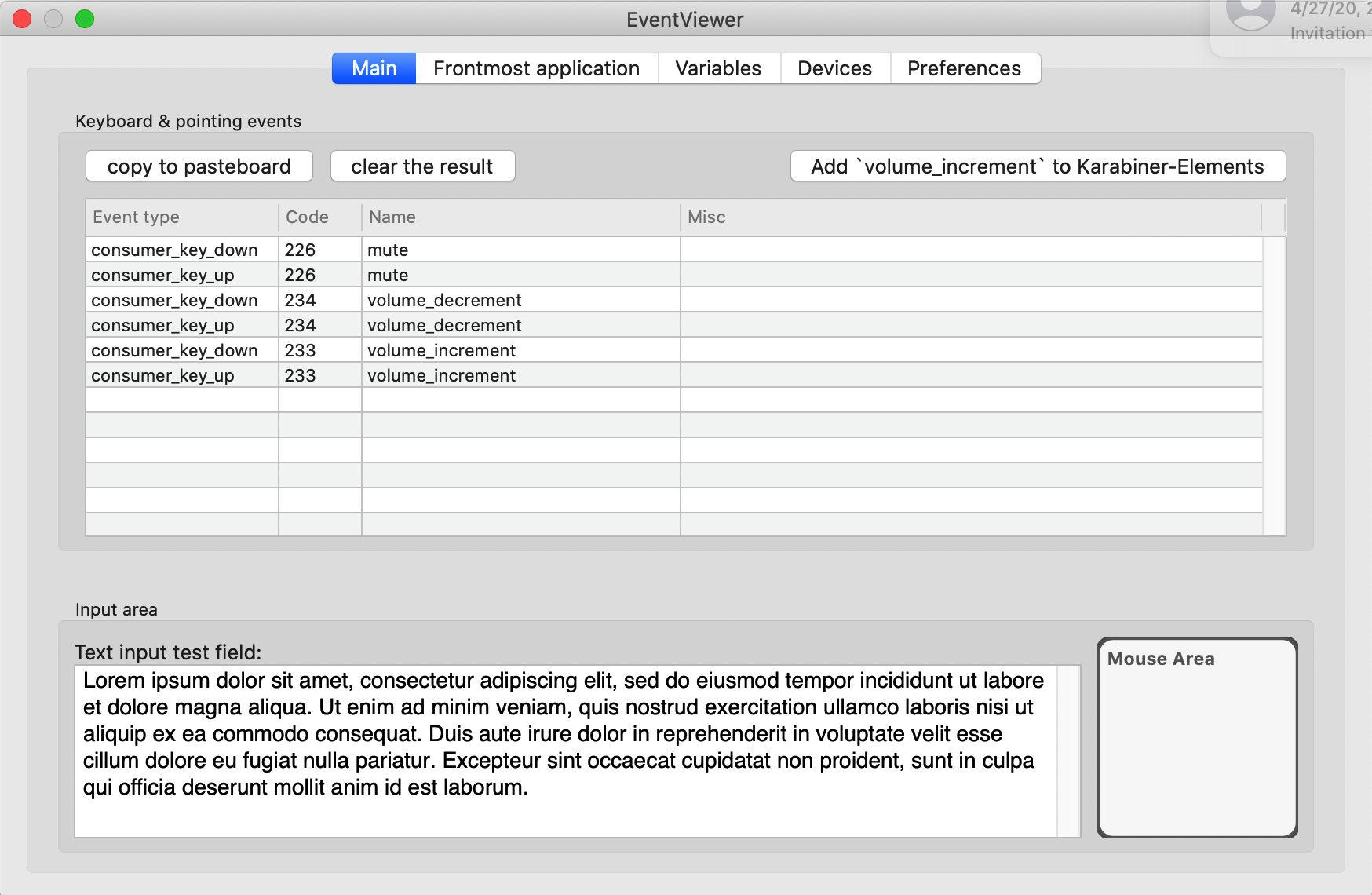
Re-map to F17, F18, F19:

Keycodes produced after re-mapping are the same:

What could be the issue?
Thanks again!
rob49ers
on 23 Apr 2020
This issue has been automatically marked as stale because it has not had recent activity. It will be closed if no further activity occurs. Thank you for your contributions.
![stale[bot] picture](https://avatars3.githubusercontent.com/in/1724?v=4&s=40) stale[bot]
on 23 Jun 2020
stale[bot]
on 23 Jun 2020
Related issues
 willisworley
·
3Comments
willisworley
·
3Comments
 rcaputo
·
3Comments
rcaputo
·
3Comments
 KyleAtDND
·
3Comments
KyleAtDND
·
3Comments
 rkusa
·
3Comments
rkusa
·
3Comments
 PSalant726
·
3Comments
PSalant726
·
3Comments